Best Editing Software for Sports Photography (2026): 6 Picks Checked on Vendor Pages
Compare 6 picks for the best editing software for sports photography, with prices, free plans and who each fits. Real limits included. Read the profiles.
- Editor's choice
 ON1 Photo RAW
AI-powered editing without subscription
Starts at$49.99Visit on1.comFull review - Great alternative
 Corel PaintShop Pro
Low-cost editing with a familiar interface
Starts atSee websiteVisit paintshoppro.comFull review - Also consider
 Affinity Photo
Budget-friendly professional editing
Starts atSee websiteVisit affinity.serif.comFull review
Direct answer
Our first pick is ON1 Photo RAW, best for AI-powered editing without subscription. Listed starting prices: ON1 Photo RAW from $49.99. Alternatives: Corel PaintShop Pro for low-cost editing with a familiar interface, and Affinity Photo for budget-friendly professional editing. Details, prices and limits for the rest of the 6 tools are below.
TL;DR:
- Top of the list is ON1 Photo RAW, which targets AI-powered editing without subscription.
- Neither ON1 Photo RAW nor Adobe Lightroom Classic, nor any of the other 4 tools, has a permanent free plan; trials and quotes are the norm.
- Adobe Lightroom Classic fits efficient organization and batch editing.
- Pricing for Corel PaintShop Pro, Affinity Photo, Adobe Photoshop and others is quote-based, which adds a sales step before you can compare cost.
Last checked November 2026. Prices and plan details were read from the vendors' own pages in November 2026; vendors change plans often, so confirm the current price on the vendor site before you buy.
Quick comparison
| Tool | Best for | Starts at | Free plan? | |
|---|---|---|---|---|
| ON1 Photo RAW | AI-powered editing without subscription | $49.99 | Free trial | Visit |
| Corel PaintShop Pro | Low-cost editing with a familiar interface | See website | Not stated | Visit |
| Affinity Photo | Budget-friendly professional editing | See website | Not stated | Visit |
 Adobe Photoshop | Advanced retouching and compositing | See website | Not stated | Visit |
 Capture One | Precise color and tethering | See website | Not stated | Visit |
 Adobe Lightroom Classic | Efficient organization and batch editing | See website | Not stated | Visit |
6 options for editing software for sports photography in detail
This LinkVetted guide covers 6 options for editing software for sports photography. Each profile lists a starting price, free plan details, strengths and drawbacks, so you can drop poor fits quickly.
Pick ON1 Photo RAW if this describes you: AI-powered editing without subscription. It gives you pro-level quality with a focus on efficiency, using AI to accelerate tasks like masking and noise reduction.
Performance may lag on older hardware, and the ecosystem of plugins and tutorials is smaller than Adobe's. ON1 Photo RAW pricing: $49.99. Free options: Free trial.
Watch-outs: Smaller ecosystem.
- All-in-one raw editor
- One-time purchase choice
- Can be resource-intensive
Corel PaintShop Pro makes the most sense for low-cost editing with a familiar interface. Corel PaintShop Pro is a photo editing software that supplies many different tools for retouching, compositing, and raw editing at a budget-friendly price. It is noted for its approachable interface and is right for hobbyists and professionals alike.
Drawbacks to consider: Windows-only.
For those seeking a budget-friendly, capable editor, it is a decent choice, but professionals might need more capable software. Sports photographers on a budget will appreciate its capabilities. PaintShop Pro's raw processing is less solid than dedicated raw editors, and it is only available for Windows. Pricing for Corel PaintShop Pro is not stated here, so ask the vendor for current figures. Free plan details: Not stated.
- Economical
- Approachable interface
- Restricted raw handling
Affinity Photo works best for budget-friendly professional editing. Affinity Photo is a professional photo editor aimed at power and precision, offering a full set of tools for retouching, compositing, and raw development.
Honest limits: No subscription model.
Sports photographers who require advanced editing without recurring fees will find it compelling. Pricing for Affinity Photo is not stated here, so ask the vendor for current figures. On free options: Not stated.
- Feature-rich editing tools
- One-time purchase
- Restricted raw organization
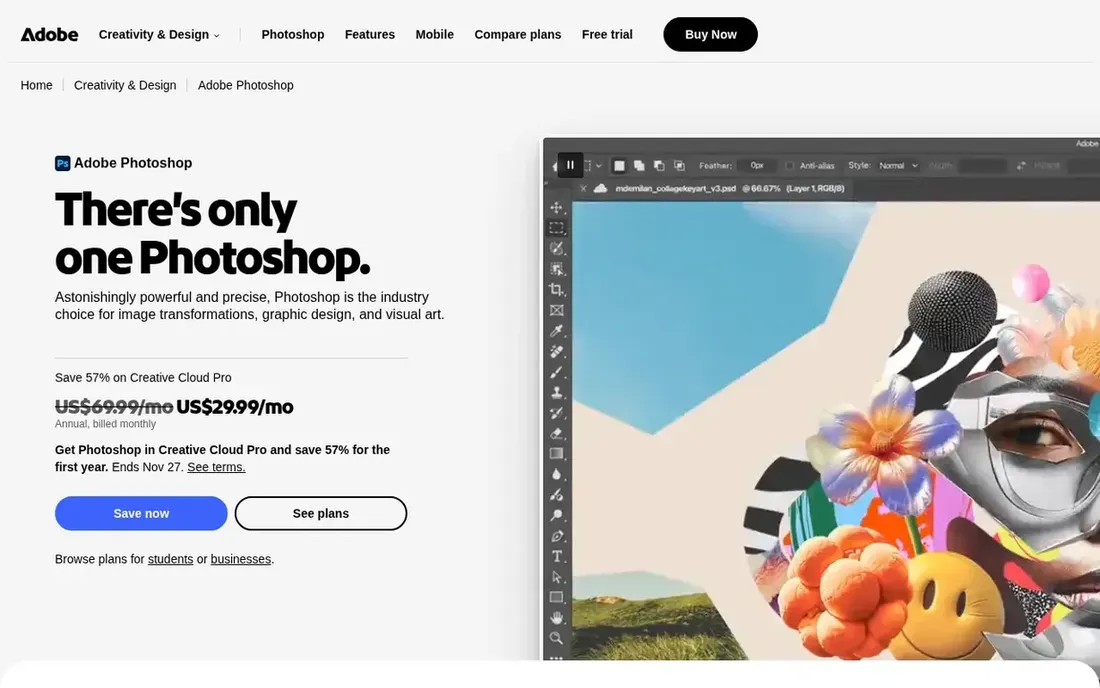
Adobe Photoshop serves advanced retouching and compositing. Adobe Photoshop is the industry standard for pixel-level editing, offering layers, masks, and a vast toolkit for retouching. In daily use, choose Photoshop when intricate retouching or graphic design elements are required.
The main drawbacks: Subscription required.
On top of that, the software manages complicated edits with precision, making it a strong match for creating refined final images. That said, Photoshop is not designed for high-volume culling or batch processing, and its subscription model may deter some. Check the vendor site for Adobe Photoshop pricing; none is listed in this comparison. As for free access: Not stated.
- Feature-rich layer-based editing
- Integration with other Adobe apps
- Steeper ramp-up time
Think of Capture One for precise color and tethering. It gives you feature-rich tethering capabilities, making it well suited to studio sports shoots or remote capture. Photographers who demand accurate color and configurable workflows will appreciate its solid toolset.
The main drawbacks: Higher ramp-up time.
The software includes a steeper ramp-up time and a higher cost compared with some alternatives. It may be overkill for casual sports shooters. Pricing for Capture One is not stated here, so ask the vendor for current figures. On free options: Not stated.
- Steady tethering
- Configurable workspace
- Premium pricing
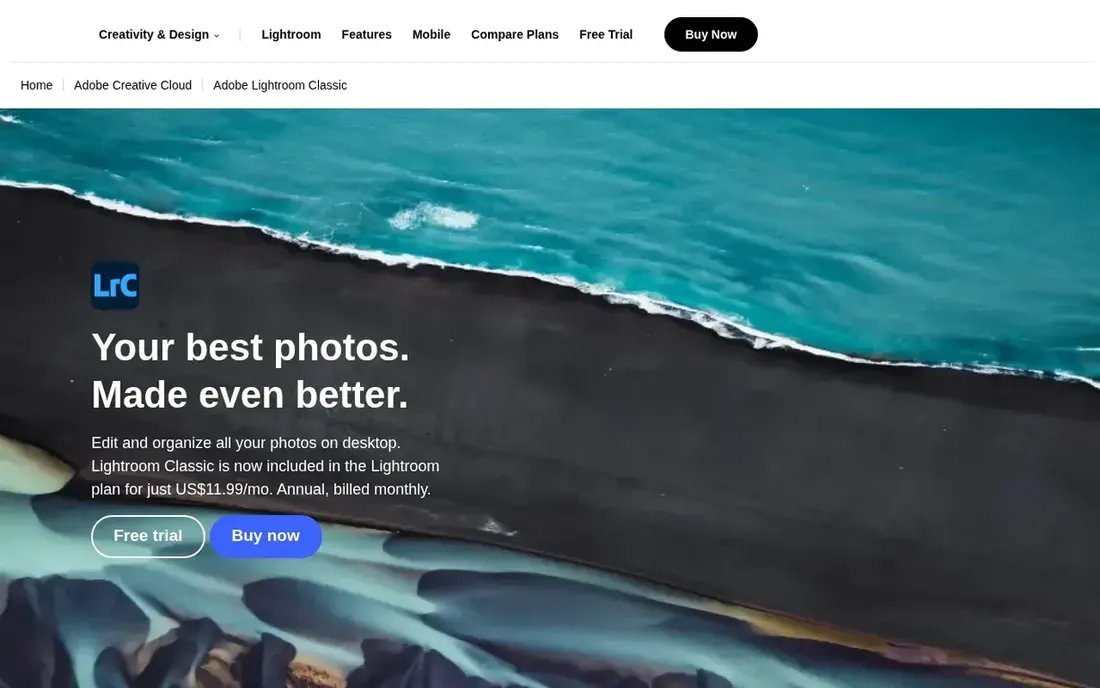
Adobe Lightroom Classic serves efficient organization and batch editing. For photographers who prioritize speed and organization, it remains a top choice, but those needing intricate edits may pair it with Photoshop. It excels at sorting, rating, and batch-editing sports shoots, with feature-rich raw processing and non-destructive adjustments.
Where it falls short: Desktop-centric workflow.
Lightroom Classic lacks the advanced compositing tools of Photoshop and needs a subscription. It is less suited for those who prefer a purely cloud-based workflow. From a buyer's view, the tight integration with Photoshop lets for round-trip editing when advanced retouching is needed. Adobe Lightroom Classic does not show a starting price in this comparison, so check the vendor site for current pricing. Free options: Not stated.
- Smooth integration with Photoshop
- Solid photo management
- Subscription-based
How we chose
We compared the tools on published pricing, free plan or trial availability, feature coverage for editing software for sports photography, and the limits each vendor documents. Prices and plan limits come from vendor pages and can change, so confirm them on the vendor site before you buy. The sequence is a judgement call: typical use case first, then pricing transparency, then free access. Use the profiles to check fit.
What to confirm before you sign up
- Get a written quote from Corel PaintShop Pro, Affinity Photo, Adobe Photoshop and others; the list shows no starting price for them.
- Take the trial from ON1 Photo RAW and push a live task through it before you pay.
- Before choosing ON1 Photo RAW, weigh its main limit: can be resource-intensive.
- Ask Affinity Photo which support channels and response times come with the plan you would buy.
- Confirm that Capture One connects to the apps your team already uses, on the plan you would actually buy.
FAQ
Is ON1 Photo RAW the right pick for everyone comparing editing software for sports photography?
No single tool suits every team. ON1 Photo RAW comes first because it fits AI-powered editing without subscription, while Corel PaintShop Pro suits affordable editing with a familiar interface and Affinity Photo suits budget-friendly professional editing. Match the tool to your own size, budget and workflow before deciding.
Do I need Photoshop if I have Lightroom Classic?
Not necessarily, but Photoshop gives you advanced retouching and compositing that Lightroom lacks. Beyond that, plenty of sports photographers use both: Lightroom for organization and entry-level edits, and Photoshop for intricate adjustments.
Can I try these tools before paying?
Often, yes. ON1 Photo RAW offers a free trial. Use your own data and a real task during the test, and check what the free tier or trial limits before you rely on it. Prices, free plan details and limits for all 6 tools in this editing software for Sports Photography roundup sit on the individual cards above.
What is the best software for editing sports photos quickly?
For most readers this guide would start with ON1 Photo RAW, built for AI-powered editing without subscription. Corel PaintShop Pro is the alternative for low-cost editing with a familiar interface, and Affinity Photo for budget-friendly professional editing. The right answer depends on budget and workflow.
Does any tool for editing software for sports photography here have a free plan?
No tool in this list, ON1 Photo RAW and Adobe Lightroom Classic included, has a permanent free plan. ON1 Photo RAW offer a trial. Trials and quotes are the usual route, so plan a short evaluation period.
Do these tools publish their prices?
Not all of them. Corel PaintShop Pro, Affinity Photo, Adobe Photoshop and others publish no starting price, so expect a quote request for those. The rest, ON1 Photo RAW included, show a starting price, though seats and billing terms still change the final cost.
Sources
- https://www.on1.com/products/photo-raw
- https://www.paintshoppro.com
- https://affinity.serif.com/en-us/photo
- https://www.adobe.com/products/photoshop.html
- https://www.captureone.com
- https://www.adobe.com/products/photoshop-lightroom-classic.html