Best Drawing Software for Xp Pen in 2026: Prices, Free Plans and 6 Picks
Best drawing software for xp pen in 2026: 6 contenders with entry costs and free tiers. Price notes and drawbacks come with each one. Narrow your shortlist.
- Editor's choice
 Adobe Photoshop
Mixed painting and photo editing
Starts atPricing on requestVisit adobe.comFull review - Great alternative
 Affinity Photo
Precise photo editing and retouching
Starts atPricing on requestVisit affinity.serif.comFull review - Also considerMediBang Paint Pro
Accessible comic and illustration work
Starts atPricing on requestVisit medibangpaint.comFull review
Direct answer
For mixed painting and photo editing, Adobe Photoshop is where this list starts. Affinity Photo fits precise photo editing and retouching; MediBang Paint Pro fits accessible comic and illustration work. All 6 tools are compared below on fit, free plan and limits. None of these vendors publish plan prices, so pricing is on request for every option.
TL;DR:
- Adobe Photoshop sits first on this list: mixed painting and photo editing.
- Corel Painter is the one to check for natural media and painterly art.
- None of the 6 tools, from Adobe Photoshop to Corel Painter, has a free plan, so budget for a subscription or use a trial.
- Clip Studio Paint comes with a trade-off: dense interface for beginners.
Last checked November 2026. Pricing on request: vendors did not publish plan prices when this guide was last checked (November 2026), so ask each vendor for a written quote.
Quick comparison
| Tool | Best for | Starts at | Free plan? | |
|---|---|---|---|---|
| Adobe Photoshop | Mixed painting and photo editing | Pricing on request | Not stated | Visit |
| Affinity Photo | Precise photo editing and retouching | Pricing on request | Not stated | Visit |
| MediBang Paint Pro | Accessible comic and illustration work | Pricing on request | Not stated | Visit |
 Clip Studio Paint | Illustration, comics and animation | Pricing on request | Not stated | Visit |
 Affinity Designer | Vector art and crisp graphics | Pricing on request | Not stated | Visit |
 Corel Painter | Natural media and painterly art | Pricing on request | Not stated | Visit |
Drawing Software for Xp Pen, one by one
LinkVetted compared 6 tools for drawing software for xp pen. The goal is a practical shortlist: published prices, free plan facts, best-fit use cases and honest limits for every entry.
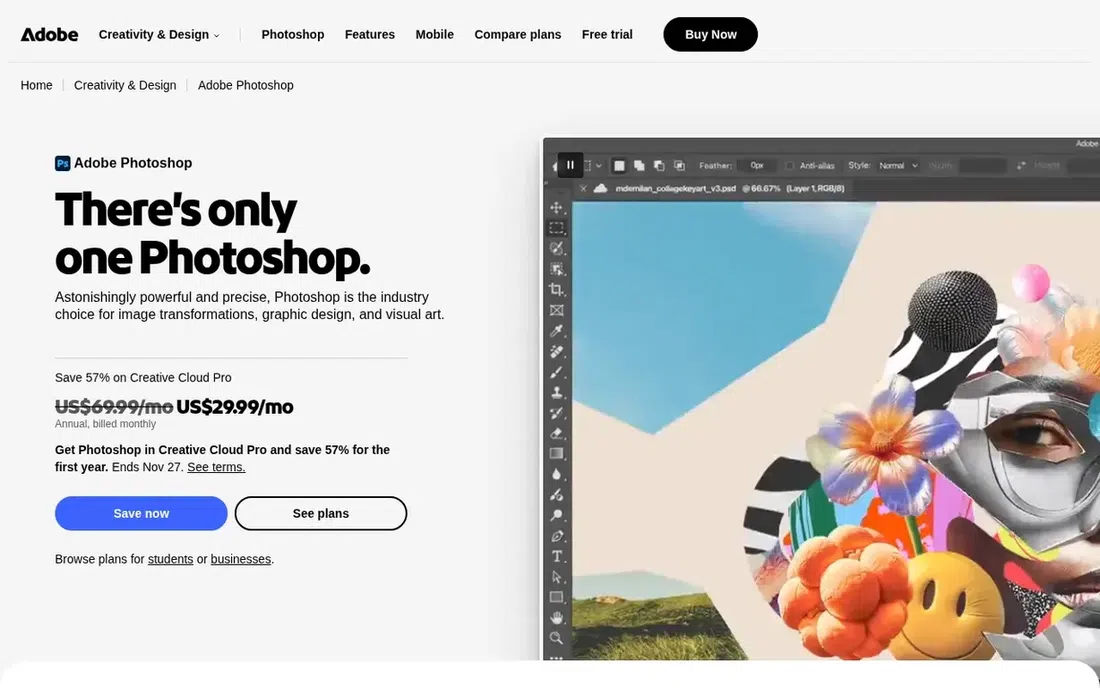
Adobe Photoshop is built with mixed painting and photo editing in mind. Adobe Photoshop is a photo and design application that also serves as a capable digital painting environment. Its brush engine, layer controls and selection tools let artists paint, composite and retouch in one place.
The main drawbacks: Subscription-based access.
Worth adding: pick Photoshop when your projects mix painting with image editing and compositing. Worth adding: Photoshop is accessed by subscription, which some artists prefer to avoid. Its interface favors photo workflows, so dedicated drawing apps can feel lighter for pure sketching. This comparison lists no price for Adobe Photoshop; ask the vendor. Free plan details: Not stated.
- Merges painting with photo edits
- Broad brush customization
- Heavier ramp-up time for pure drawing
Pick Affinity Photo if this describes you: precise photo editing and retouching. Illustrators use it for cleanup, color work and compositing around their drawings. It pairs with XP-Pen tablets for brush-based retouching and detail work, and its desktop performance keeps large files responsive.
Drawbacks to consider: Fewer drawing-first presets.
In practice, comic and animation workflows are better served elsewhere. More specifically, Affinity Photo is designed around photography, so it provides fewer drawing-first conveniences than dedicated paint apps. Affinity Photo does not show a starting price in this comparison, so check the vendor site for current pricing. Trial and free access: Not stated.
- Solid raw and photo workflow
- Quick performance on desktop
- Not targeted at comic production
MediBang Paint Pro
Best for: Accessible comic and illustration work
Think of MediBang Paint Pro for accessible comic and illustration work. MediBang Paint Pro is a digital canvas application for creators, with configurable brushes and a simplified interface that fits drawing on the go. It is commonly used for manga and illustration, and it works with XP-Pen tablets for pressure-sensitive strokes.
Upsides: Suited to comic and manga art.
Where it is weaker: Fewer advanced editing tools.
Its approachable layout makes it a reasonable starting point for artists who want to focus on drawing instead of setup. Artists with complicated production needs may outgrow it. MediBang Paint Pro does not show a starting price in this comparison, so check the vendor site for current pricing. As for free access: Not stated.
- Approachable interface
- simplified
- Lighter feature depth than pro suites
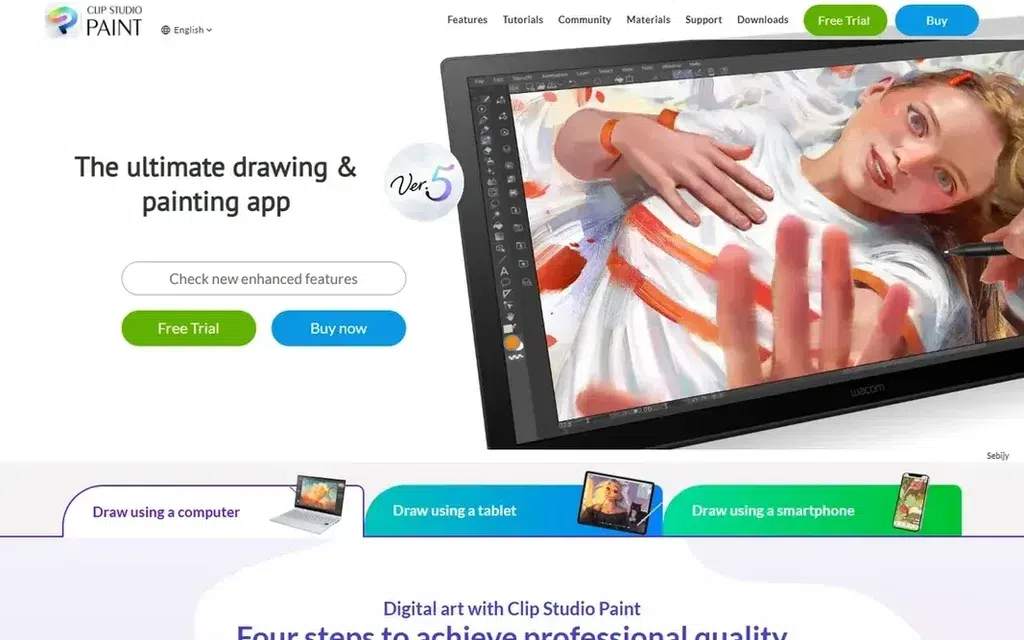
Pick Clip Studio Paint if this describes you: Illustration, comics and animation. Artists who draw comics, webtoons or character art will find the inking and panel tools notably handy on a XP-Pen tablet. The interface packs plenty of panels and settings, so new users may need time to settle in.
From a buyer's view, Clip Studio Paint is a paint application made for digital illustration, manga and animation, with a wide set of drawing brushes and convenience features. It runs on PC, tablet and smartphone, which makes it simple to move between devices. Pricing for Clip Studio Paint is not stated here, so ask the vendor for current figures. As for free access: Not stated.
Drawbacks to consider: Feature set can feel overwhelming.
What Clip Studio Paint does well: tablet and phone.
- Runs on PC
- Rich brush and inking tools
- Dense interface for beginners
Affinity Designer makes the most sense for vector art and crisp graphics. Affinity Designer is graphic and vector design software for creating crisp vector art and bold graphics with precision and speed. It supports both vector and raster layers, so illustrators can combine sharp linework with painted texture.
Limits to weigh: Less suited to loose sketching.
Choose it when scalable line art, icons or graphic design are the goal. From a buyer's view, Designer is built around vector precision, so artists who want loose, brush-heavy painting may find it limiting. Check the vendor site for Affinity Designer pricing; none is listed in this comparison. On free options: Not stated.
- Precise vector drawing tools
- Responsive workspace
- Vector workflow differs from painting
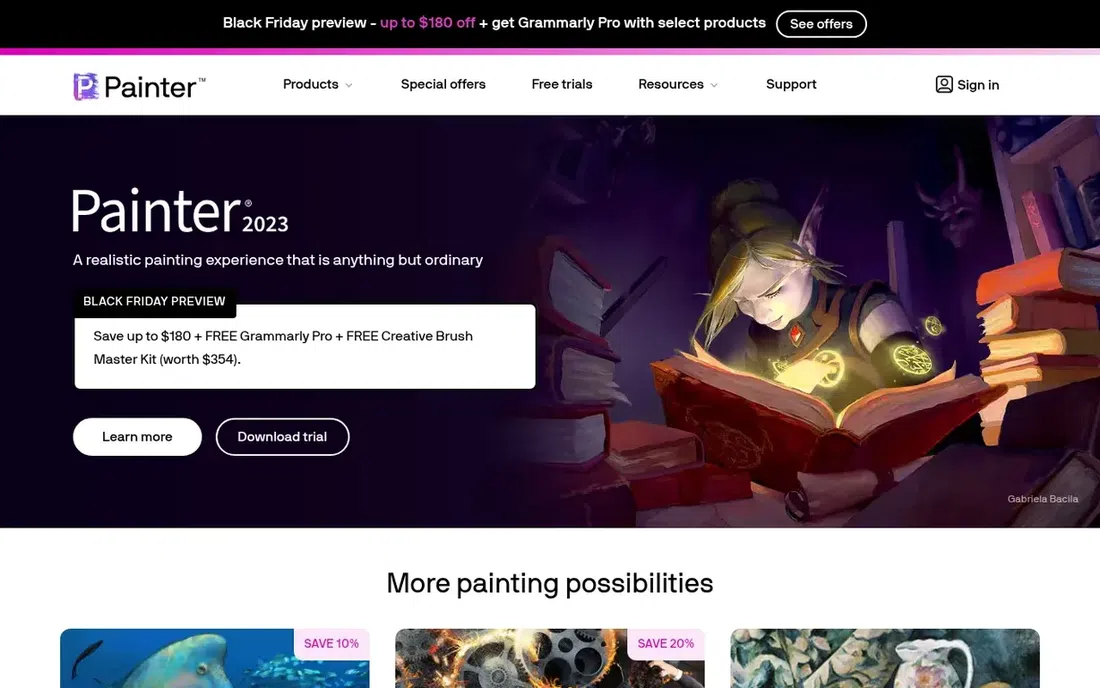
Pick Corel Painter if this describes you: natural media and painterly art. Painter can be resource-heavy, so older computers may struggle with complicated canvases.
Downsides: Interface takes adjustment.
Also, Corel Painter is digital painting software concentrated on natural media, offering brushes that mimic oils, watercolors and other traditional tools. Check the vendor site for Corel Painter pricing; none is listed in this comparison. Free plan details: Not stated.
- Strong texture and blending controls
- Suited to expressive painting
- Can be demanding on older hardware
What went into this list
We compared the tools on published pricing, free plan or trial availability, feature coverage for drawing software for xp pen, and the limits each vendor documents. Treat prices as a snapshot: vendors change plans often, so check the vendor site for the figure that applies today. The order reflects how well each tool fits the most common buying scenario for drawing software for xp pen, then price clarity, then free plan access. It is a starting point, not a verdict.
Before you commit
- Confirm the entry price with every vendor: no tool from Adobe Photoshop to Corel Painter shows a fixed starting price.
- Read the limits listed for Adobe Photoshop first: subscription-based access.
- Let daily users try Affinity Designer on real work; their feedback beats any feature checklist.
- Ask MediBang Paint Pro about contract length, onboarding fees and user minimums before you sign.
- List the apps you already depend on and check that Clip Studio Paint supports each one on the plan you would buy.
FAQ
Can I try these tools before paying?
Not by default. None of the tools, from Adobe Photoshop to Corel Painter, lists a free plan or a free trial here, so ask each vendor for a demo before committing.
Which drawing software fits best with XP-Pen tablets?
This list starts with Adobe Photoshop, which fits mixed painting and photo editing. For other needs, Affinity Photo is aimed at precise photo editing and retouching, and MediBang Paint Pro at accessible comic and illustration work. Check each tool's price and main limit first.
Does any tool for drawing software for xp pen here have a free plan?
A permanent free plan is not offered by Adobe Photoshop, Corel Painter or the other tools here. Plan a short evaluation period instead.
Do these tools publish their prices?
No. None of the tools, from Adobe Photoshop to Corel Painter, shows a fixed starting price here, so budget time for quotes.
How are the tools for drawing software for xp pen ordered?
Adobe Photoshop sits first and Corel Painter last because the order follows typical fit for drawing software for xp pen, then price clarity and free access. It is a judgement call, so read each profile for fit and limits.
Sources
- https://www.adobe.com/products/photoshop.html
- https://affinity.serif.com/en-us/photo
- https://medibangpaint.com/en
- https://www.clipstudio.net
- https://affinity.serif.com/en-us/designer
- https://www.painterartist.com