The 5 Best Drawing Software for Wacom Tablet in 2026, Ranked
Weighing the best drawing software for wacom tablet? We lined up 5 products by cost, free access and fit. Every profile names its biggest catch. Details below.
- Editor's choice
 Clip Studio Paint
Comics, illustration and animation
Starts atPricing on requestVisit clipstudio.netFull review - Great alternative
 Corel Painter
Natural media painting
Starts atPricing on requestVisit painterartist.comFull review - Also consider
 Procreate
IPad drawing and animation
Starts atPricing on requestVisit procreate.comFull review
Direct answer
Start with Clip Studio Paint if you need Comics, illustration and animation. Alternatives: Corel Painter for natural media painting, and Procreate for iPad drawing and animation. The remaining 2 options are covered below with pricing notes and limits. None of these vendors publish plan prices, so pricing is on request for every option.
TL;DR:
- The list opens with Clip Studio Paint, aimed at Comics, illustration and animation.
- Every tool from Clip Studio Paint to Adobe Photoshop works by quote, with no list price shown.
- Neither Clip Studio Paint nor Adobe Photoshop, nor any of the other 3 tools, has a permanent free plan; trials and quotes are the norm.
- For mixed painting and photo editing, Adobe Photoshop is worth a look.
- What to know about Procreate first: made for iPad, not desktop computers.
Last checked November 2026. Pricing on request: vendors did not publish plan prices when this guide was last checked (November 2026), so ask each vendor for a written quote.
Quick comparison
| Tool | Best for | Starts at | Free plan? | |
|---|---|---|---|---|
| Clip Studio Paint | Comics, illustration and animation | Pricing on request | Not stated | Visit |
| Corel Painter | Natural media painting | Pricing on request | Not stated | Visit |
| Procreate | IPad drawing and animation | Pricing on request | Not stated | Visit |
 Adobe Illustrator | Vector drawing and design | Pricing on request | Not stated | Visit |
 Adobe Photoshop | Mixed painting and photo editing | Pricing on request | Not stated | Visit |
5 options for drawing software for wacom tablet in detail
Short on time? The summary and table above give the quick view of 5 tools for drawing software for wacom tablet, and the profiles that follow give the detail behind each entry.
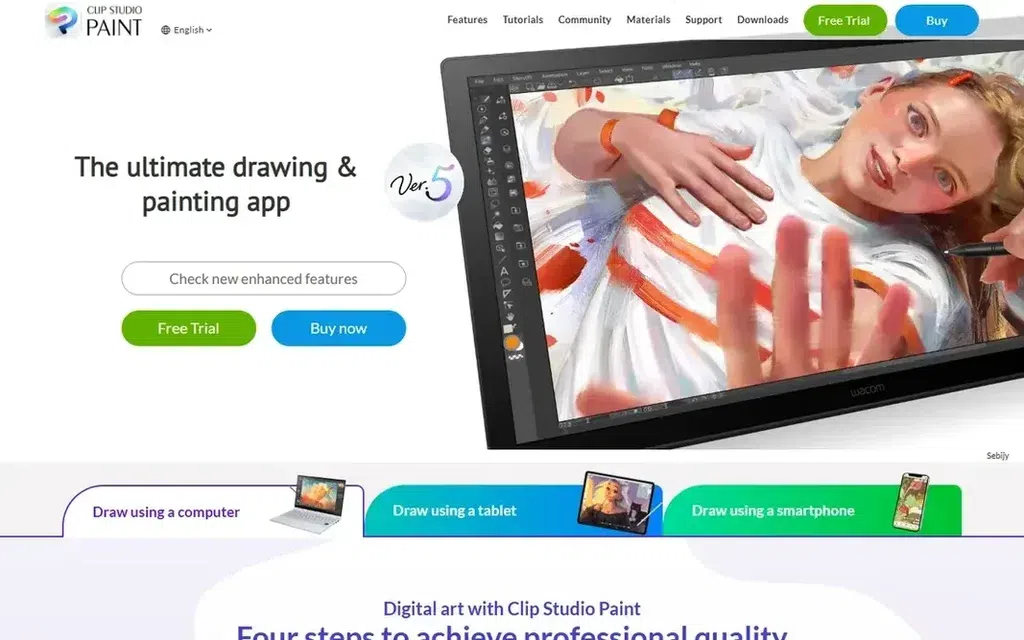
Choose Clip Studio Paint for Comics, illustration and animation. Clip Studio Paint is a paint application geared toward digital illustration, comics and animation, with a mix of drawing brushes and production features. The app is offered across computers, tablets and phones, so a Wacom tablet setup suits naturally into a computer-based workflow.
Reasons to shortlist it: Made for comic and animation production.
Its depth means a ramp-up time, and the interface can feel busy for someone who only wants to sketch. Pick Clip Studio Paint when comic and illustration production is the core of your work. Clip Studio Paint shows no starting price here, so confirm the cost on the vendor site. On free options: Not stated. Honest limits: Feature set can feel sprawling.
- Drawing-focused brush and pen tools
- Tablet and phone
- Interface takes time to learn
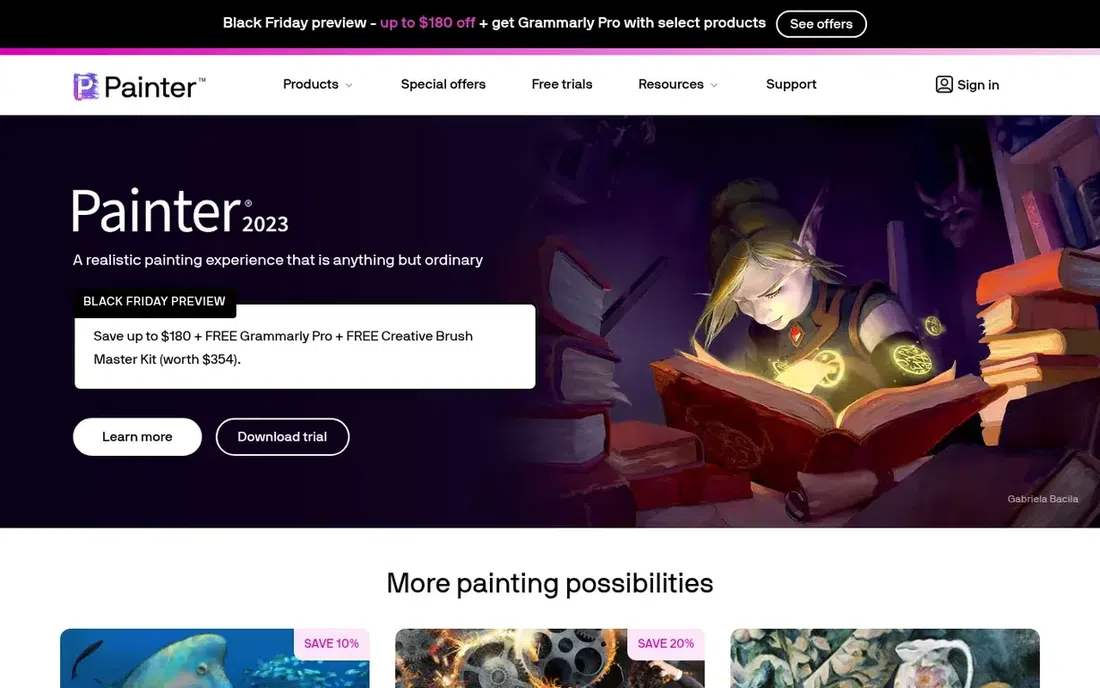
Pick Corel Painter if this describes you: natural media painting. Performance can also rely on your computer, and the brush-heavy workflow may feel like more than a beginner needs. Corel Painter is a digital painting application built around natural media brushes and expressive mark-making.
Worth adding: the vendor site supplies product information, updates, tutorials and videos to help users learn the brush system. It is a painting tool first, so heavy photo editing or vector design is better handled elsewhere. No starting price is listed for Corel Painter here; confirm pricing on the vendor site. Free access: Not stated.
Limits to weigh: Can be demanding on older hardware.
- Tutorials and learning resources on the vendor site
- Pitched at painters instead of editors
- Narrower than general image editors
Procreate is a good fit for iPad drawing and animation. Procreate is a family of drawing and animation apps made for iPad, geared toward both creative professionals and aspiring artists. Beyond that, artists committed to a desktop workflow should choose Photoshop, Clip Studio Paint or Corel Painter instead.
On top of that, since it is made for iPad, Procreate does not run as a desktop application. So it is not the right match for a computer-based Wacom tablet. Check the vendor site for Procreate pricing; none is listed in this comparison. Free access: Not stated.
Trade-offs to know: Not a fit for desktop Wacom workflows. Best features of Procreate: Pay once.
- No subscription
- Aimed at creative professionals and beginners
- Aimed at iPad, not desktop computers
Adobe Illustrator is a good fit for vector drawing and design. Adobe Illustrator is vector graphics software for creating editable shapes, logos, illustrations and graphics. As for the details, pick Illustrator when your output needs to scale cleanly, for example branding, icons or print graphics.
Illustrator is not a natural-media painting app, so brush painters will find Photoshop or Corel Painter more comfortable. From a buyer's view, the interface is also complicated and access is subscription-based. Beyond that, with a Wacom tablet it supports precise pen-based drawing. Its generative features can turn a text prompt into an editable vector graphic. Check the vendor site for Adobe Illustrator pricing; none is listed in this comparison. On free options: Not stated.
Where it is weaker: Not designed for raster painting.
- Precise vector drawing tools
- Solid fit for logos and graphics
- Subscription-based access
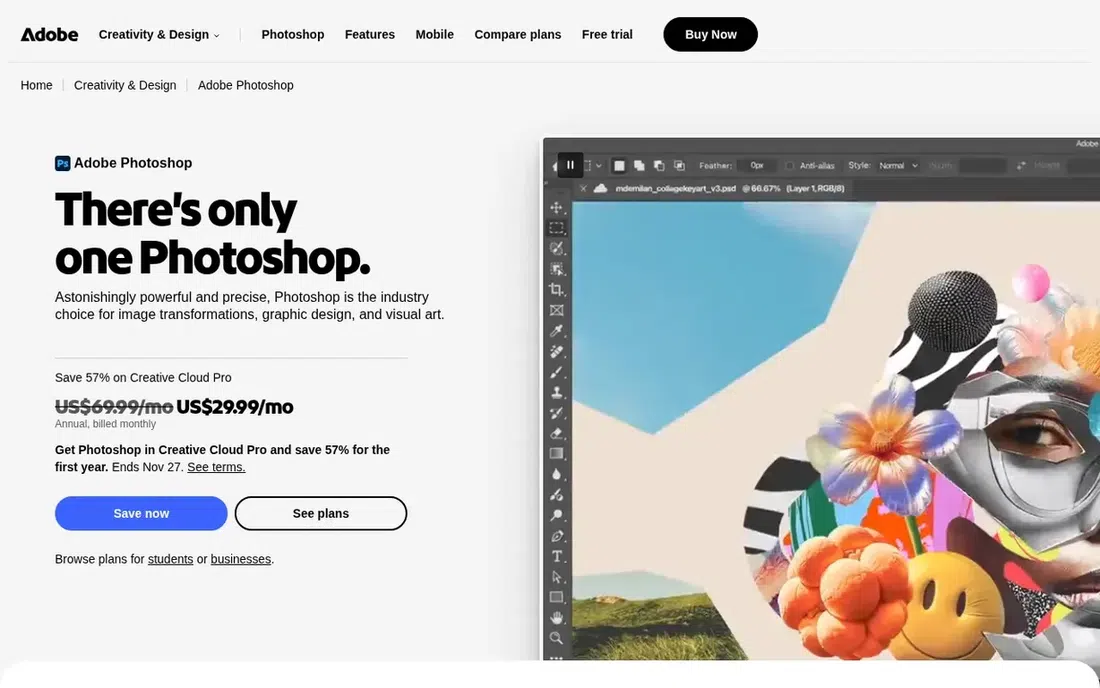
Adobe Photoshop serves mixed painting and photo editing. Adobe Photoshop is a raster image editor that also serves as a full drawing environment, with brushes, layers and selection tools for painting and compositing. For everyday use, tablet users get pressure-sensitive brush control in a familiar, well-documented workspace.
Points against: Subscription-based access.
If you chiefly draw comics or want a more straightforward painting-focused tool, Clip Studio Paint or Corel Painter may be a better fit. Choose Photoshop when editing and painting have to live together. Adobe Photoshop shows no starting price here, so confirm the cost on the vendor site. Free plan details: Not stated.
- Widely supported by tutorials and learning material
- Takes care of raster painting and compositing
- Dense interface for beginners
What went into this list
LinkVetted used vendor pricing pages and product documentation as the base, then compared plans, free access and documented limits for 5 tools. Prices and plan limits come from vendor pages and can change, so confirm them on the vendor site before you buy. Tools are placed by general fit for drawing software for wacom tablet, with price clarity and free access as tie-breakers. A different team can reasonably rank them differently.
Before you commit
- Request quotes from Clip Studio Paint, Adobe Photoshop and the others; the list shows no fixed prices.
- Read the limits listed for Clip Studio Paint first: feature set can feel sprawling.
- Run a one or two week pilot of Procreate with the people who will use it every day.
- Find out what support Adobe Photoshop includes on your plan, and whether onboarding help costs extra.
- Price Corel Painter for your actual team size; headline prices rarely include add-ons or overage.
FAQ
Do I need a subscription for tablet drawing software?
It varies by product. Some apps use subscription access while others are sold as one-time purchases, and Procreate states a pay-once model.
How are the tools for drawing software for wacom tablet ordered?
The order follows typical fit for drawing software for wacom tablet, with Clip Studio Paint first and Adobe Photoshop last, then price clarity and free access. It is editorial judgement, not a score, so another team could rank the tools differently.
Does any tool for drawing software for wacom tablet here have a free plan?
A permanent free plan is not offered by Clip Studio Paint, Adobe Photoshop or the other tools here. Plan a short evaluation period instead.
Do these tools publish their prices?
No. None of the tools, from Clip Studio Paint to Adobe Photoshop, shows a fixed starting price here, so budget time for quotes.
Is Clip Studio Paint the right pick for everyone comparing drawing software for wacom tablet?
No single tool suits every team. Clip Studio Paint comes first because it fits Comics, illustration and animation, while Corel Painter suits natural media painting and Procreate suits iPad drawing and animation. Match the tool to your own size, budget and workflow before deciding.
Sources
- https://www.clipstudio.net
- https://www.painterartist.com
- https://procreate.com
- https://www.adobe.com/products/illustrator.html
- https://www.adobe.com/products/photoshop.html