The 5 Best Drawing Software for Beginners in 2026, Ranked
Best drawing software for beginners in 2026: 5 contenders with entry costs and free tiers. For vector graphics and clean line art, begin with Adobe Illustrator.
- Editor's choice
 Adobe Illustrator
Vector graphics and clean line art
Starts atPricing on requestVisit adobe.comFull review - Great alternative
 Affinity Designer
Precise vector art and graphics
Starts atPricing on requestVisit affinity.serif.comFull review - Also consider
 Adobe Photoshop
Drawing mixed with photo editing
Starts atPricing on requestVisit adobe.comFull review
Direct answer
Adobe Illustrator is the first pick on this list for vector graphics and clean line art. Alternatives: Affinity Designer for precise vector art and graphics, and Adobe Photoshop for drawing mixed with photo editing. Free plan facts and limits for all 5 tools follow. None of these vendors publish plan prices, so pricing is on request for every option.
TL;DR:
- Adobe Illustrator takes the first slot, best suited to vector graphics and clean line art.
- Affinity Designer comes with a trade-off: vector concepts take practice.
- A permanent free plan is missing from all 5 tools, Adobe Illustrator and Procreate included; plan for a trial or a premium start.
- Procreate is the one to check for simple iPad drawing and animation.
- Adobe Illustrator, Procreate and the 3 others all sell by quote; expect sales conversations before you see a price.
Last checked November 2026. Pricing on request: vendors did not publish plan prices when this guide was last checked (November 2026), so ask each vendor for a written quote.
Quick comparison
| Tool | Best for | Starts at | Free plan? | |
|---|---|---|---|---|
| Adobe Illustrator | Vector graphics and clean line art | Pricing on request | Not stated | Visit |
| Affinity Designer | Precise vector art and graphics | Pricing on request | Not stated | Visit |
| Adobe Photoshop | Drawing mixed with photo editing | Pricing on request | Not stated | Visit |
 MediBang Paint | Easy-to-learn sketching on the go | Pricing on request | Not stated | Visit |
 Procreate | Straightforward iPad drawing and animation | Pricing on request | Not stated | Visit |
Tool-by-tool breakdown
This LinkVetted guide covers 5 drawing software for beginners. Each profile lists a starting price, free plan details, strengths and drawbacks, so you can drop poor fits quickly.
For vector graphics and clean line art, Adobe Illustrator is a natural candidate. Adobe Illustrator is vector graphics software, and its homepage flags a generative AI feature that turns a text prompt into an editable vector graphic.
From a buyer's view, if your goal is expressive sketching or painting, a raster drawing app is normally a gentler first step, with vectors saved for later. Beyond that, vector drawing works differently from painting, and the pen and shape tools can feel indirect to someone used to a brush. Check the vendor site for Adobe Illustrator pricing; none is listed in this comparison. Free options: Not stated.
Where it falls short: Subscription-based access.
- Generative AI prompt-to-vector feature
- Precise vector output
- Vector workflow is less easy-to-learn for painters
Where Affinity Designer fits: precise vector art and graphics. Beginners who want to produce clean shapes, layouts and illustrations with sharp edges will find a professional-grade workspace.
Honest limits: Less geared toward freehand painting.
More specifically, like most vector editors, it asks you to think in paths and shapes, which is a different mental model from brush painting. Affinity Designer does not show a starting price in this comparison, so check the vendor site for current pricing. Free plan details: Not stated.
- Crisp vector output
- Professional design feature set
- Vector concepts take practice
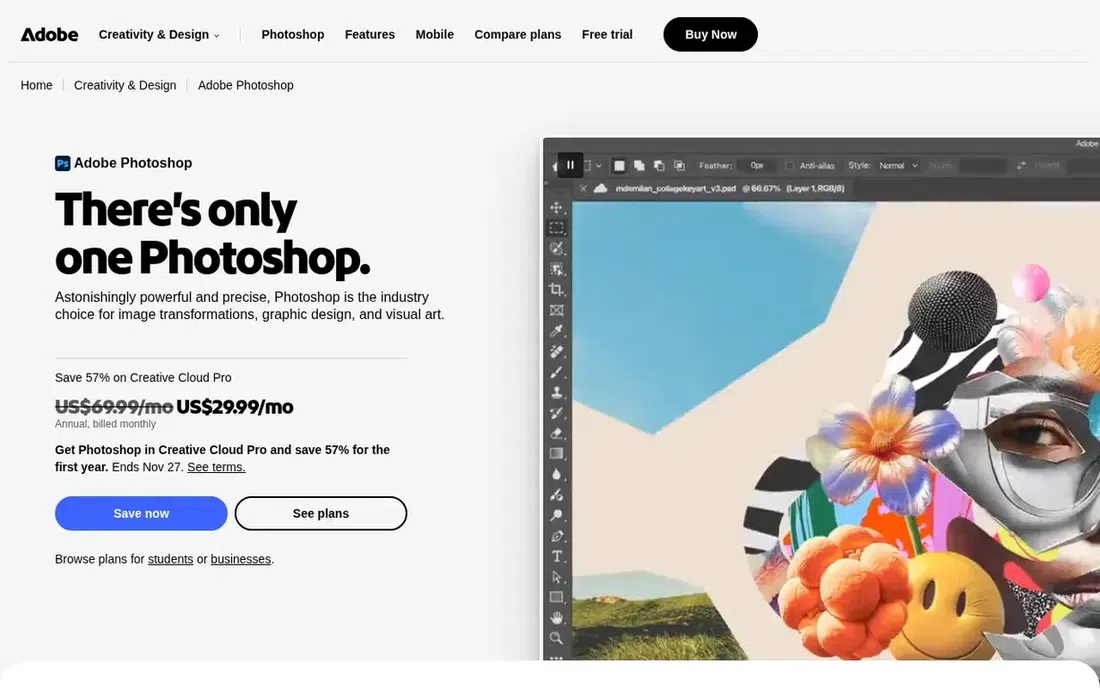
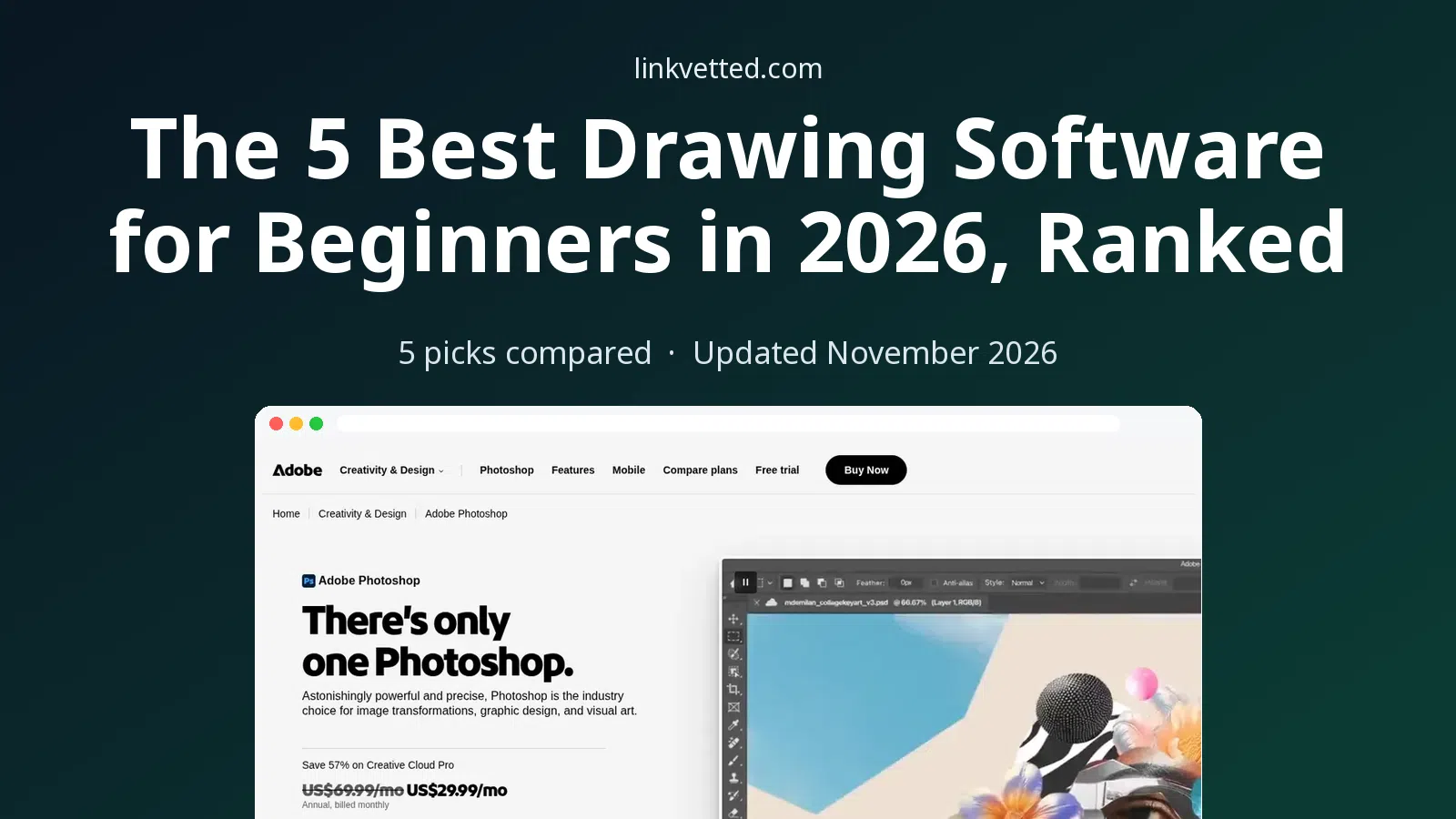
Adobe Photoshop makes the most sense for drawing mixed with photo editing. Adobe Photoshop is a photo and design app that also supports painting and custom scene creation, available online and through a mobile app.
For beginners, its value is versatility: you can sketch, paint and edit images in one place. Adobe Photoshop does not show a starting price in this comparison, so check the vendor site for current pricing. Free plan details: Not stated.
Drawbacks to consider: Numerous features to learn.
- Widely used in creative work
- Wide editing and painting tools
- Subscription-based access
MediBang Paint works best for easy-to-learn sketching on the go. MediBang Paint is a digital canvas app with easy-to-learn controls, configurable brushes and a rational interface, described as a solid fit for creators who work whereas out and about. For everyday use, beginners benefit from a straightforward layout that keeps brushes and canvas controls within reach, making it simple to start sketching without configuring much.
It appeals to people who draw on a tablet and want a light, approachable setup. On top of that, artists planning long comic projects or heavy editing may outgrow it. MediBang Paint shows no starting price here, so confirm the cost on the vendor site. Free plan details: Not stated.
Downsides: Feature depth varies by device.
- Easy-to-learn operation
- Simplified interface
- Fewer advanced production tools
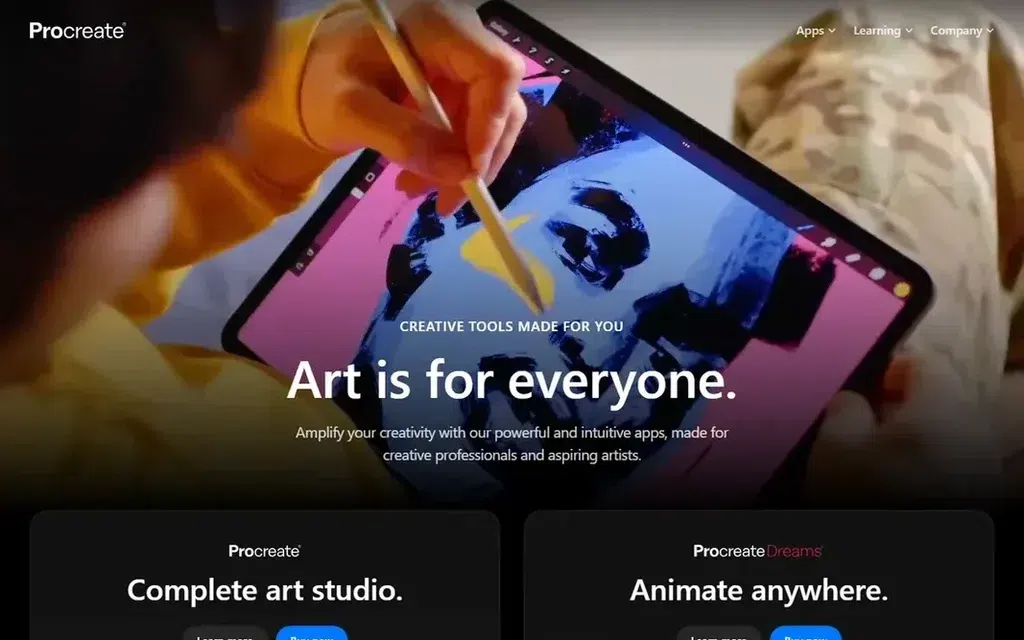
Pick Procreate if this describes you: straightforward iPad drawing and animation. Since it is designed around touch and stylus input, it suits people who want to sketch, paint and try straightforward animation without learning a desktop-style workspace first.
Drawbacks to consider: Fewer desktop-style workflow tools.
Pick something else if you need precise vector output or heavy photo retouching alongside your drawing. Procreate shows no starting price here, so confirm the cost on the vendor site. Free options: Not stated.
- No subscription
- Pay once
- IPad only
What went into this list
What to confirm before you sign up
- Ask each vendor, from Adobe Illustrator to Procreate, for a written quote; none of them publishes a starting price.
- Before choosing Adobe Illustrator, weigh its main limit: vector workflow is less easy-to-learn for painters.
- Check the integration list for Adobe Illustrator against the tools you run today, and note which ones need a higher plan.
- Ask Adobe Photoshop about contract length, onboarding fees and user minimums before you sign.
- Look at the help docs and support options for Affinity Designer before you commit.
FAQ
Can I try these tools before paying?
Not by default. None of the tools, from Adobe Illustrator to Procreate, lists a free plan or a free trial here, so ask each vendor for a demo before committing.
Is Adobe Illustrator the right pick for everyone comparing drawing software for beginners?
No single tool suits every team. Adobe Illustrator comes first because it fits vector graphics and clean line art, while Affinity Designer suits precise vector art and graphics and Adobe Photoshop suits drawing mixed with photo editing. Match the tool to your own size, budget and workflow before deciding.
Which drawing app is easiest for a complete beginner?
Procreate is frequently the gentlest starting point on iPad since its interface is uncluttered and it is aimed at both professionals and aspiring artists. The best fit relies on which device you already own.
Do these tools publish their prices?
No. None of the tools, from Adobe Illustrator to Procreate, shows a fixed starting price here, so budget time for quotes.
How are the tools for drawing software for beginners ordered?
Adobe Illustrator sits first and Procreate last because the order follows typical fit for drawing software for beginners, then price clarity and free access. It is a judgement call, so read each profile for fit and limits.
Sources
- https://www.adobe.com/products/illustrator.html
- https://affinity.serif.com/en-us/designer
- https://www.adobe.com/products/photoshop.html
- https://medibangpaint.com
- https://procreate.com