Top 6 Font Creation Software for 2026 (Prices and Free Plans)
Shortlisting the best font creation software? 6 products compared on cost, free access and ideal buyer. With pricing notes and limits. Refreshed for 2026.
- Editor's choice
 Fontself
Fast font making inside design apps
Starts atPricing on requestVisit fontself.comFull review - Great alternative
 FontCreator
Windows-based font creation
Starts atPricing on requestVisit high-logic.comFull review - Also consider
 Birdfont
Free font editing for TTF, OTF, SVG
Starts atPricing on requestVisit birdfont.orgFull review
Direct answer
Fontself is the first pick on this list for fast font making inside design apps. FontCreator fits Windows-based font creation; Birdfont fits free font editing for TTF, OTF, SVG. All 6 tools are compared below on fit, free plan and limits. None of these vendors publish plan prices, so pricing is on request for every option.
TL;DR:
- Fontself is the opening pick, best for fast font making inside design apps.
- Neither Fontself nor FontForge, nor any of the other 4 tools, has a permanent free plan; trials and quotes are the norm.
- FontForge is the one to check for free and open-source font editing.
- Fontself, FontForge and the 4 others all sell by quote; expect sales conversations before you see a price.
Last checked November 2026. Pricing on request: vendors did not publish plan prices when this guide was last checked (November 2026), so ask each vendor for a written quote.
Quick comparison
| Tool | Best for | Starts at | Free plan? | |
|---|---|---|---|---|
| Fontself | Fast font making inside design apps | Pricing on request | Not stated | Visit |
| FontCreator | Windows-based font creation | Pricing on request | Not stated | Visit |
| Birdfont | Free font editing for TTF, OTF, SVG | Pricing on request | Not stated | Visit |
 Glyphs | Mac-based professional type design | Pricing on request | Not stated | Visit |
 FontLab | Cross-platform professional font editing | Pricing on request | Not stated | Visit |
 FontForge | Free and open-source font editing | Pricing on request | Not stated | Visit |
The best font creation software
LinkVetted put together this guide to font creation software for readers who want a clear shortlist without reading every vendor page. It compares 6 tools on starting price, free plans, who each one suits and where each one falls short.
Where Fontself fits: fast font making inside design apps. Fontself Maker is a font maker built to be simple to use and made for all creatives. It lets you produce custom fonts in minutes, frequently as a plugin for widely used design applications.
The main drawbacks: Restricted precision.
This makes it a solid fit for graphic designers who want to turn lettering into a font without leaving their usual tools. In daily use, Fontself prioritizes speed and simplicity over deep typographic control. So it may not suit professional type designers working on complicated families. In practice, if you need advanced spacing, kerning, or OpenType feature editing, a full font editor is a better choice. Check the vendor site for Fontself pricing; none is listed in this comparison. Free options: Not stated.
- Quick font creation
- Links up with design apps
- Not for complicated typefaces
Where FontCreator fits: Windows-based font creation. Pick it if you are on Windows and want a focused font creation tool. FontCreator from High-Logic is a Windows font editor that helps you build, edit, create, and run professional-quality typefaces.
It is pitched at designers and typographers who work on Windows and need a steady, dedicated font tool. Whereas it is capable, it may not offer the same scriptable adaptability as some other editors. FontCreator shows no starting price here, so confirm the cost on the vendor site. On free options: Not stated.
Limits to weigh: Restricted Mac support.
- Windows native
- Long-standing vendor
- Windows only
In short, Birdfont is for free font editing for TTF, OTF, SVG. Birdfont is a free font editor for TTF, OTF, and SVG fonts.
Limits to weigh: Restricted advanced features.
It may not be well suited to complicated typeface projects. Choose it for straightforward tasks or learning the basics of font creation. Birdfont does not show a starting price in this comparison, so check the vendor site for current pricing. As for free access: Not stated.
- Straightforward interface
- Free to use
- Less refined than premium tools
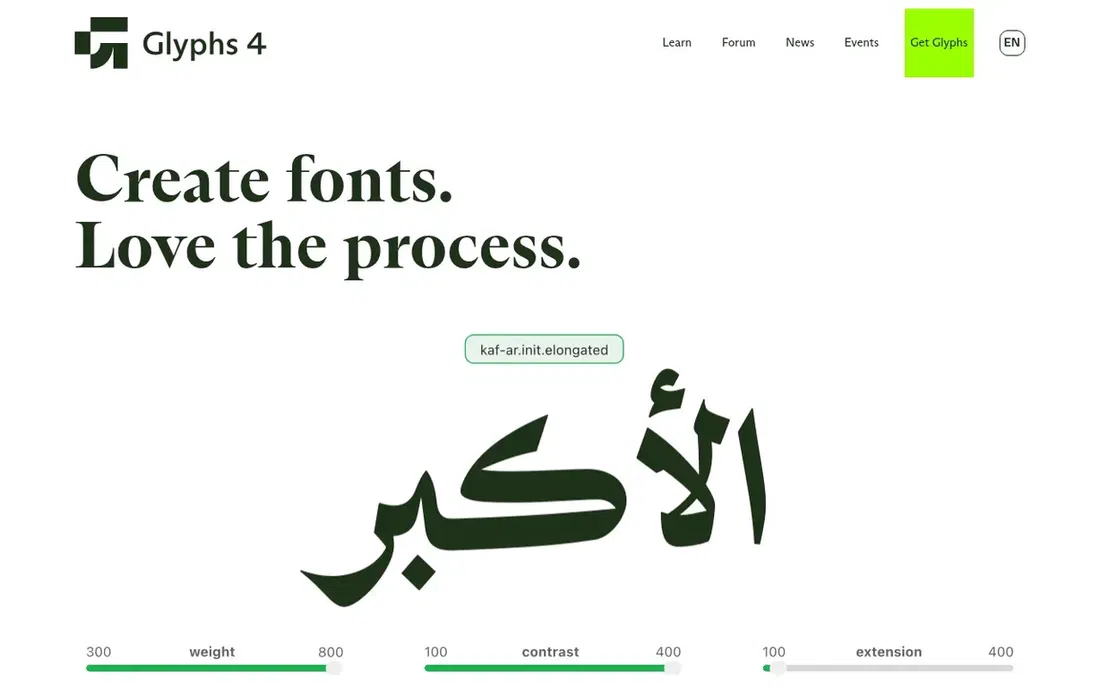
Glyphs is built with Mac-based professional type design in mind. The app puts you in control of the drawing and spacing process, making it a strong fit for professionals and serious hobbyists working on macOS. Since Glyphs is Mac-only, Windows users will have to look elsewhere.
Where it is weaker: Mac only.
Its feature depth can also feel overwhelming for beginners who only have to make a straightforward font. Worth adding: Glyphs is a Mac font editor that concentrates on high-precision vector drawing and efficient shape reuse. Glyphs does not show a starting price in this comparison, so check the vendor site for current pricing. Free access: Not stated.
- Handles large character sets
- Efficient shape reuse
- Steeper ramp-up time
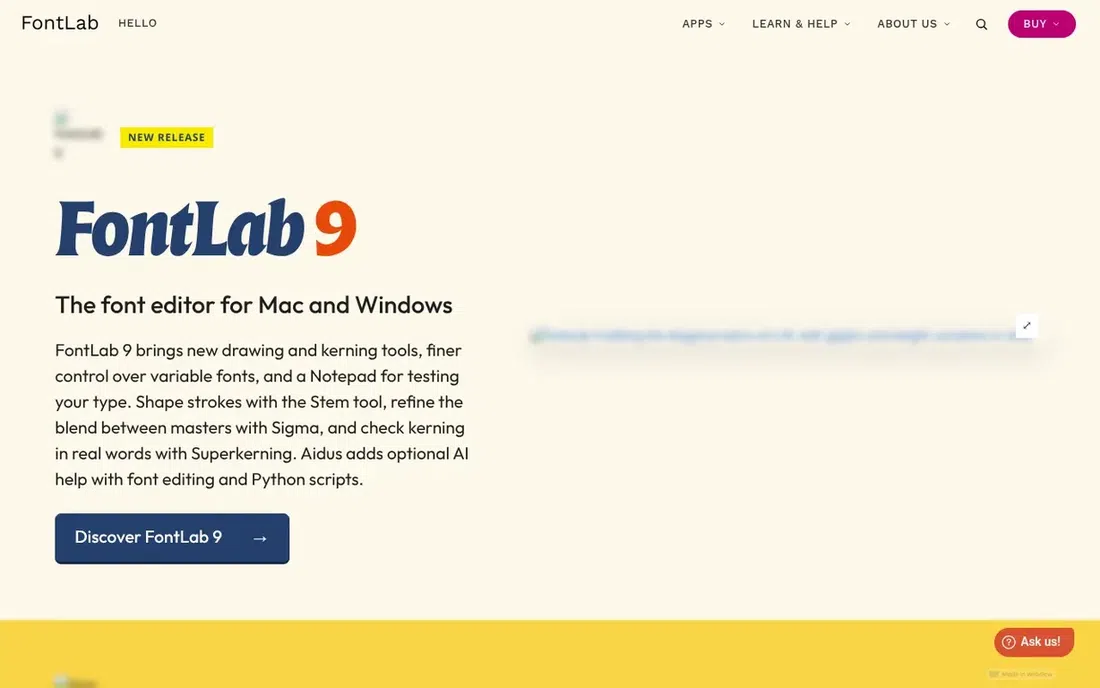
In short, FontLab is for cross-platform professional font editing. The breadth of tools can make the interface feel complicated, particularly for newcomers. In daily use, FontLab supplies a suite of font editors and converters for Mac and Windows.
The main drawbacks: Complicated interface.
Also, FontLab 8 is the professional font editor, whereas Fontographer and TypeTool serve as widely used alternatives, and TransType converts fonts for OpenType and web use. This range makes FontLab a good match for professionals who require a complete toolkit across systems. Choose FontLab when you need professional editing and conversion in one family of apps. FontLab does not show a starting price in this comparison, so check the vendor site for current pricing. Free access: Not stated.
- Mac and Windows support
- Font conversion tools
- May be overkill for straightforward projects
FontForge is a good fit for free and open-source font editing. Choose FontForge when cost is a priority and you are comfortable with a more technical environment. The interface can feel dated and the ramp-up time is steep compared with commercial editors.
It may lack some of the polish and advanced drawing features of premium tools. Worth adding: FontForge is a free and open-source font editor that supports a broad set of font formats. It is a solid fit for budget-conscious designers, students, and developers who want a scriptable tool. This comparison lists no price for FontForge; ask the vendor. On free options: Not stated.
Points against: Dated interface.
- Scriptable
- Wide format support
- Steep ramp-up time
How we chose
For each of the 6 tools we noted price, free plan or trial, fit for font creation software and the main limit, using vendor pages and documentation. Figures are shown as the vendors publish them. Billing terms, seat minimums and add-ons can change the real cost. We ordered the tools by general fit, then by how clearly pricing is shown, then by free access. A buyer with unusual needs may reorder them.
What to confirm before you sign up
- Confirm the entry price with every vendor: no tool from Fontself to FontForge shows a fixed starting price.
- Before choosing Fontself, weigh its main limit: restricted precision.
- Look at the help docs and support options for Fontself before you commit.
- A short pilot of FontLab with your real workflow tells you more than a feature table.
- Confirm minimum seats and billing terms with Glyphs before you commit to an annual plan.
FAQ
Can I try these options before paying?
Not by default. None of the tools, from Fontself to FontForge, lists a free plan or a free trial here, so ask each vendor for a demo before committing.
What is the best font creation software for beginners?
For most readers this guide would start with Fontself, built for fast font making inside design apps. FontCreator is the alternative for Windows-based font creation, and Birdfont for free font editing for TTF, OTF, SVG. The right answer depends on budget and workflow.
How are the tools for font creation software ordered?
The order follows typical fit for font creation software, with Fontself first and FontForge last, then price clarity and free access. It is editorial judgement, not a score, so another team could rank the tools differently.
Does any tool for font creation software here have a free plan?
No tool in this list, Fontself and FontForge included, has a permanent free plan. Trials and quotes are the usual route, so plan a short evaluation period.
Do these tools publish their prices?
No. None of the tools, from Fontself to FontForge, shows a fixed starting price here, so budget time for quotes.
Sources
- https://www.fontself.com
- https://www.high-logic.com
- https://birdfont.org
- https://glyphsapp.com
- https://www.fontlab.com
- https://fontforge.org