Top 6 Company for Video Clipping for 2026 (Prices and Free Plans)
Best company for video clipping in 2026: 6 tools with starting prices, free plans and limits. Each entry gets a plain verdict. A comparison table is included.
- Editor's choice
 Klap
Vertical shorts with virality scoring
Starts at$14.50 per monthVisit klap.appFull review - Great alternative
 Submagic
Caption-heavy viral-style shorts
Starts at$12 per monthVisit submagic.coFull review - Also consider
 Vizard
Automatic long-to-short clipping
Starts atSee websiteVisit vizard.aiFull review
Direct answer
Our first pick is Klap, best for vertical shorts with virality scoring. Listed starting prices: Klap from $14.50 per month, Submagic from $12 per month and 2short.ai from $9.90 a month. Submagic is better for Caption-heavy viral-style shorts, and Vizard is better for automatic long-to-short clipping. The full list of 6 tools follows, with prices and free plan facts.
TL;DR:
- The list opens with Klap, aimed at vertical shorts with virality scoring.
- Free plans exist at 3 of 6 tools (Vizard, Descript, Kapwing).
- A fair warning about Submagic: style presets may feel uniform.
- 2short.ai has the lowest monthly starting price in this list: $9.90 per month.
Last checked November 2026. Prices and plan details were read from the vendors' own pages in November 2026; vendors change plans often, so confirm the current price on the vendor site before you buy.
Quick comparison
| Tool | Best for | Starts at | Free plan? | |
|---|---|---|---|---|
| Klap | Vertical shorts with virality scoring | $14.50 per month | Not stated | Visit |
| Submagic | Caption-heavy viral-style shorts | $12 per month | Free trial | Visit |
| Vizard | Automatic long-to-short clipping | See website | Yes | Visit |
 2short.ai | YouTube long-form to Shorts | $9.90 a month | Not stated | Visit |
 Descript | Text-based editing and clipping | $16 per person per month | Yes | Visit |
 Kapwing | Prompt-driven video creation and editing | $16 per month | Yes | Visit |
Company for Video Clipping, one by one
Choosing company for video clipping usually comes down to price, fit and limits. This LinkVetted guide sets 6 tools side by side on those three points, with the facts kept short and checkable.
Klap is designed for vertical shorts with virality scoring. The virality score is a guide, not a guarantee, and trend-tuned styling may not fit every brand.
It layers on virality scores, active-speaker reframing, captions and scheduling, which fits creators who want a repeatable pipeline from raw recording to scheduled posts without manual reframing. The starting price for Klap: $14.50 per month. Free options: Not stated.
Points against: Less suited to long-form editing work.
- Scheduling included
- Converts long videos into vertical shorts
- Style output is tuned to short-form trends
Submagic works best for Caption-heavy viral-style shorts. Submagic takes raw videos and layers on AI captions, cuts, B-roll, zooms and music in styles designed for short-form posts. For everyday use, choose it for speed and caption quality; choose a broader product when you need deeper creative control.
More specifically, since it leans on preset styles, output can look similar across projects. It does not replace a full editing suite for long-form work. Submagic cost at the entry level: $12 per month. Free access: Free trial.
Where it falls short: Style presets may feel uniform.
- AI captions, cuts
- B-roll and zooms
- Not a full long-form editor
Vizard works best for automatic long-to-short clipping. The trade-off is scope: it is built for clipping instead of full production, so recording, dubbing or advanced editing happen elsewhere.
Watch-outs: Output still needs a review pass.
In daily use, if you need a complete editing suite, look at a broader product. If repurposing is the primary job, Vizard keeps the process short. Check the vendor site for Vizard pricing; none is listed in this comparison. Vizard offers a free plan.
- Concentrated on short-form repurposing
- Turns long videos into social-ready clips
- Narrow scope beyond clipping
For YouTube long-form to Shorts, 2short.ai is a natural candidate. 2short.ai is an AI YouTube Shorts generator that turns long-form YouTube content into shorts intended to drive views and subscribers.
It is a natural fit for channel owners who already publish long videos and want a light way to extract short clips without learning a full editor. Entry price for 2short.ai: $9.90 per month. Trial and free access: Not stated.
Trade-offs to know: Centered on the YouTube ecosystem.
- Straightforward repurposing focus
- Aims to drive views and subscribers
- Restricted use outside short-form repurposing
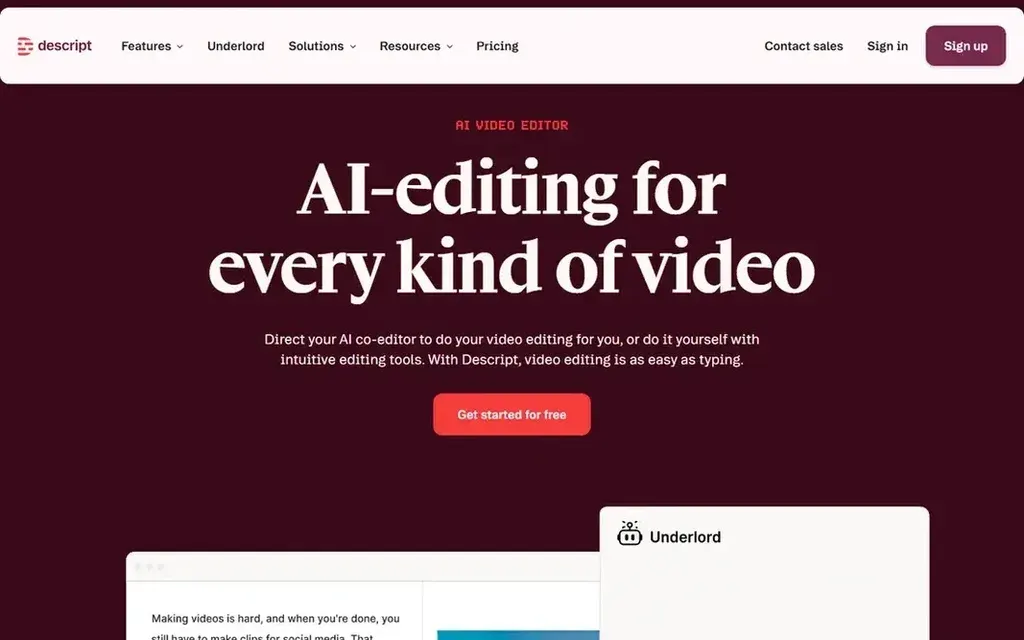
Where Descript fits: text-based editing and clipping. Descript is an AI video and audio editor that treats editing like editing a text document.
Reasons to shortlist it: Edit video by editing the transcript.
Watch-outs: Not built solely around viral short clips.
In daily use, since it is a full editor instead of a dedicated clipping engine, creators who only want automatic vertical shorts may find the workflow heavier than needed. The starting price for Descript: $16 per person per month. Descript has a free plan.
- Edit and publish in one place
- Takes care of both audio and video projects
- Interface can feel dense for new users
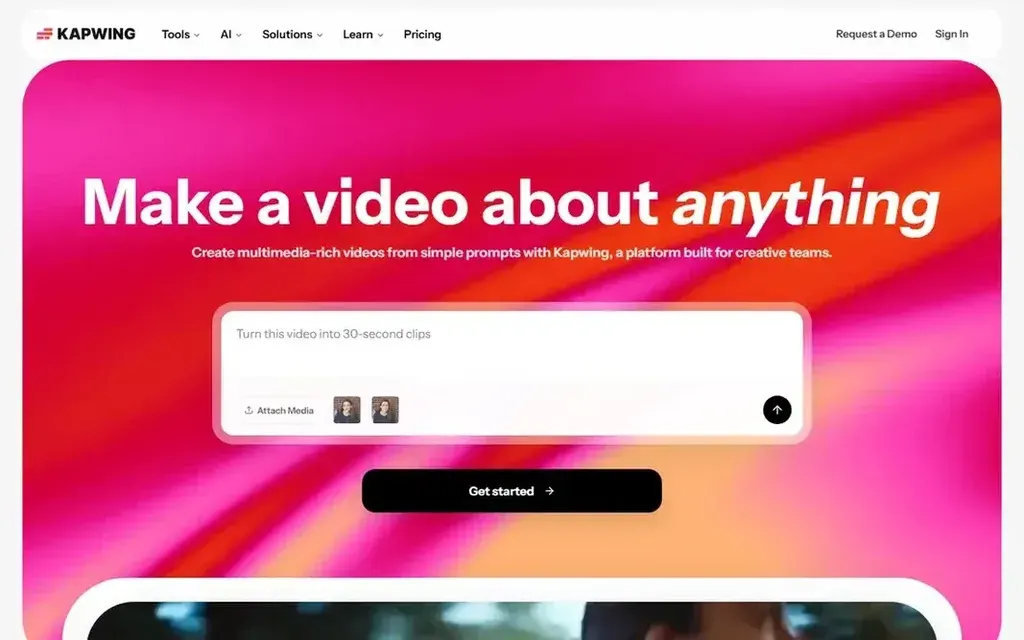
For prompt-driven video creation and editing, Kapwing is a natural candidate. Kapwing is a browser-based video platform that can generate a full project from a single prompt and then edit it.
Trade-offs to know: Wide feature set can overwhelm beginners.
Its breadth means it is not the most specialized choice if your only job is slicing long recordings into shorts. On cost, Kapwing starts like this: $16 per month. A free plan is available with Kapwing.
- Browser-based editing and resizing
- Create full video projects from a prompt
- Less centred on long-to-short clipping alone
How we built this list
For each of the 6 tools we noted price, free plan or trial, fit for company for video clipping and the main limit, using vendor pages and documentation. Treat prices as a snapshot: vendors change plans often, so check the vendor site for the figure that applies today. Order on the page follows fit for the typical buyer first, then price transparency and free access. Your own requirements should decide the final pick.
A buyer's checklist
- Confirm the entry price on the vendor page. For Vizard that means a quote rather than a fixed price.
- Check what the free option really includes: Vizard, Descript and Kapwing offer a free plan, and usage caps differ.
- Use real work to test the free trial from Submagic, rather than a demo project.
- Before choosing Klap, weigh its main limit: style output is tuned to short-form trends.
- Map your must-have features to a specific Klap plan before you compare prices.
- See whether Descript offers onboarding or training, and whether it is included in the price.
FAQ
What should a video clipping tool actually do?
At minimum it should take a long recording and produce short vertical clips with usable framing and captions. The most solid choices also deal with speaker reframing, entry-level styling and scheduling so the path from raw footage to posted clip stays short.
Do these tools publish their prices?
Not all of them. Vizard publishes no starting price, so expect a quote request for it. The rest, Klap included, show a starting price, though seats and billing terms still change the final cost.
Is Klap the right pick for everyone comparing company for video clipping?
No single tool suits every team. Klap comes first because it fits vertical shorts with virality scoring, while Submagic suits Caption-heavy viral-style shorts and Vizard suits automatic long-to-short clipping. Match the tool to your own size, budget and workflow before deciding.
Which options for company for video clipping have a free plan?
On this list, Vizard, Descript and Kapwing include a free plan. Caps on seats, usage or features are common, so test the free plan against your real workload. One other tool offers a trial instead.
Can I try these tools before paying?
Often, yes. Vizard, Descript and Kapwing have a free plan and Submagic offers a free trial. Use your own data and a real task during the test, and check what the free tier or trial limits before you rely on it.
Sources
- https://klap.app
- https://www.submagic.co
- https://vizard.ai
- https://2short.ai
- https://www.descript.com
- https://www.kapwing.com