Best AI Clipping Software in 2026: 8 Tools Compared
Compare the best AI clipping software in 2026 for turning long videos into shorts, with OpusClip, Vizard, Klap, Submagic and more compared on price today.
- Editor's choice
 OpusClip
Most creators turning long videos into shorts
Starts at$15 per monthVisit opus.proFull review - Great alternative
 Vizard
High-volume clipping for teams
Starts at$29 per monthVisit vizard.aiFull review - Also consider
 Klap
Simple clipping in many languages
Starts at$29 per monthVisit klap.appFull review
TL;DR:
- OpusClip is the easiest default for most creators, with scored clips, captions and posting in one workflow.
- Vizard suits teams clipping long webinars and streams, with more monthly minutes for a similar price.
- Submagic is not a full clipper in the same sense, but it is strong when caption style is the main reason clips underperform.
- Descript and CapCut suit creators who want to control every cut, rather than accepting AI picks without review.
- Free plans are useful for testing, but watermarks, short storage and credit caps make them poor tools for regular publishing.
Quick comparison
| Tool | Best for | Starts at | Free plan? | |
|---|---|---|---|---|
| OpusClip | Most creators turning long videos into shorts | $15 per month | Yes | Visit |
| Vizard | High-volume clipping for teams | $29 per month | Yes | Visit |
| Klap | Simple clipping in many languages | $29 per month | Free trial | Visit |
 Submagic | Caption style for short videos | $19 per month | Free trial | Visit |
 Descript | Editing clips by transcript | $24 per month | Yes | Visit |
 CapCut | Free editing with AI clipping built in | Free | Yes | Visit |
 GetMunch | Trend insights for social managers | See website | Free trial | Visit |
 2short.ai | Quick clips from talking-head videos | See website | Free trial | Visit |
The best AI clipping software
A good AI clipper saves the dull part of short-form work, which is watching a long recording again to find thirty seconds worth posting. The tools below all detect highlights, cut vertical clips and add captions, but they differ in how much control they give you, how credits work, and how polished the result looks without extra editing.
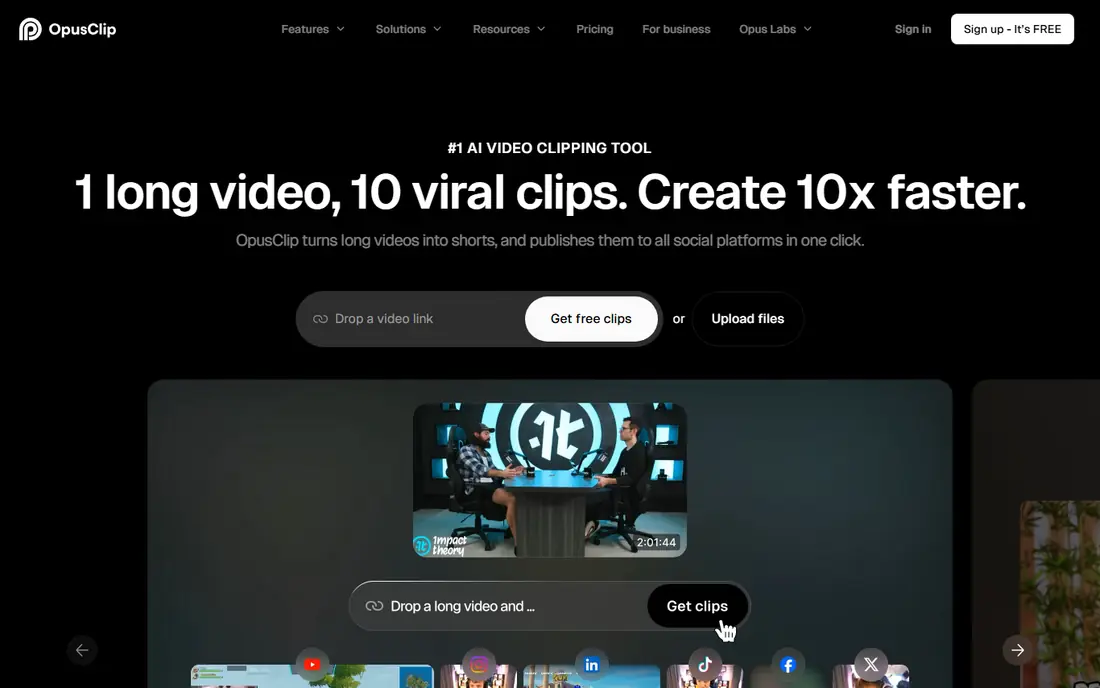
OpusClip is our pick for most people because it handles the whole loop, from upload to scored clips to posting, without forcing you into a separate editor. Each clip gets a score that helps you decide what to publish first, and the caption styles look clean on TikTok, Shorts and Reels without much tweaking. For a solo creator or a small team, that speed is the point.
The catch is the credit system and free plan limits. Free plan media is deleted after a few days, and long podcasts can use credits faster than expected. Run one real episode through the free plan first, count how many usable clips you get, and only then choose a paid tier.
- Scored clips with virality ratings
- Captions and posting built in
- AI B-roll on higher plans
- Free media is deleted after 3 days
- Credit limits can bite on long source videos

Vizard is the runner-up for creators who clip webinars, streams and long interviews every week. Paid plans offer more monthly minutes than OpusClip at a similar price, and scheduling is included, which helps a team plan a week of posts in one sitting. Transcript editing also lets you fix a cut by editing words, rather than dragging clips on a timeline.
The free plan is a test drive, not a publishing tool, with watermarked 720p exports and short storage. Paid users still need to proof captions, especially on fast speech and names, but the volume value is hard to ignore for teams with long source material.
- Generous minutes for the price
- Scheduling built in
- Transcript editing
- Free exports are watermarked at 720p
- Interface takes a session to learn
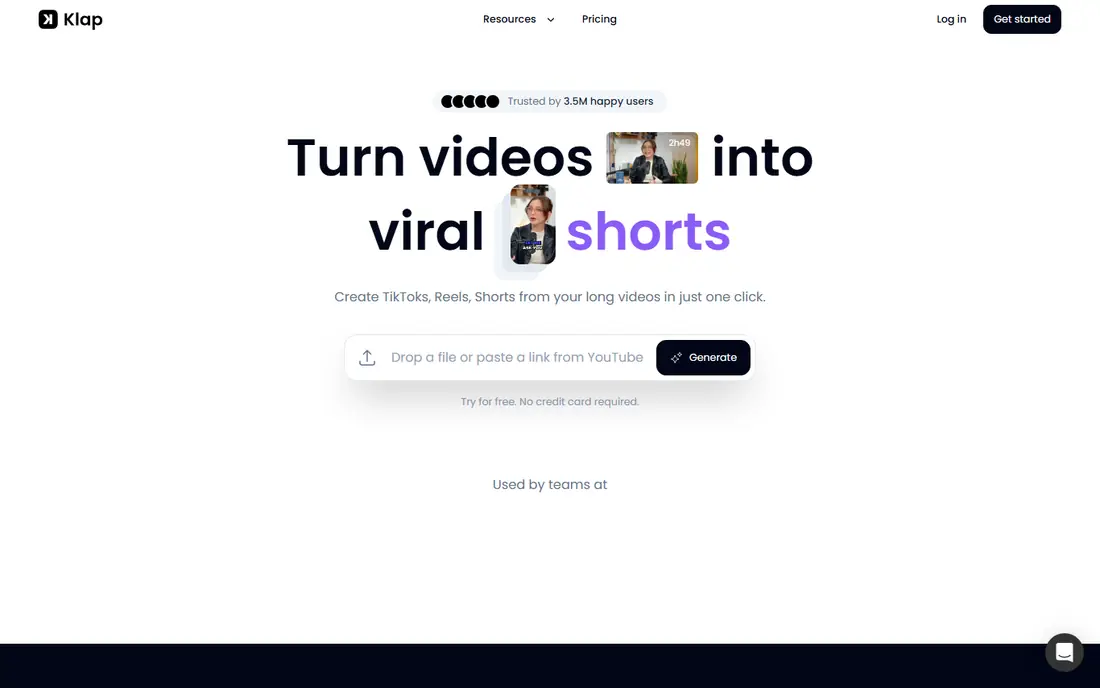
Klap suits creators who want a clipper that stays out of the way. Upload a video, let the AI pick moments, adjust the captions, and export. Language support is a real strength for channels that publish in more than one language, and the higher plans add 4K export for teams that care about output quality.
The trade-off is a thinner feature set around posting and scheduling. If you already have a scheduling tool, that gap does not matter. If you want one app to clip and publish, OpusClip or Vizard may fit better.
- Clean workflow
- Supports many languages
- 4K export on higher plans
- No permanent free plan
- Fewer posting extras than OpusClip
Submagic is different from the tools above, because its strength is presentation, not discovery. If you already have a short video and it underperforms, the issue is often captions, pacing and on-screen hooks, and Submagic handles those well. Its animated caption styles, emoji-free clean templates and B-roll options make a talking-head clip look made for short-form feeds.
Do not buy Submagic expecting it to find moments in a two-hour podcast. Pair it with a discovery clipper, or use it on its own when your source material is already short and you only need polish.
- Polished animated captions
- Hooks and B-roll tools
- Fast for short videos
- Best for videos that are already short
- Not a long-video discovery tool
Descript suits creators who want to review every cut. Its transcript editor lets you delete filler words, rearrange sentences and cut video by deleting text, which feels natural for podcasters and interviewers. Once a clip is chosen, you can polish audio, add captions and export without leaving the same app.
The downside is speed. Descript gives you control, but it does not hand you a ranked set of ready clips in the same way OpusClip does. Teams that publish daily and want automation will prefer a specialist, while creators who value control will prefer Descript.
- Edit video by editing text
- Strong for podcasts
- Full editor beyond clipping
- AI clip discovery is less hands-off than specialists
- Learning curve for new editors
CapCut is the best free starting point, and it is the tool many creators already have on their phone. Its editor covers trimming, captions, effects and templates, and its AI tools can help turn longer clips into short-form versions. For a creator on a tight budget, that free core covers a real posting schedule.
The limit is discovery. CapCut does not find viral moments as reliably as OpusClip or Vizard, so you will spend more time choosing moments yourself. Use it as a free editor and polisher, and add a specialist clipper only when finding moments becomes your bottleneck.
- Free core editor
- Huge template community
- Mobile and desktop apps
- AI clip discovery is weaker than specialists
- Some features sit behind Pro
GetMunch, formerly Munch, suits social media managers who run client accounts and need to justify clip choices. It pairs AI clipping with trend insights, so a manager can see which topics and formats are gaining traction and match clips to platform length and style rules. Review workflows also help a team approve clips before they go live.
Solo creators will find it heavier and pricier than they need. For agencies and larger teams, the insight layer and approval flow can save more time than a cheaper solo tool.
- Trend and keyword insights
- Platform-safe clip lengths
- Review workflows for teams
- Pricing is less transparent
- Overkill for solo creators
2short.ai is a focused tool for YouTubers who record talking-head videos and want quick vertical cuts. It analyses speech, picks moments, and exports clips with captions in a few steps. That focus makes it fast for a common creator workflow, and it works well for faceless channels that rely on voice and visuals rather than on-camera presence.
Multi-speaker shows and panel discussions are a weaker fit, because speaker changes and crosstalk can confuse the picks. Caption styling is also more basic than Submagic, so creators who care about caption design may polish elsewhere.
- Fast for YouTube talking-head videos
- Simple export
- Faceless-friendly options
- Less suited to multi-speaker podcasts
- Caption styling is basic
How we picked these
We compared official pricing pages, feature pages and public reviews for tools that were available in October 2026. We favoured tools that actually cut long videos into vertical clips, rather than general editors with no discovery feature, and we checked free plans, credit limits and export quality. Prices change often in this category, so confirm the pricing page before you pay.
How to choose an AI clipper
Start with your source material. If you record long podcasts, webinars or streams, pick a discovery tool such as OpusClip or Vizard. If you record short talking-head videos, a focused tool or CapCut may be enough. If your clips already exist but look flat, try a caption polisher such as Submagic before buying another discovery tool.
Then test with the same video on two tools. Count usable clips, check caption accuracy on names and technical terms, and look at how the auto-crop handles movement and a second person entering frame. Those three checks tell you more than a feature list. Finally, work out the monthly cost per published clip, because a cheap plan with tight credits can cost more than a pricier plan with generous minutes.
Watch the credit maths
Credits, minutes and processing time are not the same across vendors. One tool may charge per source minute, another per clip, and another per export. Read the pricing page for your typical video length, and trial the tool on a long episode, not a short demo, before committing to a yearly plan.
FAQ
What is the best AI clipping software?
For most creators, OpusClip is the best starting point because it combines discovery, scoring, captions and posting. Vizard is a strong alternative for teams clipping long webinars, while Descript suits creators who want full control over every cut. The best tool depends on your source material and how much editing you want to do yourself.
What is the best AI clipping tool for podcasts?
OpusClip and Vizard both handle long podcast audio well, with transcript editing and scored clips. Descript is a good choice if you already edit the podcast in Descript, because you can clip inside the same project. Test all three on one real episode and compare usable clips.
Is there a free AI clipping tool?
Yes. OpusClip, Vizard, Descript and CapCut all offer free plans or free tiers. Free plans usually limit minutes, add watermarks, cap export quality or delete media after a few days. They are good for testing, but regular publishing usually needs a paid plan.
How much does AI clipping software cost?
Entry paid plans commonly start around $15 to $29 per month, with annual billing lowering the monthly figure. Higher plans add minutes, 4K export, brand kits and team seats. Work out cost per published clip, not just the headline price, because credit limits change the real cost.
Do AI clippers replace video editors?
No, not fully. Clippers find moments and draft captions fast, but they still miss context, mishear names and crop badly on fast movement. A quick human review, caption proof and final polish remain part of good short-form work. The best workflow uses AI for discovery and a human for taste and accuracy.
Can AI clippers post directly to TikTok and YouTube?
Some can, including OpusClip and Vizard on paid plans, while others focus on export only. Check posting support for each platform you use, and confirm whether scheduling, captions and cover images are included. If posting matters, that feature alone can decide between two similar tools.