Choosing Video Clipping Software in 2026: 6 Options Compared
Best video clipping software: 6 tools compared on price, free plans and fit. Our number one: Camtasia, for tutorials and screen recordings. Straight answers.
- Editor's choice
 Camtasia
Tutorials and screen recordings
Starts atSee websiteVisit techsmith.comFull review - Great alternative
 DaVinci Resolve
All-in-one editing, color and audio
Starts atSee websiteVisit blackmagicdesign.comFull review - Also consider
 Adobe Premiere Pro
Professional editing and postproduction
Starts atSee websiteVisit adobe.comFull review
Direct answer
This list puts Camtasia first for tutorials and screen recordings. Listed starting prices: Descript from $16 per person a month. DaVinci Resolve is the stronger choice for all-in-one editing, color and audio, while Adobe Premiere Pro suits professional editing and postproduction. The other 3 tools in the list cover narrower or pricier cases.
TL;DR:
- Number one here is Camtasia, a fit for tutorials and screen recordings.
- The cheapest monthly starting price in the list is $16 per person per month, offered by Descript.
- For quick social media clipping, CapCut is worth a look.
- 2 of 6 tools offer a free plan: Descript, CapCut.
Last checked November 2026. Prices and plan details were read from the vendors' own pages in November 2026; vendors change plans often, so confirm the current price on the vendor site before you buy.
Quick comparison
| Tool | Best for | Starts at | Free plan? | |
|---|---|---|---|---|
| Camtasia | Tutorials and screen recordings | See website | Not stated | Visit |
| DaVinci Resolve | All-in-one editing, color and audio | See website | Not stated | Visit |
| Adobe Premiere Pro | Professional editing and postproduction | See website | Not stated | Visit |
 Final Cut Pro | Mac and iPad professional editing | See website | Not stated | Visit |
 Descript | Text-based clipping and editing | $16 per person a month | Yes | Visit |
 CapCut | Quick social media clipping | See website | Yes | Visit |
Video Clipping Software profiles
LinkVetted put together this guide to video clipping software for readers who want a clear shortlist without reading every vendor page. It compares 6 tools on starting price, free plans, who each one suits and where each one falls short.
Where Camtasia fits: tutorials and screen recordings. Camtasia is built around instructional video, so it supplies less for cinematic editing, advanced color or complicated effects.
Downsides: Less suited to cinematic editing.
Also, Camtasia from Techsmith merges screen recording with video editing, pitched at tutorials, training videos and software demos. Worth adding: choose Camtasia when screen demos and training clips are the central output. Camtasia shows no starting price here, so confirm the cost on the vendor site. Trial and free access: Not stated.
- Made for tutorials and demos
- Suited to training content
- Concentrated on instructional video
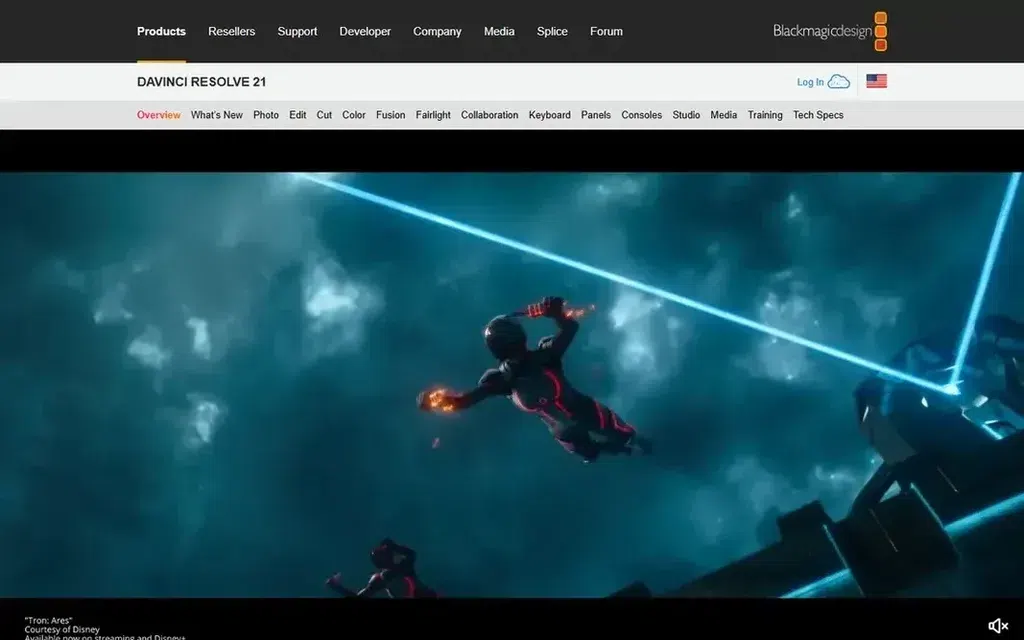
DaVinci Resolve is designed for all-in-one editing, color and audio. For straightforward trims or mobile edits, a lighter tool may be quicker.
Pick Resolve when you want one environment for cutting and finishing. This comparison lists no price for DaVinci Resolve; ask the vendor. Free plan details: Not stated.
The main drawbacks: Plenty of panels to learn.
- Available for Mac
- VFX and audio in one app
- Demanding on older hardware
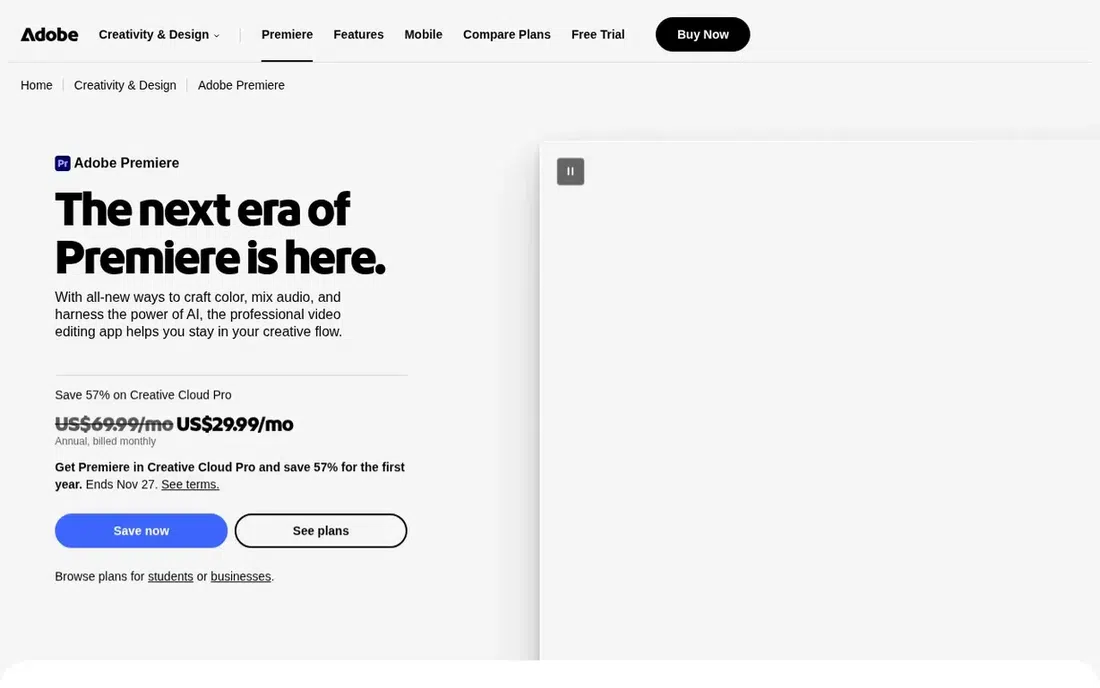
Choose Adobe Premiere Pro for professional editing and postproduction. From a buyer's view, the homepage describes editing, trimming, effects and audio as core capabilities, making it a solid fit for projects that go beyond straightforward cuts.
Where it is weaker: Subscription-based access.
Worth adding: choose Premiere Pro when precise editing and postproduction are the priority. This comparison lists no price for Adobe Premiere Pro; ask the vendor. Trial and free access: Not stated.
- Audio mixing built in
- Wide format and workflow support
- Dense interface for beginners
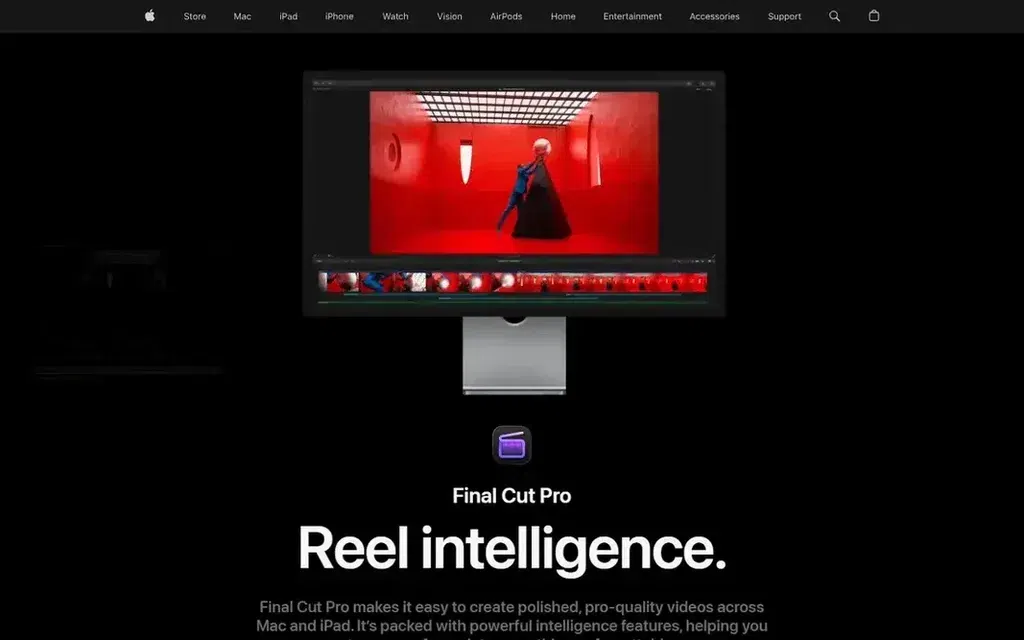
Final Cut Pro was built for Mac and iPad professional editing. Final Cut Pro is Apple's professional editing application for Mac and iPad, described as packed with intelligence features that make pro-quality video creation simpler.
In daily use, choose Final Cut Pro when your team works on Mac and iPad and wants a refined native experience. As for the details, editors who depend on cross-platform collaboration may prefer DaVinci Resolve. This comparison lists no price for Final Cut Pro; ask the vendor. Free plan details: Not stated.
Limits to weigh: One-time purchase model.
- Capable timeline performance
- Optimized for Mac and iPad
- Apple systems only
Descript is built with text-based clipping and editing in mind. Removing filler words or trimming a segment becomes a matter of editing the transcript instead of scrubbing a timeline. Editors with heavy graphics needs may prefer Premiere Pro or Resolve.
Where it falls short: Transcript accuracy affects editing.
Choose Descript when transcript-driven clipping saves you the most time. In practice, Descript is most solid for talking-head and audio-led material. It gives you less control for elaborate visual effects or in-depth color work. Descript cost at the entry level: $16 per person per month. A free plan is available with Descript.
- Publish from the same workspace
- Edit video by editing text
- Less suited to complicated visual effects
Think of CapCut for quick social media clipping. The homepage emphasizes social video editing, so it suits creators who publish short-form content on a regular basis. As for the details, for frame-accurate finishing work, a professional editor is a better match.
Where it shines: mobile and online editing.
Downsides: Fewer deep postproduction controls.
CapCut leans toward speed and templates instead of deep color or audio postproduction, and its features can differ between systems. Pick CapCut when quick, effect-rich social clips are the goal. Pricing for CapCut is not stated here, so ask the vendor for current figures. A free plan is available with CapCut.
- Smart templates and creative effects
- AI-powered editing tools
- Feature set varies by product
How we built this list
Selection started from tools commonly considered for video clipping software, then narrowed to 6 that have clear pricing information or a clear quote process. Where a price is missing, the vendor does not list one publicly or ties it to a quote. Always confirm before budgeting. Position on the page reflects fit for a typical buyer first, with price clarity and free access breaking ties. Treat it as a guide, not a ruling.
Things to verify first
- Get a written quote from Camtasia, DaVinci Resolve, Adobe Premiere Pro and others; the list shows no starting price for them.
- Read the fine print on the free plans from Descript and CapCut; seat, project and feature caps differ.
- Before choosing Camtasia, weigh its main limit: centred on instructional video.
- Check the support hours and onboarding help Adobe Premiere Pro offers; smaller vendors vary a lot here.
- Involve the people who will use DaVinci Resolve daily; a short pilot beats a long feature checklist.
FAQ
Do I need professional software for short clips?
Not necessarily. Professional suites like Premiere Pro, Resolve and Final Cut Pro pay off when you need precise control, color work or complicated audio.
Is Camtasia the right pick for everyone comparing video clipping software?
No single tool suits every team. Camtasia comes first because it fits tutorials and screen recordings, while DaVinci Resolve suits all-in-one editing, color and audio and Adobe Premiere Pro suits professional editing and postproduction. Match the tool to your own size, budget and workflow before deciding.
What is the cheapest option for video clipping software in this list?
On published monthly entry prices, Descript is the lowest here at $16 per person per month. Entry price is only part of the cost, because seats, add-ons and billing terms can change the total. Each of the 6 options in this video Clipping software guide has its own card above with the price, free plan and limits.
Do these tools publish their prices?
Not all of them. Camtasia, DaVinci Resolve, Adobe Premiere Pro and others publish no starting price, so expect a quote request for those. The rest, Descript included, show a starting price, though seats and billing terms still change the final cost.
Which options for video clipping software have a free plan?
On this list, Descript and CapCut include a free plan. Caps on seats, usage or features are common, so test the free plan against your real workload.
Which tool is a good match for beginners?
The first pick on this list is Camtasia, because it suits tutorials and screen recordings. DaVinci Resolve is better for all-in-one editing, color and audio, and Adobe Premiere Pro for professional editing and postproduction. Check price and limits against your own needs before choosing.
Sources
- https://www.techsmith.com/camtasia.html
- https://www.blackmagicdesign.com/products/davinciresolve
- https://www.adobe.com/products/premiere.html
- https://www.apple.com/final-cut-pro
- https://www.descript.com
- https://www.capcut.com