Choosing Video Cropping Software in 2026: 5 Options Compared
Comparing the best video cropping software? 5 contenders, each with entry cost, free tier and best-fit buyer. Prices and drawbacks included. Decide faster.
- Editor's choice
 VEGAS Pro
Windows editors needing AI tools
Starts atPricing on requestVisit vegascreativesoftware.comFull review - Great alternative
 Camtasia
Tutorial and demo video cropping
Starts atPricing on requestVisit techsmith.comFull review - Also consider
 Final Cut Pro
Mac and iPad editors who crop
Starts atPricing on requestVisit apple.comFull review
Direct answer
VEGAS Pro comes first here, mainly for Windows editors needing AI tools. Camtasia fits tutorial and demo video cropping; Final Cut Pro fits Mac and iPad editors who crop. Details and limits for the rest of the 5 tools are below. None of these vendors publish plan prices, so pricing is on request for every option.
TL;DR:
- VEGAS Pro takes the first slot, best suited to Windows editors needing AI tools.
- CapCut is the only tool of the 5 with a free plan.
- Every tool from VEGAS Pro to Adobe Premiere Pro works by quote, with no list price shown.
- Adobe Premiere Pro suits professional editing and precise cropping.
- CapCut comes with a trade-off: advanced controls are restricted.
Last checked November 2026. Pricing on request: vendors did not publish plan prices when this guide was last checked (November 2026), so ask each vendor for a written quote.
Quick comparison
| Tool | Best for | Starts at | Free plan? | |
|---|---|---|---|---|
| VEGAS Pro | Windows editors needing AI tools | Pricing on request | Not stated | Visit |
| Camtasia | Tutorial and demo video cropping | Pricing on request | Not stated | Visit |
| Final Cut Pro | Mac and iPad editors who crop | Pricing on request | Not stated | Visit |
 CapCut | Fast social media video crops | Pricing on request | Yes | Visit |
 Adobe Premiere Pro | Professional editing and precise cropping | Pricing on request | Not stated | Visit |
Video Cropping Software, one by one
LinkVetted put together this guide to video cropping software for readers who want a clear shortlist without reading every vendor page. It compares 5 tools on starting price, free plans, who each one suits and where each one falls short.
VEGAS Pro is built with Windows editors needing AI tools in mind. VEGAS Pro is professional video editing software for Windows with AI tools, color grading, VFX and audio. For everyday use, choose VEGAS Pro when you edit on Windows and want AI tools alongside professional editing.
VEGAS Pro runs only on Windows, so Mac users need another choice. Its advanced features come with a ramp-up time, and beginners may find more straightforward tools quicker for entry-level crops. This comparison lists no price for VEGAS Pro; ask the vendor. Trial and free access: Not stated.
Points against: Windows only.
- Audio tools included
- Color grading and VFX
- Ramp-up time for advanced features
Pick Camtasia if this describes you: tutorial and demo video cropping. Choose Camtasia when cropping is part of a tutorial or demo workflow.
Cropping helps focus on relevant screen areas, which suits educators and trainers producing instructional content. Camtasia is screen recording and video editing software for creating professional tutorials, training videos and software demos. Pricing for Camtasia is not stated here, so ask the vendor for current figures. Free options: Not stated.
Where it is weaker: Not geared toward cinematic editing.
- Concentrated on tutorials and training videos
- Straightforward editing workflow
- Restricted advanced effects
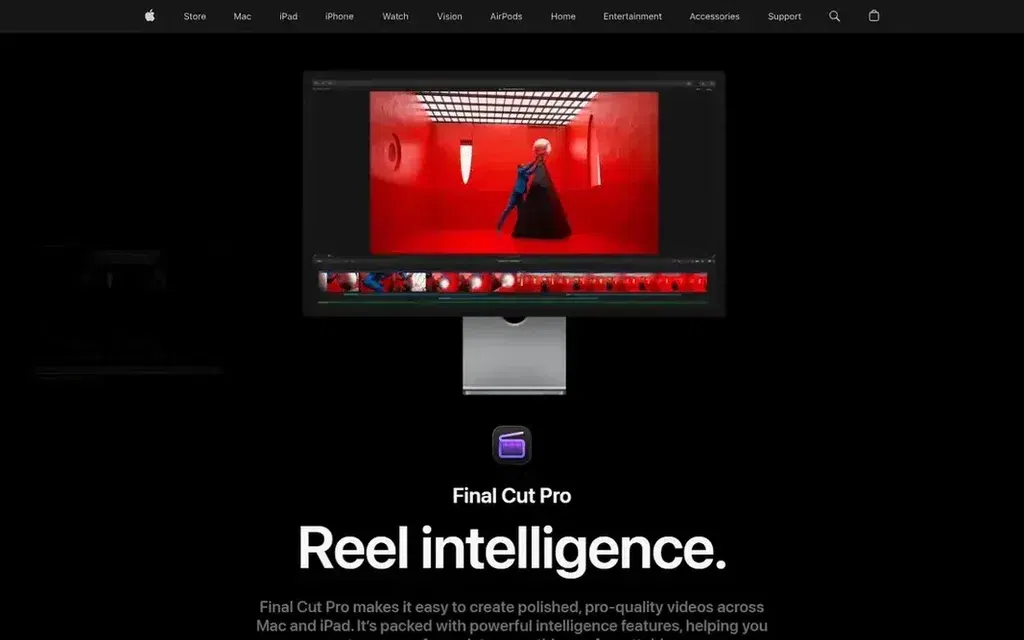
Final Cut Pro serves Mac and iPad editors who crop. Choose Final Cut Pro when you edit on Mac or iPad and want cropping inside a quick, native workflow.
Drawbacks to consider: One-time purchase cost.
From a buyer's view, editors who require cross-platform collaboration may look elsewhere. Final Cut Pro is Apple's professional video editing application, packed with feature-rich intelligence features that make pro-quality creation and editing simpler on Mac and iPad. This comparison lists no price for Final Cut Pro; ask the vendor. Free options: Not stated.
- Optimized for Mac and iPad
- Pro-quality editing environment
- Restricted to Apple platforms
CapCut is designed for fast social media video crops. Cropping is fast and oriented toward social formats, making it a solid fit for creators publishing short-form content.
The main drawbacks: Advanced controls are restricted.
CapCut does not show a starting price in this comparison, so check the vendor site for current pricing. You can start on CapCut without paying.
- AI-powered editing tools
- Desktop
- Online editing relies on connection
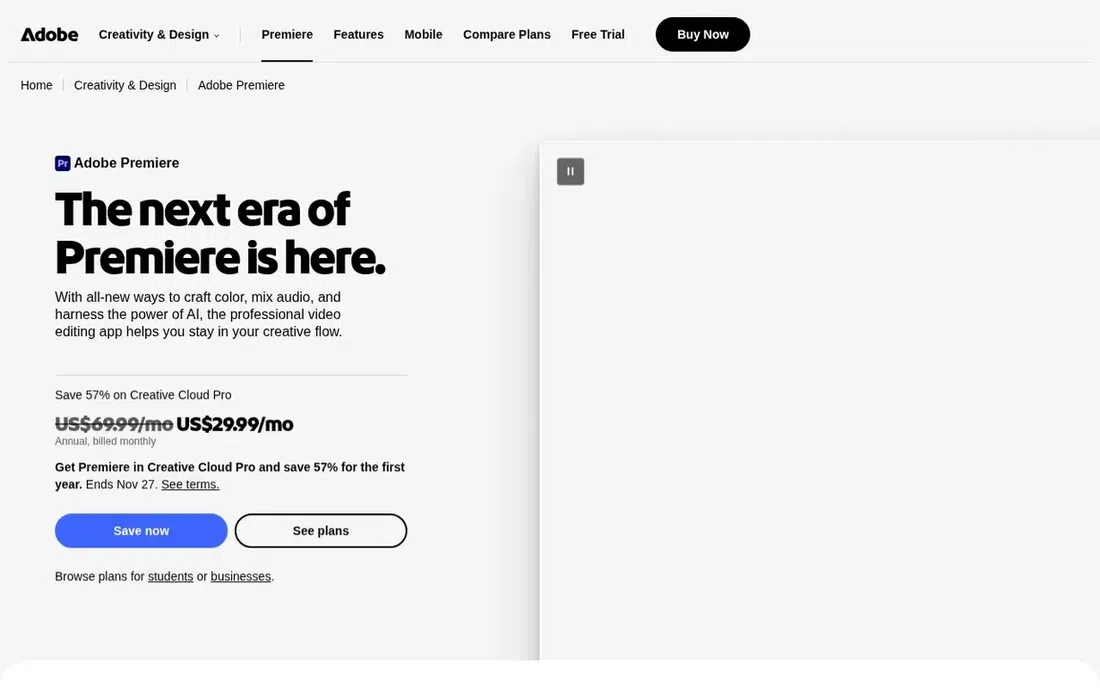
Adobe Premiere Pro targets professional editing and precise cropping. Adobe Premiere Pro is professional video editing and postproduction software for trimming, effects, audio mixing and more.
Points against: Demanding on system resources.
Choose Premiere Pro when cropping is one step in a broader professional edit. Adobe Premiere Pro shows no starting price here, so confirm the cost on the vendor site. Trial and free access: Not stated.
- Works within a professional postproduction workflow
- Full editing
- Needs a subscription
Our selection method
We compared the tools on published pricing, free plan or trial availability, feature coverage for video cropping software, and the limits each vendor documents. Where a vendor does not publish a price, the entry says quote. Where a price depends on seats or billing term, the entry says so. The sequence is a judgement call: typical use case first, then pricing transparency, then free access. Use the profiles to check fit.
Questions to settle before buying
- Ask each vendor, from VEGAS Pro to Adobe Premiere Pro, for a written quote; none of them publishes a starting price.
- Look at the free plan from CapCut closely: its caps decide whether it is usable for real work.
- Before choosing VEGAS Pro, weigh its main limit: Windows only.
- Confirm you can export your data from Adobe Premiere Pro, so leaving later does not mean losing records.
- Run a one or two week pilot of Final Cut Pro with the people who will use it every day.
FAQ
Do these tools publish their prices?
No. None of the tools, from VEGAS Pro to Adobe Premiere Pro, shows a fixed starting price here, so budget time for quotes.
Which options for video cropping software have a free plan?
CapCut is the only tool in this list with a free plan. Free plans usually cap users, projects or features, so check the limits on the vendor page. For the full picture, the cards above cover all 5 entries of this video Cropping software list, including price, free plan and limits.
Is VEGAS Pro the right pick for everyone comparing video cropping software?
No single tool suits every team. VEGAS Pro comes first because it fits Windows editors needing AI tools, while Camtasia suits tutorial and demo video cropping and Final Cut Pro suits Mac and iPad editors who crop. Match the tool to your own size, budget and workflow before deciding.
How are the tools for video cropping software ordered?
VEGAS Pro sits first and Adobe Premiere Pro last because the order follows typical fit for video cropping software, then price clarity and free access. It is a judgement call, so read each profile for fit and limits.
Sources
- https://www.vegascreativesoftware.com/us/vegas-pro
- https://www.techsmith.com/camtasia.html
- https://www.apple.com/final-cut-pro
- https://www.capcut.com
- https://www.adobe.com/products/premiere.html