Best AI Classroom Tools in 2026: 8 Tools Compared
Compare the best ai classroom tools in 2026, from MagicSchool and Khanmigo to Diffit and Brisk Teaching, with pricing, privacy notes and honest limits.
- Editor's choice
 MagicSchool AI
Broad teacher toolkit
Starts at$8.33 per monthVisit magicschool.aiFull review - Great alternative
 Khanmigo
Student tutoring
Starts atFreeVisit khanmigo.aiFull review - Also consider
 Curipod
Live interactive lessons
Starts atSee websiteVisit curipod.comFull review
TL;DR:
- MagicSchool AI is the broadest teacher toolkit, with many generators under one login and a free tier for individual teachers.
- Khanmigo is the strongest student tutoring choice, and it is free for US teachers, with district pricing for student access.
- Diffit is the best specialist for leveled reading, which matters most for mixed reading levels and multilingual learners.
- Brisk Teaching wins for teachers who live in Google Docs, because it works inside the document rather than in a separate tab.
- Privacy and accuracy checks matter more than feature counts in a classroom, so check data use, age rules and source accuracy before rollout.
Quick comparison
| Tool | Best for | Starts at | Free plan? | |
|---|---|---|---|---|
| MagicSchool AI | Broad teacher toolkit | $8.33 per month | Yes | Visit |
| Khanmigo | Student tutoring | Free | Yes | Visit |
| Curipod | Live interactive lessons | See website | Yes | Visit |
 Diffit | Leveled reading passages | $14.99 per month | Yes | Visit |
 Brisk Teaching | Feedback inside Google Docs | Free | Yes | Visit |
 SchoolAI | Guided student AI spaces | See website | Free trial | Visit |
 Eduaide | Lesson and worksheet generation | $5.99 per month | Yes | Visit |
 Gemini for Education | Google Workspace schools | See website | No | Visit |
The best AI classroom tools
AI classroom tools help teachers plan, differentiate, give feedback and run interactive lessons, and they help students practise with guidance rather than just answers. We compared official feature pages and recent pricing coverage in October 2026, and we kept tools that are actively offered to schools and teachers. Teachers should always review AI output before classroom use, and schools should check privacy, data use and age rules for their district before adopting any tool.
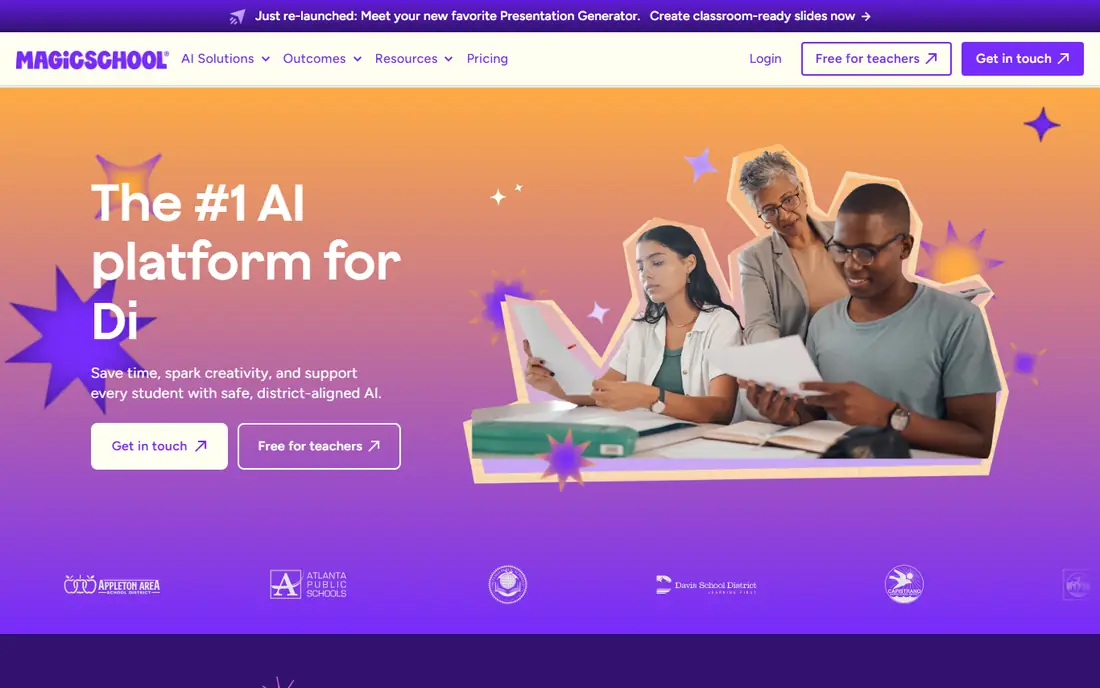
MagicSchool AI is the broadest toolkit in this list, with generators for lesson plans, rubrics, quizzes, writing feedback, report-card comments, differentiation and IEP goal drafts, plus student tools under teacher oversight. That breadth is why it is our pick for a teacher who wants one login instead of many single-purpose tools. The free tier covers normal weekly planning for many teachers, while Plus at $8.33 per month billed annually, or $12.99 monthly, adds higher usage and output history.
The size of the library is also its learning curve. You will need time to find the tools you actually use and to build good prompts for your grade and subject. MagicSchool states that student data is not used to train external models, but schools should still read the current privacy terms and district agreement before student use. For teacher planning, though, it is the most complete starting point.
- Free tier for individual teachers
- Plus at $8.33 per month billed annually
- More than 80 teacher tools plus student tools
- Large library takes time to learn
- Plus limits and Enterprise features need checking
- AI output still needs teacher review
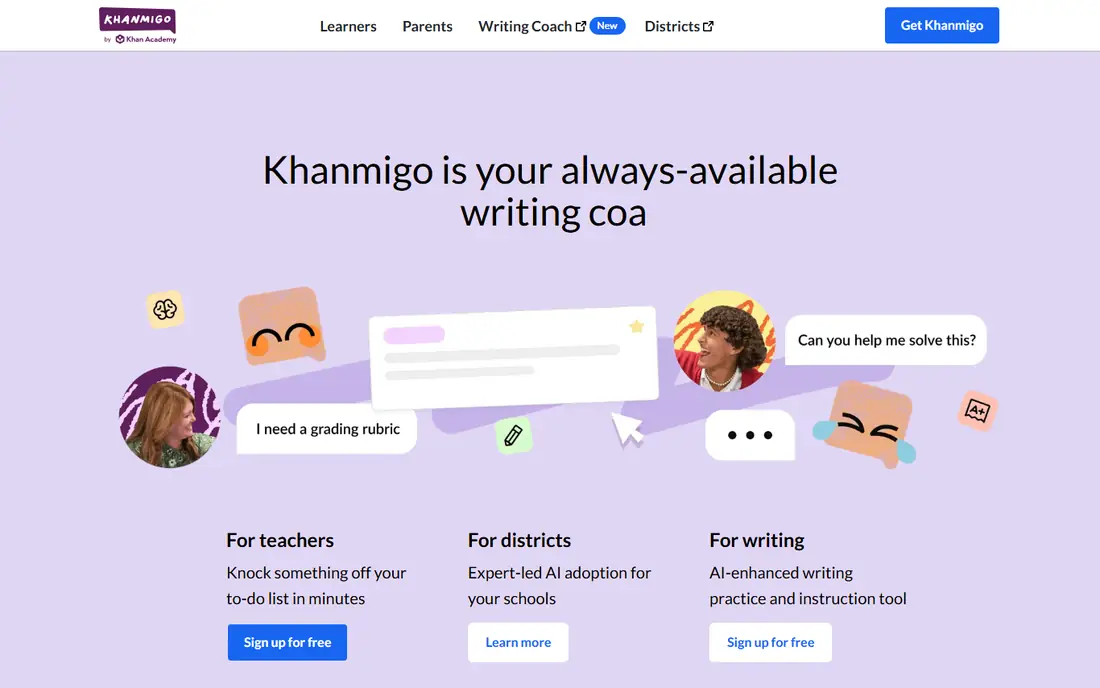
Khanmigo, from Khan Academy, is designed as a tutor that asks questions and guides students, rather than handing over answers. That Socratic approach suits maths, science and other subjects where the process matters as much as the final answer, and its alignment to Khan Academy content gives teachers a familiar base to build from. It is free for US teachers, which makes it easy to trial for planning and for guided student work where allowed.
Student-wide access is often a district purchase, so check your district's arrangement and age rules before rolling it out to a class. Subject coverage and depth also vary, so trial it on your actual topic and grade level. For tutoring that teaches thinking, rather than just answering, Khanmigo is the strongest choice in this list.
- Free for US teachers
- Socratic tutoring that guides rather than giving answers
- Aligned to Khan Academy content
- Student access is often a district purchase
- Subject coverage varies
- Needs teacher oversight for younger students
Curipod turns a lesson into a live, interactive experience. Teachers can generate slides with AI, add polls, word clouds and open questions, and students respond on their devices while the teacher sees answers in real time. AI feedback on student writing during the lesson helps teachers spot misunderstandings early, rather than waiting for homework to be marked.
That live model needs reliable devices and connectivity, and it suits teachers who run interactive lessons more than teachers who mainly lecture or assign independent work. School and district pricing is quote based, so individual teachers should start on the free tier and check what a school plan covers. For engagement and formative feedback in class, Curipod is a strong specialist.
- Free tier for trying it
- AI-generated interactive slides
- Live polls, word clouds and student writing with real-time feedback
- School and district pricing is quote based
- Live lessons need reliable devices and connectivity
- Value depends on live teaching style
Diffit solves a specific classroom problem well, which is giving the same topic at different reading levels. You can take a text, a topic or a link, and Diffit creates leveled passages, vocabulary, questions and summaries, which helps mixed-ability classes and multilingual learners access the same content. That differentiation work is slow by hand, so Diffit saves real planning time.
Premium at $14.99 per month or $149.99 per year is a real cost for an individual teacher, so check whether your school covers it or whether the free Basic tier covers your weekly use. Reading level labels also need a teacher check, because an AI level is an estimate, not a guarantee. For differentiation, though, Diffit is the clearest specialist in this list.
- Free Basic tier
- Premium at $14.99 per month or $149.99 per year
- Leveled passages, questions and summaries from any text
- Premium cost adds up for individual teachers
- Output needs checking for reading level accuracy
- Best for reading, not full lesson planning
Brisk Teaching is the lowest-friction tool in this list for Google Workspace schools, because it works inside the document you already use. As a Chrome extension over Google Docs, Slides and Forms, it can give rubric-based feedback, adjust reading levels, create quizzes from a document and help with lesson materials, without opening a separate app. The free Educator plan includes many tools, which makes it easy to start.
Paid Pro and school plans add higher usage and admin features, and pricing for those tiers needs checking on the vendor site. Schools that do not use Google Workspace will get less value, since the workflow is built around Docs and Classroom. For a Google school, Brisk is the tool most likely to actually get used every week, because it meets teachers where they already work.
- Free Educator plan with many tools
- Works as a Chrome extension inside Docs, Slides and Forms
- Rubric-based feedback in the document
- Paid Pro pricing needs checking on the vendor site
- Google Workspace focus limits non-Google schools
- AI feedback still needs teacher review
SchoolAI lets teachers create guided AI spaces for students, such as a tutor for a topic, a writing coach or a discussion partner, with teacher-set guardrails and oversight. That design suits schools that want students to use AI safely, with limits on what the AI will do and visibility for teachers. It also covers teacher tools for planning and feedback, so it is not only a student product.
Pricing is mainly for schools and districts, so individual teachers should use the trial and check what a school plan includes. The quality of a student space also depends on how well the teacher designs it, so training and example spaces matter. For a school that wants controlled student AI use, SchoolAI is a strong platform to trial.
- Teacher-controlled AI spaces for students
- Tools for tutoring, writing and discussion
- School controls and oversight features
- Pricing is quote based for schools
- Setup and training take time
- Value depends on teacher-designed spaces
Eduaide focuses on generating classroom resources, with many templates for worksheets, lesson plans, rubrics, assessments and feedback. Its Pro plan at $5.99 per month or $49.99 per year is low compared with Diffit or MagicSchool Plus, which makes it an easy individual purchase for a teacher who needs regular resources. The free tier with monthly credits lets you test the quality on your own topics before paying.
Free credits run out quickly if you generate many resources, so heavy users will need Pro. Output also needs editing for your class, subject and standards, as with every AI generator. For a teacher who wants a low-cost, pedagogy-focused generator without a huge library to learn, Eduaide is a good fit.
- Free tier with monthly credits
- Pro at $5.99 per month or $49.99 per year
- Many resource types including worksheets and rubrics
- Free credits are limited each month
- Output needs teacher editing
- Smaller brand than MagicSchool for district rollouts
Gemini for Education brings Google's AI into the Workspace apps schools already use, including Docs, Classroom and Drive, with education privacy terms that state data is not used for training. For a Google Workspace school, that integration is the appeal, because teachers and students do not need a new login or a new workflow to get AI help with planning, feedback and research.
Access depends on your Workspace edition. Some Gemini features are included in all Workspace for Education editions, while others need Education Plus or a paid add-on, so check your admin console before promising a feature to staff. It is also less of a standalone teacher toolkit than MagicSchool, since it is general AI inside Workspace rather than a library of teacher-specific generators. For a Google school, though, it is a sensible foundation to build on.
- Included in Workspace for Education editions
- AI help inside Docs, Classroom and other Workspace apps
- Data not used for training in education editions
- Some features need Education Plus or an add-on
- School admin setup decides access
- Less of a standalone teacher toolkit than MagicSchool
How we picked these
We compared official feature pages and recent pricing coverage, and we kept tools that are actively offered to teachers and schools in October 2026 and truly fit classroom use, rather than general chatbots with no education controls. We looked for a teacher or student workflow, a free or trial path where offered, and privacy and oversight features that matter in schools. We did not rank on marketing claims about learning gains, and we treated every AI output as something a teacher must review.
How to choose for your classroom
Start with your platform. Google schools should trial Brisk Teaching and Gemini for Education first, because they work inside the tools teachers already use. Schools that want a broad teacher toolkit should trial MagicSchool, while schools that need student tutoring should trial Khanmigo and SchoolAI, depending on district arrangements.
Next, run a privacy and accuracy check. Read the vendor privacy terms, ask whether student data is used for training, check age rules and district data agreements, and trial the tool on your actual grade, subject and standards. Finally, trial with one class for a few weeks, and measure time saved on planning and feedback, not just whether students liked the novelty. A tool that saves planning time and keeps accuracy high is the one worth keeping.
FAQ
Which AI tools are best for classrooms?
MagicSchool AI is best for a broad teacher toolkit, Khanmigo is best for student tutoring, Diffit is best for leveled reading, and Brisk Teaching is best for feedback inside Google Docs. The best choice depends on whether you need planning, tutoring, differentiation or feedback most.
Are AI classroom tools free for teachers?
Many offer a free tier for individual teachers, including MagicSchool, Brisk Teaching and Eduaide, and Khanmigo is free for US teachers. Free tiers usually limit usage or features, and student-wide or district access is often paid, so check the limits for your use case.
Is student data used to train AI models in these tools?
Policies vary by vendor and by plan, and education editions often state that data is not used for training. MagicSchool and Gemini for Education both make education privacy commitments, but schools should read the current terms and district agreement for each tool before student use, rather than relying on a summary.
Can AI replace teacher lesson planning?
AI can speed up first drafts, differentiation and feedback, but it cannot replace teacher judgment about standards, student needs and accuracy. Teachers should review and edit every AI output before classroom use, and check facts, reading levels and alignment to their curriculum.
What is the best AI tool for differentiated instruction?
Diffit is the strongest specialist for leveled reading passages and questions, while MagicSchool also offers differentiation tools inside its broader library. For a class with wide reading ranges or multilingual learners, Diffit is the clearer pick, with teacher checks on reading level accuracy.
How should schools roll out AI classroom tools safely?
Start with a small pilot, a clear acceptable-use policy, teacher training and a privacy review. Give teachers time to review AI output, set rules for student use, and collect feedback on time saved and accuracy before a wider rollout. A slow pilot prevents a fast rollout of a tool that does not fit your curriculum or privacy needs.