Top 6 Deck Design Software for 2026 (Prices and Free Plans)
Comparing the best deck design software? 6 contenders, each with entry cost, free tier and best-fit buyer. The catches are listed up front. Numbers first.
- Editor's choice
 Prezi
Interactive live presentations
Starts atSee websiteVisit prezi.comFull review - Great alternative
 Pitch
Collaborative team presentation building
Starts at€10 a monthVisit pitch.comFull review - Also consider
 Beautiful.ai
On-brand decks across enterprise teams
Starts at$14.50 a monthVisit beautiful.aiFull review
Direct answer
For interactive live presentations, Prezi is where this list starts. Listed starting prices: Pitch from €10 a month and Beautiful.ai from $14.50 a month. Alternatives: Pitch for collaborative team presentation building, and Beautiful.ai for on-brand decks across enterprise teams. The remaining 3 options are covered below with prices and limits.
TL;DR:
- Number one here is Prezi, a fit for interactive live presentations.
- Pitch is the only tool of the 6 with a free plan.
- A fair warning about Beautiful.ai: less freeform layout control.
- Canva fits versatile visual design across formats.
Last checked November 2026. Prices and plan details were read from the vendors' own pages in November 2026; vendors change plans often, so confirm the current price on the vendor site before you buy.
Quick comparison
| Tool | Best for | Starts at | Free plan? | |
|---|---|---|---|---|
| Prezi | Interactive live presentations | See website | Not stated | Visit |
| Pitch | Collaborative team presentation building | €10 a month | Yes | Visit |
| Beautiful.ai | On-brand decks across enterprise teams | $14.50 a month | Free trial | Visit |
 Genially | Interactive and animated content | See website | Not stated | Visit |
 Microsoft PowerPoint | In-depth pitch decks and slideshows | See website | Not stated | Visit |
 Canva | Versatile visual design across formats | See website | Not stated | Visit |
Deck Design Software, one by one
This LinkVetted guide covers 6 options for deck design software. Each profile lists a starting price, free plan details, strengths and drawbacks, so you can drop poor fits quickly.
In short, Prezi is for interactive live presentations. It fits trainers and educators who want audience participation instead of a passive slideshow.
Honest limits: Nonlinear style fits some audiences better.
The interactive emphasis brings preparation compared to straightforward slide decks, and some corporate audiences expect conventional slides. Pricing for Prezi is not stated here, so ask the vendor for current figures. Free access: Not stated.
- Accepts existing slides
- Interactive presentation format
- Interactive features add setup work
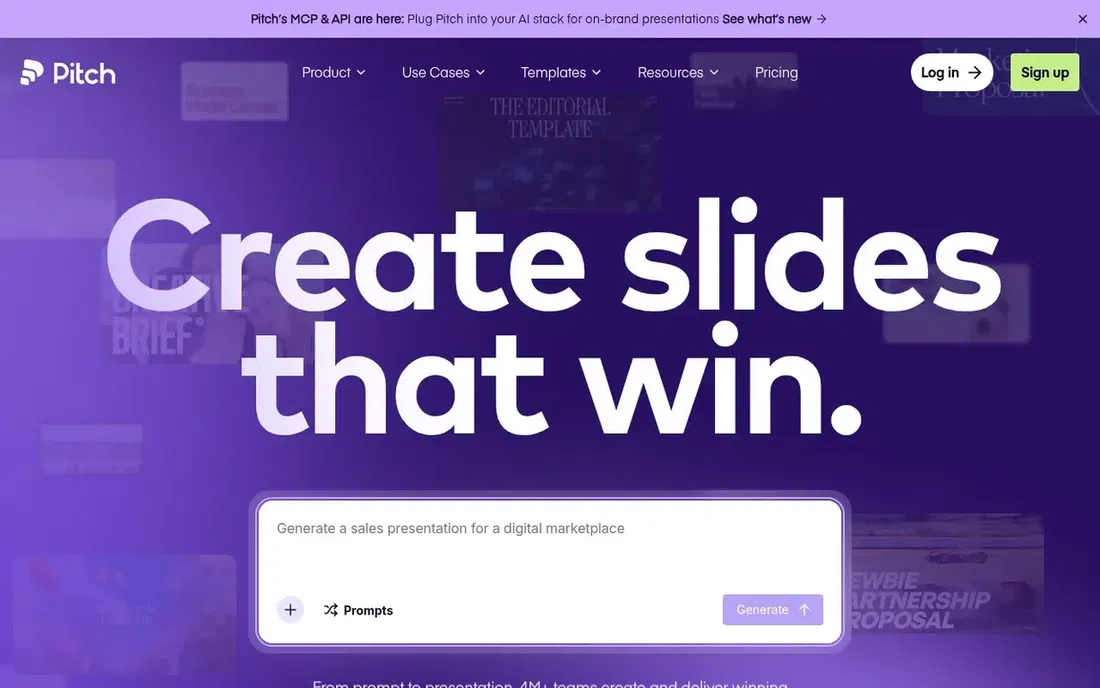
Where Pitch fits: collaborative team presentation building. Pitch is a collaborative presentation product for teams that want to produce, share and deliver better work, presented as an AI presentation workspace. As for the details, as a presentation-focused tool, it is not a general graphic design suite, so mixed-format projects may need another tool.
Pick Pitch when collaboration across a team is the central requirement. Solo users with straightforward needs may find dedicated slide apps sufficient. On cost, Pitch starts like this: €10 per month. Pitch offers a free plan.
Drawbacks to consider: Narrower design scope than general design tools. Highlights: sharing and delivering; Built around team collaboration.
- Includes creating
- AI-assisted workspace framing
- Best value presents when a team adopts it together
Beautiful.ai makes the most sense for on-brand decks across enterprise teams. Beautiful.ai is an AI presentation product made for enterprise teams, keeping every deck on-brand and ready to share across a company.
Watch-outs: Enterprise orientation may exceed small-team needs.
That guidance can limit users who want unusual or highly custom slide layouts. Smaller teams without strict brand needs may prefer a more adaptable editor. Price to start with Beautiful.ai: $14.50 per month. Free options: Free trial.
- Pitched at enterprise team workflows
- Keeps decks ready to share company-wide
- Less freeform layout control
Genially serves interactive and animated content. The breadth of choices can slow down users who just need a clean slide deck, and interactive builds take more planning.
Where it shines: Animation without coding.
The main drawbacks: Feature breadth can be overwhelming.
It fits creators who want a deck to be one part of a richer interactive experience, like training material or educational content. Check the vendor site for Genially pricing; none is listed in this comparison. Free plan details: Not stated.
- Wide format coverage in one tool
- Infographics and quizzes
- Straightforward decks may not need the interactivity
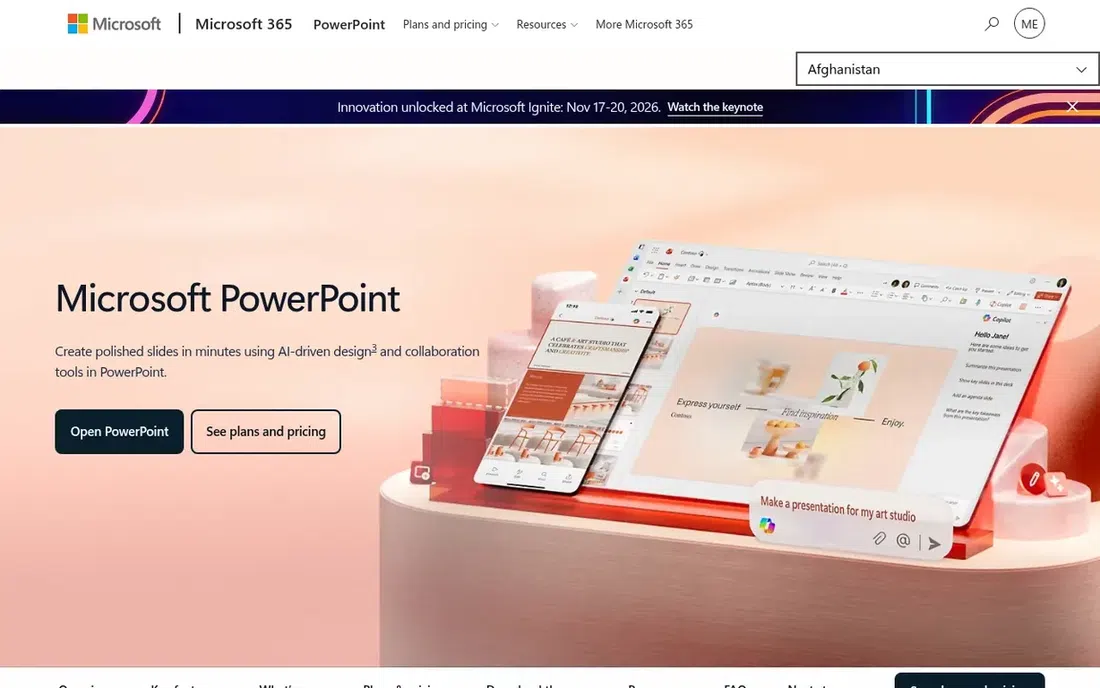
Microsoft PowerPoint works best for in-depth pitch decks and slideshows. Choose PowerPoint when deck depth and file compatibility outweigh simplicity.
Drawbacks to consider: Design quality relies on user skill.
It remains the default format most organizations expect to receive. This comparison lists no price for Microsoft PowerPoint; ask the vendor. Free options: Not stated.
- Deep slide and layout controls
- Familiar to most business audiences
- Collaboration feels less fluid than web-first tools
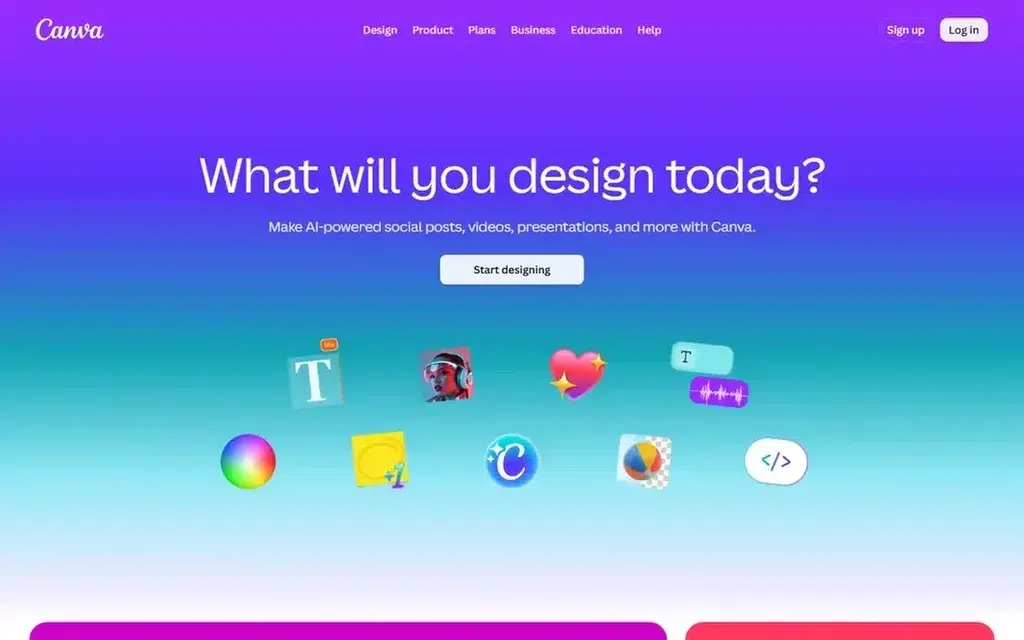
Canva is aimed squarely at versatile visual design across formats. Canva is an online graphic design tool aimed at social posts, presentations, posters, videos, logos and more.
Watch-outs: Less precise slide control than dedicated deck tools.
What users get: Broad template and asset library. Worth adding: since it treats decks as one output among numerous, it suits people who want slides to match other brand materials without switching tools. No starting price is listed for Canva here; confirm pricing on the vendor site. Free access: Not stated.
- Browser-based and approachable for beginners
- Posters and decks in one place
- Complicated decks can feel template-driven
How these tools were picked
Selection started from tools commonly considered for deck design software, then narrowed to 6 that have clear pricing information or a clear quote process. Seat minimums, billing terms and add-ons can move the real cost, so the starting prices here are a guide and not a quote. Tools are placed by general fit for deck design software, with price clarity and free access as tie-breakers. A different team can reasonably rank them differently.
What to check before you buy
- Confirm the entry price on the vendor page. For Prezi, Genially, Microsoft PowerPoint and Canva that means a quote rather than a fixed price.
- Look at the free plan from Pitch closely: its caps decide whether it is usable for real work.
- Take the trial from Beautiful.ai and push a live task through it before you pay.
- Before choosing Prezi, weigh its main limit: nonlinear style fits some audiences better.
- See whether Microsoft PowerPoint offers onboarding or training, and whether it is included in the price.
- Compare total cost, not headline price: for Pitch, add extra seats, add-ons and any usage-based charges.
FAQ
How are the tools for deck design software ordered?
The order follows typical fit for deck design software, with Prezi first and Canva last, then price clarity and free access. It is editorial judgement, not a score, so another team could rank the tools differently.
Can I try these options before paying?
Often, yes. Pitch has a free plan and Beautiful.ai offers a free trial. Use your own data and a real task during the test, and check what the free tier or trial limits before you rely on it. Prices, free plan details and limits for all 6 tools in this deck design software roundup sit on the individual cards above.
Which deck design tool is a good match for beginners?
The first pick on this list is Prezi, because it suits interactive live presentations. Pitch is better for collaborative team presentation building, and Beautiful.ai for on-brand decks across enterprise teams. Check price and limits against your own needs before choosing.
What should I check before committing to deck design software?
Confirm layout and animation support, collaboration and sharing behavior, export formats and how existing slides import. Also review template and brand consistency choices against your guidelines.
Is Prezi the right pick for everyone comparing deck design software?
No single tool suits every team. Prezi comes first because it fits interactive live presentations, while Pitch suits collaborative team presentation building and Beautiful.ai suits on-brand decks across enterprise teams. Match the tool to your own size, budget and workflow before deciding.
What is the cheapest option for deck design software in this list?
On published monthly entry prices, Beautiful.ai is the lowest here at $14.50 per month. Entry price is only part of the cost, because seats, add-ons and billing terms can change the total. Each of the 6 options in this deck design software guide has its own card above with the price, free plan and limits.
Sources
- https://prezi.com
- https://pitch.com
- https://www.beautiful.ai
- https://genially.com
- https://www.microsoft.com/microsoft-365/powerpoint
- https://www.canva.com