6 Best Edit Video Software for 2026, Vetted and Compared
6 tools for the best edit video software, compared on pricing, free plans and best-fit use. Cost notes and weak points included. Skim the table first.
- Editor's choice
 CyberLink PowerDirector
Quick editing with AI tools and effects
Starts at$54.99 a monthVisit cyberlink.comFull review - Great alternative
 Filmora
AI-assisted editing on desktop and mobile
Starts atSee websiteVisit filmora.wondershare.comFull review - Also consider
 DaVinci Resolve
Color correction and all-in-one postproduction
Starts atSee websiteVisit blackmagicdesign.comFull review
Direct answer
CyberLink PowerDirector is the first pick on this list for quick editing with AI tools and effects. Listed starting prices: CyberLink PowerDirector from $54.99 a month. If your case is different, Filmora suits AI-assisted editing on desktop and mobile and DaVinci Resolve suits color correction and all-in-one postproduction. All 6 tools are compared below on price, free plan and limits.
TL;DR:
- CyberLink PowerDirector is the opening pick, best for quick editing with AI tools and effects.
- None of the 6 tools, from CyberLink PowerDirector to Vegas Pro, has a free plan, so budget for a subscription or use a trial.
- For Windows editing with AI and audio tools, Vegas Pro is worth a look.
- The cheapest monthly starting price in the list is $54.99 per month, offered by CyberLink PowerDirector.
- What to know about Adobe Premiere Pro first: large feature set can overwhelm beginners.
Last checked November 2026. Prices and plan details were read from the vendors' own pages in November 2026; vendors change plans often, so confirm the current price on the vendor site before you buy.
Quick comparison
| Tool | Best for | Starts at | Free plan? | |
|---|---|---|---|---|
| CyberLink PowerDirector | Quick editing with AI tools and effects | $54.99 a month | Not stated | Visit |
| Filmora | AI-assisted editing on desktop and mobile | See website | Not stated | Visit |
| DaVinci Resolve | Color correction and all-in-one postproduction | See website | Not stated | Visit |
 Adobe Premiere Pro | Professional editing and postproduction workflows | See website | Not stated | Visit |
 Final Cut Pro | Mac and iPad editors wanting pro features | See website | Not stated | Visit |
 Vegas Pro | Windows editing with AI and audio tools | See website | Not stated | Visit |
Edit Video Software compared in detail
This LinkVetted guide covers 6 options for edit video software. Each profile lists a starting price, free plan details, strengths and drawbacks, so you can drop poor fits quickly.
Where CyberLink PowerDirector fits: quick editing with AI tools and effects. It suits creators who want to assemble refined videos quickly and who benefit from built-in media instead of sourcing everything separately.
Points against: Advanced users may want deeper controls.
On top of that, if your work is highly custom, a deeper tool may fit better. What you pay to start with CyberLink PowerDirector: $54.99 per month. On free options: Not stated.
- AI tools targeted at quicker edits
- Pro-grade effects included
- Asset-heavy interface can feel busy
Filmora serves AI-assisted editing on desktop and mobile. Captions and audio tools include typical social and presentation needs. It is not designed to match the depth of professional postproduction suites, and capabilities vary between desktop and mobile.
Trade-offs to know: Mobile and desktop differ in capability.
What Filmora does well: audio choices.
Worth adding: pick Filmora when approachable editing across devices is the priority. In practice, Filmora is AI-powered video editing software for desktop and mobile, with easy-to-learn timeline tools, AI features, effects, captions, audio, and more. Filmora does not show a starting price in this comparison, so check the vendor site for current pricing. Free plan details: Not stated.
- Easy-to-learn timeline tools
- Desktop and mobile versions
- More straightforward than professional suites
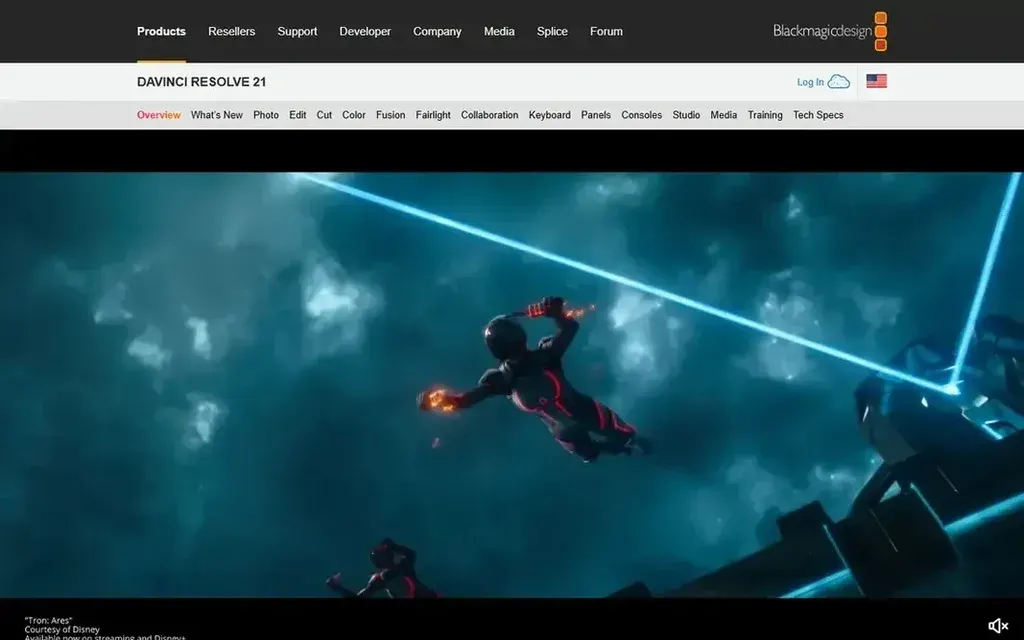
Where DaVinci Resolve fits: color correction and all-in-one postproduction. The vendor supplies free and premium versions for Mac, Windows, and Linux, which makes it appealing to editors who want one environment for the entire post pipeline.
Where it falls short: Numerous modules to learn.
Also, since it spans so plenty of disciplines, the interface and module structure can feel dense at first. In practice, editors who only need basic cuts may find a more straightforward tool quicker to learn. Pricing for DaVinci Resolve is not stated here, so ask the vendor for current figures. Free access: Not stated. Best features of DaVinci Resolve: Free and premium versions offered by the vendor.
- Editing, color
- Available for Mac, Windows, Linux
- Dense interface for newcomers
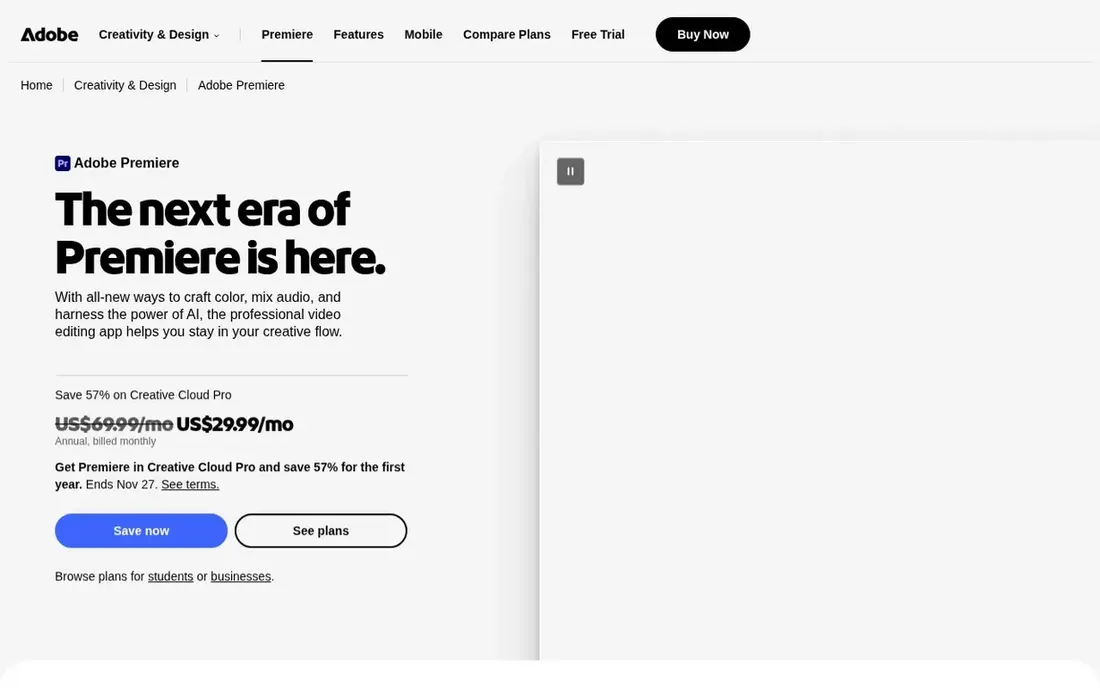
Adobe Premiere Pro is aimed squarely at professional editing and postproduction workflows. Pick Premiere Pro when professional editing breadth matters more than simplicity.
Where it is weaker: Large feature set can overwhelm beginners.
In daily use, if you primarily need fast social clips or a more straightforward timeline, a lighter consumer editor may be simpler to live with. Adobe Premiere Pro is positioned as professional video editing and postproduction software. Check the vendor site for Adobe Premiere Pro pricing; none is listed in this comparison. Free plan details: Not stated.
- Audio mixing and video extension features
- Editing, trimming
- Subscription-based access model
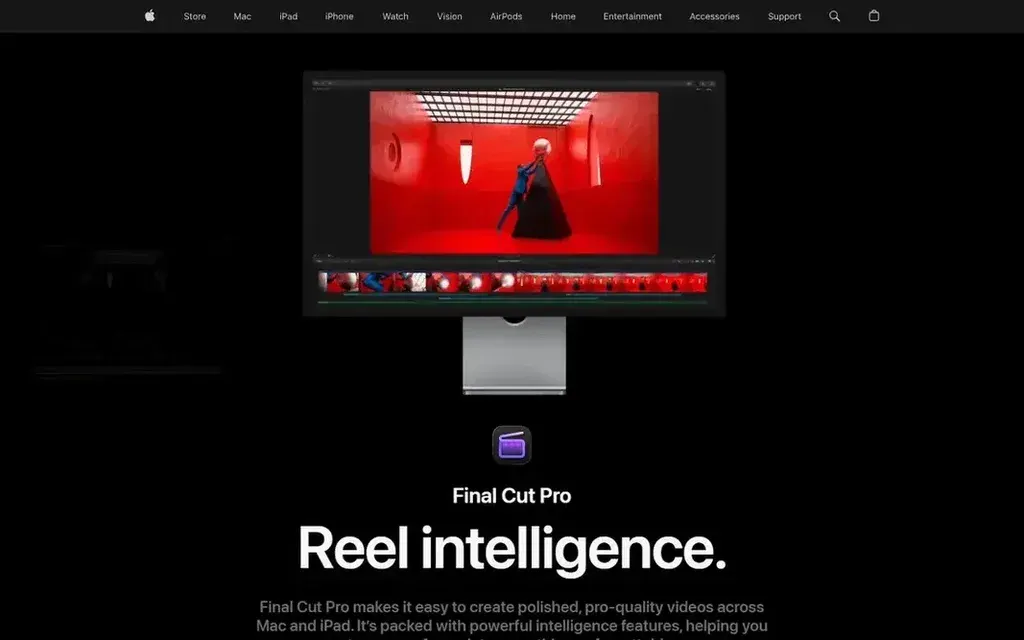
Final Cut Pro is aimed squarely at Mac and iPad editors wanting pro features. If your team mixes operating systems, a cross-platform tool may be more practical.
Limits to weigh: Tied to Apple hardware.
Final Cut Pro is Apple's editing application, described as packed with capable intelligence features that make pro-quality video creation and editing simple on Mac and iPad. In daily use, the primary limitation is product: it is aimed at Mac and iPad, so Windows and Linux editors need a different choice. This comparison lists no price for Final Cut Pro; ask the vendor. Free options: Not stated.
- Intelligence features support quicker editing
- Made for Mac and iPad
- Not targeted at Windows or Linux users
Vegas Pro targets Windows editing with AI and audio tools. Vegas Pro is professional video editing software for Windows, with AI tools, color grading, visual effects, and audio highlighted by the vendor.
Honest limits: Feature breadth takes time to master.
It is a Windows-oriented tool, so Mac and Linux users will have to look elsewhere. Choose Vegas Pro when you edit on Windows and want AI assistance plus audio and color tools together. No starting price is listed for Vegas Pro here; confirm pricing on the vendor site. Free options: Not stated.
- AI tools and audio features highlighted
- Professional editing on Windows
- Windows-focused
How we chose
Pricing pages, product documentation and feature lists were the main sources, and every entry carries at least one honest drawback. Plan names, prices and limits change often. Treat the figures here as a starting point and verify them with the vendor. The order reflects how well each tool fits the most common buying scenario for edit video software, then price clarity, then free plan access. It is a starting point, not a verdict.
Before you commit
- Ask Filmora, DaVinci Resolve, Adobe Premiere Pro and others for a written quote, since no starting price is shown.
- Before choosing CyberLink PowerDirector, weigh its main limit: asset-heavy interface can feel busy.
- Add up seats, add-ons and usage charges for Adobe Premiere Pro before comparing it with cheaper entries.
- Confirm that Vegas Pro connects to the apps your team already uses, on the plan you would actually buy.
- Ask the daily users to test Final Cut Pro on a live task before you roll it out to everyone.
FAQ
Can I edit video on a Mac and iPad?
Filmora also provides desktop and mobile versions. Check that the features you depend on are available on each device you plan to use.
Do these tools publish their prices?
Not all of them. Filmora, DaVinci Resolve, Adobe Premiere Pro and others publish no starting price, so expect a quote request for those. The rest, CyberLink PowerDirector included, show a starting price, though seats and billing terms still change the final cost.
Is CyberLink PowerDirector the right pick for everyone comparing edit video software?
No single tool suits every team. CyberLink PowerDirector comes first because it fits fast editing with AI tools and effects, while Filmora suits AI-assisted editing on desktop and mobile and DaVinci Resolve suits color correction and all-in-one postproduction. Match the tool to your own size, budget and workflow before deciding.
How are the tools for edit video software ordered?
CyberLink PowerDirector sits first and Vegas Pro last because the order follows typical fit for edit video software, then price clarity and free access. It is a judgement call, so read each profile for fit and limits.
Which video editing software is a good match for beginners?
Start with CyberLink PowerDirector if you need quick editing with AI tools and effects. Filmora is the better match for AI-assisted editing on desktop and mobile, and DaVinci Resolve for color correction and all-in-one postproduction. The best choice depends on budget, team size and workflow.
Can I try these options before paying?
Not by default. None of the tools, from CyberLink PowerDirector to Vegas Pro, lists a free plan or a free trial here, so ask each vendor for a demo before committing.
Sources
- https://www.cyberlink.com/products/powerdirector/overview_en_US.html
- https://filmora.wondershare.com
- https://www.blackmagicdesign.com/products/davinciresolve
- https://www.adobe.com/products/premiere.html
- https://www.apple.com/final-cut-pro
- https://www.vegascreativesoftware.com/us/vegas-pro