6 Best Diagramming Software for Engineers for 2026, Vetted and Compared
6 best diagramming software for engineers, with entry costs, free tiers and the buyer each one serves. Verdicts stay brief and factual. Pick with confidence.

- Editor's choice
 SmartDraw
Layouts, plans, and straightforward flowcharts
Starts atSee websiteVisit smartdraw.comFull review - Great alternative
 Creately
Org, process, and cloud planning with AI
Starts atSee websiteVisit creately.comFull review - Also considerGliffy
Technical diagrams inside Confluence
Starts at$2.80 per user per monthVisit gliffy.comFull review
Direct answer
SmartDraw leads the list, best for Layouts, plans, and straightforward flowcharts. Listed starting prices: Gliffy from $2.80 per user per month and Miro from $8 per member a month. Creately is the stronger choice for Org, process, and cloud planning with AI, while Gliffy suits technical diagrams inside Confluence. All 6 tools are compared below on price, free plan and limits.
TL;DR:
- SmartDraw takes the first slot, best suited to Layouts, plans, and straightforward flowcharts.
- Lucidchart is the one to check for data-linked system and process diagrams.
- A free plan is available from 3 of the 6 tools: Creately, Gliffy, Miro.
- One limit worth knowing about SmartDraw: layout focus may not suit deep technical diagrams.
- Starting prices begin at $2.80 per user per month with Gliffy.
Last checked November 2026. Prices and plan details were read from the vendors' own pages in November 2026; vendors change plans often, so confirm the current price on the vendor site before you buy.
Quick comparison
| Tool | Best for | Starts at | Free plan? | |
|---|---|---|---|---|
| SmartDraw | Layouts, plans, and straightforward flowcharts | See website | Free trial | Visit |
| Creately | Org, process, and cloud planning with AI | See website | Yes | Visit |
| Gliffy | Technical diagrams inside Confluence | $2.80 per user per month | Yes | Visit |
 draw.io | Security-first teams controlling data storage | See website | Not stated | Visit |
 Miro | Collaborative visual planning sessions | $8 per member a month | Yes | Visit |
 Lucidchart | Data-linked system and process diagrams | See website | Not stated | Visit |
The best diagramming software for engineers
Choosing diagramming software for engineers usually comes down to price, fit and limits. This LinkVetted guide sets 6 tools side by side on those three points, with the facts kept short and checkable.
For Layouts, plans, and straightforward flowcharts, SmartDraw is a natural candidate. Engineers who require facility layouts, evacuation plans, or fast process diagrams alongside their technical work will find it practical. Its strength in layouts and plans means it is less specialized for deep technical or data-linked system diagrams.
For everyday use, SmartDraw emphasizes simple floor plans and other layouts, with the vendor stating no training is required to produce accurate plans for buildings, offices, sites, and safety layouts, alongside flowcharts and org charts. Worth adding: teams documenting software architecture may prefer a tool built around systems and data. No starting price is listed for SmartDraw here; confirm pricing on the vendor site. As for free access: Free trial.
Where it is weaker: Less centered on engineering systems.
- Emphasis on no training required
- Solid layout and plan templates
- Layout focus may not suit deep technical diagrams
Pick Creately if this describes you: Org, process, and cloud planning with AI. Creately centres on org planning, process mapping, and cloud architecture, with the vendor describing software that you and your AI work on together, starting from HR data, procedures, and cloud accounts.
Honest limits: AI features need review for accuracy.
As for the details, verify how data imports work with your own systems before committing. Creately does not show a starting price in this comparison, so check the vendor site for current pricing. Creately has a free plan.
- AI-assisted planning workflows
- Org and process mapping focus
- Narrower than general-purpose canvas tools
Gliffy
Best for: Technical diagrams inside Confluence
In short, Gliffy is for technical diagrams inside Confluence. Also, since it is positioned around Confluence, Gliffy is less compelling for organizations outside that ecosystem or for general-purpose drawing.
Check current integration and feature details on the vendor site. Starting cost for Gliffy: $2.80 per user per month. You can start on Gliffy without paying.
What to check first: Narrower appeal outside Atlassian stacks.
- Technical diagramming focus
- Designed for Confluence workflows
- Less suited to non-technical drawing
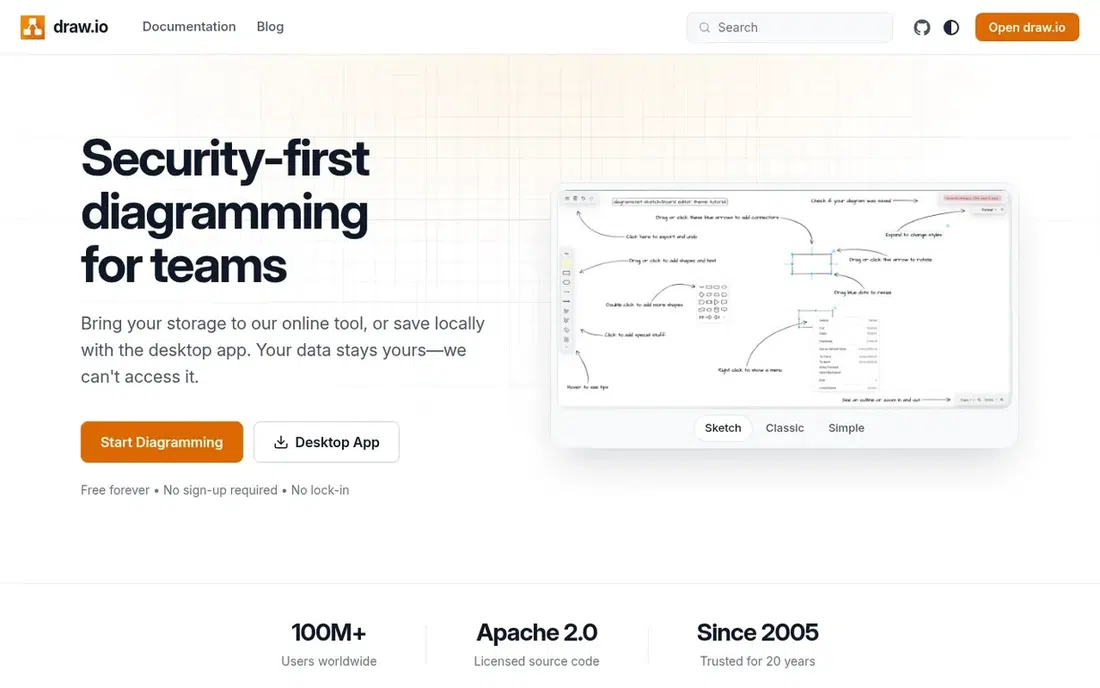
For security-first teams controlling data storage, draw.io is a natural candidate. That positioning suits engineering and security-conscious groups that require diagrams without handing file storage to a third party.
It does well for teams that value control over where diagrams live. draw.io does not show a starting price in this comparison, so check the vendor site for current pricing. As for free access: Not stated.
Points against: Fewer automation features than AI-first tools.
- Free diagramming application
- Vendor states it cannot access your data
- Advanced governance needs may need setup
In short, Miro is for collaborative visual planning sessions. Miro presents itself as an AI innovation workspace that helps teams move from ideation to launch, align people, and break down tool silos in one visual product.
Beyond that, Miro's strength is breadth, so teams needing highly technical, data-bound diagrams may find dedicated diagramming tools more precise. On top of that, consider it when collaboration and visual planning matter as much as the finished diagram. Starting cost for Miro: $8 per member per month. A free plan is available with Miro.
Watch-outs: Best value for teams, not solo users.
- Shared visual workspace
- AI-powered product positioning
- Wide scope can dilute diagram precision
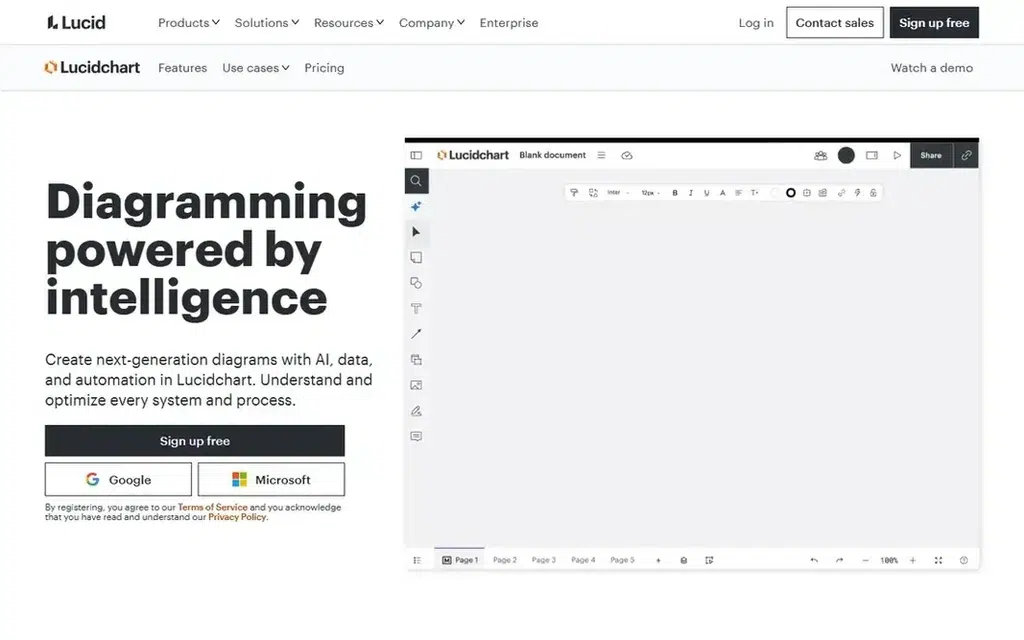
For data-linked system and process diagrams, Lucidchart is a natural candidate. Its homepage emphasizes creating next-generation diagrams and understanding and optimizing systems and processes, which fits engineers who want diagrams tied to real system information instead of static drawings.
Lucidchart shows no starting price here, so confirm the cost on the vendor site. Free plan details: Not stated.
Trade-offs to know: Browser-based work depends on connectivity.
- Capable system and process focus
- AI-assisted diagram creation
- Feature depth can overwhelm new users
How we compared the tools
We compared the tools on published pricing, free plan or trial availability, feature coverage for diagramming software for engineers, and the limits each vendor documents. Prices and plan limits come from vendor pages and can change, so confirm them on the vendor site before you buy. The ranking is editorial: typical fit first, then clear pricing, then free access. If your needs are unusual, read the profiles rather than relying on position.
Pre-purchase checklist
- Get a written quote from SmartDraw, Creately, draw.io and Lucidchart; the list shows no starting price for them.
- Read the fine print on the free plans from Creately, Gliffy and Miro; seat, project and feature caps differ.
- Use real work to test the free trial from SmartDraw, rather than a demo project.
- Before choosing SmartDraw, weigh its main limit: layout focus may not suit deep technical diagrams.
- Work out what Gliffy costs with your real seat count, add-ons and usage, not just the entry price.
- Check whether Miro bills monthly or annually, and what cancelling early costs.
FAQ
How are the tools for diagramming software for engineers ordered?
SmartDraw sits first and Lucidchart last because the order follows typical fit for diagramming software for engineers, then price clarity and free access. It is a judgement call, so read each profile for fit and limits.
Can these tools replace documentation products?
Diagramming tools complement documentation instead of replace it. Gliffy, for instance, is positioned for technical diagramming inside Confluence, keeping diagrams near written knowledge.
Can I try these tools before paying?
Often, yes. Creately, Gliffy and Miro have a free plan and SmartDraw offers a free trial. Use your own data and a real task during the test, and check what the free tier or trial limits before you rely on it. Each of the 6 options in this Diagramming software for engineers guide has its own card above with the price, free plan and limits.
Is SmartDraw the right pick for everyone comparing diagramming software for engineers?
No single tool suits every team. SmartDraw comes first because it fits Layouts, plans, and straightforward flowcharts, while Creately suits Org, process, and cloud planning with AI and Gliffy suits technical diagrams inside Confluence. Match the tool to your own size, budget and workflow before deciding.
Do these tools publish their prices?
Not all of them. SmartDraw, Creately, draw.io and Lucidchart publish no starting price, so expect a quote request for those. The rest, Gliffy included, show a starting price, though seats and billing terms still change the final cost.
Sources
- https://www.smartdraw.com
- https://creately.com
- https://www.gliffy.com
- https://www.drawio.com
- https://miro.com
- https://www.lucidchart.com