Choosing Architectural Diagramming Tools for Engineers in 2026: 6 Options Compared
Searching for the best architectural diagramming tools for engineers? Here are 6 options with prices and free plans. Real limits included. Straight answers.

- Editor's choice
 Miro
Visual collaboration across product development
Starts at$8 per member a monthVisit miro.comFull review - Great alternative
 Creately
Org, process and cloud architecture mapping
Starts atSee websiteVisit creately.comFull review - Also consider
 Lucidspark
Whiteboard ideation tied to Lucid diagrams
Starts atSee websiteVisit lucid.coFull review
Direct answer
Miro comes first here, mainly for visual collaboration across product development. Listed starting prices: Miro from $8 per member a month and Mural from $9.99 per member per month. Creately fits Org, process and cloud architecture mapping; Lucidspark fits Whiteboard ideation tied to Lucid diagrams. Prices, free plans and limits for all 6 tools follow.
TL;DR:
- The list opens with Miro, aimed at visual collaboration across product development.
- Mural fits Strategizing and planning in visual workshops.
- Check the limits for Lucidchart before you commit: feature depth can overwhelm new users.
- A free plan is available from 3 of the 6 tools: Miro, Creately, Mural.
- The lowest published monthly entry price here is $8 per member per month, from Miro.
Last checked November 2026. Prices and plan details were read from the vendors' own pages in November 2026; vendors change plans often, so confirm the current price on the vendor site before you buy.
Quick comparison
| Tool | Best for | Starts at | Free plan? | |
|---|---|---|---|---|
| Miro | Visual collaboration across product development | $8 per member a month | Yes | Visit |
| Creately | Org, process and cloud architecture mapping | See website | Yes | Visit |
| Lucidspark | Whiteboard ideation tied to Lucid diagrams | See website | Not stated | Visit |
 Lucidchart | Data-linked system and process diagrams | See website | Not stated | Visit |
 draw.io | Security-first diagramming with data control | See website | Not stated | Visit |
 Mural | Strategizing and planning in visual workshops | $9.99 per member per month | Yes | Visit |
The full architectural diagramming tools for engineers list
LinkVetted put together this guide to architectural diagramming tools for engineers for readers who want a clear shortlist without reading every vendor page. It compares 6 tools on starting price, free plans, who each one suits and where each one falls short.
Miro serves visual collaboration across product development. Miro presents itself as an AI innovation workspace that accelerates product development from ideation to launch, aligning teams and breaking tool silos in one visual product. As for the details, since Miro is a wide visual product, formal architectural diagramming is one capability among plenty of, and very large boards can become cluttered without discipline.
Teams needing strict diagram standards may prefer Lucidchart or Visio, and those wanting a whiteboard tied to a diagramming suite may prefer Lucidspark. Beyond that, engineers use it for architecture sketches, system maps and collaborative design sessions where the diagram is a shared thinking space instead of a formal document. On cost, Miro starts like this: $8 per member per month. Miro offers a free plan.
Downsides: Large boards can get busy.
- AI-powered visual workspace
- Breaks down tool silos
- Diagramming is one part of a broader system
Creately is aimed squarely at Org, process and cloud architecture mapping. Creately is more specialized than general diagramming suites, so teams wanting wide diagram type coverage or heavy Microsoft integration may prefer Lucidchart or Visio.
Its emphasis on org and cloud planning means pure architecture sketching teams may find it a partial fit. Pricing for Creately is not stated here, so ask the vendor for current figures. Creately offers a free plan.
Drawbacks to consider: Less known for deep engineering standards.
- Opens from existing data sources
- Cloud architecture support
- Narrower general diagramming appeal
Lucidspark is built with Whiteboard ideation tied to Lucid diagrams in mind. Lucidspark is a whiteboard first, so teams needing deep data-linked architecture documentation should look to Lucidchart instead.
In daily use, teams that already use Lucidchart get a natural pairing between freeform whiteboard thinking and structured diagramming. Pricing for Lucidspark is not stated here, so ask the vendor for current figures. Free options: Not stated.
Points against: Overlaps with other whiteboard tools.
- Moves from ideation to planning
- Virtual whiteboard for team ideas
- Less specialized for formal architecture
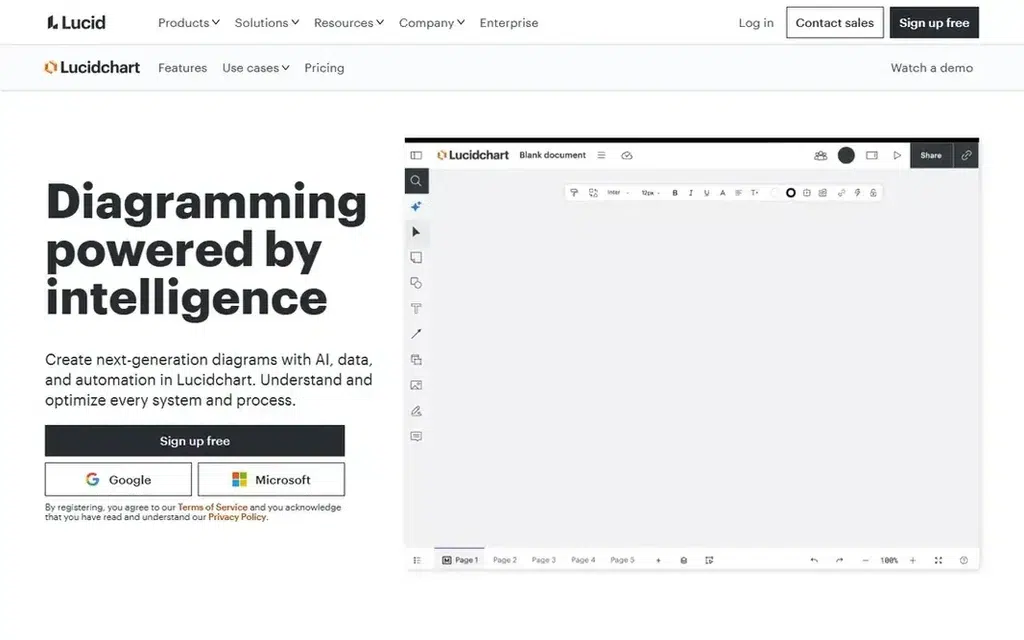
For data-linked system and process diagrams, Lucidchart is a natural candidate. Lucidchart is a diagramming product built around AI, data and automation, positioned to help teams understand and optimize systems and processes.
For everyday use, choose Lucidchart when structured, data-aware diagrams are central to your engineering documentation. Groups already standardized on Microsoft tooling may prefer Visio for integration, and security-focused teams that want data kept under their own control may lean toward draw.io. Lucidchart shows no starting price here, so confirm the cost on the vendor site. Trial and free access: Not stated.
Drawbacks to consider: Feature depth can overwhelm new users.
- Wide diagram type coverage
- AI-assisted diagram creation
- Browser-based workflow may not suit offline work

draw.io was built for security-first diagramming with data control. That makes it attractive to engineers in regulated or security-sensitive environments who require to diagram architecture without sending sensitive details to a third party.
The main drawbacks: Interface feels more utilitarian.
On top of that, teams that require rich workshop-style collaboration may prefer Miro, Mural or Lucidspark. Check the vendor site for draw.io pricing; none is listed in this comparison. Trial and free access: Not stated.
- Free diagramming application
- Widely used and well known
- Fewer AI and automation extras
Mural serves Strategizing and planning in visual workshops. Engineering groups use it for architecture discovery sessions, process mapping workshops and cross-team planning where visual thinking drives decisions. Pick Mural when collaborative strategy sessions are the core need instead of detailed system documentation.
Like other whiteboard-first systems, Mural treats formal architectural diagramming as one use among plenty of. Teams needing rigorous diagram standards may outgrow it. It also sits close to Miro and Lucidspark in purpose, so differentiation comes down to team preference and existing tooling. Mural cost at the entry level: $9.99 per member per month. You can start on Mural without paying.
The main drawbacks: Formal diagramming is secondary.
- Supports planning and strategy
- AI-powered visual workspace
- Competes closely with similar whiteboards
Selection criteria
Selection started from tools commonly considered for architectural diagramming tools for engineers, then narrowed to 6 that have clear pricing information or a clear quote process. Prices and plan limits come from vendor pages and can change, so confirm them on the vendor site before you buy. Order on the page follows fit for the typical buyer first, then price transparency and free access. Your own requirements should decide the final pick.
What to confirm before you sign up
- Ask Creately, Lucidspark, Lucidchart and draw.io for a written quote, since no starting price is shown.
- Look at free plan limits closely: Miro, Creately and Mural have one, and the caps decide whether it is usable for real work.
- Before choosing Miro, weigh its main limit: Diagramming is one part of a broader system.
- Confirm the exact Lucidchart plan that includes your must-have features.
- Confirm minimum seats and billing terms with Creately before you commit to an annual plan.
FAQ
Which options for architectural diagramming tools for engineers have a free plan?
On this list, Miro, Creately and Mural include a free plan. Caps on seats, usage or features are common, so test the free plan against your real workload.
Can I try these tools before paying?
Often, yes. Miro, Creately and Mural have a free plan. Use your own data and a real task during the test, and check what the free tier or trial limits before you rely on it.
Do these tools publish their prices?
Not all of them. Creately, Lucidspark, Lucidchart and draw.io publish no starting price, so expect a quote request for those. The rest, Miro included, show a starting price, though seats and billing terms still change the final cost.
How are the tools for architectural diagramming tools for engineers ordered?
Miro sits first and Mural last because the order follows typical fit for architectural diagramming tools for engineers, then price clarity and free access. It is a judgement call, so read each profile for fit and limits.
Are whiteboard tools like Miro, Lucidspark and Mural a good match for engineering diagrams?
Yes, for early ideation, workshops and collaborative system sketches. Beyond that, plenty of teams pair a whiteboard for discovery with a diagramming tool for the final record.
Sources
- https://miro.com
- https://creately.com
- https://lucid.co/lucidspark
- https://www.lucidchart.com
- https://www.drawio.com
- https://www.mural.co