Best Diagramming Software in 2026: 8 Tools Compared
Compare the best diagramming software in 2026, from Lucidchart and Miro to diagrams.net and Visio, with pricing, strengths and who each suits best today.

- Editor's choice
 Lucidchart
Structured technical diagrams
Starts at$7.95 per monthVisit lucidchart.comFull review - Great alternative
 Miro
Whiteboard to diagram work
Starts at$8 per monthVisit miro.comFull review - Also consider
 diagrams.net
Free unlimited diagramming
Starts atFreeVisit diagrams.netFull review
TL;DR:
- Lucidchart is the strongest choice for structured technical diagrams, with a large template library and data-linked shapes.
- diagrams.net is completely free and covers most diagram types well, which makes it the best starting point for budget teams.
- Miro suits workshops and brainstorming that turn into diagrams, rather than precise technical documentation.
- Microsoft Visio wins where Microsoft 365 already lives, because it fits the Office workflow and file sharing your team already uses.
- The right tool depends on whether diagrams are documentation, collaboration or presentation, so pick by that job first.
Quick comparison
| Tool | Best for | Starts at | Free plan? | |
|---|---|---|---|---|
| Lucidchart | Structured technical diagrams | $7.95 per month | Yes | Visit |
| Miro | Whiteboard to diagram work | $8 per month | Yes | Visit |
| diagrams.net | Free unlimited diagramming | Free | Yes | Visit |
 Microsoft Visio | Microsoft 365 teams | $5 per month | No | Visit |
 Whimsical | Fast clean flowcharts | $10 per month | Yes | Visit |
 Creately | Visual team collaboration | See website | Yes | Visit |
 SmartDraw | Template-driven business diagrams | $9.95 per month | Free trial | Visit |
 Mural | Facilitated workshops | See website | Free trial | Visit |
The best diagramming software
Diagramming software helps you turn a process, system, org structure or plan into a visual that other people can actually follow. We compared official pricing pages and recent pricing coverage in October 2026, and we kept tools that are actively sold and supported. The best diagramming tool for you depends on whether you need precision, collaboration, templates or a free start, so we note that angle for each tool.

Lucidchart is our pick for teams that make diagrams as documentation, such as flowcharts, network diagrams, UML and org charts that need to stay accurate over time. Its shape libraries are deep, templates cover most common diagram types, and data linking lets shapes update from a spreadsheet or data source, which helps when a system changes and the diagram must follow. Real-time collaboration and commenting make review straightforward for a distributed team.
The free plan is limited to 3 documents, so it is a trial in practice rather than a long-term free tool. Individual pricing at $7.95 per month billed annually is fair for a weekly user, but a whole team will pay more, and some data features sit on higher tiers. If you diagram every week and accuracy matters, Lucidchart is worth that cost.
- Individual from $7.95 per month billed annually
- Large template and shape libraries
- Data linking and real-time collaboration
- Free plan limited to 3 documents
- Team pricing is higher per user
- Advanced data features need higher tiers

Miro starts as a whiteboard and grows into diagramming, which suits teams that brainstorm, plan and map ideas together before they formalise a diagram. You can stick notes, draw flowcharts, build mind maps and run workshops on one canvas, then share the board with people who were not in the room. That collaborative flow is its main strength, and its template library covers many workshop formats.
For precise technical documentation, Miro is looser than Lucidchart or Visio. Shapes and connectors are flexible, which is good for ideas and less good for a strict UML or network diagram that must follow a standard. The free plan with 3 editable boards is enough to test it, and Starter at $8 per member per month billed annually covers unlimited boards for a working team.
- Starter at $8 per member per month billed annually
- Free plan with 3 editable boards
- Infinite canvas for workshops and planning
- Less precise than Lucidchart for technical diagrams
- Board sprawl needs management
- Business at $20 per member per month is a jump
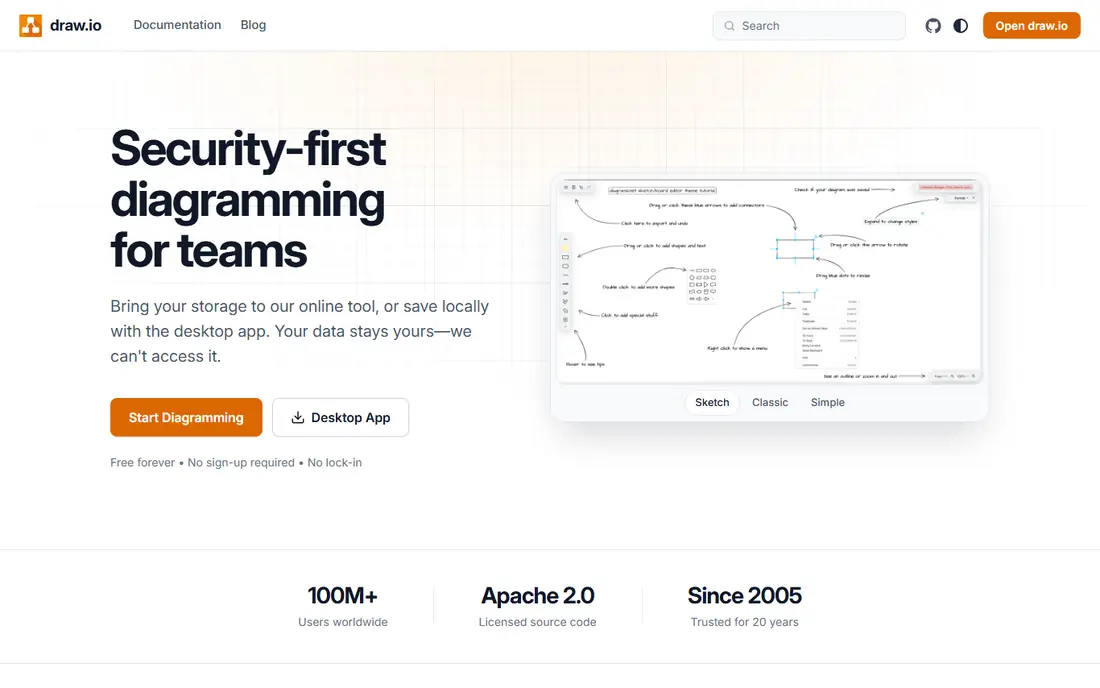
diagrams.net, also known as draw.io, is the best free diagramming tool in this list, and it is hard to argue against for a budget team. It covers flowcharts, UML, network diagrams, org charts and more, with no seat fees and no document limits, and it works offline on desktop as well as in the browser. You can save files to Google Drive, OneDrive or your own device, which keeps control of your diagrams in your hands.
The trade-offs are polish and collaboration. Real-time co-editing and guided templates are thinner than Lucidchart or Miro, and the interface assumes you are comfortable with diagram tools. For a team that needs good diagrams without a subscription, though, diagrams.net covers the core job fully, and many teams pair it with a whiteboard tool for workshops.
- Completely free with no document limits
- Works in the browser and on desktop
- Saves to Google Drive, OneDrive or local files
- Less polished collaboration than paid rivals
- Fewer guided templates
- Interface feels more technical for new users
Visio is the natural choice when your team already lives in Microsoft 365. It fits the Office workflow, shares through OneDrive and Teams, and handles the diagram types many businesses need, from flowcharts and org charts to network and floor plans. Visio Plan 1 from $5 per user per month gives web-based diagramming, while higher plans add the desktop app and more features.
There is no permanent free plan, so you need a paid plan or a Microsoft 365 plan that includes Visio to use it. The full desktop experience is also strongest on Windows, which matters if your team is mainly on Mac. If you already pay for Microsoft 365 and your diagrams stay inside that world, Visio is the lowest-friction pick.
- Visio Plan 1 from $5 per user per month
- Deep Microsoft 365 integration
- Strong for network, floor plan and engineering diagrams
- No permanent free plan
- Desktop app is Windows-focused in its full form
- Web version is thinner than desktop for some diagram types
Whimsical is built for speed and clarity. You can make a flowchart, wireframe, mind map or sticky-note board in minutes, and the default styling looks clean without much formatting work. That makes it a good choice for product teams, startups and anyone who needs a clear diagram for a meeting or a document, without spending an hour on layout.
Its range is narrower than Lucidchart or diagrams.net, so it is less suited to detailed network, engineering or data-linked diagrams. The free plan is limited, and paid pricing at $10 per editor per month billed annually counts editors, not viewers, which helps for teams with many readers. Pick Whimsical when speed and clarity matter more than diagram depth.
- Very fast flowchart and wireframe creation
- Clean default styling
- $10 per editor per month billed annually
- Fewer diagram types than Lucidchart
- Limited free plan
- Less suited to heavy technical documentation
Creately combines diagramming with visual collaboration, covering flowcharts, org charts, timelines, mind maps and more, with a large template library to start from. Teams can work on the same canvas in real time, link diagrams to data, and use it for both planning and documentation. That breadth makes it a useful all-rounder for a team that makes many kinds of visuals.
For a very simple flowchart, Creately can feel heavier than Whimsical or diagrams.net, and pricing details need checking on the vendor site, since published figures have varied. Use the free plan to test a real diagram type you need, and check whether the paid tier you need covers your team size and collaboration features before you commit.
- Free plan for trying it
- Large template library across business and technical diagrams
- Real-time collaboration and databases
- Pricing and plan limits need checking on the vendor site
- Interface can feel busy for simple diagrams
- Some features are paid only
SmartDraw suits business users who want a template to start from and automated formatting to keep the diagram tidy. Its library covers flowcharts, org charts, floor plans and many business visuals, and its formatting engine places shapes and connectors for you, which helps beginners produce a clean diagram quickly. It works on Windows, Mac and the web, which covers most office setups.
There is no permanent free plan, only a free trial, so you should use that trial on a real diagram you need to deliver. Collaboration is also less central than in Miro or Lucidchart, so it suits a team where one person makes the diagram and others review it, rather than a team that co-edits live. For template-driven business diagrams, it remains a solid choice.
- Individual from $9.95 per month, or $7.95 billed annually in some listings
- Strong template library
- Automated formatting helps beginners
- Free trial only, no permanent free plan
- Less modern collaboration than Miro
- Desktop focus may suit some teams less
Mural is a visual collaboration tool built around facilitated work, such as workshops, retrospectives and planning sessions that need structure. Its templates guide a group through a method, and facilitators can lock parts of a board, run timers and guide participants, which is harder to do in a pure diagramming tool. For teams that run workshops regularly, that facilitation layer is the reason to pick Mural over a general whiteboard.
For precise technical diagrams, Mural is not the right tool, and pricing needs checking on the vendor site, with Team plans listed in recent coverage at $9.99 per member per month billed annually. Choose Mural when workshops are a core part of how your team works, and pair it with Lucidchart or diagrams.net when you also need technical documentation.
- Built for facilitated workshops and visual collaboration
- Templates for common workshop formats
- Free visitors on some plans
- Pricing needs checking on the vendor site
- Less precise for technical diagrams
- Best value is for workshop-heavy teams
How we picked these
We compared official pricing pages and recent pricing coverage, and we kept tools that are actively sold in October 2026 and truly cover diagramming, not just whiteboarding or note-taking alone. We looked for a clear diagram library, export options, collaboration or sharing features, and a free or trial path where offered. We did not include tools that are only mind-mapping apps or only presentation software.
How to choose for your diagram job
Start by naming the job. If diagrams are documentation that must stay accurate, pick Lucidchart, Visio or diagrams.net. If diagrams are born in workshops, pick Miro or Mural. If you need a fast, clean flowchart for a document, pick Whimsical. That job split will narrow the list faster than comparing every template count.
Next, check sharing and export. Ask whether diagrams export cleanly to PDF, image or editable formats, whether viewers need a paid seat, and whether diagrams can link to live data if that matters. Finally, trial your most common diagram type in two tools, and time how long it takes to make and to update. A tool that is fast to create but slow to update will cost you more over a year than a tool with a slightly higher monthly price.
FAQ
What is the best diagramming software?
Lucidchart is best for structured technical diagrams, diagrams.net is best for free diagramming, Miro is best for whiteboard-style collaboration, and Visio is best for Microsoft 365 teams. The best tool depends on whether your diagrams are documentation, collaboration or presentation.
Is diagrams.net really free?
Yes, diagrams.net is free for its core web and desktop apps, with no document or seat limits in its standard use. It saves to your own storage, such as Google Drive, OneDrive or local files, which is part of why it can stay free. Paid options exist mainly for enterprise integrations and support.
What is the best diagramming tool for beginners?
Whimsical and SmartDraw are the easiest starts for beginners, because templates and automated formatting do much of the layout work. diagrams.net is free but assumes more comfort with diagram tools, while Lucidchart rewards a little learning with much deeper libraries.
Can Miro replace Lucidchart?
Miro can replace Lucidchart for workshop diagrams, mind maps and early-stage flowcharts, but it is less precise for strict technical documentation such as UML or network diagrams. Many teams use both, with Miro for ideas and Lucidchart or diagrams.net for final documentation.
Does Visio work on Mac?
Visio has a web version that works on Mac through a browser, while the full desktop app is Windows-focused. If your team is mainly on Mac and needs full desktop features, Lucidchart or diagrams.net may be a better fit, since both work fully in the browser.
How much does Lucidchart cost?
Lucidchart offers a free plan limited to 3 documents, with Individual from $7.95 per month billed annually. Team and Enterprise plans cost more per user and add collaboration and data features. Check the vendor pricing page for your team size before you buy.