Best Font Management Software for Enterprise for 2026: Our 6 Vetted Picks
Compare 6 picks for the best font management software for enterprise, with prices, free plans and who each fits. Honest caveats for every entry. Details below.
- Editor's choiceRightFont
Mac font sync and organization
Starts at$59.00 one-timeVisit rightfontapp.comFull review - Great alternativeFontstand
Trying and renting desktop fonts
Starts atSee websiteVisit fontstand.comFull review - Also considerFontBase
Quick cross-platform font management
Starts at$3 per monthVisit fontba.seFull review
Direct answer
This list puts RightFont first for Mac font sync and organization. Listed starting prices: RightFont from $59.00 one-time, FontBase from $3 per month and Extensis Connect from $200 per user annually. Fontstand is the stronger choice for trying and renting desktop fonts, while FontBase suits quick cross-platform font management. Prices, free plans and limits for all 6 tools follow.
TL;DR:
- RightFont sits first on this list: Mac font sync and organization.
- Starting prices begin at $3 per month with FontBase.
- Extensis Connect fits font and asset risk management.
- FontBase stands alone as the one tool in this list with a free plan.
Last checked November 2026. Prices and plan details were read from the vendors' own pages in November 2026; vendors change plans often, so confirm the current price on the vendor site before you buy.
Quick comparison
| Tool | Best for | Starts at | Free plan? | |
|---|---|---|---|---|
| RightFont | Mac font sync and organization | $59.00 one-time | No | Visit |
| Fontstand | Trying and renting desktop fonts | See website | Not stated | Visit |
| FontBase | Quick cross-platform font management | $3 per month | Yes | Visit |
| FontExplorer X | Straightforward Mac font organization | See website | Not stated | Visit |
| Monotype Fonts | Global font licensing and deployment | See website | Not stated | Visit |
| Extensis Connect | Font and asset risk management | $200 per user annually | No | Visit |
Our 6 picks for font management software for enterprise
If you are comparing font management software for enterprise, this page covers 6 tools in one place: what each is best for, what it costs to start, whether it has a free plan, and the main limit to know about.
RightFont
Best for: Mac font sync and organization
RightFont is a good fit for Mac font sync and organization. RightFont is described as a professional font manager and organizer app for Mac. Its homepage says it helps preview, sync, install, and organize fonts over iCloud and Dropbox, and it is presented as an all-in-one font manager for business.
RightFont is Mac-specific, so Windows users in the same organization would need a different approach. As for the details, consider RightFont when Mac-based teams want convenient sync and organization, and look to cross-platform suites for broader enterprise control. In practice, syncing through cloud services also means reliance on those accounts and their availability. The starting price for RightFont: $59.00 one-time. RightFont has no free plan.
Best features of RightFont: organize fonts. The main drawbacks: Sync relies on cloud services.
- Positioned for business use
- Preview, sync, install
- Mac only
Fontstand
Best for: Trying and renting desktop fonts
Fontstand is aimed squarely at trying and renting desktop fonts. Fontstand is also not a full font management suite with compliance reporting.
Consider it as a complementary choice for trying and renting fonts, and depend on a management product for enterprise-wide control. This comparison lists no price for Fontstand; ask the vendor. Free access: Not stated.
What to check first: Rental model may not suit permanent needs.
- Rent fonts by the month
- Desktop use focus
- Not a full asset management suite
FontBase
Best for: Quick cross-platform font management
FontBase makes the most sense for quick cross-platform font management. FontBase is described as a font manager made by designers, for designers. Its homepage flags a lightning quick experience, a beautiful interface, and support for both Mac and Windows.
It may also lack the advanced reporting some large organizations expect. Choose FontBase when speed and cross-platform simplicity matter more than compliance features. FontBase starts at: $3 per month. FontBase includes a free tier.
The main drawbacks: May lack advanced enterprise reporting.
- Beautiful interface
- Lightning quick performance claim
- Less concentrated on license compliance
FontExplorer X
Best for: Straightforward Mac font organization
FontExplorer X works best for straightforward Mac font organization. Teams with mixed operating systems or formal audit requirements may need extra tools. Also, the homepage describes it as a font manager for Mac.
The product is geared toward users who want a clean way to handle local font libraries. FontExplorer X Pro is presented as a straightforward and speedy way to find and organize all of your fonts on Mac OS. This comparison lists no price for FontExplorer X; ask the vendor. Free options: Not stated.
Drawbacks to consider: Limited enterprise compliance features.
- Made for Mac OS
- Concentrated on finding and organizing fonts
- Mac only
Monotype Fonts
Best for: Global font licensing and deployment
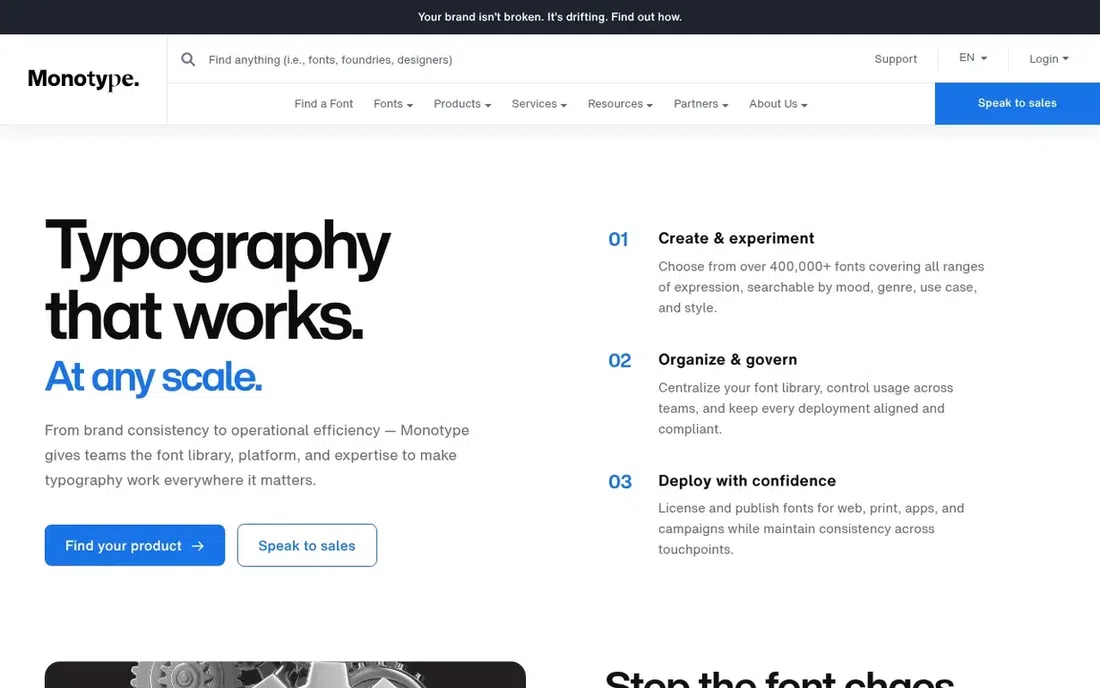
Monotype Fonts works best for global font licensing and deployment. Monotype Fonts is described as a font management, licensing, and typography product. In daily use, licensing coordination can also add administrative steps.
Honest limits: May need licensing coordination.
As for the details, choose Monotype Fonts when global deployment and managed licensing are priorities, and pair it with local organization tools if needed. Since it centers on the Monotype ecosystem, organizations with mixed font sources may have to plan how other libraries fit in. Monotype Fonts does not show a starting price in this comparison, so check the vendor site for current pricing. Free plan details: Not stated.
- Supports global typography deployment
- Large searchable font library
- Focus is on Monotype ecosystem
Extensis Connect
Best for: Font and asset risk management
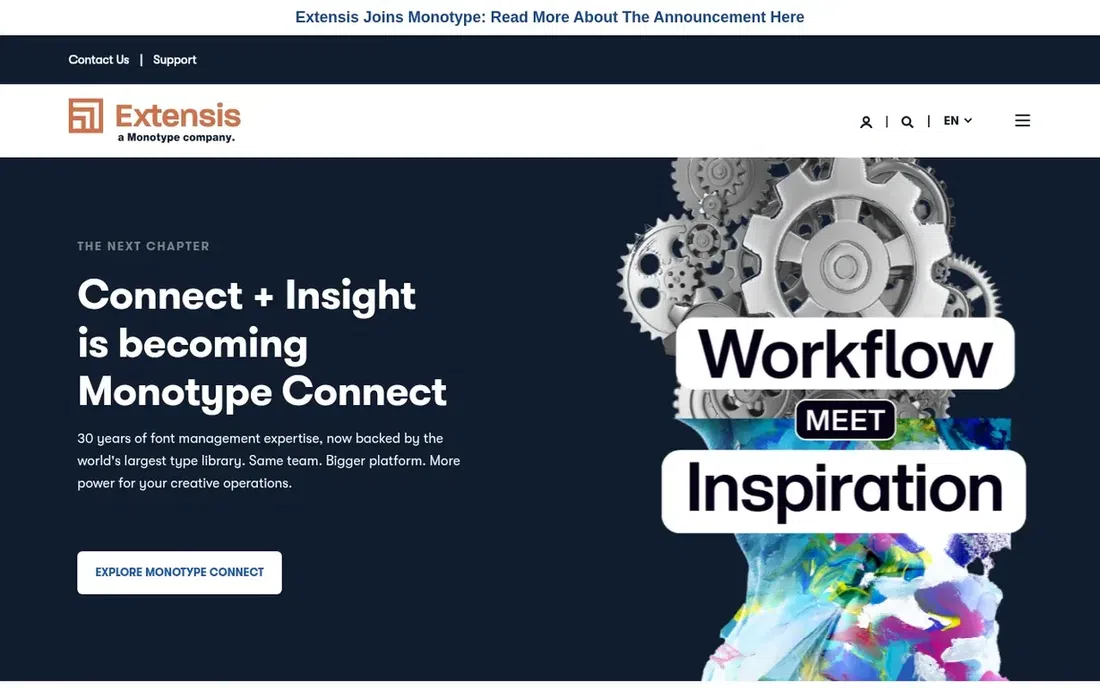
Where Extensis Connect fits: font and asset risk management. The product is oriented toward organizations with formal compliance needs, so smaller teams may find it heavier than necessary.
What to check first: May be more than small teams need.
If your priority is just organizing fonts on individual Macs, a lighter tool may be simpler to adopt. Extensis Connect is positioned as software for font, creative asset, and risk management. Extensis Connect cost at the entry level: $200 per user annually. Extensis Connect does not include a free plan.
- Merges font and creative asset management
- Contains font usage and license compliance reporting
- Needs setup to track usage accurately
How we chose
The comparison looks at four things: starting price, free access, how well the feature set matches font management software for enterprise, and the main limit of each tool. Where a vendor does not publish a price, the entry says quote. Where a price depends on seats or billing term, the entry says so. The sequence is a judgement call: typical use case first, then pricing transparency, then free access. Use the profiles to check fit.
Things to verify first
- Confirm the entry price on the vendor page. For Fontstand, FontExplorer X and Monotype Fonts that means a quote rather than a fixed price.
- Test the free plan from FontBase against your real workload before relying on it.
- Before choosing RightFont, weigh its main limit: Mac only.
- A short pilot of Monotype Fonts with your real workflow tells you more than a feature table.
- Before you load data into RightFont, check what an export looks like and who can run it.
FAQ
Which options for font management software for enterprise have a free plan?
FontBase is the only tool in this list with a free plan. Free plans usually cap users, projects or features, so check the limits on the vendor page.
What should enterprises look for in font management software?
Enterprises should prioritize license compliance reporting, centralized deployment, and support for several operating systems. Tools like Extensis Connect and Monotype Fonts emphasize these areas, whereas Mac-focused choices suit smaller or platform-specific teams.
Can FontBase or FontExplorer X deal with enterprise compliance?
FontBase and FontExplorer X Pro are oriented toward font organization and speed instead of formal compliance reporting. Enterprises with audit requirements may have to pair them with a product that tracks font usage and licensing.
Can I try these tools before paying?
Often, yes. FontBase has a free plan. Use your own data and a real task during the test, and check what the free tier or trial limits before you rely on it.
Do these tools publish their prices?
Not all of them. Fontstand, FontExplorer X and Monotype Fonts publish no starting price, so expect a quote request for those. The rest, RightFont included, show a starting price, though seats and billing terms still change the final cost.
What is the cheapest option for font management software for enterprise in this list?
On published monthly entry prices, FontBase is the lowest here at $3 per month. Entry price is only part of the cost, because seats, add-ons and billing terms can change the total.
Sources
- https://rightfontapp.com
- https://fontstand.com
- https://fontba.se
- https://www.fontexplorerx.com
- https://www.monotype.com
- https://www.extensis.com