Best Font Management Software for Graphic Designers in 2026: Prices, Free Plans and 5 Picks
Comparing the best font management software for graphic designers? 5 contenders, each with entry cost, free tier and best-fit buyer. Updated for 2026.
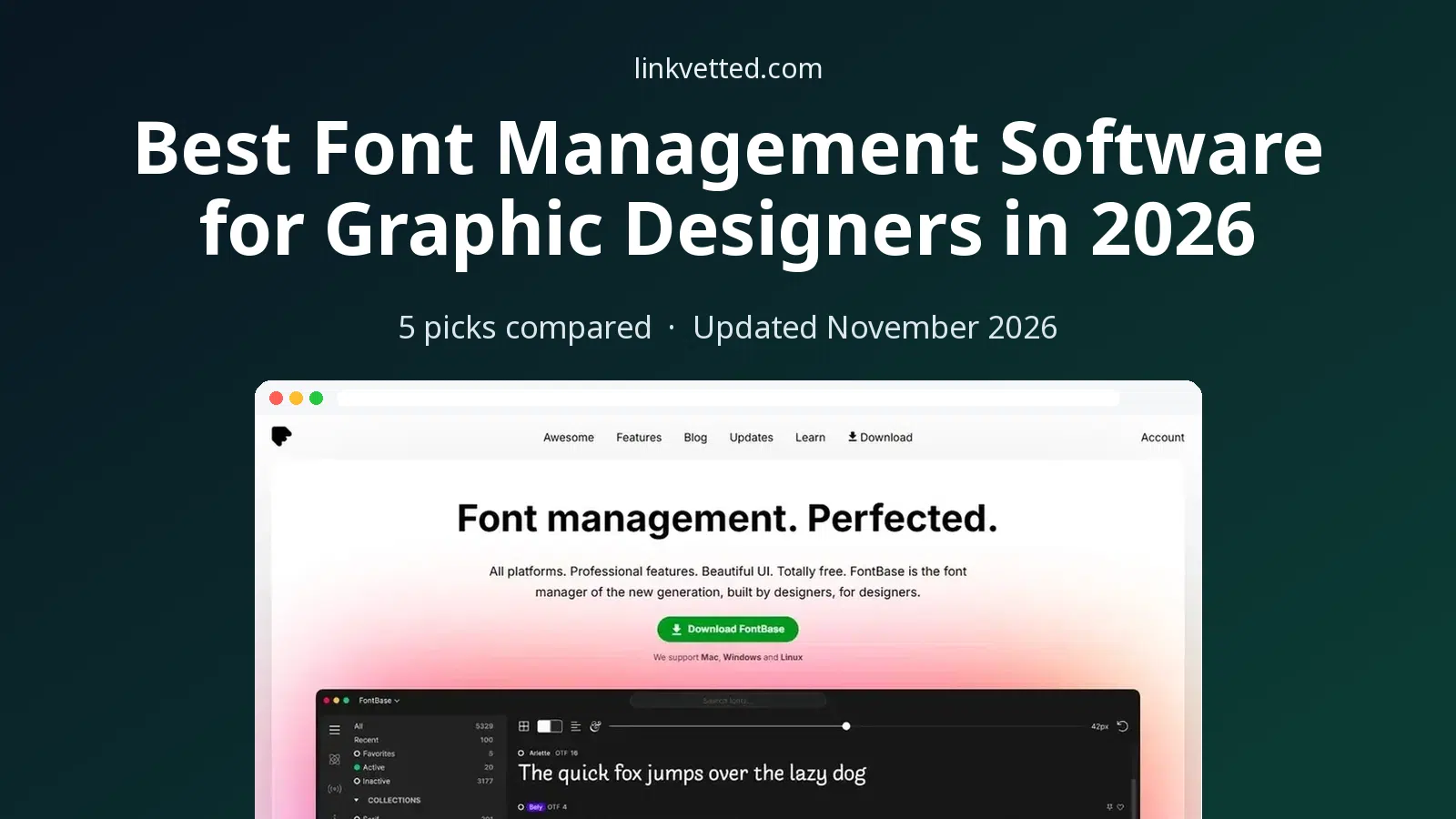
- Editor's choiceFontBase
Cross-platform designers wanting a free, quick option
Starts at$3 a monthVisit fontba.seFull review - Great alternativeUniversal Type Server
Teams needing centralized font server management
Starts atSee websiteVisit extensis.comFull review - Also considerFontExplorer X Pro
Mac designers seeking straightforward, speedy font organization
Starts atSee websiteVisit fontexplorerx.comFull review
Direct answer
If you need cross-platform designers wanting a free, quick option, FontBase is the first tool to look at here. Listed starting prices: FontBase from $3 a month and RightFont from $59.00 one-time. If your case is different, Universal Type Server suits teams needing centralized font server management and FontExplorer X Pro suits Mac designers seeking straightforward, speedy font organization. The remaining 2 options are covered below with prices and limits.
TL;DR:
- Top of the list is FontBase, which targets cross-platform designers wanting a free, quick option.
- RightFont comes with a trade-off: Mac-focused, may not suit Windows users.
- The cheapest monthly starting price in the list is $3 per month, offered by FontBase.
- A free plan is available from 2 of the 5 tools: FontBase, NexusFont.
Last checked November 2026. Prices and plan details were read from the vendors' own pages in November 2026; vendors change plans often, so confirm the current price on the vendor site before you buy.
Quick comparison
| Tool | Best for | Starts at | Free plan? | |
|---|---|---|---|---|
| FontBase | Cross-platform designers wanting a free, quick option | $3 a month | Yes | Visit |
| Universal Type Server | Teams needing centralized font server management | See website | Not stated | Visit |
| FontExplorer X Pro | Mac designers seeking straightforward, speedy font organization | See website | Not stated | Visit |
| RightFont | Designers needing cloud sync and business features | $59.00 one-time | No | Visit |
| NexusFont | Windows users seeking a straightforward, simple font manager | See website | Yes | Visit |
The 5 tools in detail
LinkVetted put together this guide to font management software for graphic designers for readers who want a clear shortlist without reading every vendor page. It compares 5 tools on starting price, free plans, who each one suits and where each one falls short.
FontBase
Best for: Cross-platform designers wanting a free, quick option
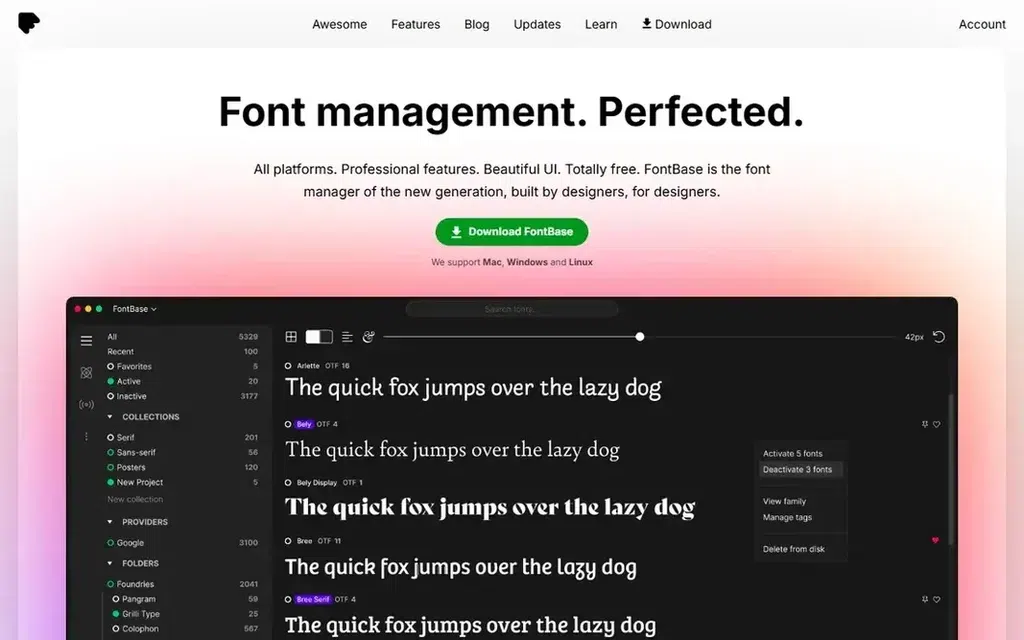
FontBase is aimed squarely at cross-platform designers wanting a free, quick option. The tool is meant to be easy-to-learn, allowing you to browse and activate fonts rapidly without interrupting your creative flow.
Whereas FontBase excels at individual font management, it may not offer the advanced server-based features or enterprise controls that bigger teams need. On top of that, if you need centralized font sharing and strict licensing controls, an option like Universal Type Server might be more appropriate. Starting cost for FontBase: $3 per month. A free plan is available with FontBase.
Drawbacks to consider: May lack advanced server features.
- Works on both Mac and Windows
- Beautiful and intuitive interface
- Restricted enterprise-level controls
Universal Type Server
Best for: Teams needing centralized font server management
Choose Universal Type Server for teams needing centralized font server management. Universal Type Server is a server-based font management option aimed at teams and organizations that require centralized control over their font libraries. It permits several users to access and share fonts whereas maintaining licensing compliance and organization.
On top of that, if you are a solo designer, more straightforward desktop tools like FontBase or RightFont are likely more appropriate. More specifically, for individual designers or small studios, Universal Type Server may be more complicated and expensive than necessary. It needs server infrastructure and administration, which can be a burden without IT support. This comparison lists no price for Universal Type Server; ask the vendor. Free access: Not stated.
Where it falls short: May be complex to set up.
- Helps maintain control over font libraries
- Centralized font management for teams
- Overkill for individual designers
FontExplorer X Pro
Best for: Mac designers seeking straightforward, speedy font organization
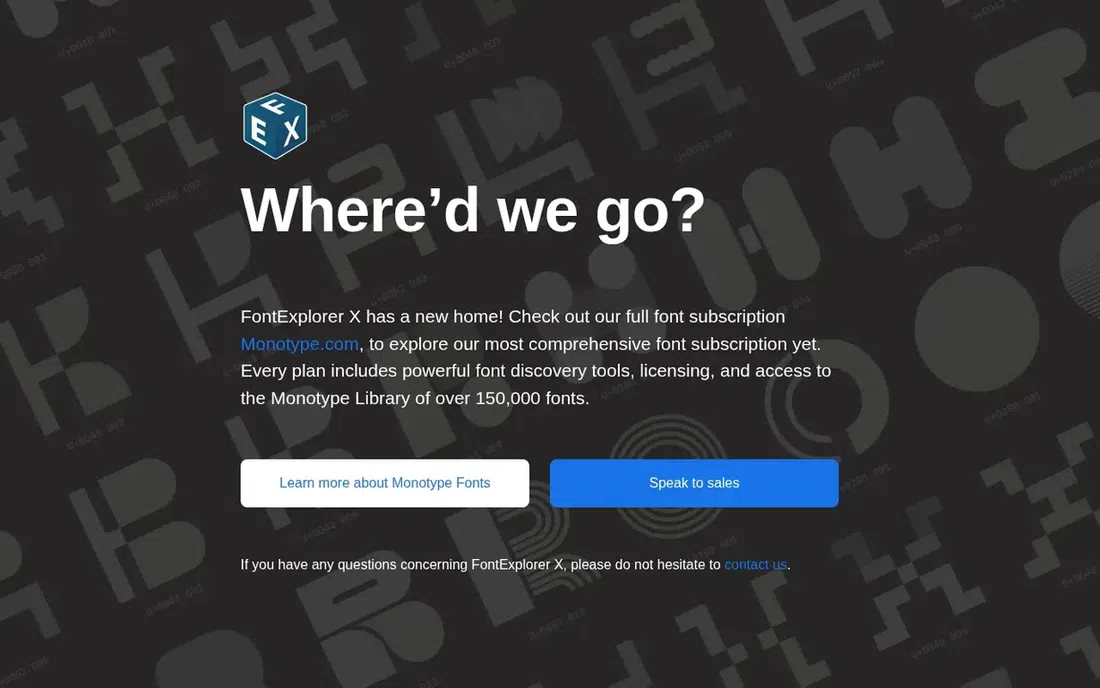
FontExplorer X Pro targets Mac designers seeking straightforward, speedy font organization. The interface is meant to make font management straightforward, allowing you to rapidly locate and activate the fonts you need for projects.
It may also lack some of the advanced collaboration features found in server-based options. Check the vendor site for FontExplorer X Pro pricing; none is listed in this comparison. As for free access: Not stated.
Where it falls short: May lack advanced collaboration features.
- Designed specifically for macOS
- Straightforward and speedy font organization
- Restricted to Mac OS
RightFont
Best for: Designers needing cloud sync and business features
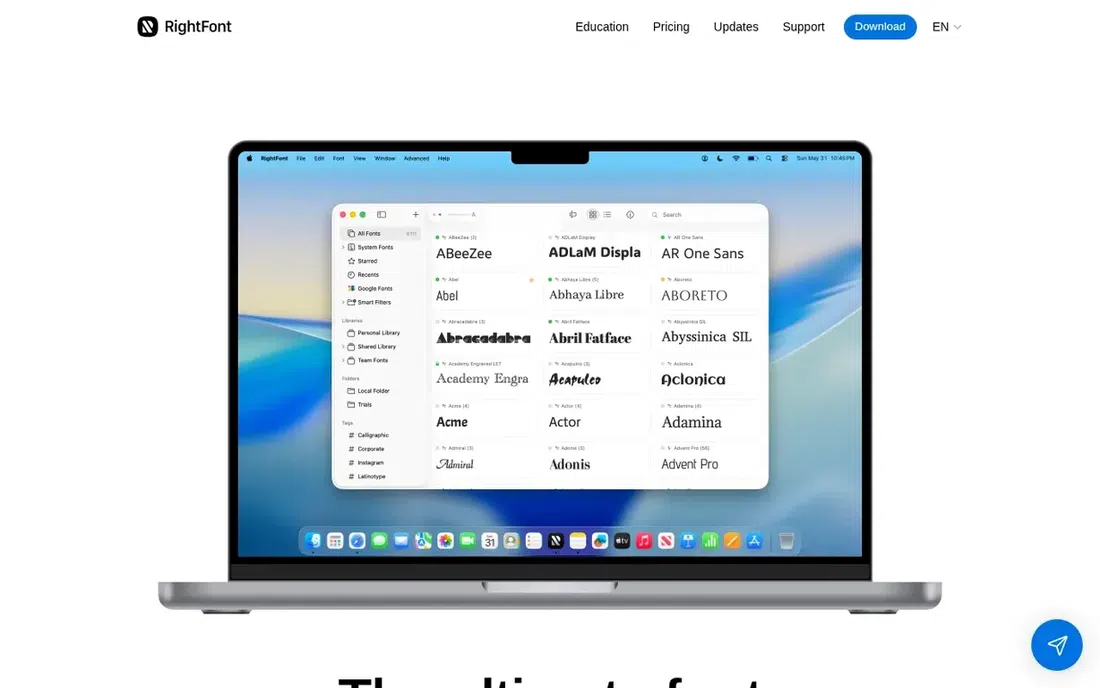
In short, RightFont is for designers needing cloud sync and business features. RightFont is a professional and beautiful font manager and organizer app that helps you preview, sync, install, and organize fonts over iCloud and Dropbox. It is positioned as an all-in-one font manager for business, making it a good match for design teams that require to share fonts across devices and locations.
For everyday use, RightFont is primarily made for Mac, so Windows-based designers may find it less suitable. Also, reliance on cloud services might be a drawback for those who prefer local-only font management. RightFont pricing: $59.00 one-time. RightFont has no free tier.
Trade-offs to know: Mac-focused.
- Syncs fonts over iCloud and Dropbox
- All-in-one font manager for business
- Cloud reliance may be a concern for some
NexusFont
Best for: Windows users seeking a straightforward, simple font manager
NexusFont serves Windows users seeking a straightforward, simple font manager. NexusFont is a font manager for Windows that is part of a suite of straightforward, simple, and well-designed software applications. It gives you a straightforward way to organize and preview fonts, making it right for designers who require a light tool without complicated features.
Honest limits: May lack advanced features of dedicated tools.
The interface is meant to be approachable, allowing fast access to your font collection. It is also restricted to Windows, so Mac users cannot use it. This comparison lists no price for NexusFont; ask the vendor. A free plan is available with NexusFont.
- Part of a suite of utility apps
- Well-designed interface
- Windows-only
Our selection method
LinkVetted looked at what each vendor publishes: pricing, plan limits, feature coverage for font management software for graphic designers and stated drawbacks. No hands-on testing is claimed. Plan names, prices and limits change often. Treat the figures here as a starting point and verify them with the vendor. The order reflects how well each tool fits the most common buying scenario for font management software for graphic designers, then price clarity, then free plan access. It is a starting point, not a verdict.
Pre-purchase checklist
- Get a written quote from Universal Type Server, FontExplorer X Pro and NexusFont; the list shows no starting price for them.
- Look at free plan limits closely: FontBase and NexusFont have one, and the caps decide whether it is usable for real work.
- Before choosing FontBase, weigh its main limit: may lack advanced server features.
- Before you load data into FontBase, check what an export looks like and who can run it.
- Get the contract term, renewal terms and any onboarding fees from FontExplorer X Pro in writing.
FAQ
Is FontBase the right pick for everyone comparing font management software for graphic designers?
No single tool suits every team. FontBase comes first because it fits cross-platform designers wanting a free, fast solution, while Universal Type Server suits teams needing centralized font server management and FontExplorer X Pro suits Mac designers seeking simple, speedy font organization. Match the tool to your own size, budget and workflow before deciding.
Can I try these tools before paying?
Often, yes. FontBase and NexusFont have a free plan. Use your own data and a real task during the test, and check what the free tier or trial limits before you rely on it.
What features should I look for in a font manager?
Key features include font organization, preview capabilities, activation and deactivation, and support for cloud or server syncing if you work in a team. Consider system compatibility and whether you need advanced features like licensing control or tagging.
What is the best font manager for Mac users?
For most readers this guide would start with FontBase, built for cross-platform designers wanting a free, quick solution. Universal Type Server is the alternative for teams needing centralized font server management, and FontExplorer X Pro for Mac designers seeking straightforward, speedy font organization. The right answer depends on budget and workflow.
Do these tools publish their prices?
Not all of them. Universal Type Server, FontExplorer X Pro and NexusFont publish no starting price, so expect a quote request for those. The rest, FontBase included, show a starting price, though seats and billing terms still change the final cost.
Can I handle fonts across both Mac and Windows?
FontBase works on both Mac and Windows, making it a versatile choice for cross-platform designers. Universal Type Server is a server-based option that can support mixed environments, though it needs more setup.
Sources
- https://fontba.se
- https://www.extensis.com/universal-type-server
- https://www.fontexplorerx.com
- https://rightfontapp.com
- https://www.xiles.app