Top 5 Font Management Software for Remote Teams for 2026 (Prices and Free Plans)
Best font management software for remote teams: 5 tools compared on price, free plans and fit. Strengths and weak spots are spelled out. Read the profiles.
- Editor's choiceAdobe Fonts
Teams already using Adobe Creative Cloud
Starts atSee websiteVisit fonts.adobe.comFull review - Great alternativeRightFont
Mac teams syncing via cloud storage
Starts at$59.00 one-timeVisit rightfontapp.comFull review - Also considerMonotype Fonts
Access to premium font families
Starts atSee websiteVisit monotype.comFull review
Direct answer
Our first pick is Adobe Fonts, best for teams already using Adobe Creative Cloud. Listed starting prices: RightFont from $59.00 one-time and FontBase from $3 a month. Alternatives: RightFont for Mac teams syncing via cloud storage, and Monotype Fonts for access to premium font families. All 5 tools are compared below on price, free plan and limits.
TL;DR:
- Number one here is Adobe Fonts, a fit for teams already using Adobe Creative Cloud.
- Check the limits for Adobe Fonts before you commit: tied to Adobe ecosystem.
- FontBase suits cross-platform teams on a budget.
- FontBase stands alone as the one tool in this list with a free plan.
- The lowest published monthly entry price here is $3 per month, from FontBase.
Last checked November 2026. Prices and plan details were read from the vendors' own pages in November 2026; vendors change plans often, so confirm the current price on the vendor site before you buy.
Quick comparison
| Tool | Best for | Starts at | Free plan? | |
|---|---|---|---|---|
| Adobe Fonts | Teams already using Adobe Creative Cloud | See website | Not stated | Visit |
| RightFont | Mac teams syncing via cloud storage | $59.00 one-time | No | Visit |
| Monotype Fonts | Access to premium font families | See website | Not stated | Visit |
| Typeface | Mac designers wanting a minimal interface | See website | Free trial | Visit |
| FontBase | Cross-platform teams on a budget | $3 a month | Yes | Visit |
Font Management Software for Remote Teams, one by one
Choosing font management software for remote teams usually comes down to price, fit and limits. This LinkVetted guide sets 5 tools side by side on those three points, with the facts kept short and checkable.
Adobe Fonts
Best for: Teams already using Adobe Creative Cloud
Adobe Fonts serves teams already using Adobe Creative Cloud. Adobe Fonts partners with leading type foundries to offer thousands of fonts to designers, with licensing handled so users can use them across projects.
Choose Adobe Fonts when your team is already invested in Adobe tools and wants simple access to a wide, licensed library. For everyday use, remote teams can access the same font library through their Adobe accounts, which eases consistency. This comparison lists no price for Adobe Fonts; ask the vendor. Free access: Not stated.
Watch-outs: Tied to Adobe ecosystem.
- Syncs with Adobe apps
- Licensing included
- Restricted standalone management
RightFont
Best for: Mac teams syncing via cloud storage
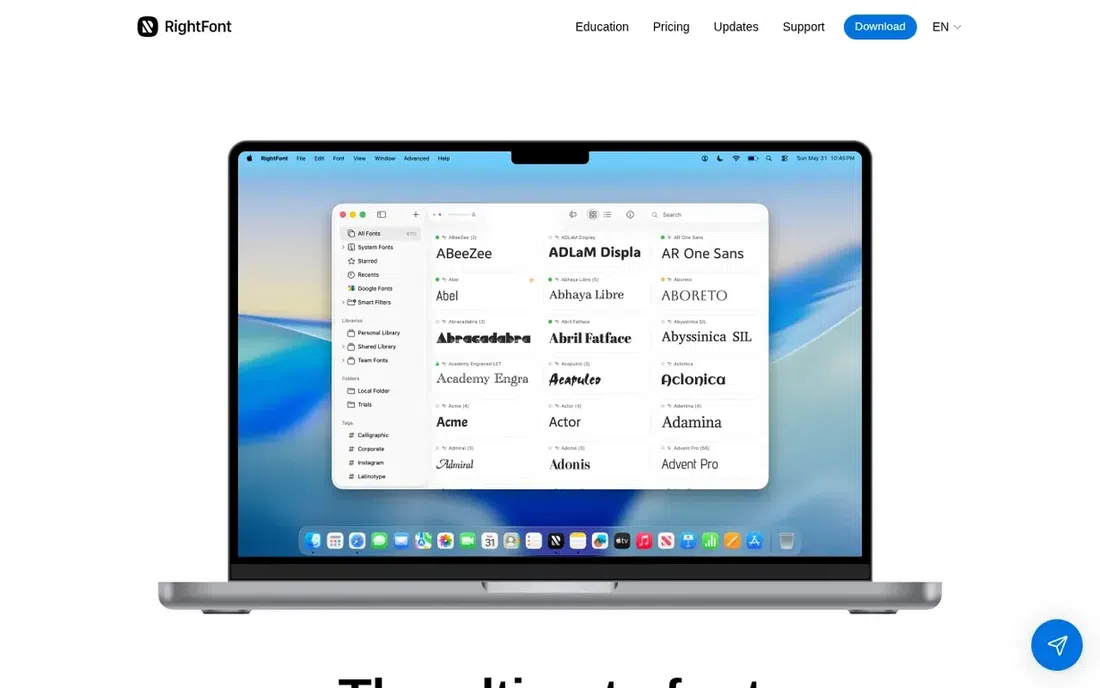
RightFont was built for Mac teams syncing via cloud storage. This makes it a good fit for remote teams that already use those cloud products and want a shared font library without a dedicated server.
Pick RightFont when your team is Mac-based and comfortable with cloud file sharing. On cost, RightFont starts like this: $59.00 one-time. No free plan comes with RightFont.
Honest limits: Depends on external cloud services.
- Previews and installs fonts
- Syncs with iCloud and Dropbox
- Mac only
Monotype Fonts
Best for: Access to premium font families
Monotype Fonts works best for access to premium font families. Monotype Fonts is primarily a font library and discovery service instead of a full management system for local fonts.
Where it falls short: Centred on font discovery.
What Monotype Fonts does well: Web, print. Beyond that, pick Monotype Fonts when access to a broad set of premium, licensed typefaces is the central requirement. No starting price is listed for Monotype Fonts here; confirm pricing on the vendor site. Free access: Not stated.
- Deep premium library
- Browse and filter tools
- Subscription-based access
Typeface
Best for: Mac designers wanting a minimal interface
Typeface works best for Mac designers wanting a minimal interface. It appeals to designers who want a clean, distraction-free way to pick the right type for their projects.
Downsides: Restricted team management features.
Typeface does not show a starting price in this comparison, so check the vendor site for current pricing. Trial and free access: Free trial.
- Delightful font browsing
- Minimal
- Mac only
FontBase
Best for: Cross-platform teams on a budget
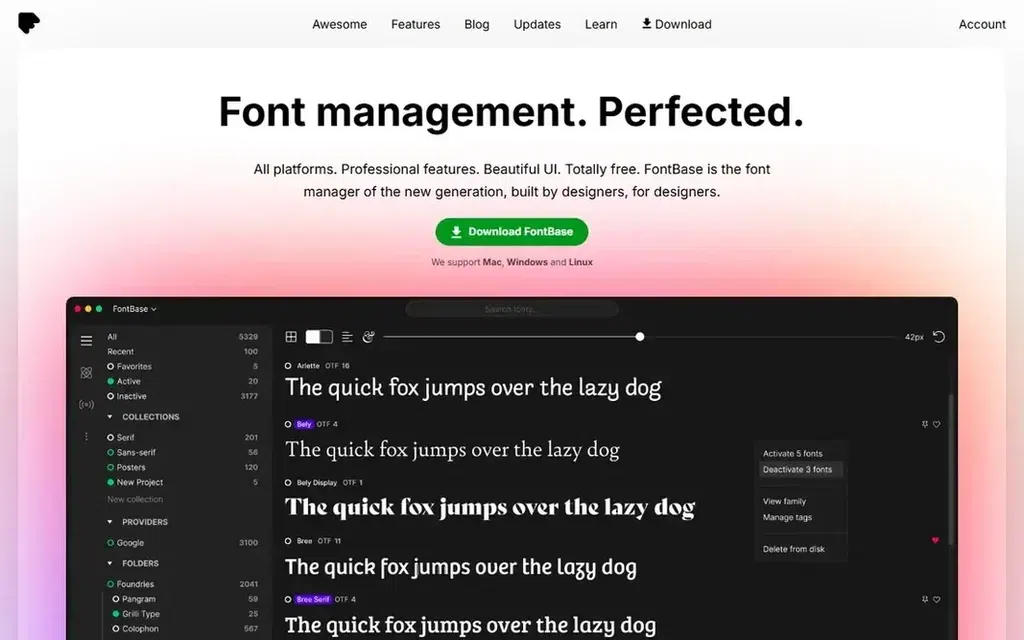
FontBase makes the most sense for cross-platform teams on a budget. It runs on both Mac and Windows, which makes it a practical choice for remote teams with mixed operating systems.
On cost, FontBase starts like this: $3 per month. FontBase offers a free plan.
Downsides: Restricted advanced server features.
- Quick performance
- Clean interface
- No built-in cloud sync
How we chose
What to confirm before you sign up
- Confirm the entry price on the vendor page. For Adobe Fonts, Monotype Fonts and Typeface that means a quote rather than a fixed price.
- Look at the free plan from FontBase closely: its caps decide whether it is usable for real work.
- Use real work to test the free trial from Typeface, rather than a demo project.
- Read the limits listed for Adobe Fonts first: tied to Adobe ecosystem.
- Ask Monotype Fonts whether prices are locked for the first term and what happens at renewal.
- Confirm you can export your data from Adobe Fonts, so leaving later does not mean losing records.
FAQ
Which options for font management software for remote teams have a free plan?
FontBase is the only tool in this list with a free plan. Free plans usually cap users, projects or features, so check the limits on the vendor page. One other tool offers a trial instead. All 5 picks in this Font management software for remote teams comparison list a starting price, free plan details and the main limits on their cards above.
Is Adobe Fonts the right pick for everyone comparing font management software for remote teams?
No single tool suits every team. Adobe Fonts comes first because it fits teams already using Adobe Creative Cloud, while RightFont suits Mac teams syncing via cloud storage and Monotype Fonts suits access to premium font families. Match the tool to your own size, budget and workflow before deciding.
What is the best font management software for remote teams?
Adobe Fonts comes first here and is built for teams already using Adobe Creative Cloud. Buyers with other needs may prefer RightFont (for Mac teams syncing via cloud storage) or Monotype Fonts (for access to premium font families). Compare costs and limits first.
What is the cheapest option for font management software for remote teams in this list?
On published monthly entry prices, FontBase is the lowest here at $3 per month. Entry price is only part of the cost, because seats, add-ons and billing terms can change the total. For the full picture, the cards above cover all 5 entries of this Font management software for remote teams list, including price, free plan and limits.
How are the tools for font management software for remote teams ordered?
The order follows typical fit for font management software for remote teams, with Adobe Fonts first and FontBase last, then price clarity and free access. It is editorial judgement, not a score, so another team could rank the tools differently.
Sources
- https://fonts.adobe.com
- https://rightfontapp.com
- https://www.monotype.com/products/monotype-fonts
- https://typefaceapp.com
- https://fontba.se