Top 5 Raster Graphics Software for Photo Retouching for 2026 (Prices and Free Plans)
Best raster graphics software for photo retouching: 5 contenders ranked by fit, with entry costs and free tiers. Prices and drawbacks included. Start here.
- Editor's choice
 Adobe Lightroom
Photo organizing and non-destructive editing
Starts atSee websiteVisit adobe.comFull review - Great alternative
 ON1 Photo RAW
All-in-one RAW editing and organizing
Starts at$49.99Visit on1.comFull review - Also considerACDSee Photo Studio
Editing and digital asset management
Starts atSee websiteVisit acdsee.comFull review
Direct answer
For Photo organizing and non-destructive editing, Adobe Lightroom is where this list starts. Listed starting prices: ON1 Photo RAW from $49.99. ON1 Photo RAW fits all-in-one RAW editing and organizing; ACDSee Photo Studio fits editing and digital asset management. The other 2 tools in the list cover narrower or pricier cases.
TL;DR:
- This list starts with Adobe Lightroom, which is built for Photo organizing and non-destructive editing.
- Neither Adobe Lightroom nor Adobe Photoshop, nor any of the other 3 tools, has a permanent free plan; trials and quotes are the norm.
- Adobe Lightroom, ACDSee Photo Studio, Capture One and Adobe Photoshop: pricing is by quote only, so plan time for a sales conversation.
- Adobe Photoshop is the one to check for full retouching and compositing.
- What to know about ON1 Photo RAW first: less external plugin support.
Last checked November 2026. Prices and plan details were read from the vendors' own pages in November 2026; vendors change plans often, so confirm the current price on the vendor site before you buy.
Quick comparison
| Tool | Best for | Starts at | Free plan? | |
|---|---|---|---|---|
| Adobe Lightroom | Photo organizing and non-destructive editing | See website | Not stated | Visit |
| ON1 Photo RAW | All-in-one RAW editing and organizing | $49.99 | Free trial | Visit |
| ACDSee Photo Studio | Editing and digital asset management | See website | Not stated | Visit |
 Capture One | Precise RAW editing and tethering | See website | Not stated | Visit |
 Adobe Photoshop | Thorough retouching and compositing | See website | Not stated | Visit |
Every option for raster graphics software for photo retouching explained
Short on time? The summary and table above give the quick view of 5 tools for raster graphics software for photo retouching, and the profiles that follow give the detail behind each entry.
In short, Adobe Lightroom is for Photo organizing and non-destructive editing. Lightroom provides fewer advanced retouching tools compared with Photoshop, making it less ideal for complicated compositing or in-depth retouching.
Where it is weaker: Restricted advanced retouching tools.
Adobe Lightroom shows no starting price here, so confirm the cost on the vendor site. As for free access: Not stated.
- Solid organizing features
- Non-destructive editing
- Subscription required
Choose ON1 Photo RAW for all-in-one RAW editing and organizing. The software contains AI-driven tools for efficient retouching. ON1 Photo RAW is AI-powered raw photo editing software that allows users to edit, organize, and process photos with pro-level quality.
Where it falls short: Less external plugin support.
It is available as a one-time purchase without a subscription, making it attractive for photographers who prefer perpetual licenses. Worth adding: ON1 Photo RAW may not integrate as smoothly with other software as some competitors. Entry price for ON1 Photo RAW: $49.99. Free plan details: Free trial.
- AI-powered editing
- Integrated organizing
- Can be resource-intensive
ACDSee Photo Studio
Best for: Editing and digital asset management
Where ACDSee Photo Studio fits: editing and digital asset management. ACDSee Photo Studio is photo editing and management software that contains video editing and digital asset management capabilities.
Watch-outs: Interface may feel dated.
Its interface may not feel as modern as some competitors. For users focused solely on advanced retouching without management needs, other tools might be more simplified. ACDSee Photo Studio does not show a starting price in this comparison, so check the vendor site for current pricing. On free options: Not stated.
- Integrated photo management
- Digital asset management
- Can be slow with large catalogs
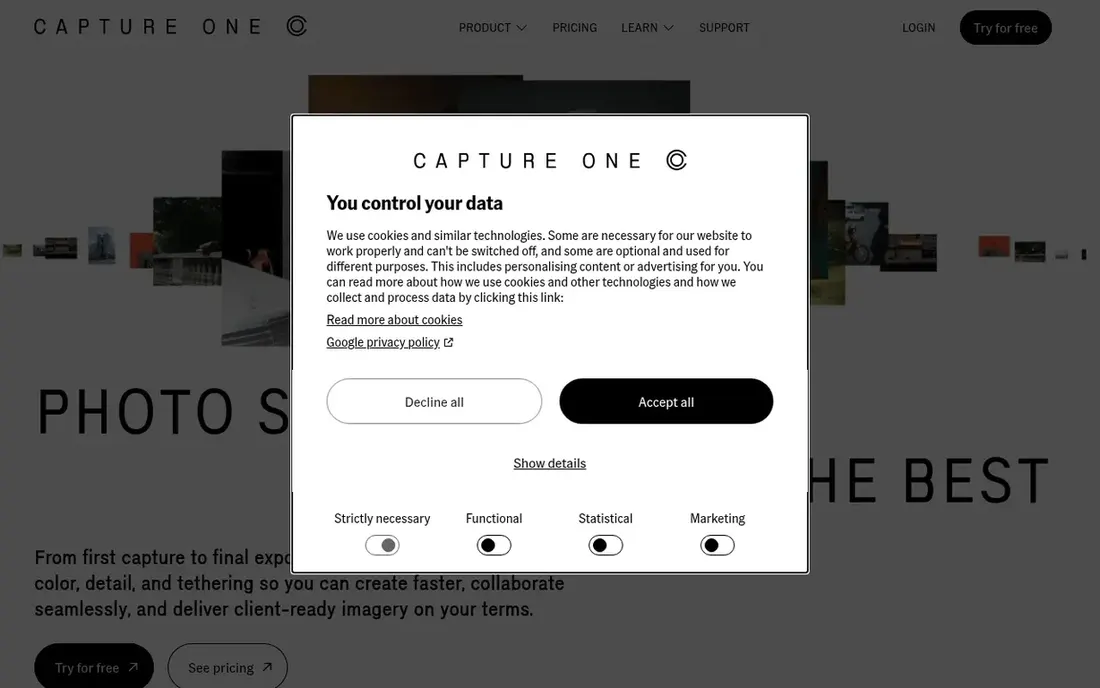
Capture One is aimed squarely at precise RAW editing and tethering. Capture One may be less right for users who primarily edit non-RAW files or need deep compositing tools. Its interface can be complicated for newcomers.
In daily use, the software emphasizes color accuracy and detail. For general retouching beyond RAW workflows, other tools may offer broader feature sets. Capture One does not show a starting price in this comparison, so check the vendor site for current pricing. As for free access: Not stated.
What to check first: Steeper ramp-up time.
- Advanced RAW handling
- Capable tethering capabilities
- Restricted non-RAW editing features
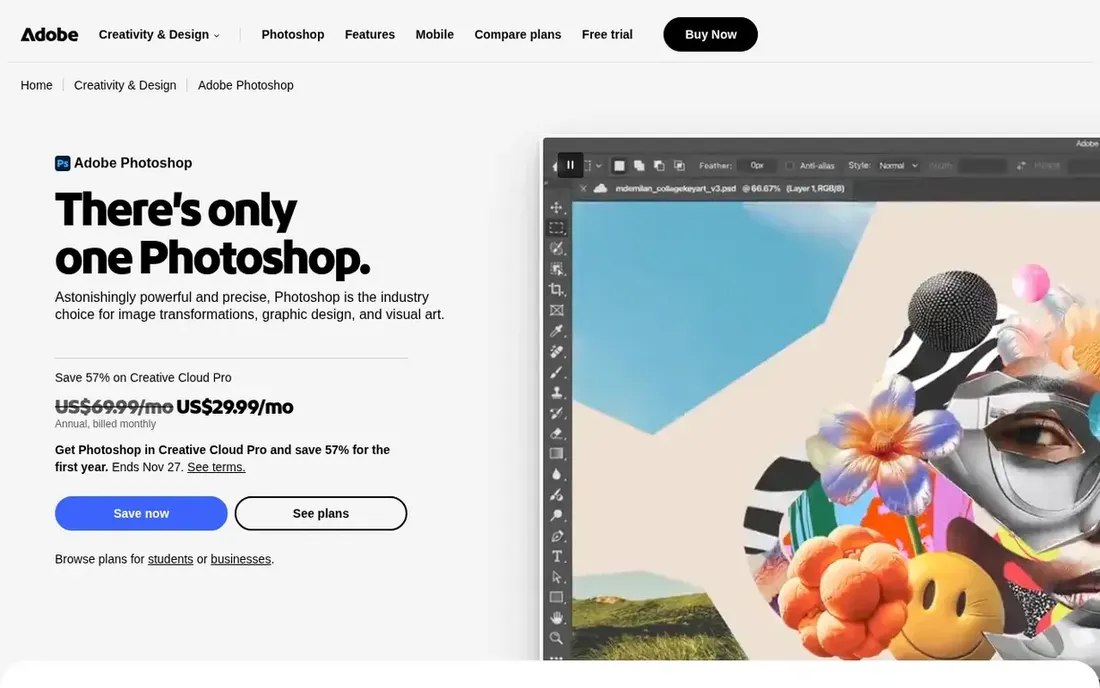
Pick Adobe Photoshop if this describes you: full retouching and compositing. Adobe Photoshop is a raster graphics editor widely used for photo retouching, offering advanced tools for complicated edits, custom scene creation, and image combination.
Its deep feature set can be overwhelming for beginners. Pricing for Adobe Photoshop is not stated here, so ask the vendor for current figures. Trial and free access: Not stated.
Where it falls short: Can be resource-intensive.
- Integration with Adobe ecosystem
- Broad retouching tools
- Subscription required
How these tools were picked
Selection started from tools commonly considered for raster graphics software for photo retouching, then narrowed to 5 that have clear pricing information or a clear quote process. Figures are shown as the vendors publish them. Billing terms, seat minimums and add-ons can change the real cost. Tools are placed by general fit for raster graphics software for photo retouching, with price clarity and free access as tie-breakers. A different team can reasonably rank them differently.
What to check before you buy
- Confirm the entry price on the vendor page. For Adobe Lightroom, ACDSee Photo Studio, Capture One and Adobe Photoshop that means a quote rather than a fixed price.
- Take the trial from ON1 Photo RAW and push a live task through it before you pay.
- Before choosing Adobe Lightroom, weigh its main limit: restricted advanced retouching tools.
- Test how quickly Adobe Photoshop answers a pre-sales question; it hints at how support will feel later.
- Check the integration list for Capture One against the tools you run today, and note which ones need a higher plan.
FAQ
Do these tools publish their prices?
Not all of them. Adobe Lightroom, ACDSee Photo Studio, Capture One and Adobe Photoshop publish no starting price, so expect a quote request for those. The rest, ON1 Photo RAW included, show a starting price, though seats and billing terms still change the final cost.
Does any tool for raster graphics software for photo retouching here have a free plan?
No tool in this list, Adobe Lightroom and Adobe Photoshop included, has a permanent free plan. ON1 Photo RAW offer a trial. Trials and quotes are the usual route, so plan a short evaluation period. All 5 picks in this Raster Graphics software for photo retouching comparison list a starting price, free plan details and the main limits on their cards above.
Which software is a good match for organizing and retouching photos in one place?
Adobe Lightroom is the pick this page puts first, mainly for Photo organizing and non-destructive editing. If your situation differs, ON1 Photo RAW suits all-in-one RAW editing and organizing, and ACDSee Photo Studio suits editing and digital asset management. Compare price and limits before you decide.
How are the tools for raster graphics software for photo retouching ordered?
Adobe Lightroom sits first and Adobe Photoshop last because the order follows typical fit for raster graphics software for photo retouching, then price clarity and free access. It is a judgement call, so read each profile for fit and limits.
Can I try these tools before paying?
Often, yes. ON1 Photo RAW offers a free trial. Use your own data and a real task during the test, and check what the free tier or trial limits before you rely on it. For the full picture, the cards above cover all 5 entries of this Raster Graphics software for photo retouching list, including price, free plan and limits.
Sources
- https://www.adobe.com/products/photoshop-lightroom.html
- https://www.on1.com/products/photo-raw
- https://www.acdsee.com
- https://www.captureone.com
- https://www.adobe.com/products/photoshop.html