Top 5 Presentation Software for Large Teams for 2026 (Prices and Free Plans)
Best presentation software for large teams in 2026: 5 contenders with entry costs and free tiers. The weak spots sit next to the strengths. See the full list.
- Editor's choiceLucidpress
Brand-controlled templates at scale
Starts at$12 a monthVisit lucidpress.comFull review - Great alternative
 Canva
Design-led decks and visual content
Starts atSee websiteVisit canva.comFull review - Also consider
 Pitch
Collaborative team presentation workspaces
Starts at€10 per monthVisit pitch.comFull review
Direct answer
This list puts Lucidpress first for brand-controlled templates at scale. Listed starting prices: Lucidpress from $12 a month, Pitch from €10 per month and Beautiful.ai from $14.50 per month. Alternatives: Canva for design-led decks and visual content, and Pitch for collaborative team presentation workspaces. Prices, free plans and limits for all 5 tools follow.
TL;DR:
- The list opens with Lucidpress, aimed at brand-controlled templates at scale.
- A free plan is available from 2 of the 5 tools: Lucidpress, Pitch.
- The lowest published monthly entry price here is $12 per month, from Lucidpress.
- For in-depth decks and pitch presentations, Microsoft PowerPoint is worth a look.
Last checked November 2026. Prices and plan details were read from the vendors' own pages in November 2026; vendors change plans often, so confirm the current price on the vendor site before you buy.
Quick comparison
| Tool | Best for | Starts at | Free plan? | |
|---|---|---|---|---|
| Lucidpress | Brand-controlled templates at scale | $12 a month | Yes | Visit |
| Canva | Design-led decks and visual content | See website | Not stated | Visit |
| Pitch | Collaborative team presentation workspaces | €10 per month | Yes | Visit |
 Beautiful.ai | On-brand enterprise deck consistency | $14.50 per month | Free trial | Visit |
 Microsoft PowerPoint | In-depth decks and pitch presentations | See website | Not stated | Visit |
Presentation Software for Large Teams compared in detail
LinkVetted compared 5 presentation software for large teams. The goal is a practical shortlist: published prices, free plan facts, best-fit use cases and honest limits for every entry.
Lucidpress
Best for: Brand-controlled templates at scale
Lucidpress is a good fit for brand-controlled templates at scale. Lucidpress, now presented as Marq, is brand enablement software that turns any design into a branded template for teams to customize their own content without losing brand control.
Presentations are one output within a broader brand-content workflow. The starting price for Lucidpress: $12 per month. Lucidpress offers a free plan.
Drawbacks to consider: Now branded as Marq.
- Teams customize without losing control
- Brand enablement focus
- Presentation is one part of a broader tool
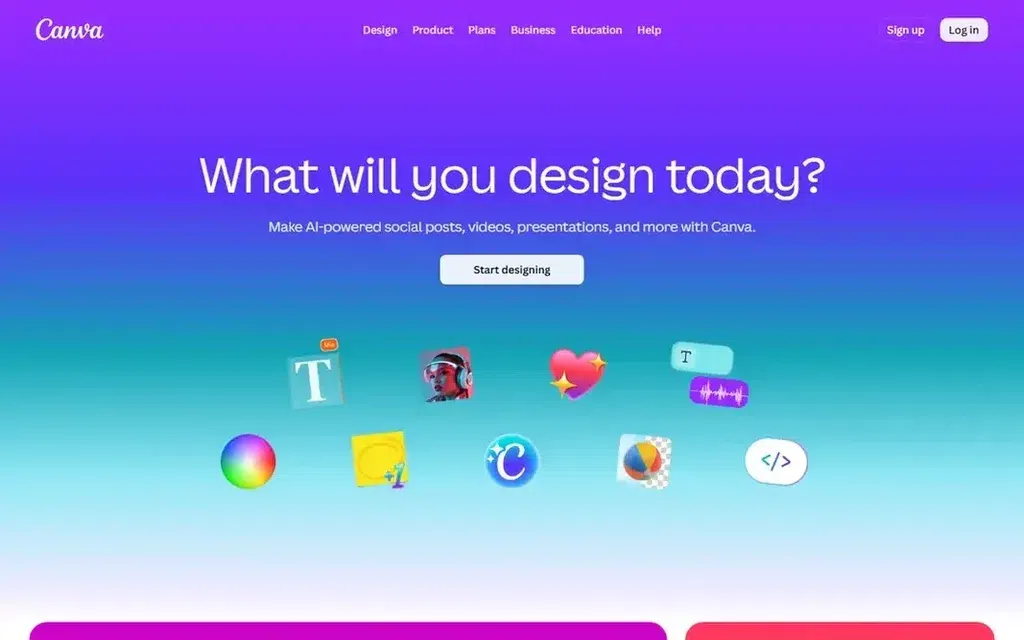
In short, Canva is for design-led decks and visual content. Canva describes itself as a visual suite for everyone, an online graphic design tool for social media posts, presentations, posters, videos and logos.
Check the vendor site for Canva pricing; none is listed in this comparison. On free options: Not stated.
Honest limits: Less suited to dense, data-heavy decks.
- Templates for numerous formats
- Includes presentations and social media
- Brand control needs setup
Think of Pitch for collaborative team presentation workspaces. If your organization relies on established desktop formats, a traditional tool could be more straightforward. Large teams that produce numerous decks together may appreciate a workspace designed around shared creation, review and delivery in one place.
Its ecosystem and template range are smaller than those of legacy office suites, so teams with deep existing template libraries may have to rebuild assets. In daily use, Pitch is described as the AI presentation workspace, a collaborative product for teams that want to produce, share and deliver better work. Its positioning centers on the entire team workflow instead of a single author building slides alone. The starting price for Pitch: €10 per month. You can start on Pitch without paying.
What Pitch does well: Built around team collaboration. Watch-outs: Smaller ecosystem than legacy suites.
- Produce
- Share and deliver in one place
- Template depth varies
Beautiful.ai makes the most sense for on-brand enterprise deck consistency. That emphasis on consistency fits large organizations where plenty of people build slides and brand drift is a real risk.
In daily use, pick Beautiful.ai when brand consistency across plenty of authors matters more than freeform design. What you pay to start with Beautiful.ai: $14.50 per month. Free options: Free trial.
Points against: Less manual layout freedom.
- Built for enterprise sharing
- Keeps decks on-brand
- Best value for brand-focused teams
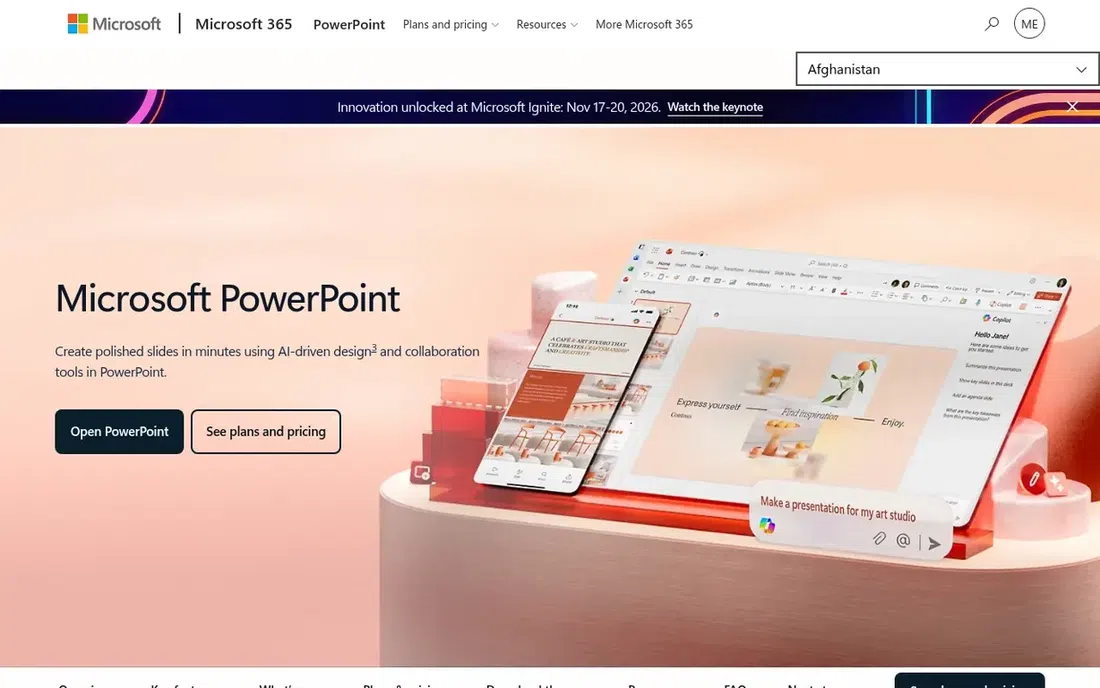
Microsoft PowerPoint serves in-depth decks and pitch presentations. Real-time co-editing feels less natural than in browser-first platforms, and keeping every deck on-brand relies on well-managed templates. Worth adding: choose PowerPoint when depth of slide control and familiarity matter most.
Microsoft PowerPoint is a presentation maker for creating clean slideshows and in-depth pitch decks. Its vendor page emphasizes telling your story through slides, and the format is deeply familiar to office teams. More specifically, if your team works largely in shared documents and wants live collaboration as the default, a cloud-native choice may fit better. Check the vendor site for Microsoft PowerPoint pricing; none is listed in this comparison. Free options: Not stated.
Drawbacks to consider: Collaboration is less fluid than browser-first tools.
- Familiar to most office teams
- Fits intricate pitch decks
- Design consistency relies on templates
What went into this list
Selection started from tools commonly considered for presentation software for large teams, then narrowed to 5 that have clear pricing information or a clear quote process. Treat prices as a snapshot: vendors change plans often, so check the vendor site for the figure that applies today. Order on the page follows fit for the typical buyer first, then price transparency and free access. Your own requirements should decide the final pick.
Pre-purchase checklist
- Ask Canva and Microsoft PowerPoint for a written quote, since no starting price is shown.
- Look at free plan limits closely: Lucidpress and Pitch have one, and the caps decide whether it is usable for real work.
- Take the trial from Beautiful.ai and push a live task through it before you pay.
- Read the limits listed for Lucidpress first: now branded as Marq.
- Check whether the features you need in Microsoft PowerPoint sit on the entry plan or only on higher tiers.
- Find out what support Beautiful.ai includes on your plan, and whether onboarding help costs extra.
FAQ
Is Lucidpress the right pick for everyone comparing presentation software for large teams?
No single tool suits every team. Lucidpress comes first because it fits brand-controlled templates at scale, while Canva suits design-led decks and visual content and Pitch suits collaborative team presentation workspaces. Match the tool to your own size, budget and workflow before deciding.
Do these tools publish their prices?
Not all of them. Canva and Microsoft PowerPoint publish no starting price, so expect a quote request for those. The rest, Lucidpress included, show a starting price, though seats and billing terms still change the final cost.
Which options for presentation software for large teams have a free plan?
Lucidpress and Pitch offer a free plan in this list. Free plans usually cap users, projects or features, so check the limits on the vendor page. One other tool offers a trial instead.
Which presentation software is best for large teams overall?
Lucidpress comes first here and is built for brand-controlled templates at scale. Buyers with other needs may prefer Canva (for design-led decks and visual content) or Pitch (for collaborative team presentation workspaces). Compare costs and limits first.
What is the cheapest option for presentation software for large teams in this list?
On published monthly entry prices, Lucidpress is the lowest here at $12 per month. Entry price is only part of the cost, because seats, add-ons and billing terms can change the total. For the full picture, the cards above cover all 5 entries of this presentation software for large teams list, including price, free plan and limits.
Sources
- https://www.lucidpress.com
- https://www.canva.com
- https://pitch.com
- https://www.beautiful.ai
- https://www.microsoft.com/microsoft-365/powerpoint