Top 5 Platforms for Building Clean Photo Galleries for 2026 (Prices and Free Plans)
Compare 5 best platforms for building clean photo galleries, with prices, free plans and who each fits. Each tool gets a one-line verdict. Numbers first.
- Editor's choiceZenfolio
All-in-one photography business and galleries
Starts at$9 per monthVisit zenfolio.comFull review - Great alternative
 Squarespace
Configurable portfolio websites with clean templates
Starts at$12 a monthVisit squarespace.comFull review - Also consider
 Pixieset
Client galleries and photography business tools
Starts at$8 a monthVisit pixieset.comFull review
Direct answer
If you need all-in-one photography business and galleries, Zenfolio is the first tool to look at here. Listed starting prices: Zenfolio from $9 per month, Squarespace from $12 a month and Pixieset from $8 a month. If your case is different, Squarespace suits configurable portfolio websites with clean templates and Pixieset suits client galleries and photography business tools. Prices, free plans and limits for all 5 tools follow.
TL;DR:
- The list opens with Zenfolio, aimed at all-in-one photography business and galleries.
- Starting prices begin at $8 per month with Pixieset.
- For creative portfolio websites for photographers, Format is worth a look.
- Pixieset stands alone as the one tool in this list with a free plan.
- One limit worth knowing about Squarespace: less centred on client gallery delivery.
Last checked November 2026. Prices and plan details were read from the vendors' own pages in November 2026; vendors change plans often, so confirm the current price on the vendor site before you buy.
Quick comparison
| Tool | Best for | Starts at | Free plan? | |
|---|---|---|---|---|
| Zenfolio | All-in-one photography business and galleries | $9 per month | Free trial | Visit |
| Squarespace | Configurable portfolio websites with clean templates | $12 a month | Free trial | Visit |
| Pixieset | Client galleries and photography business tools | $8 a month | Yes | Visit |
 Adobe Lightroom | Editing and organizing photos before gallery export | See website | Not stated | Visit |
 Format | Creative portfolio websites for photographers | $10 a month | Free trial | Visit |
Platforms for Building Clean Photo Galleries compared in detail
LinkVetted compared 5 platforms for building clean photo galleries. The goal is a practical shortlist: published prices, free plan facts, best-fit use cases and honest limits for every entry.
Zenfolio
Best for: All-in-one photography business and galleries
Zenfolio serves all-in-one photography business and galleries. It suits those running a photography business who require gallery delivery and commerce together.
Choose a more straightforward website builder if you only need a static gallery without client or commerce features. The starting price for Zenfolio: $9 per month. Trial and free access: Free trial.
Where it falls short: Editing done in separate tools.
- Workflow automation tools
- Portfolio website and client galleries
- Photography-specific focus
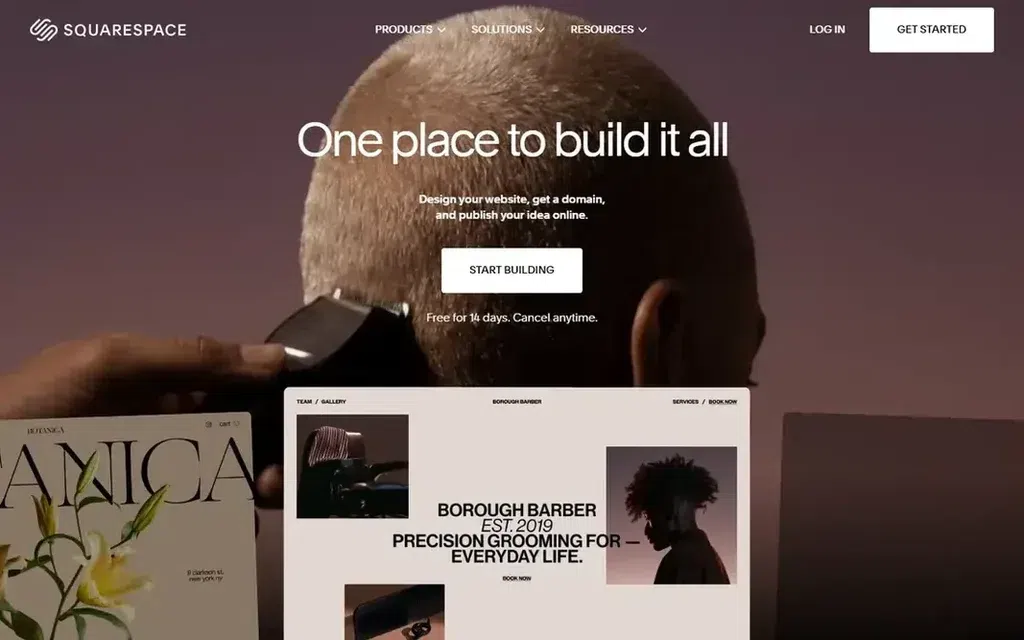
Squarespace targets configurable portfolio websites with clean templates. Squarespace is a website builder for creating a site with configurable templates, AI website builder tools, or a domain name.
The main drawbacks: Less concentrated on client gallery delivery.
Beyond that, for photo galleries, it supplies design-forward templates that can present images cleanly. Its strength is general website design, which means gallery-specific workflows are less deep. Squarespace cost at the entry level: $12 per month. Trial and free access: Free trial.
- Domain and hosting included
- Configurable website templates
- Photo workflow relies on separate editing tools
Pixieset makes the most sense for client galleries and photography business tools. It is built around delivering galleries to clients and running a photography business.
Downsides: Editing done in separate software.
It suits photographers who want a single place to share images with clients and handle related business tasks, whereas editing photos in separate software. The starting price for Pixieset: $8 per month. Pixieset offers a free plan.
- Client gallery delivery
- Booking and payment tools
- Concentrated on photographers, less general-purpose
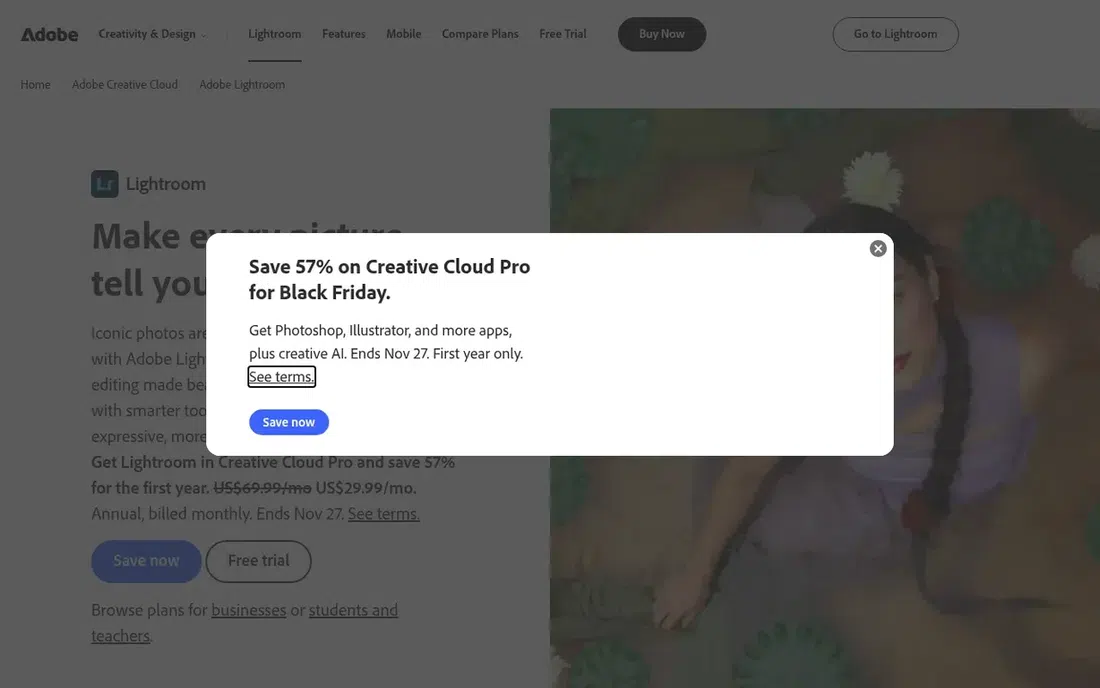
Adobe Lightroom is aimed squarely at editing and organizing photos before gallery export. Adobe Lightroom is a photo editing and organizing system for desktop, web, and mobile.
Points against: Not a dedicated gallery website builder.
It helps professional photographers and enthusiasts make photos look their best from anywhere, then export them for a gallery. Choose something else if you primarily need a ready-made gallery site. Pricing for Adobe Lightroom is not stated here, so ask the vendor for current figures. As for free access: Not stated.
- Capable photo editing and organizing tools
- Suited to professional and enthusiast workflows
- Needs Adobe ecosystem for full workflow
Pick Format if this describes you: creative portfolio websites for photographers. Format is portfolio-oriented, so photographers who require client proofing, delivery, and payment tools may need a different system. Its gallery features are solid for presentation but less deep for client workflows.
Limits to weigh: Editing done in separate tools.
It concentrates on portfolio presentation, which fits photographers who want a clean, design-led gallery site. In practice, consider a photography business system if client galleries are a core need. Format pricing: $10 per month. On free options: Free trial.
- Made for creative professionals
- Portfolio-focused website builder
- Less emphasis on client gallery delivery
How we compared the tools
LinkVetted used vendor pricing pages and product documentation as the base, then compared plans, free access and documented limits for 5 tools. Where a price is missing, the vendor does not list one publicly or ties it to a quote. Always confirm before budgeting. Tools are placed by general fit for platforms for building clean photo galleries, with price clarity and free access as tie-breakers. A different team can reasonably rank them differently.
What to confirm before you sign up
- Confirm the entry price on the vendor page. For Adobe Lightroom that means a quote rather than a fixed price.
- Test the free plan from Pixieset against your real workload before relying on it.
- Use real work to test the free trial from Zenfolio, Squarespace and Format, rather than a demo project.
- Before choosing Zenfolio, weigh its main limit: Photography-specific focus.
- Find out whether the entry plan of Pixieset covers your must-haves or only a trimmed-down version.
- Verify that exporting from Squarespace is possible on your plan and covers all your records.
FAQ
Which products are best for client gallery delivery?
Zenfolio is the pick this page puts first, mainly for all-in-one photography business and galleries. If your situation differs, Squarespace suits configurable portfolio websites with clean templates, and Pixieset suits client galleries and photography business tools. Compare price and limits before you decide.
How are the platforms for building clean photo galleries ordered?
Zenfolio sits first and Format last because the order follows typical fit for platforms for building clean photo galleries, then price clarity and free access. It is a judgement call, so read each profile for fit and limits.
Which platforms for building clean photo galleries have a free plan?
Pixieset is the only tool in this list with a free plan. Free plans usually cap users, projects or features, so check the limits on the vendor page. Several others offer a trial instead. All 5 picks in this platforms for building clean photo Galleries comparison list a starting price, free plan details and the main limits on their cards above.
What makes a photo gallery platform clean?
A clean gallery system generally supplies uncluttered layouts, quick image loading, and straightforward navigation. Look for templates or gallery views that prioritize the images themselves.
Do I need a separate editor if I use a website builder?
You will typically edit images in software like Adobe Lightroom before uploading. Some photography-specific systems focus on delivery and business tools instead of editing.
Is Zenfolio the right pick for everyone comparing platforms for building clean photo galleries?
No single tool suits every team. Zenfolio comes first because it fits all-in-one photography business and galleries, while Squarespace suits customizable portfolio websites with clean templates and Pixieset suits client galleries and photography business tools. Match the tool to your own size, budget and workflow before deciding.
Sources
- https://www.zenfolio.com
- https://www.squarespace.com
- https://pixieset.com
- https://www.adobe.com/products/photoshop-lightroom.html
- https://www.format.com