5 Xnview Hover Play Thumbnail Building Alternatives Worth Switching To in 2026
Xnview hover play thumbnail building alternatives in 2026: 5 tools with starting prices, free plans and limits. The catches are listed up front. Pick by budget.

- Editor's choice
 Capture One
Precision editing and tethered shooting
Starts atPricing on requestVisit captureone.comFull review - Great alternativeACDSee Photo Studio
All-in-one photo management and editing
Starts atPricing on requestVisit acdsee.comFull review - Also considerAdobe Bridge
Creative Cloud users needing asset management
Starts atPricing on requestVisit adobe.comFull review
Direct answer
Capture One leads the list, best for precision editing and tethered shooting. ACDSee Photo Studio is the stronger choice for all-in-one photo management and editing, while Adobe Bridge suits creative Cloud users needing asset management. The full list of 5 tools follows, with free plan facts. None of these vendors publish plan prices, so pricing is on request for every option.
TL;DR:
- This list starts with Capture One, which is built for precision editing and tethered shooting.
- Check the limits for Adobe Bridge before you commit: needs a Creative Cloud subscription for full features.
- Adobe Lightroom Classic fits professional photographers needing cataloging.
- None of the 5 tools, from Capture One to Adobe Lightroom Classic, has a free plan, so budget for a subscription or use a trial.
- Capture One, Adobe Lightroom Classic and the 3 others all sell by quote; expect sales conversations before you see a price.
Last checked November 2026. Pricing on request: vendors did not publish plan prices when this guide was last checked (November 2026), so ask each vendor for a written quote.
Quick comparison
| Tool | Best for | Starts at | Free plan? | |
|---|---|---|---|---|
| Capture One | Precision editing and tethered shooting | Pricing on request | Not stated | Visit |
| ACDSee Photo Studio | All-in-one photo management and editing | Pricing on request | Not stated | Visit |
| Adobe Bridge | Creative Cloud users needing asset management | Pricing on request | Not stated | Visit |
| FastStone Image Viewer | Light and quick thumbnail browsing | Pricing on request | Not stated | Visit |
 Adobe Lightroom Classic | Professional photographers needing cataloging | Pricing on request | Not stated | Visit |
Every option for xnview hover play thumbnail building explained
This LinkVetted guide covers 5 options for xnview hover play thumbnail building. Each profile lists a starting price, free plan details, strengths and drawbacks, so you can drop poor fits quickly.
In short, Capture One is for precision editing and tethered shooting. Capture One is a professional photo editing software known for its color precision and RAW processing. It is aimed at studio and professional photographers who demand high-quality output and control over their workflow.
What to check first: Steeper ramp-up time.
Its interface and tools require time to master. For more straightforward needs, FastStone or Adobe Bridge might be more appropriate. Pricing for Capture One is not stated here, so ask the vendor for current figures. Trial and free access: Not stated.
- Capable tethering support
- Very good RAW handling
- Costly for hobbyists
ACDSee Photo Studio
Best for: All-in-one photo management and editing

ACDSee Photo Studio works best for all-in-one photo management and editing. ACDSee Photo Studio is a photo editing and management suite that contains digital asset management capabilities. It supplies thumbnail browsing and preview choices, making it a candidate for users who want an integrated option for organizing and editing images.
Trade-offs to know: premium software with no free version.
As for the details, the software is commercial and may be more than casual users need. For a more straightforward, free alternative, FastStone Image Viewer might be preferable. ACDSee Photo Studio shows no starting price here, so confirm the cost on the vendor site. On free options: Not stated.
- Merges management with editing tools
- Comes with digital asset management features
- Interface can be overwhelming for beginners
Adobe Bridge
Best for: Creative Cloud users needing asset management
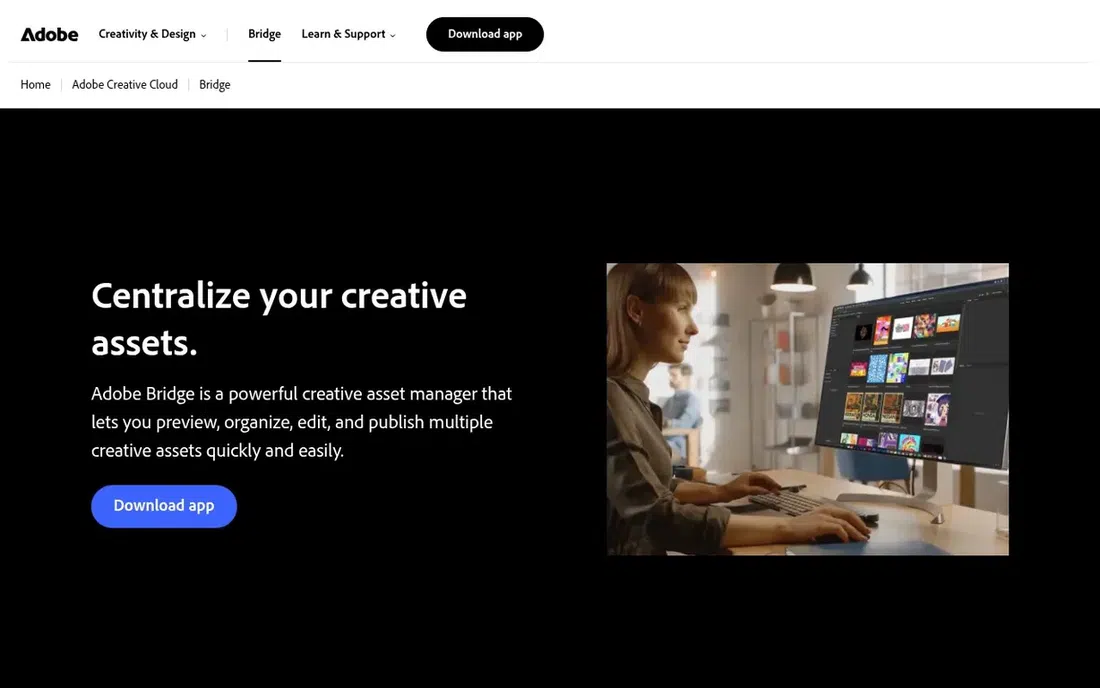
In short, Adobe Bridge is for creative Cloud users needing asset management. Adobe Bridge is a digital asset management application that works alongside Creative Cloud apps.
No starting price is listed for Adobe Bridge here; confirm pricing on the vendor site. On free options: Not stated.
Watch-outs: Requires a Creative Cloud subscription for full features.
- Configurable thumbnail and preview choices
- Deep integration with Adobe apps
- Can be resource-intensive on older hardware
FastStone Image Viewer
Best for: Light and quick thumbnail browsing
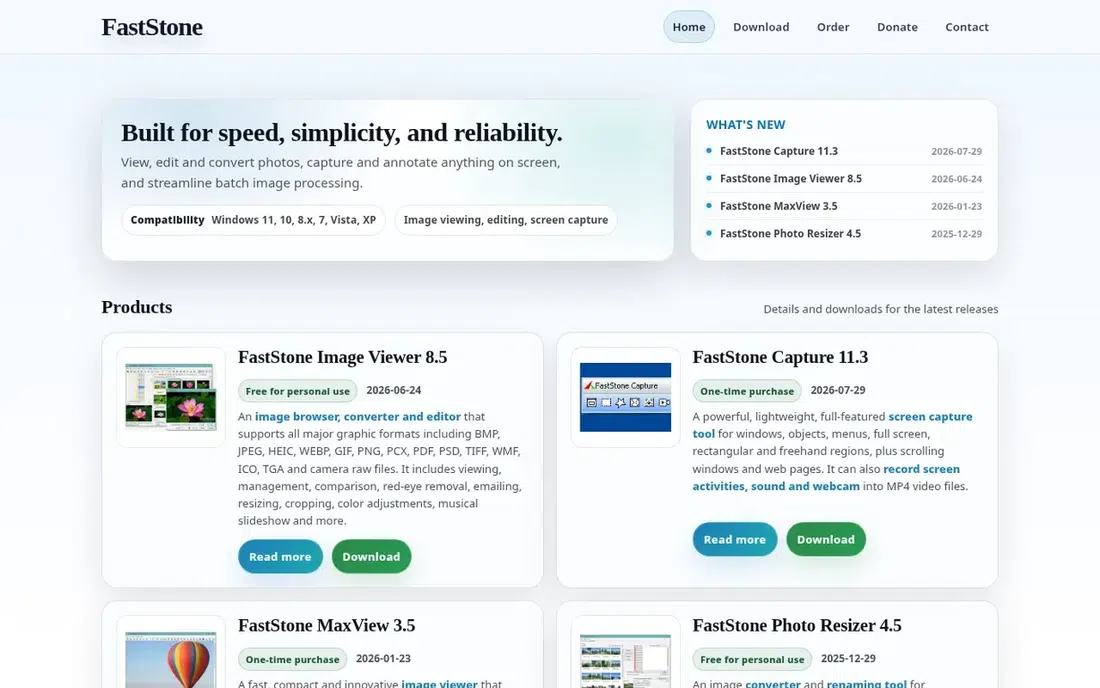
FastStone Image Viewer is a good fit for light and quick thumbnail browsing. FastStone lacks the advanced cataloging and metadata features of professional tools. Its interface is functional but not modern.
What to check first: Restricted advanced management features.
FastStone Image Viewer is a free image browser and converter known for its speed and simplicity. It supplies thumbnail views and preview panes, and supports hover-based navigation in some modes. This comparison lists no price for FastStone Image Viewer; ask the vendor. On free options: Not stated.
- Free for personal use
- Bundles entry-level editing tools
- Interface may feel dated
Adobe Lightroom Classic serves professional photographers needing cataloging. Adobe Lightroom Classic is a desktop photo editor and organizer favored by professional photographers.
Its hover preview features and grid views make it simple to cull and handle large photo libraries efficiently. From a buyer's view, Lightroom Classic needs a subscription and is heavier than straightforward viewers. Adobe Lightroom Classic shows no starting price here, so confirm the cost on the vendor site. As for free access: Not stated.
Honest limits: Subscription required.
- Advanced organization and editing
- Integrated thumbnail and preview workflow
- Demanding on system resources
How we compared the tools
Selection started from tools commonly considered for xnview hover play thumbnail building, then narrowed to 5 that have clear pricing information or a clear quote process. Where a price is missing, the vendor does not list one publicly or ties it to a quote. Always confirm before budgeting. The order reflects how well each tool fits the most common buying scenario for xnview hover play thumbnail building, then price clarity, then free plan access. It is a starting point, not a verdict.
Before you commit
- Ask each vendor, from Capture One to Adobe Lightroom Classic, for a written quote; none of them publishes a starting price.
- Before choosing Capture One, weigh its main limit: pricey for hobbyists.
- Look at the renewal terms for FastStone Image Viewer: auto-renewal, notice periods and price changes can matter more than the first-year price.
- Test the integrations you rely on with Adobe Lightroom Classic before committing; some connectors sit on upper tiers.
- Ask Capture One which support channels and response times come with the plan you would buy.
FAQ
What is hover play in XnView?
Hover play is a feature in XnView that lets you to preview images or play media by hovering over thumbnails. In daily use, alternatives may offer similar preview modes under different names.
Is Capture One the right pick for everyone comparing xnview hover play thumbnail building?
No single tool suits every team. Capture One comes first because it fits precision editing and tethered shooting, while ACDSee Photo Studio suits all-in-one photo management and editing and Adobe Bridge suits creative Cloud users needing asset management. Match the tool to your own size, budget and workflow before deciding.
How are the tools for xnview hover play thumbnail building ordered?
Capture One sits first and Adobe Lightroom Classic last because the order follows typical fit for xnview hover play thumbnail building, then price clarity and free access. It is a judgement call, so read each profile for fit and limits.
Can I try these tools before paying?
Not by default. None of the tools, from Capture One to Adobe Lightroom Classic, lists a free plan or a free trial here, so ask each vendor for a demo before committing.
Do these tools publish their prices?
No. None of the tools, from Capture One to Adobe Lightroom Classic, shows a fixed starting price here, so budget time for quotes.
Sources
- https://www.captureone.com
- https://www.acdsee.com
- https://www.adobe.com/products/bridge.html
- https://www.faststone.org
- https://www.adobe.com/products/photoshop-lightroom-classic.html