5 Video Stabilization Software for Action Cameras Worth Shortlisting in 2026
Searching for the best video stabilization software for action cameras? Here are 5 options with prices and free plans. Real limits included. Quick to scan.
- Editor's choice
 DaVinci Resolve
All-in-one editing and color work
Starts atPricing on requestVisit blackmagicdesign.comFull review - Great alternativeMercalli
Dedicated stabilization specialist
Starts atPricing on requestVisit prodad.comFull review - Also considerAfter Effects
Motion graphics with tracking tools
Starts atPricing on requestVisit adobe.comFull review
Direct answer
DaVinci Resolve comes first here, mainly for all-in-one editing and color work. Look at Mercalli for dedicated stabilization specialist, and at After Effects for motion graphics with tracking tools. The remaining 2 options are covered below with pricing notes and limits. None of these vendors publish plan prices, so pricing is on request for every option.
TL;DR:
- DaVinci Resolve takes the first slot, best suited to all-in-one editing and color work.
- Adobe Premiere Pro fits full editing suite with stabilization.
- None of the 5 tools, from DaVinci Resolve to Adobe Premiere Pro, has a free plan, so budget for a subscription or use a trial.
- Check the limits for After Effects before you commit: not a primary editing tool.
- Every tool from DaVinci Resolve to Adobe Premiere Pro works by quote, with no list price shown.
Last checked November 2026. Pricing on request: vendors did not publish plan prices when this guide was last checked (November 2026), so ask each vendor for a written quote.
Quick comparison
| Tool | Best for | Starts at | Free plan? | |
|---|---|---|---|---|
| DaVinci Resolve | All-in-one editing and color work | Pricing on request | Not stated | Visit |
| Mercalli | Dedicated stabilization specialist | Pricing on request | Not stated | Visit |
| After Effects | Motion graphics with tracking tools | Pricing on request | Not stated | Visit |
 Final Cut Pro | Mac and iPad editors | Pricing on request | Not stated | Visit |
 Adobe Premiere Pro | Full editing suite with stabilization | Pricing on request | Not stated | Visit |
Video Stabilization Software for Action Cameras profiles
If you are comparing video stabilization software for action cameras, this page covers 5 tools in one place: what each is best for, what it costs to start, whether it has a free plan, and the main limit to know about.
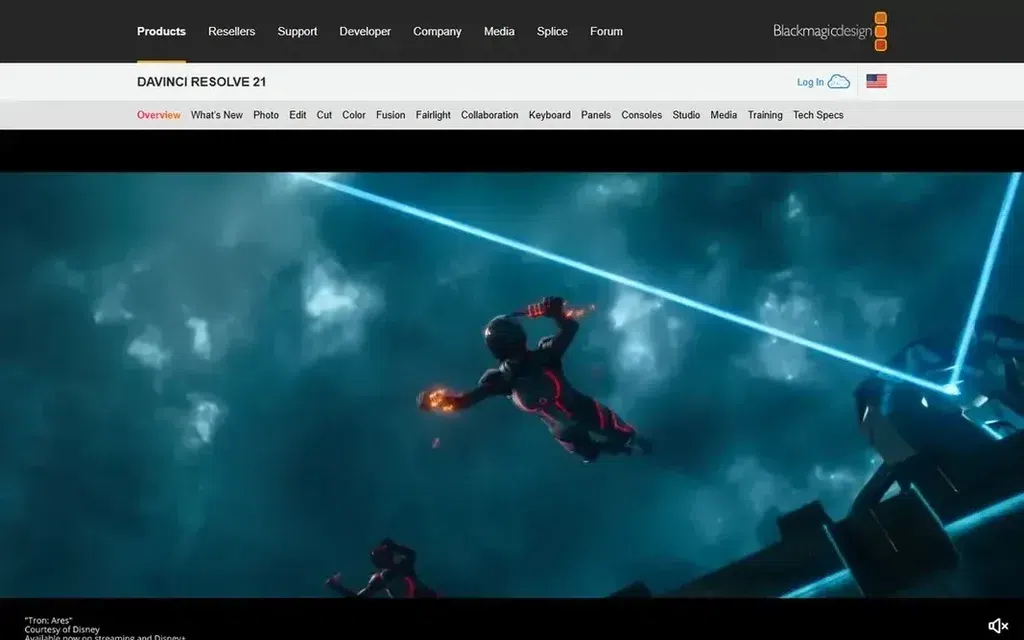
DaVinci Resolve is designed for all-in-one editing and color work. Pick Resolve when you want color and audio depth alongside stabilization instead of a standalone fixer. Also, action camera users benefit from stabilizing clips and then grading the footage in the same project.
In practice, the interface is dense, and newcomers may need time to learn where stabilization and related tools live. It also benefits from a capable computer for smooth playback. This comparison lists no price for DaVinci Resolve; ask the vendor. On free options: Not stated.
Watch-outs: Feature-dense interface for beginners.
- VFX and audio in one app
- Windows and Linux
- Needs a capable computer
Mercalli
Best for: Dedicated stabilization specialist
For dedicated stabilization specialist, Mercalli is a natural candidate. Choose Mercalli when stabilization quality is the priority and you already have an editor for the rest of the job.
As for the details, plug-in use also relies on compatible host software. Also, Mercalli from proDAD is video stabilization software offered as a stand-alone application or plug-in, alongside the company's effects and title tools. This comparison lists no price for Mercalli; ask the vendor. Free plan details: Not stated.
Where it is weaker: Plug-in use relies on host software.
- Purpose-built stabilization focus
- Works as stand-alone app or plug-in
- Narrower than a full editor
After Effects
Best for: Motion graphics with tracking tools
In short, After Effects is for motion graphics with tracking tools. It pairs naturally with Premiere Pro when a project needs both editing and motion design. Pick it when stabilization is part of a bigger effects or motion graphics task instead of a fast fix.
The main drawbacks: Steep ramp-up time.
After Effects is not a primary editor, so cutting and assembling footage typically happens elsewhere. Its ramp-up time is steep for casual users. No starting price is listed for After Effects here; confirm pricing on the vendor site. Free options: Not stated.
- Industry-standard motion graphics
- Tracking and compositing features
- Not a primary editing tool
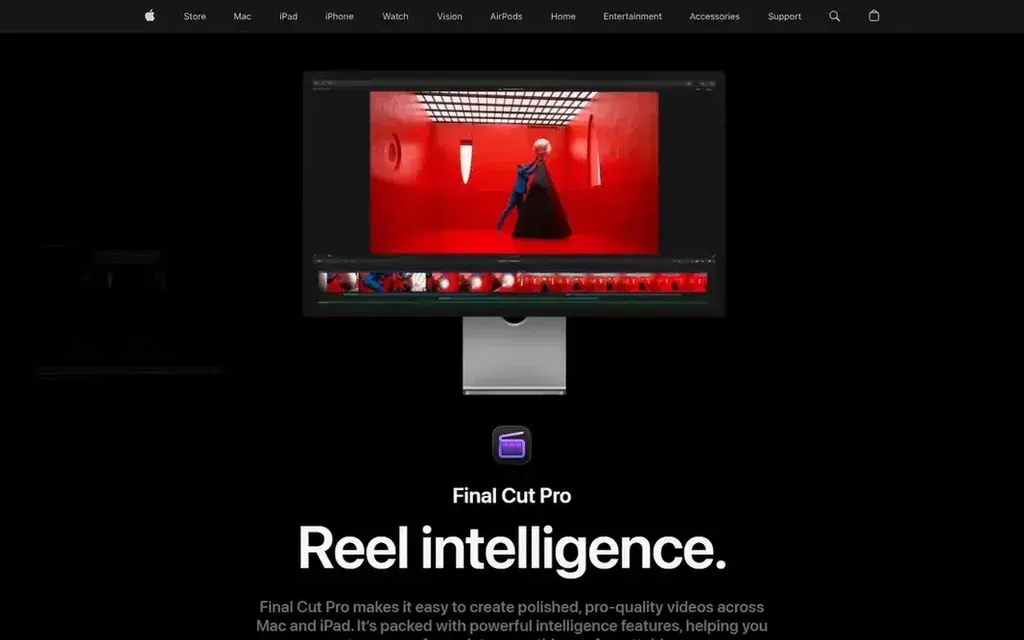
Final Cut Pro is a good fit for Mac and iPad editors. Final Cut Pro is Apple's professional editing application for Mac and iPad, packed with intelligent features that make pro-quality video creation simpler.
From a buyer's view, for action camera footage it suits editors already inside the Apple ecosystem who want stabilization and cutting in one place. In practice, the central limit is system: it runs only on Apple hardware, so Windows and Linux editors need another choice for example DaVinci Resolve or Premiere Pro. No starting price is listed for Final Cut Pro here; confirm pricing on the vendor site. Free options: Not stated.
Downsides: Not geared toward Windows users.
- Optimized for Mac and iPad
- Intelligent editing features
- Apple systems only
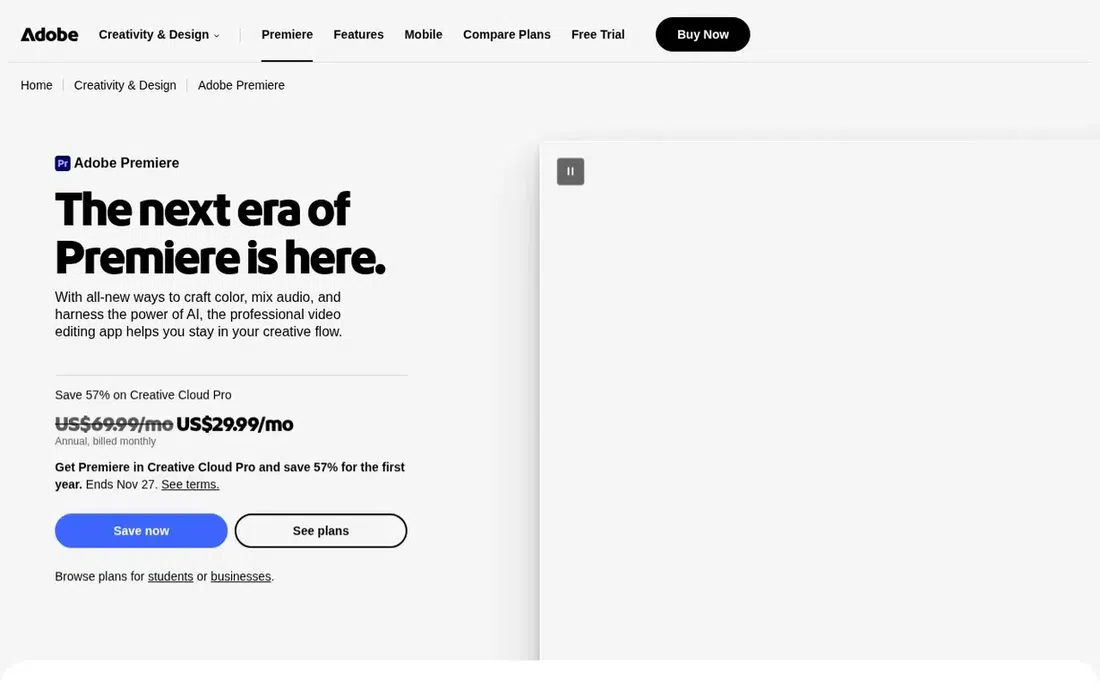
Adobe Premiere Pro is designed for full editing suite with stabilization. Adobe Premiere Pro is professional video editing and post-production software for trimming, effects, audio mixing and more. Choose Premiere Pro when stabilization is one step in a broader editing workflow.
Where it falls short: Demanding on older hardware.
Upsides: effects and audio mixing in one app.
For everyday use, the software is subscription-based and can be heavy on older machines, so casual users may find it more than they need. Worth adding: if you only want to smooth clips, a dedicated stabilizer like Mercalli is a more straightforward route. No starting price is listed for Adobe Premiere Pro here; confirm pricing on the vendor site. On free options: Not stated.
- Warp stabilizer tools for shaky footage
- Trimming
- Subscription-based access
How we compared the tools
For each of the 5 tools we noted price, free plan or trial, fit for video stabilization software for action cameras and the main limit, using vendor pages and documentation. Seat minimums, billing terms and add-ons can move the real cost, so the starting prices here are a guide and not a quote. We ordered the tools by general fit, then by how clearly pricing is shown, then by free access. A buyer with unusual needs may reorder them.
Before you commit
- Request quotes from DaVinci Resolve, Adobe Premiere Pro and the others; the list shows no fixed prices.
- Read the limits listed for DaVinci Resolve first: feature-dense interface for beginners.
- The entry price of After Effects is only the starting point; model the full cost with seats and extras.
- Confirm minimum seats and billing terms with Adobe Premiere Pro before you commit to an annual plan.
- Ask whether Final Cut Pro integrates with your current software, and whether that comes standard or as an add-on.
FAQ
Can I try these tools before paying?
Not by default. None of the tools, from DaVinci Resolve to Adobe Premiere Pro, lists a free plan or a free trial here, so ask each vendor for a demo before committing. For the full picture, the cards above cover all 5 entries of this video Stabilization software for action Cameras list, including price, free plan and limits.
Is a plug-in workflow better than stand-alone?
A plug-in for example Mercalli can fit inside an editor you already use, keeping projects in one place. Stand-alone tools suit users who prefer to stabilize clips first and edit afterward. Confirm host compatibility before choosing.
Does any tool for video stabilization software for action cameras here have a free plan?
No tool in this list, DaVinci Resolve and Adobe Premiere Pro included, has a permanent free plan. Trials and quotes are the usual route, so plan a short evaluation period. Prices, free plan details and limits for all 5 tools in this video Stabilization software for action Cameras roundup sit on the individual cards above.
Do these tools publish their prices?
No. None of the tools, from DaVinci Resolve to Adobe Premiere Pro, shows a fixed starting price here, so budget time for quotes. Each of the 5 options in this video Stabilization software for action Cameras guide has its own card above with the price, free plan and limits.
Is DaVinci Resolve the right pick for everyone comparing video stabilization software for action cameras?
No single tool suits every team. DaVinci Resolve comes first because it fits all-in-one editing and color work, while Mercalli suits dedicated stabilization specialist and After Effects suits motion graphics with tracking tools. Match the tool to your own size, budget and workflow before deciding.
Sources
- https://www.blackmagicdesign.com/products/davinciresolve
- https://www.prodad.com/Video-Stabilization-for-Professionals/Mercalli-V.A.P.-4.html
- https://www.adobe.com/products/aftereffects.html
- https://www.apple.com/final-cut-pro
- https://www.adobe.com/products/premiere.html