5 Studio Software for Photographers Worth Shortlisting in 2026
Searching for the best studio software for photographers? Here are 5 options with prices and free plans. Hidden costs and gaps are flagged. See which fits.

- Editor's choiceACDSee Photo Studio
All-in-one management and editing
Starts atSee websiteVisit acdsee.comFull review - Great alternativeSkylum Luminar Neo
AI-assisted creative editing
Starts atSee websiteVisit skylum.comFull review - Also consider
 Adobe Lightroom
All-around editing and organization
Starts atSee websiteVisit adobe.comFull review
Direct answer
ACDSee Photo Studio is the first pick on this list for all-in-one management and editing. Listed starting prices: ON1 Photo RAW from $49.99. For a different need, Skylum Luminar Neo covers AI-assisted creative editing and Adobe Lightroom covers all-around editing and organization. The full list of 5 tools follows, with prices and free plan facts.
TL;DR:
- The list opens with ACDSee Photo Studio, aimed at all-in-one management and editing.
- Capture One is the one to check for precision editing and tethering.
- A permanent free plan is missing from all 5 tools, ACDSee Photo Studio and Capture One included; plan for a trial or a premium start.
- Pricing for ACDSee Photo Studio, Skylum Luminar Neo, Adobe Lightroom and Capture One is quote-based, which adds a sales step before you can compare cost.
Last checked November 2026. Prices and plan details were read from the vendors' own pages in November 2026; vendors change plans often, so confirm the current price on the vendor site before you buy.
Quick comparison
| Tool | Best for | Starts at | Free plan? | |
|---|---|---|---|---|
| ACDSee Photo Studio | All-in-one management and editing | See website | Not stated | Visit |
| Skylum Luminar Neo | AI-assisted creative editing | See website | No | Visit |
| Adobe Lightroom | All-around editing and organization | See website | Not stated | Visit |
 ON1 Photo RAW | All-in-one raw editing without subscription | $49.99 | Free trial | Visit |
 Capture One | Precision editing and tethering | See website | Not stated | Visit |
Studio Software for Photographers profiles
Short on time? The summary and table above give the quick view of 5 studio software for photographers, and the profiles that follow give the detail behind each entry.
ACDSee Photo Studio
Best for: All-in-one management and editing
For all-in-one management and editing, ACDSee Photo Studio is a natural candidate. ACDSee Photo Studio is available only for Windows, which limits its appeal for Mac users.
Downsides: Interface can feel dated.
On top of that, the interface may feel less modern compared with some competitors. But it remains a solid choice for those who require an integrated management and editing option. This comparison lists no price for ACDSee Photo Studio; ask the vendor. As for free access: Not stated.
- Layered editing
- Integrated asset management
- Windows only
Skylum Luminar Neo
Best for: AI-assisted creative editing
Skylum Luminar Neo is a good fit for AI-assisted creative editing. Luminar Neo may not offer the granular control needed for complicated studio work or high-volume raw processing. It is most useful for creative edits and photographers who prefer an easy-to-learn, AI-driven approach.
What to check first: Restricted manual controls.
Luminar Neo is a photo editing software for PC and Mac that uses AI to help you edit photos as you imagine them. It is made for simplicity and speed, making it a solid fit for photographers who want fast, creative results without deep technical adjustments. Check the vendor site for Skylum Luminar Neo pricing; none is listed in this comparison. Skylum Luminar Neo has no free plan.
- Creative filters
- Approachable interface
- Not a strong match for heavy raw processing
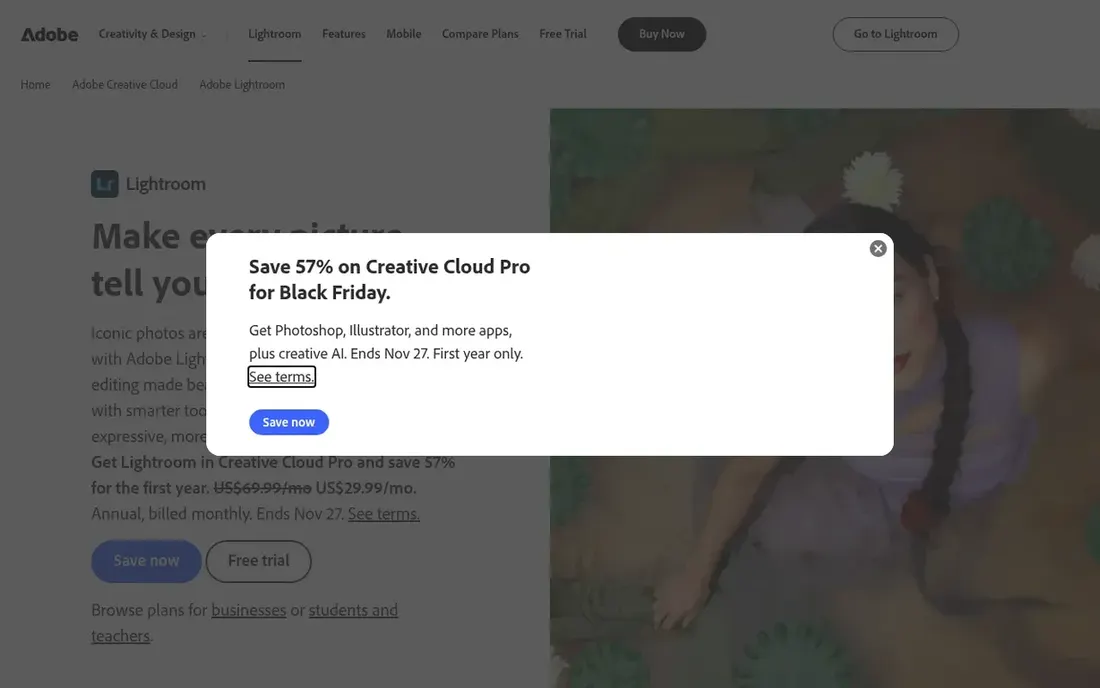
Adobe Lightroom serves all-around editing and organization. Lightroom is a photo editing and organizing application for desktop, web, and mobile. It is aimed at professional photographers and enthusiasts who want to make amazing photos from anywhere.
The main drawbacks: Subscription required.
The software excels at managing large libraries and applying edits across several images, making it a solid choice for photographers who require a centralized workflow. In daily use, consider alternatives if you need advanced layer-based editing without continuing costs. This comparison lists no price for Adobe Lightroom; ask the vendor. Free plan details: Not stated.
- Cross-device sync
- Solid organizing tools
- Restricted advanced compositing
ON1 Photo RAW works best for all-in-one raw editing without subscription. ON1 Photo RAW is an AI-powered raw photo editing software that lets you edit, organize, and process photos with pro-level quality. It is available as a one-time purchase with no subscription required, appealing to photographers who want a perpetual license and an all-in-one workflow.
What ON1 Photo RAW does well: AI-powered editing.
Trade-offs to know: Smaller ecosystem.
Whereas ON1 Photo RAW gives you plenty of features, it may lack some of the advanced collaboration and integration choices found in subscription-based suites. It is a solid choice for those who prioritize ownership and a unified toolset. ON1 Photo RAW pricing: $49.99. As for free access: Free trial.
- One-time purchase
- Integrated organizing
- Less external integration
Capture One is built with precision editing and tethering in mind. Capture One is professional photo editing software designed for photographers who demand precision and control.
Drawbacks to consider: Higher cost.
Capture One shows no starting price here, so confirm the cost on the vendor site. Trial and free access: Not stated.
- Capable tethering
- Advanced raw handling
- Steeper ramp-up time
Selection criteria
What to confirm before you sign up
- Confirm the entry price on the vendor page. For ACDSee Photo Studio, Skylum Luminar Neo, Adobe Lightroom and Capture One that means a quote rather than a fixed price.
- Use real work to test the free trial from ON1 Photo RAW, rather than a demo project.
- Read the limits listed for ACDSee Photo Studio first: Windows only.
- Ask Adobe Lightroom about contract length, onboarding fees and user minimums before you sign.
- Confirm that Capture One connects to the apps your team already uses, on the plan you would actually buy.
FAQ
Does any tool for studio software for photographers here have a free plan?
No tool in this list, ACDSee Photo Studio and Capture One included, has a permanent free plan. ON1 Photo RAW offer a trial. Trials and quotes are the usual route, so plan a short evaluation period.
Do these tools publish their prices?
Not all of them. ACDSee Photo Studio, Skylum Luminar Neo, Adobe Lightroom and Capture One publish no starting price, so expect a quote request for those. The rest, ON1 Photo RAW included, show a starting price, though seats and billing terms still change the final cost.
Can I try these tools before paying?
Often, yes. ON1 Photo RAW offers a free trial. Use your own data and a real task during the test, and check what the free tier or trial limits before you rely on it. Each of the 5 options in this studio software for photographers guide has its own card above with the price, free plan and limits.
Is ACDSee Photo Studio the right pick for everyone comparing studio software for photographers?
No single tool suits every team. ACDSee Photo Studio comes first because it fits all-in-one management and editing, while Skylum Luminar Neo suits AI-assisted creative editing and Adobe Lightroom suits all-around editing and organization. Match the tool to your own size, budget and workflow before deciding.
Sources
- https://www.acdsee.com/en/products/photo-studio-ultimate
- https://skylum.com/luminar
- https://www.adobe.com/products/photoshop-lightroom.html
- https://www.on1.com/products/photo-raw
- https://www.captureone.com