5 Translation Software for Video Editing Worth Shortlisting in 2026
5 tools for the best translation software for video editing, compared on pricing, free plans and best-fit use. Every pick gets a straight assessment. No hype.
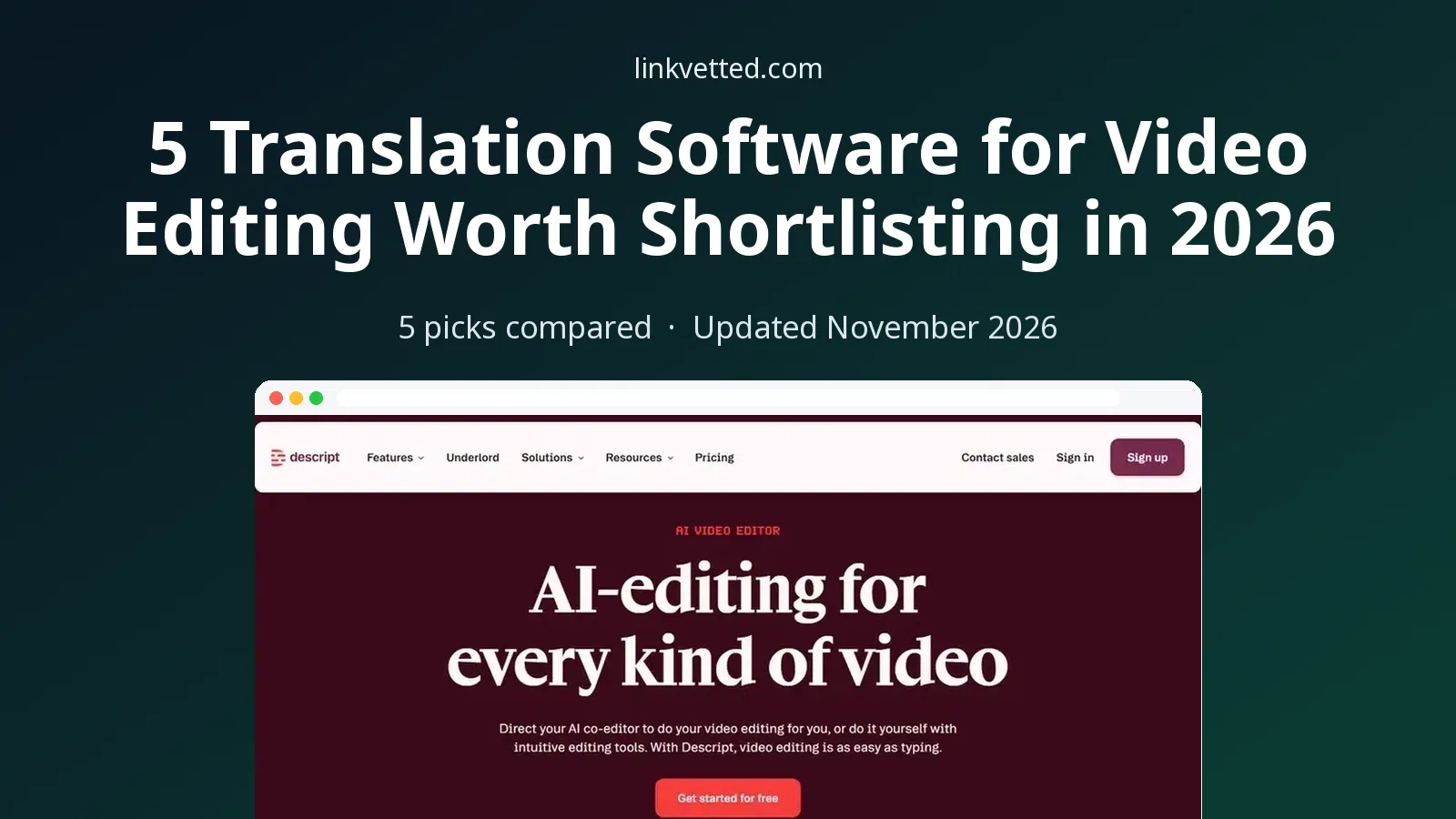
- Editor's choice
 Descript
Text-based editing and transcription
Starts at$16 per person a monthVisit descript.comFull review - Great alternative
 Vimeo
Hosting and reviewing translated video
Starts atSee websiteVisit vimeo.comFull review - Also consider
 HeyGen
AI avatar videos with voice translation
Starts at$29 a monthVisit heygen.comFull review
Direct answer
Descript leads the list, best for text-based editing and transcription. Listed starting prices: Descript from $16 per person a month, HeyGen from $29 a month and DeepL from $8.74 a month, billed yearly. If your case is different, Vimeo suits hosting and reviewing translated video and HeyGen suits AI avatar videos with voice translation. The remaining 2 options are covered below with prices and limits.
TL;DR:
- Number one here is Descript, a fit for text-based editing and transcription.
- The cheapest monthly starting price in the list is $8.74 per month, billed annually, offered by DeepL.
- What to know about Vimeo first: not an editing or translation tool.
- For AI translation for text and speech, DeepL is worth a look.
- 3 of 5 tools offer a free plan: Descript, Vimeo, HeyGen.
Last checked November 2026. Prices and plan details were read from the vendors' own pages in November 2026; vendors change plans often, so confirm the current price on the vendor site before you buy.
Quick comparison
| Tool | Best for | Starts at | Free plan? | |
|---|---|---|---|---|
| Descript | Text-based editing and transcription | $16 per person a month | Yes | Visit |
| Vimeo | Hosting and reviewing translated video | See website | Yes | Visit |
| HeyGen | AI avatar videos with voice translation | $29 a month | Yes | Visit |
 Adobe Premiere Pro | Professional editing with caption workflows | See website | Not stated | Visit |
 DeepL | AI translation for text and speech | $8.74 a month, billed yearly | Free trial | Visit |
Every option for translation software for video editing explained
This LinkVetted guide covers 5 options for translation software for video editing. Each profile lists a starting price, free plan details, strengths and drawbacks, so you can drop poor fits quickly.
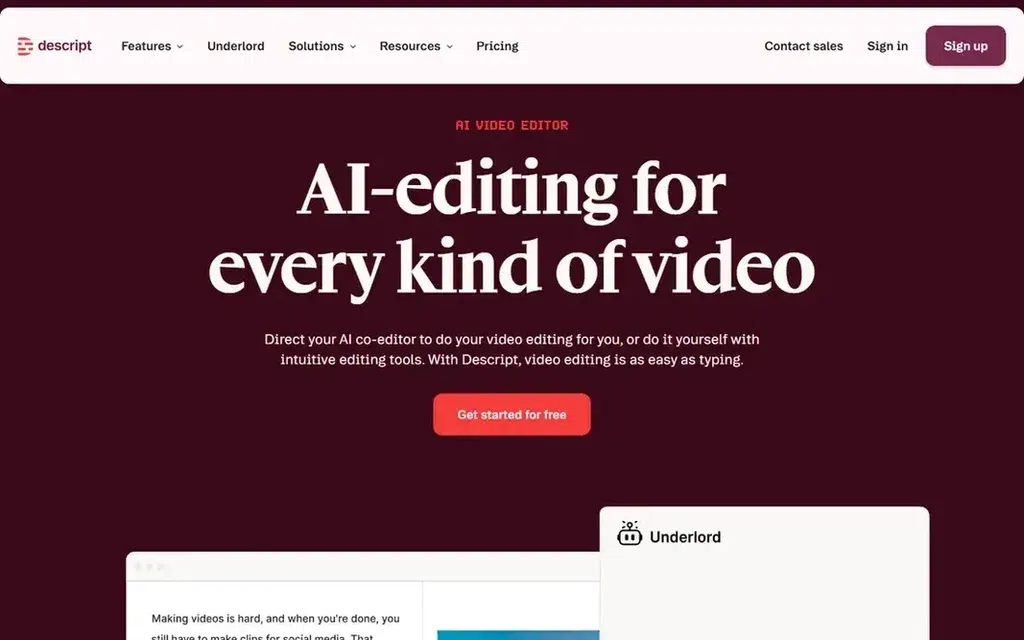
Descript makes the most sense for text-based editing and transcription. Descript is an AI video and audio editor that makes editing as simple as editing text.
Transcription can feed translation workflows by supplying text for subtitles or dubbing scripts. Entry price for Descript: $16 per person per month. You can start on Descript without paying.
Upsides: Record, transcribe, edit. Points against: Restricted advanced video effects.
- AI video and audio editing
- Edit video by editing text
- Best suited to spoken-content workflows
Think of Vimeo for hosting and reviewing translated video. Vimeo is a video system for watching and sharing videos, including films, shorts, and documentaries in HD.
The main drawbacks: Translation must be done elsewhere.
It is not a substitute for a postproduction suite. Also, pick Vimeo when distribution and review are the priority, not creation. No starting price is listed for Vimeo here; confirm pricing on the vendor site. Vimeo offers a free plan.
- Video hosting and streaming product
- Supports HD playback
- Not an editing or translation tool
Pick HeyGen if this describes you: AI avatar videos with voice translation. HeyGen builds AI videos with a personal avatar, letting you appear on camera without filming every video. For translation, avatar and voice features can help produce versions in other languages whereas keeping a consistent presenter.
In daily use, the synthetic presenter style may not fit every brand. HeyGen is built around avatar-driven video instead of full editing, so complicated postproduction is restricted. What you pay to start with HeyGen: $29 per month. You can start on HeyGen without paying.
Where it falls short: Avatar-led style may not suit all content.
- Uses your face and voice without filming
- Supports multilingual video creation
- Restricted traditional editing controls
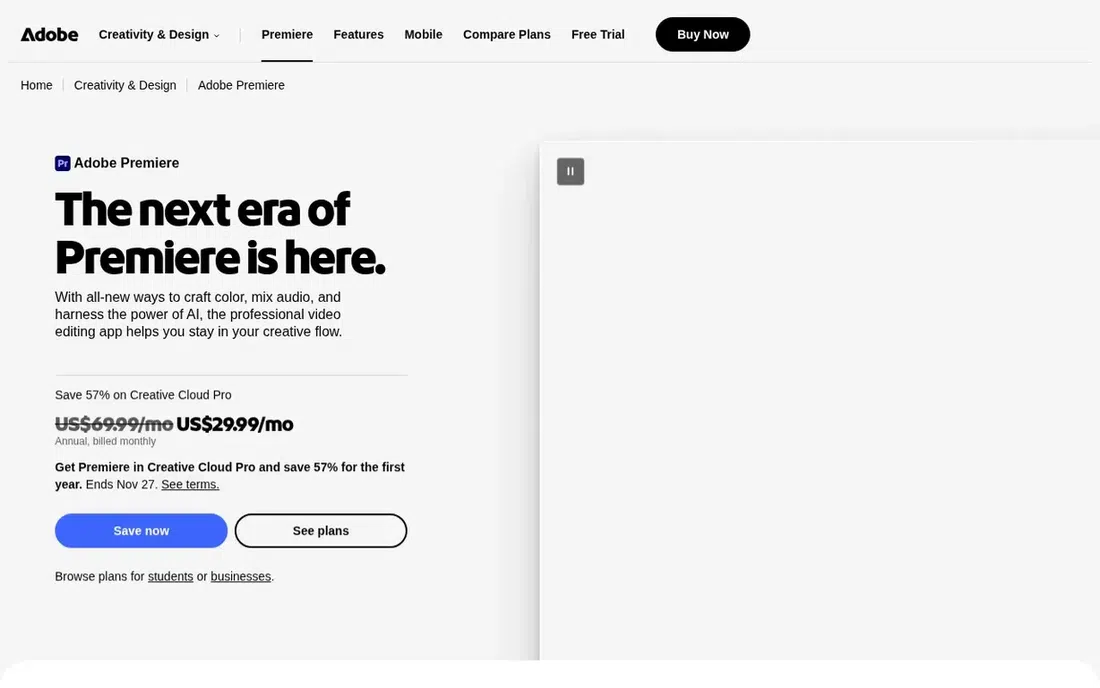
Pick Adobe Premiere Pro if this describes you: professional editing with caption workflows. Adobe Premiere Pro is professional video editing software for editing, trimming, adding effects, mixing audio, and extending video. Beyond that, translation workflows can be supported by exporting text for translation and reimporting captions.
Worth adding: choose Premiere Pro when you need deep editing control and already have a translation process. The software is complicated and demands time to learn, and it does not bundle built-in machine translation. Pricing for Adobe Premiere Pro is not stated here, so ask the vendor for current figures. On free options: Not stated.
Honest limits: Requires capable hardware.
- Caption and text-based editing tools
- Professional editing and postproduction
- Steep ramp-up time
Pick DeepL if this describes you: AI translation for text and speech. DeepL is an AI system for translation, voice, and API access, handling speech, text, and media. In daily use, choose DeepL when translation accuracy is the priority and you already have editing handled.
Points against: Not a video editor.
The API permits integration into custom localization pipelines for video projects. More specifically, DeepL does not edit video, so it must be combined with an editing tool and subtitle workflow. Worth adding: media translation features may not include every format. On cost, DeepL starts like this: $8.74 per month, billed annually. As for free access: Free trial.
- AI translation for text, speech, media
- API access for integration
- Requires workflow integration
Selection criteria
LinkVetted looked at what each vendor publishes: pricing, plan limits, feature coverage for translation software for video editing and stated drawbacks. No hands-on testing is claimed. Prices and plan limits come from vendor pages and can change, so confirm them on the vendor site before you buy. The sequence is a judgement call: typical use case first, then pricing transparency, then free access. Use the profiles to check fit.
Questions to settle before buying
- Confirm the entry price on the vendor page. For Vimeo and Adobe Premiere Pro that means a quote rather than a fixed price.
- Check what the free option really includes: Descript, Vimeo and HeyGen offer a free plan, and usage caps differ.
- Run a trial of DeepL with real work before paying for a year; your own workflow is the best test.
- Read the limits listed for Descript first: restricted advanced video effects.
- Before you load data into Descript, check what an export looks like and who can run it.
- Before rolling out Vimeo, verify the integrations your workflow depends on.
FAQ
Can I try these tools before paying?
Often, yes. Descript, Vimeo and HeyGen have a free plan and DeepL offers a free trial. Use your own data and a real task during the test, and check what the free tier or trial limits before you rely on it.
Which options for translation software for video editing have a free plan?
On this list, Descript, Vimeo and HeyGen include a free plan. Caps on seats, usage or features are common, so test the free plan against your real workload. One other tool offers a trial instead.
Do these tools publish their prices?
Not all of them. Vimeo and Adobe Premiere Pro publish no starting price, so expect a quote request for those. The rest, Descript included, show a starting price, though seats and billing terms still change the final cost.
How are the tools for translation software for video editing ordered?
Descript sits first and DeepL last because the order follows typical fit for translation software for video editing, then price clarity and free access. It is a judgement call, so read each profile for fit and limits.
How do I review translated video with a remote team?
Pair it with an editing tool to produce the versions first. Confirm privacy and review features on the system before sharing sensitive content.
Sources
- https://www.descript.com
- https://vimeo.com
- https://www.heygen.com
- https://www.adobe.com/products/premiere.html
- https://www.deepl.com