5 Caption Software for Video Editing Worth Shortlisting in 2026
Best caption software for video editing in 2026: 5 contenders with entry costs and free tiers. Includes honest limits for each tool. Pick with confidence.
- Editor's choice
 Kapwing
Prompt-driven video projects online
Starts at$16 a monthVisit kapwing.comFull review - Great alternative
 Rev
Verified transcription for sensitive footage
Starts at$25.49 per seat a monthVisit rev.comFull review - Also consider
 Happy Scribe
Accurate transcription before captioning
Starts at$17 a monthVisit happyscribe.comFull review
Direct answer
Kapwing comes first here, mainly for prompt-driven video projects online. Listed starting prices: Kapwing from $16 a month, Rev from $25.49 per seat a month and Happy Scribe from $17 a month. Rev is the stronger choice for verified transcription for sensitive footage, while Happy Scribe suits accurate transcription before captioning. Prices, free plans and limits for all 5 tools follow.
TL;DR:
- Number one here is Kapwing, a fit for prompt-driven video projects online.
- The lowest published monthly entry price here is $16 per month, from Kapwing.
- Kapwing comes with a trade-off: automatic output still needs manual review.
- Adobe Premiere Pro fits captions inside a full editing suite.
Last checked November 2026. Prices and plan details were read from the vendors' own pages in November 2026; vendors change plans often, so confirm the current price on the vendor site before you buy.
Quick comparison
| Tool | Best for | Starts at | Free plan? | |
|---|---|---|---|---|
| Kapwing | Prompt-driven video projects online | $16 a month | Yes | Visit |
| Rev | Verified transcription for sensitive footage | $25.49 per seat a month | Not stated | Visit |
| Happy Scribe | Accurate transcription before captioning | $17 a month | Yes | Visit |
 Descript | Text-based caption and audio editing | $16 per person a month | Yes | Visit |
 Adobe Premiere Pro | Captions inside a full editing suite | See website | Not stated | Visit |
Tool-by-tool breakdown
If you are comparing caption software for video editing, this page covers 5 tools in one place: what each is best for, what it costs to start, whether it has a free plan, and the main limit to know about.
For prompt-driven video projects online, Kapwing is a natural candidate. Kapwing is an online video system that can create full video projects from a single prompt and supports creating, editing and expanding content across channels. Prompt-generated and template-based output usually needs a manual pass before publishing, and the editing depth is modest next to desktop suites.
Where it is weaker: Automatic output still needs manual review.
It is a poor fit for frame-accurate finishing work. Consider a full editor when your captions must match a complicated, effects-heavy timeline. What you pay to start with Kapwing: $16 per month. Kapwing includes a free tier.
- Produce full projects from a single prompt
- Made for multi-channel content work
- Not a deep postproduction environment
Choose Rev for verified transcription for sensitive footage. The system is aimed at investigations and legal work, so everyday creators will find little of the caption styling and timeline editing they need.
Rev positions itself around investigative intelligence and legal transcription, turning digital evidence into verified, citable findings. In daily use, pick a mainstream editing or subtitle tool except when accuracy and citability are the priority. Rev starts at: $25.49 per seat per month. As for free access: Not stated.
Watch-outs: Caption styling and editing handled elsewhere.
- Emphasis on verified
- Solid fit for evidence-based audio
- Narrow fit for general video creators
Happy Scribe targets accurate transcription before captioning. Choose a full editor or a subtitle-focused product if you want captioning and editing in one place. As for the details, for video editors it fits best as the transcription stage, producing text that can then be turned into captions or used to guide cuts.
It is not a video editor, so caption timing, styling and burning in happen in another tool. Worth adding: the transcription-first focus also means visual editing features are absent. In daily use, Happy Scribe is an AI transcription and notetaking service including a broad set of languages, with compliance-oriented positioning and European roots. Happy Scribe pricing: $17 per month. Free access exists with Happy Scribe.
Points against: Not a full video editing environment.
Strengths: Compliance-focused positioning.
- AI transcription in plenty of languages
- Handy for meetings and interviews
- Caption styling happens elsewhere
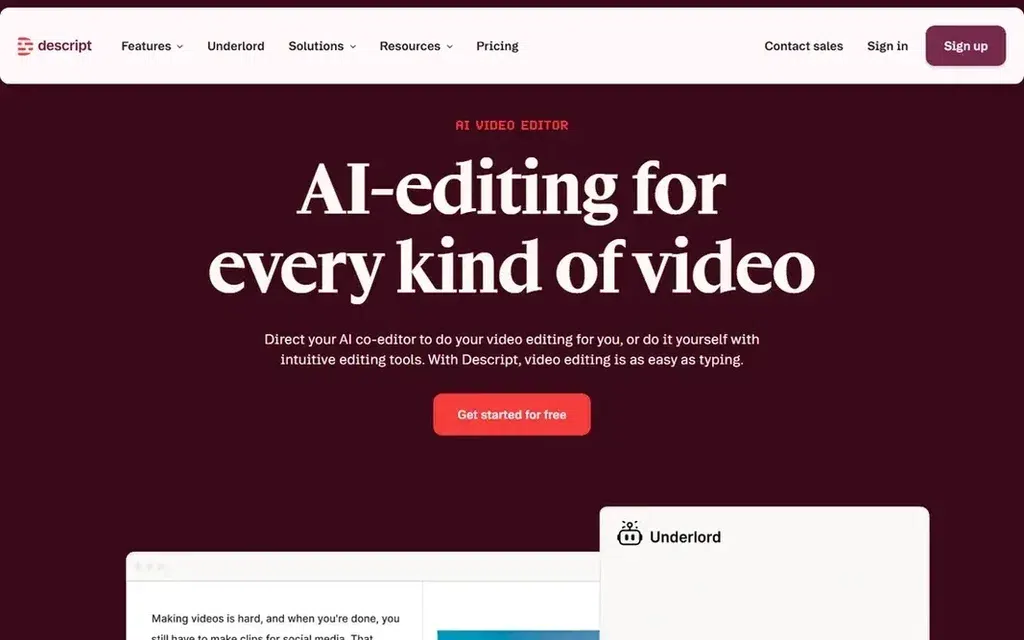
In short, Descript is for text-based caption and audio editing. Descript is an AI video and audio editor built around the idea that editing should be as simple as editing text.
Editors raised on frame-accurate timelines may find the text-first model limiting for complicated visual work. Descript cost at the entry level: $16 per person per month. Descript includes a free tier.
Best features of Descript: Record, transcribe.
Honest limits: Best value comes from staying inside its workflow.
- Edit and publish in one tool
- Edit video by editing transcribed text
- Text-first approach may feel unusual to timeline editors
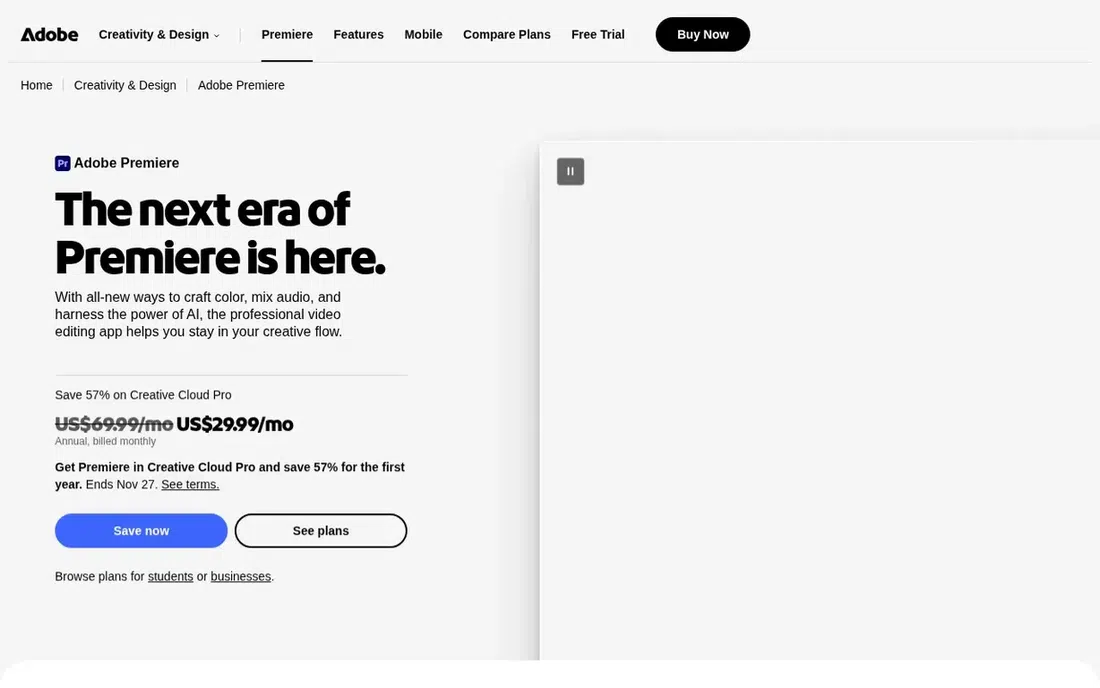
For captions inside a full editing suite, Adobe Premiere Pro is a natural candidate. It also demands a capable machine.
Drawbacks to consider: Heavier than browser-based caption tools.
This comparison lists no price for Adobe Premiere Pro; ask the vendor. Free plan details: Not stated. Best features of Adobe Premiere Pro: Takes care of extended video projects.
- Caption tools sit alongside trimming
- Suits professional postproduction workflows
- Steeper ramp-up time for newcomers
Our selection method
Selection started from tools commonly considered for caption software for video editing, then narrowed to 5 that have clear pricing information or a clear quote process. Prices and plan limits come from vendor pages and can change, so confirm them on the vendor site before you buy. Order on the page follows fit for the typical buyer first, then price transparency and free access. Your own requirements should decide the final pick.
A buyer's checklist
- Get a written quote from Adobe Premiere Pro; the list shows no starting price for them.
- Read the fine print on the free plans from Kapwing, Happy Scribe and Descript; seat, project and feature caps differ.
- Before choosing Kapwing, weigh its main limit: automatic output still needs manual review.
- Map your must-have features to a specific Adobe Premiere Pro plan before you compare prices.
- Run a one or two week pilot of Happy Scribe with the people who will use it every day.
FAQ
When should I use a dedicated transcription service?
Happy Scribe and Rev focus on transcription instead of editing, so they fit workflows where accurate text comes first, like interviews, meetings or legal material. You then move the text into an editor for caption timing and styling.
Do I need a full video editor to add captions?
Not necessarily. Transcription and subtitle tools can produce caption files that you bring into an editor later. A full editor makes sense when captioning is one step in a bigger postproduction workflow and you want everything in one timeline.
Which options for caption software for video editing have a free plan?
Kapwing, Happy Scribe and Descript offer a free plan in this list. Free plans usually cap users, projects or features, so check the limits on the vendor page.
Do these tools publish their prices?
Not all of them. Adobe Premiere Pro publishes no starting price, so expect a quote request for it. The rest, Kapwing included, show a starting price, though seats and billing terms still change the final cost.
Can I try these tools before paying?
Often, yes. Kapwing, Happy Scribe and Descript have a free plan. Use your own data and a real task during the test, and check what the free tier or trial limits before you rely on it.
Is Kapwing the right pick for everyone comparing caption software for video editing?
No single tool suits every team. Kapwing comes first because it fits prompt-driven video projects online, while Rev suits verified transcription for sensitive footage and Happy Scribe suits accurate transcription before captioning. Match the tool to your own size, budget and workflow before deciding.
Sources
- https://www.kapwing.com
- https://www.rev.com
- https://www.happyscribe.com
- https://www.descript.com
- https://www.adobe.com/products/premiere.html