5 Best Video Regenerate Software for 2026, Vetted and Compared
Comparing the best video regenerate software? 5 contenders, each with entry cost, free tier and best-fit buyer. Real limits included. Updated for 2026.
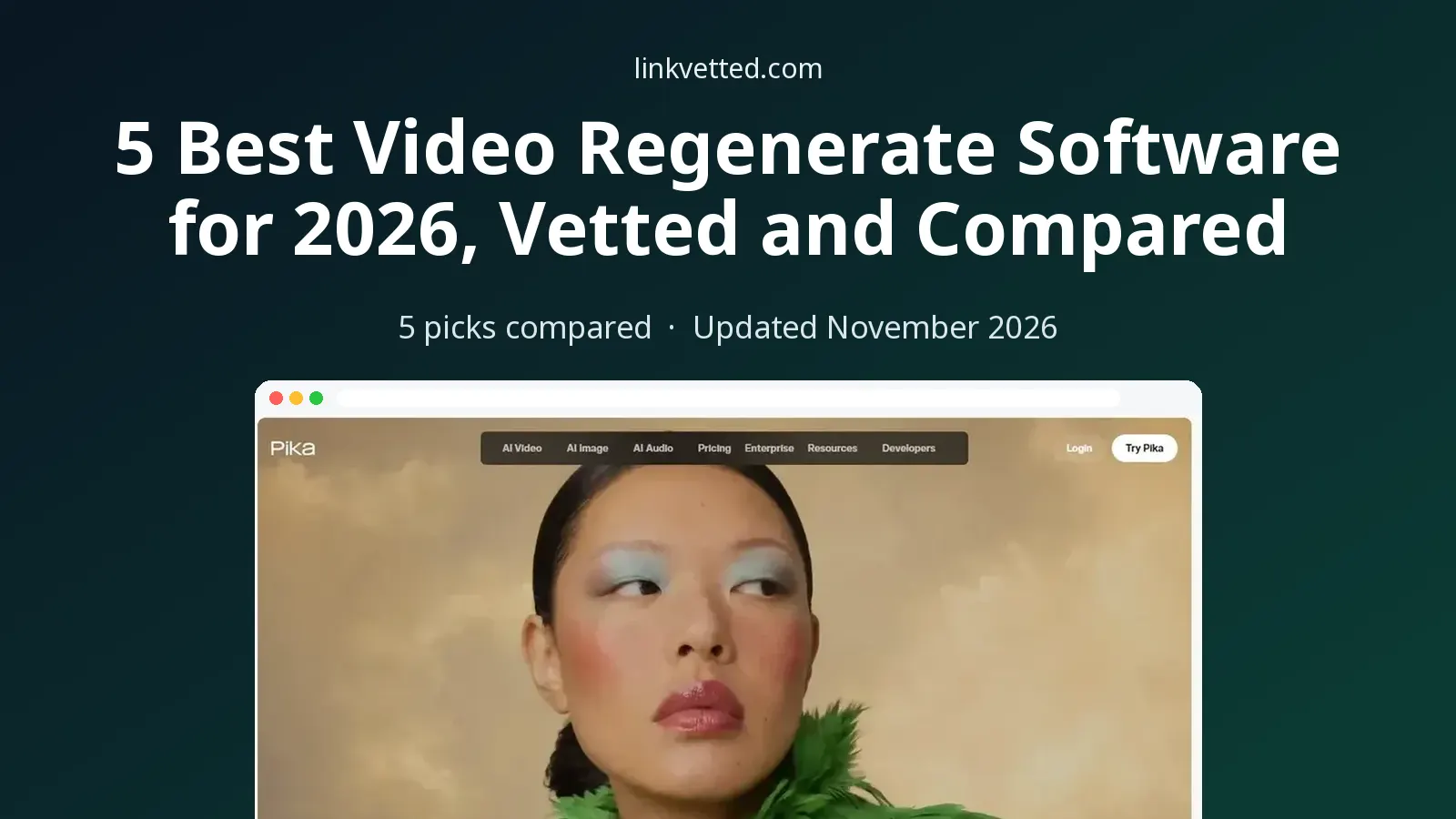
- Editor's choice
 Pika
Quick model-hopping video experiments
Starts at$10 a monthVisit pika.artFull review - Great alternative
 Descript
Text-based video and audio editing
Starts at$16 per person per monthVisit descript.comFull review - Also consider
 HeyGen
Talking-avatar video regeneration
Starts at$29 a monthVisit heygen.comFull review
Direct answer
Start with Pika if you need quick model-hopping video experiments. Listed starting prices: Pika from $10 a month, Descript from $16 per person per month and HeyGen from $29 a month. For a different need, Descript covers text-based video and audio editing and HeyGen covers talking-avatar video regeneration. Details, prices and limits for the rest of the 5 tools are below.
TL;DR:
- This list starts with Pika, which is built for fast model-hopping video experiments.
- What to know about Descript first: generation is not its core focus.
- Adobe Firefly suits Generative editing inside Adobe workflows.
- For the cheapest start, look at Pika: $10 per month.
- A free plan is available from 3 of the 5 tools: Pika, Descript, HeyGen.
Last checked November 2026. Prices and plan details were read from the vendors' own pages in November 2026; vendors change plans often, so confirm the current price on the vendor site before you buy.
Quick comparison
| Tool | Best for | Starts at | Free plan? | |
|---|---|---|---|---|
| Pika | Quick model-hopping video experiments | $10 a month | Yes | Visit |
| Descript | Text-based video and audio editing | $16 per person per month | Yes | Visit |
| HeyGen | Talking-avatar video regeneration | $29 a month | Yes | Visit |
 Kling AI | Multimodal text, image and reference input | See website | Not stated | Visit |
 Adobe Firefly | Generative editing inside Adobe workflows | See website | Not stated | Visit |
Our 5 picks for video regenerate software
This LinkVetted guide covers 5 options for video regenerate software. Each profile lists a starting price, free plan details, strengths and drawbacks, so you can drop poor fits quickly.

Choose Pika for quick model-hopping video experiments. Pika is an AI creative product for video, images and audio that lets you use models for example Seedance, Kling, Veo and Wan in one place.
Trade-offs to know: Model availability can shift.
Relying on external models means capabilities and naming can change over time, so expect some churn. More specifically, if you need deep manual editing controls instead of generation, a text-based editor may serve you better. Pika cost at the entry level: $10 per month. A free plan is available with Pika.
- Several named video models in one system
- Also handles images and audio
- Output quality varies by model
In short, Descript is for text-based video and audio editing. Pick a model-based product when you need new visuals created from scratch.
Where it falls short: Best for spoken-word content.
Descript centers on editing existing recordings instead of generating footage from prompts, so it complements instead of replaces a generator. Starting cost for Descript: $16 per person per month. Free access exists with Descript.
- Transcribe and publish in one tool
- Record
- Generation is not its core focus
For talking-avatar video regeneration, HeyGen is a natural candidate. HeyGen builds AI videos with your personal avatar, using your face and voice so you can produce clear, confident presenter videos without filming each time.
Highlights: Avoids filming every video.
Beyond that, choose a general generator when your goal is visual footage instead of a presenter. Worth adding: HeyGen is specialized around avatar-driven video, so it is not the tool for cinematic scene generation or complicated editing. On cost, HeyGen starts like this: $29 per month. A free plan is available with HeyGen.
Where it is weaker: Avatar realism has limits.
- Personal avatar with your face and voice
- Clear
- Narrower than general video generation
Where Kling AI fits: Multimodal text, image and reference input. Kling AI is a next-generation AI video and image generator that turns text, images and references into multimodal creative content in a single studio.
No starting price is listed for Kling AI here; confirm pricing on the vendor site. Free options: Not stated.
Strengths: image and reference inputs.
Trade-offs to know: Prompt craft affects results.
- Focus on high-quality output
- Text
- Studio interface has a ramp-up time
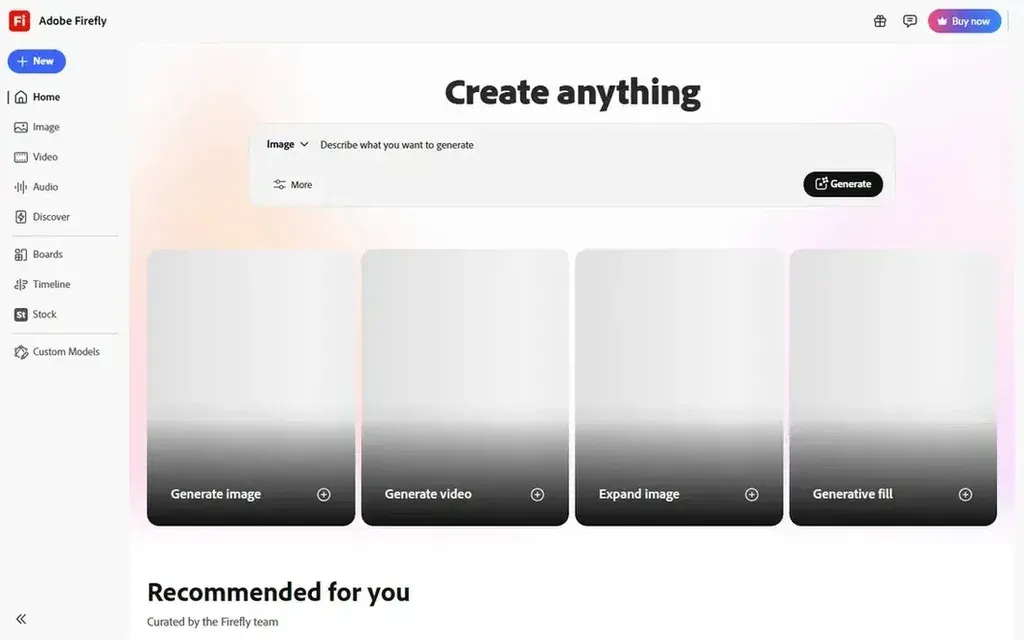
Adobe Firefly is a good fit for Generative editing inside Adobe workflows. Pick something else if your primary need is rapid clip iteration across plenty of external video models.
Trade-offs to know: Results still need manual review.
Highlights: Generative image. On top of that, since Firefly spans plenty of media types, video regeneration is one part of a broader toolkit, so specialists may find dedicated video products more focused. For video regeneration, it suits people already working inside Adobe tools who want generation and editing in one place instead of stitching separate services together. Adobe Firefly shows no starting price here, so confirm the cost on the vendor site. Trial and free access: Not stated.
- Access to top external models
- Suits existing Adobe creative habits
- Feature depth varies by model
How we compared the tools
Pricing pages, product documentation and feature lists were the main sources, and every entry carries at least one honest drawback. Prices and plan limits come from vendor pages and can change, so confirm them on the vendor site before you buy. Tools are placed by general fit for video regenerate software, with price clarity and free access as tie-breakers. A different team can reasonably rank them differently.
Before you commit
- Ask Kling AI and Adobe Firefly for a written quote, since no starting price is shown.
- Check what the free option really includes: Pika, Descript and HeyGen offer a free plan, and usage caps differ.
- Read the limits listed for Pika first: model availability can shift.
- Make sure Descript lets you export your data in a format another tool can read.
- Look at the help docs and support options for Pika before you commit.
FAQ
Do these tools publish their prices?
Not all of them. Kling AI and Adobe Firefly publish no starting price, so expect a quote request for those. The rest, Pika included, show a starting price, though seats and billing terms still change the final cost.
Which options for video regenerate software have a free plan?
On this list, Pika, Descript and HeyGen include a free plan. Caps on seats, usage or features are common, so test the free plan against your real workload.
Can I try these options before paying?
Often, yes. Pika, Descript and HeyGen have a free plan. Use your own data and a real task during the test, and check what the free tier or trial limits before you rely on it.
What does video regenerate software actually do?
Some focus on generation, others on editing existing footage through text. The right choice relies on whether you need new visuals or revisions to recorded content.
Is Pika the right pick for everyone comparing video regenerate software?
No single tool suits every team. Pika comes first because it fits fast model-hopping video experiments, while Descript suits text-based video and audio editing and HeyGen suits talking-avatar video regeneration. Match the tool to your own size, budget and workflow before deciding.
Sources
- https://pika.art
- https://www.descript.com
- https://www.heygen.com
- https://klingai.com
- https://www.adobe.com/products/firefly.html