6 Best Video Regenerate Software for Editing for 2026, Vetted and Compared
Best video regenerate software for editing: 6 contenders ranked by fit, with entry costs and free tiers. Each pick lists its main limit. Refreshed for 2026.
- Editor's choice
 DaVinci Resolve
All-in-one editing and color
Starts atSee websiteVisit blackmagicdesign.comFull review - Great alternative
 Descript
Text-based editing and transcription
Starts at$16 per person a monthVisit descript.comFull review - Also consider
 CapCut
Fast social media editing
Starts atSee websiteVisit capcut.comFull review
Direct answer
For all-in-one editing and color, DaVinci Resolve is where this list starts. Listed starting prices: Descript from $16 per person a month and Topaz Video AI from $19 per month. If your case is different, Descript suits text-based editing and transcription and CapCut suits fast social media editing. The remaining 3 options are covered below with prices and limits.
TL;DR:
- DaVinci Resolve sits first on this list: all-in-one editing and color.
- Check the limits for CapCut before you commit: less suited for professional workflows.
- A free plan is available from 2 of the 6 tools: Descript, CapCut.
- Topaz Video AI suits AI upscaling and enhancement.
- The cheapest monthly starting price in the list is $16 per person per month, offered by Descript.
Last checked November 2026. Prices and plan details were read from the vendors' own pages in November 2026; vendors change plans often, so confirm the current price on the vendor site before you buy.
Quick comparison
| Tool | Best for | Starts at | Free plan? | |
|---|---|---|---|---|
| DaVinci Resolve | All-in-one editing and color | See website | Not stated | Visit |
| Descript | Text-based editing and transcription | $16 per person a month | Yes | Visit |
| CapCut | Fast social media editing | See website | Yes | Visit |
 Adobe Premiere Pro | Professional editing and postproduction | See website | Not stated | Visit |
 Final Cut Pro | Mac and iPad professional editing | See website | Not stated | Visit |
 Topaz Video AI | AI upscaling and enhancement | $19 per month | Not stated | Visit |
Every option for video regenerate software for editing explained
If you are comparing video regenerate software for editing, this page covers 6 tools in one place: what each is best for, what it costs to start, whether it has a free plan, and the main limit to know about.
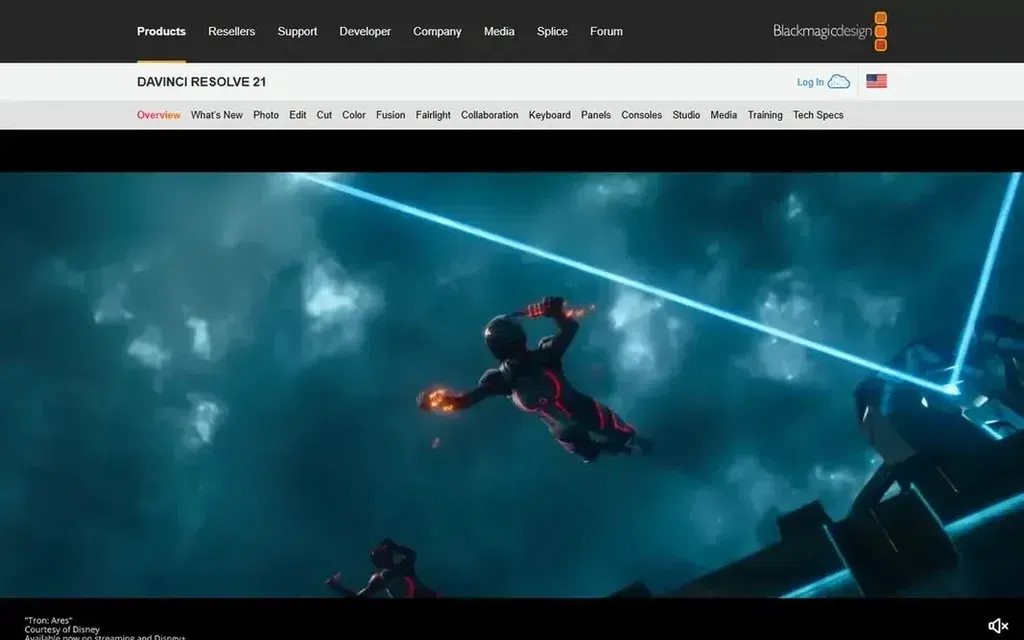
DaVinci Resolve serves all-in-one editing and color. The depth of features can be overwhelming for new users, and the free version may lack some advanced capabilities. The software is available for Mac, Windows, and Linux, with free and premium versions.
Workflows can be complicated, and hardware demands are significant. In practice, if you prefer a more simplified editor, CapCut or Descript might be a better fit. DaVinci Resolve shows no starting price here, so confirm the cost on the vendor site. On free options: Not stated.
What to check first: Advanced features can overwhelm beginners.
- Audio in one app
- Editing, color, VFX
- High system requirements
Descript targets text-based editing and transcription. Descript is an AI video and audio editor that makes editing as simple as editing text.
What to check first: Needs internet for some features.
In daily use, the text-based approach eases cutting and rearranging dialogue. On top of that, for advanced visual effects, Adobe Premiere Pro or DaVinci Resolve are more suitable. Entry price for Descript: $16 per person per month. Descript has a free plan. Main advantages: Record, transcribe.
- Edit video by editing text
- Publish in one tool
- Restricted advanced video effects
CapCut was built for fast social media editing. CapCut is an AI video editor made for editing YouTube and Instagram videos with smart templates and creative effects.
Points against: Restricted advanced customization.
It gives you a user-friendly experience for creators who require quick regeneration of short-form content. CapCut is geared toward social media and may lack the precision and depth required for professional film or broadcast editing. Pricing for CapCut is not stated here, so ask the vendor for current figures. CapCut includes a free tier.
- Available on desktop, mobile, online
- Smart templates and creative effects
- Less suited for professional workflows
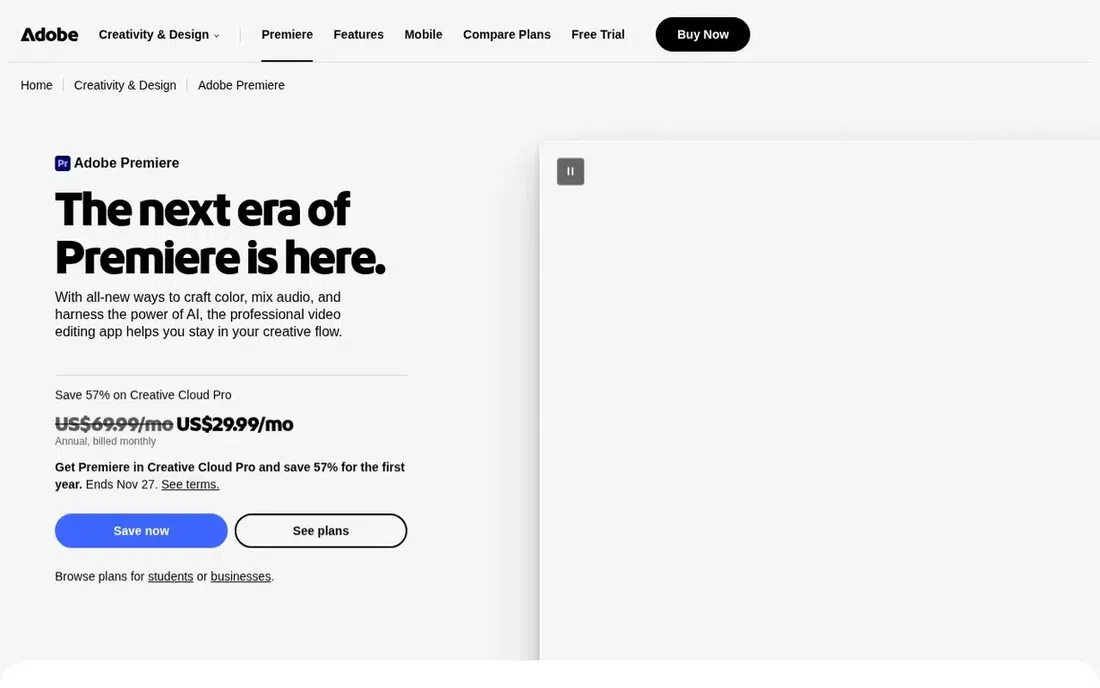
Adobe Premiere Pro targets professional editing and postproduction. The tool is widely used in professional workflows and plugs into other Adobe creative applications.
In practice, Premiere Pro needs a subscription and may be overkill for casual users. Its ramp-up time is steep, and performance relies on your hardware. Pricing for Adobe Premiere Pro is not stated here, so ask the vendor for current figures. Free plan details: Not stated.
Points against: Subscription required.
- Thorough editing and trimming tools
- Extend video and add effects
- Steep ramp-up time
For Mac and iPad professional editing, Final Cut Pro is a natural candidate. Final Cut Pro is Apple's professional video editing software packed with capable intelligence features that make pro-quality video creation and editing simple on Mac and iPad.
It fits editors in the Apple ecosystem who want efficient regeneration and editing workflows. Final Cut Pro shows no starting price here, so confirm the cost on the vendor site. Free options: Not stated.
Points against: Mac-only.
- Powerful intelligence features
- Optimized for Mac and iPad
- One-time purchase may be high
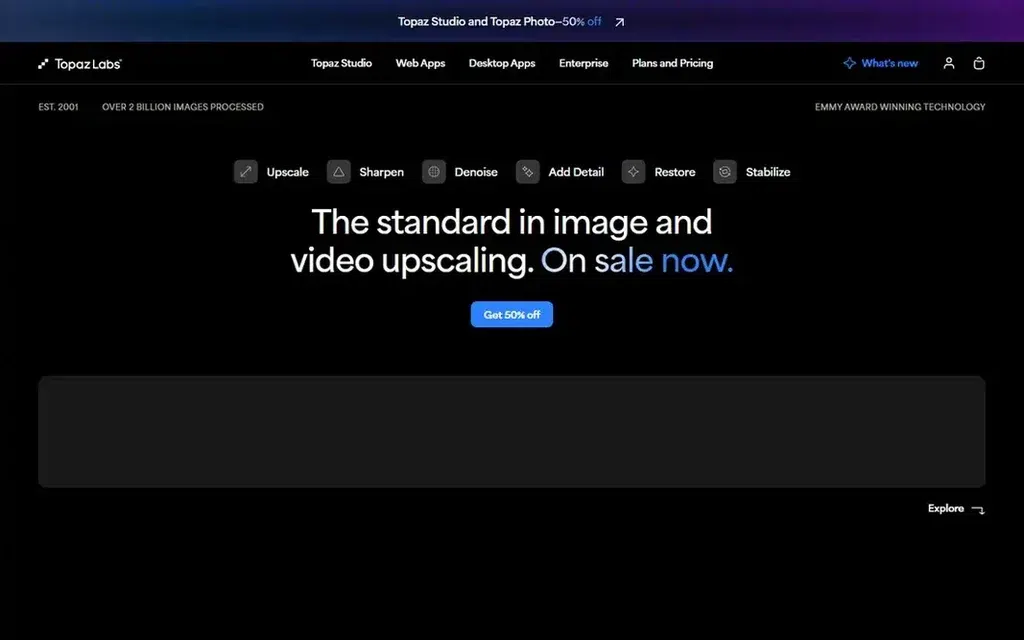
Where Topaz Video AI fits: AI upscaling and enhancement. It is well suited to regenerating low-quality clips into sharper, steadier results.
Limits to weigh: Not a full editor.
For everyday use, Topaz Video AI centres on enhancement instead of full editing. So you will need a separate editor for cuts and transitions. The starting price for Topaz Video AI: $19 per month. As for free access: Not stated.
- Upscale, enhance, stabilize, smooth
- Compare several models
- Needs capable hardware
How the list was put together
The comparison looks at four things: starting price, free access, how well the feature set matches video regenerate software for editing, and the main limit of each tool. Figures are shown as the vendors publish them. Billing terms, seat minimums and add-ons can change the real cost. Tools are placed by general fit for video regenerate software for editing, with price clarity and free access as tie-breakers. A different team can reasonably rank them differently.
What to confirm before you sign up
- Get a written quote from DaVinci Resolve, CapCut, Adobe Premiere Pro and Final Cut Pro; the list shows no starting price for them.
- Check what the free option really includes: Descript and CapCut offer a free plan, and usage caps differ.
- Before choosing DaVinci Resolve, weigh its main limit: advanced features can overwhelm beginners.
- The entry price of Adobe Premiere Pro is only the starting point; model the full cost with seats and extras.
- Before you load data into DaVinci Resolve, check what an export looks like and who can run it.
FAQ
Can I try these tools before paying?
Often, yes. Descript and CapCut have a free plan. Use your own data and a real task during the test, and check what the free tier or trial limits before you rely on it. Each of the 6 options in this video Regenerate software for editing guide has its own card above with the price, free plan and limits.
Which options for video regenerate software for editing have a free plan?
Descript and CapCut offer a free plan in this list. Free plans usually cap users, projects or features, so check the limits on the vendor page. All 6 picks in this video Regenerate software for editing comparison list a starting price, free plan details and the main limits on their cards above.
Which tool is a good match for AI video enhancement?
DaVinci Resolve is the pick this page puts first, mainly for all-in-one editing and color. If your situation differs, Descript suits text-based editing and transcription, and CapCut suits fast social media editing. Compare price and limits before you decide.
What is the cheapest option for video regenerate software for editing in this list?
On published monthly entry prices, Descript is the lowest here at $16 per person per month. Entry price is only part of the cost, because seats, add-ons and billing terms can change the total. For the full picture, the cards above cover all 6 entries of this video Regenerate software for editing list, including price, free plan and limits.
Is DaVinci Resolve the right pick for everyone comparing video regenerate software for editing?
No single tool suits every team. DaVinci Resolve comes first because it fits all-in-one editing and color, while Descript suits text-based editing and transcription and CapCut suits quick social media editing. Match the tool to your own size, budget and workflow before deciding.
What is video regenerate software?
Video regenerate software uses AI or advanced algorithms to enhance, upscale, or extend video footage. Tools like Topaz Video AI specialize in this, whereas editors like Adobe Premiere Pro contain regeneration features.
Sources
- https://www.blackmagicdesign.com/products/davinciresolve
- https://www.descript.com
- https://www.capcut.com
- https://www.adobe.com/products/premiere.html
- https://www.apple.com/final-cut-pro
- https://www.topazlabs.com/topaz-video-ai