5 Best Vector Graphics Software for Startups for 2026, Vetted and Compared
Need the best vector graphics software for startups? We compare 5 tools on cost, free access and who each suits. Real limits included. Straight answers.
- Editor's choice
 Sketch
Mac-based interface and product design
Starts at$12 per editor a monthVisit sketch.comFull review - Great alternative
 Affinity Designer
Precision vector and graphic design
Starts atSee websiteVisit affinity.serif.comFull review - Also consider
 Adobe Illustrator
Full-featured vector illustration work
Starts atSee websiteVisit adobe.comFull review
Direct answer
For Mac-based interface and product design, Sketch is where this list starts. Listed starting prices: Sketch from $12 per editor a month, Vectornator from $8 a month and Figma from $3 a month. For a different need, Affinity Designer covers precision vector and graphic design and Adobe Illustrator covers full-featured vector illustration work. The remaining 2 options are covered below with prices and limits.
TL;DR:
- Sketch takes the first slot, best suited to Mac-based interface and product design.
- Figma fits collaborative product and design teams.
- Only Vectornator offers a free plan among these 5 tools.
- Figma is the lowest-priced starter here at $3 per month.
- Before buying Affinity Designer, weigh this: smaller ecosystem than Adobe.
Last checked November 2026. Prices and plan details were read from the vendors' own pages in November 2026; vendors change plans often, so confirm the current price on the vendor site before you buy.
Quick comparison
| Tool | Best for | Starts at | Free plan? | |
|---|---|---|---|---|
| Sketch | Mac-based interface and product design | $12 per editor a month | Free trial | Visit |
| Affinity Designer | Precision vector and graphic design | See website | Not stated | Visit |
| Adobe Illustrator | Full-featured vector illustration work | See website | Not stated | Visit |
| Vectornator | AI-assisted campaign asset creation | $8 a month | Yes | Visit |
 Figma | Collaborative product and design teams | $3 a month | Not stated | Visit |
Vector Graphics Software for Startups profiles
LinkVetted compared 5 vector graphics software for startups. The goal is a practical shortlist: published prices, free plan facts, best-fit use cases and honest limits for every entry.
Sketch works best for Mac-based interface and product design. The combination of design, prototyping and handoff in one application helps keep product design and developer communication close.
Worth adding: Sketch is tied to the Mac system, which limits mixed-device teams, and its collaboration story is less central than browser-first tools. Price to start with Sketch: $12 per editor per month. Free access: Free trial.
Limits to weigh: Mac-only product.
- Focused
- Designer-oriented workflow
- Smaller collaboration footprint than browser tools
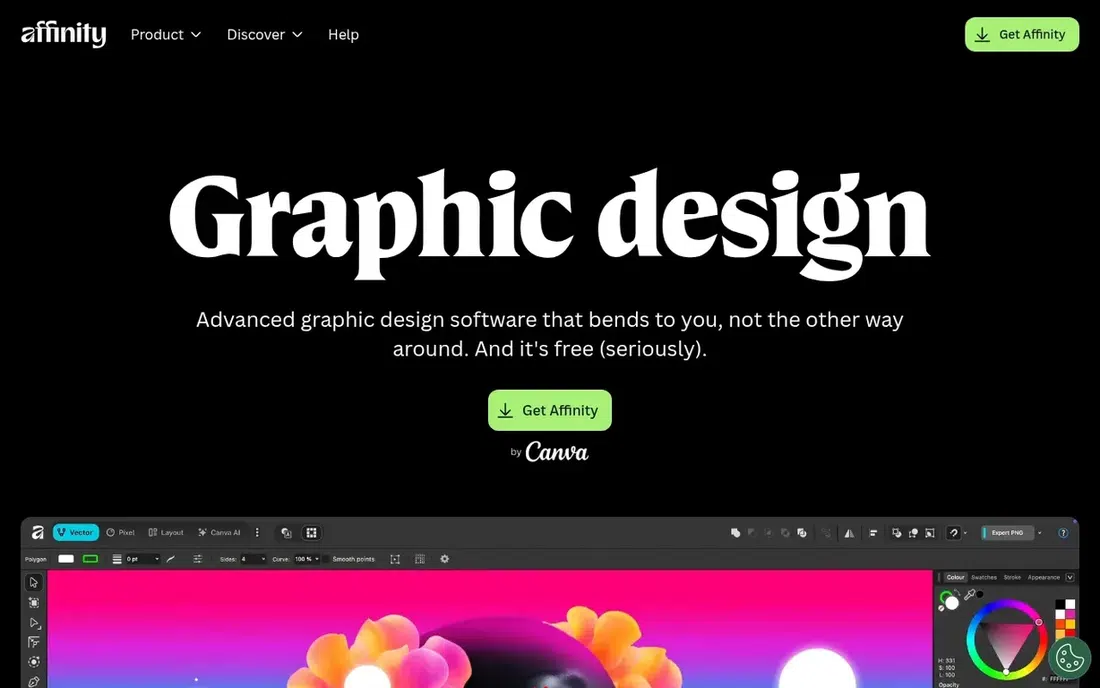
For precision vector and graphic design, Affinity Designer is a natural candidate. Startups that require heavy team collaboration in the browser should compare Figma, and those needing the broadest industry-standard compatibility may lean toward Illustrator.
This comparison lists no price for Affinity Designer; ask the vendor. Trial and free access: Not stated.
Limits to weigh: Fewer external integrations.
- Professional design feature set
- Crisp vector and graphic output
- Smaller ecosystem than Adobe
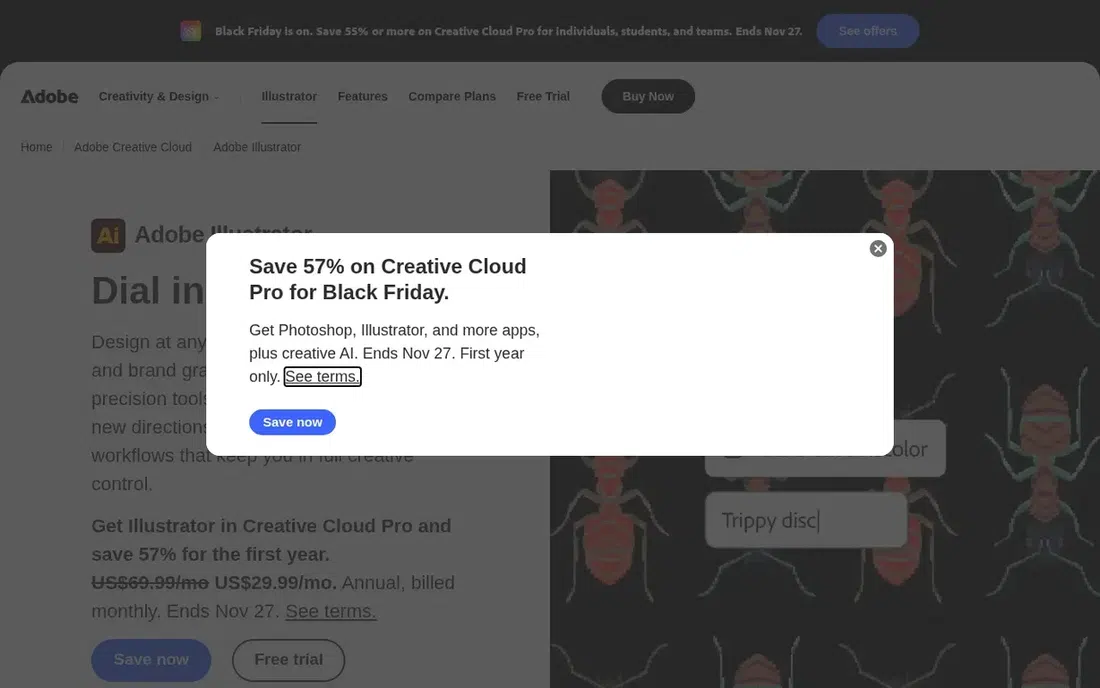
Pick Adobe Illustrator if this describes you: full-featured vector illustration work. Adobe Illustrator is a long-standing vector graphics application aimed at illustration, logo work, branding and in-depth artwork.
Where it falls short: Desktop-centric workflow.
It suits teams with dedicated designers who require precise control over paths, typography and layout, and who expect industry-standard file exchange. Pricing for Adobe Illustrator is not stated here, so ask the vendor for current figures. Trial and free access: Not stated.
- Generative AI vector creation
- Widely recognized file compatibility
- Can feel complicated for beginners
Vectornator
Best for: AI-assisted campaign asset creation
Vectornator is a good fit for AI-assisted campaign asset creation. Since the product story leans toward campaign generation, teams needing fine-grained illustration control may find it less specialized than traditional vector editors.
The editable output keeps brand consistency whereas allowing later refinement. Vectornator, presented through Linearity, centers on an AI design generator that turns a prompt into a set of editable, on-brand campaign assets across formats and channels. Starting cost for Vectornator: $8 per month. You can start on Vectornator without paying.
The main drawbacks: Less concentrated on deep illustration control.
- Includes several formats and channels
- On-brand campaign assets
- Positioned around campaign output
Figma is designed for collaborative product and design teams. Figma describes itself as a collaborative canvas where design, code and AI come together, taking teams from concept to production in one place.
Also, the emphasis on whole-team collaboration makes it a natural hub for product design. For deep illustration or print-heavy vector work, Figma can feel less specialized than dedicated drawing tools. Price to start with Figma: $3 per month. Free plan details: Not stated.
Downsides: Needs steady connectivity.
- Design
- Browser-based shared canvas
- Can be heavy for pure illustration
What went into this list
What to confirm before you sign up
- Get a written quote from Affinity Designer and Adobe Illustrator; the list shows no starting price for them.
- Look at the free plan from Vectornator closely: its caps decide whether it is usable for real work.
- Take the trial from Sketch and push a live task through it before you pay.
- Before choosing Sketch, weigh its main limit: Mac-only product.
- Test how quickly Vectornator answers a pre-sales question; it hints at how support will feel later.
- Let daily users try Sketch on real work; their feedback beats any feature checklist.
FAQ
How should a startup choose between Sketch and Figma?
Sketch is a focused, designer-oriented tool tied to the Mac system, which fits Apple-based design teams. Consider your team's devices and how much live co-editing you need.
Do these tools publish their prices?
Not all of them. Affinity Designer and Adobe Illustrator publish no starting price, so expect a quote request for those. The rest, Sketch included, show a starting price, though seats and billing terms still change the final cost.
Which options for vector graphics software for startups have a free plan?
Vectornator is the only tool in this list with a free plan. Free plans usually cap users, projects or features, so check the limits on the vendor page. One other tool offers a trial instead. All 5 picks in this vector Graphics software for startups comparison list a starting price, free plan details and the main limits on their cards above.
What is the cheapest option for vector graphics software for startups in this list?
On published monthly entry prices, Figma is the lowest here at $3 per month. Entry price is only part of the cost, because seats, add-ons and billing terms can change the total. For the full picture, the cards above cover all 5 entries of this vector Graphics software for startups list, including price, free plan and limits.
How are the tools for vector graphics software for startups ordered?
The order follows typical fit for vector graphics software for startups, with Sketch first and Figma last, then price clarity and free access. It is editorial judgement, not a score, so another team could rank the tools differently.
Sources
- https://www.sketch.com
- https://affinity.serif.com/en-us/designer
- https://www.adobe.com/products/illustrator.html
- https://www.vectornator.io
- https://www.figma.com