Best Vector Graphics Software for Enterprise (2026): 6 Picks Checked on Vendor Pages
Best vector Graphics software for enterprise, compared. 6 tools with published prices, free plans and limits. Every pick gets a straight assessment. Start here.
- Editor's choice
 Figma
Live collaborative design at scale
Starts at$3 per monthVisit figma.comFull review - Great alternative
 Affinity Designer
Precise, quick vector design without limits
Starts atSee websiteVisit affinity.serif.comFull review - Also considerVectornator
AI-generated campaign assets from prompts
Starts at$8 a monthVisit vectornator.ioFull review
Direct answer
Our first pick is Figma, best for live collaborative design at scale. Listed starting prices: Figma from $3 per month, Vectornator from $8 a month and Sketch from $12 per editor a month. Affinity Designer fits precise, quick vector design without limits; Vectornator fits AI-generated campaign assets from prompts. The full list of 6 tools follows, with prices and free plan facts.
TL;DR:
- Number one here is Figma, a fit for live collaborative design at scale.
- Check the limits for Figma before you commit: needs internet for full collaboration.
- Linearity Curve is the one to check for advanced vector design on Apple devices.
- Figma is the lowest-priced starter here at $3 per month.
- Only Vectornator offers a free plan among these 6 tools.
Last checked November 2026. Prices and plan details were read from the vendors' own pages in November 2026; vendors change plans often, so confirm the current price on the vendor site before you buy.
Quick comparison
| Tool | Best for | Starts at | Free plan? | |
|---|---|---|---|---|
| Figma | Live collaborative design at scale | $3 per month | Not stated | Visit |
| Affinity Designer | Precise, quick vector design without limits | See website | Not stated | Visit |
| Vectornator | AI-generated campaign assets from prompts | $8 a month | Yes | Visit |
 Adobe Illustrator | Deep vector illustration with AI assistance | See website | Not stated | Visit |
 Sketch | Mac-based UI and product design | $12 per editor a month | Free trial | Visit |
 Linearity Curve | Advanced vector design on Apple devices | See website | Not stated | Visit |
Vector Graphics Software for Enterprise profiles
LinkVetted compared 6 tools for vector Graphics software for enterprise. The goal is a practical shortlist: published prices, free plan facts, best-fit use cases and honest limits for every entry.
Think of Figma for live collaborative design at scale. Figma is optimized for product and UI design instead of deep print or complex vector illustration, and full collaboration relies on connectivity. In daily use, enterprises with heavy illustration or print needs may pair it with Illustrator or CorelDRAW.
Drawbacks to consider: Less depth for complicated print illustration.
From a buyer's view, Figma is a collaborative canvas where design, code, and AI come together, per its homepage. Its browser-based model supports cross-platform participation without heavy local installs. Figma starts at: $3 per month. Free options: Not stated.
- Collaborative canvas for design, code, AI
- Capable team collaboration features
- Needs internet for full collaboration
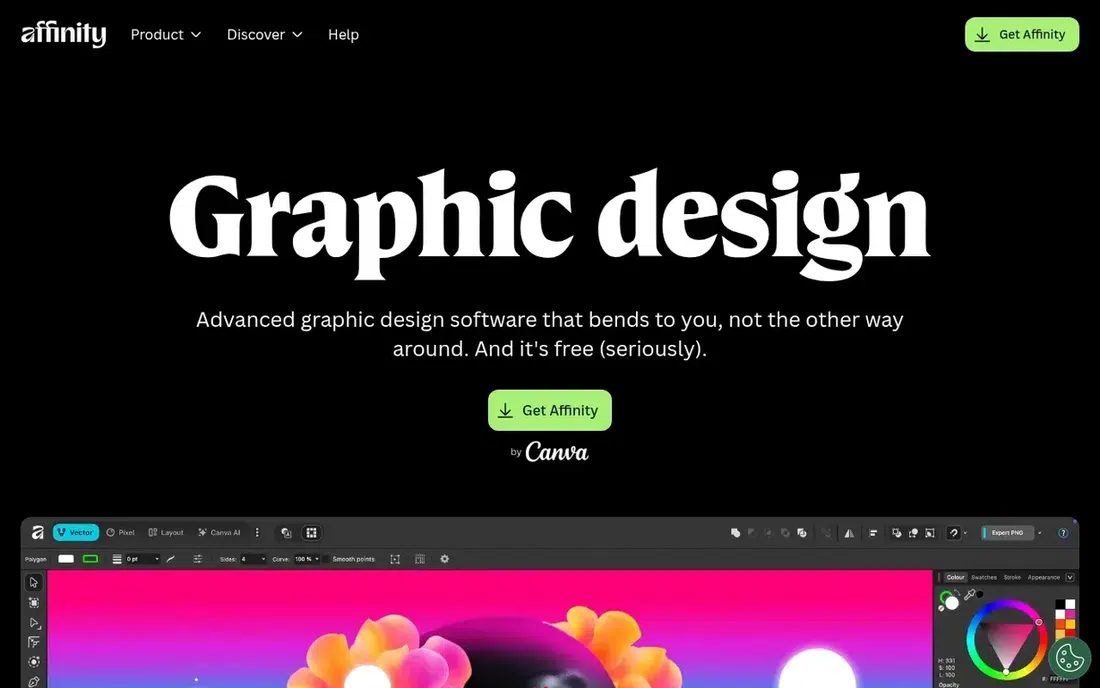
Affinity Designer makes the most sense for precise, quick vector design without limits. Affinity Designer is professional design software made for precision, speed, and creative freedom, as described on its homepage.
The main drawbacks: Smaller ecosystem than Adobe.
Best features of Affinity Designer: Designed for precision and speed. On top of that, enterprises that require broad plugin support or shared cloud canvases may have to pair it with other tools. Check the vendor site for Affinity Designer pricing; none is listed in this comparison. Free options: Not stated.
- Clean
- Professional vector and graphic design
- Restricted live collaboration features
Vectornator
Best for: AI-generated campaign assets from prompts
Vectornator is aimed squarely at AI-generated campaign assets from prompts. Vectornator, now presented under Linearity, is described on its homepage as an AI design generator that turns one prompt into a full set of editable, on-brand campaign assets.
Strengths: Prompt-to-asset workflow.
Its focus on AI-generated campaign assets means it may be less suited to traditional, hand-crafted vector illustration than Illustrator or Affinity Designer. Worth adding: teams needing deep manual control over complicated artwork should evaluate dedicated illustration tools. Vectornator pricing: $8 per month. Vectornator offers a free plan.
The main drawbacks: Brand may be associated with Linearity.
- On-brand campaign output across formats
- AI design generator builds editable assets
- Less established for traditional illustration
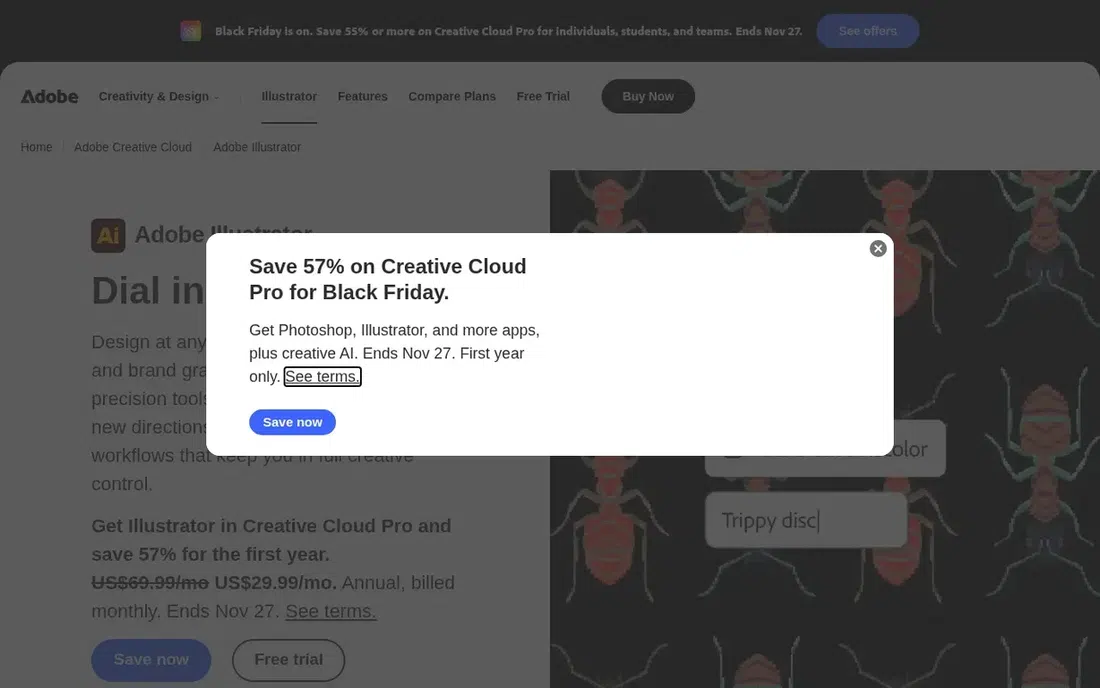
Adobe Illustrator targets deep vector illustration with AI assistance. Adobe Illustrator is a professional vector graphics editor positioned as industry-leading software.
Its homepage flags generative AI that transforms a text prompt into a completely editable vector graphic. Organizations seeking more straightforward, lighter vector editing or live collaborative canvases may prefer Affinity Designer or Figma instead. Pricing for Adobe Illustrator is not stated here, so ask the vendor for current figures. Free plan details: Not stated.
Honest limits: Needs a subscription.
- Wide format and workflow support
- Industry-standard tool for complicated illustration
- Can be complicated for beginners
Sketch works best for Mac-based UI and product design. It suits enterprise product and UI teams on Mac that want a focused environment for interface design and developer handoff, with a workflow centered on the designer's needs.
Main advantages: Capable focus on UI workflows.
Teams needing cross-platform live collaboration commonly look to Figma. Sketch pricing: $12 per editor per month. Trial and free access: Free trial. Honest limits: Less suited to print or complicated illustration.
- Design, prototype, collaborate
- Made by designers for designers
- Mac-only product
Linearity Curve is built with advanced vector design on Apple devices in mind. Teams needing wide cross-platform support or deep print production may prefer Illustrator, CorelDRAW, or Figma.
The main drawbacks: Apple-platform focus.
Linearity Curve shows no starting price here, so confirm the cost on the vendor site. Free options: Not stated.
- Advanced vector design for Mac, iPad, iPhone
- Smooth collaboration features
- May need adaptation for Windows teams
How we compared the tools
Selection started from tools commonly considered for vector Graphics software for enterprise, then narrowed to 6 that have clear pricing information or a clear quote process. Where a price is missing, the vendor does not list one publicly or ties it to a quote. Always confirm before budgeting. The sequence is a judgement call: typical use case first, then pricing transparency, then free access. Use the profiles to check fit.
Before you commit
- Confirm the entry price on the vendor page. For Affinity Designer, Adobe Illustrator and Linearity Curve that means a quote rather than a fixed price.
- Test the free plan from Vectornator against your real workload before relying on it.
- Take the trial from Sketch and push a live task through it before you pay.
- Before choosing Figma, weigh its main limit: needs internet for full collaboration.
- Look at the renewal terms for Vectornator: auto-renewal, notice periods and price changes can matter more than the first-year price.
- Find out what support Figma includes on your plan, and whether onboarding help costs extra.
FAQ
What is the cheapest option for vector Graphics software for enterprise in this list?
On published monthly entry prices, Figma is the lowest here at $3 per month. Entry price is only part of the cost, because seats, add-ons and billing terms can change the total. All 6 picks in this vector Graphics software for enterprise comparison list a starting price, free plan details and the main limits on their cards above.
How are the tools for vector Graphics software for enterprise ordered?
Figma sits first and Linearity Curve last because the order follows typical fit for vector Graphics software for enterprise, then price clarity and free access. It is a judgement call, so read each profile for fit and limits.
Do these tools publish their prices?
Not all of them. Affinity Designer, Adobe Illustrator and Linearity Curve publish no starting price, so expect a quote request for those. The rest, Figma included, show a starting price, though seats and billing terms still change the final cost.
Can I try these tools before paying?
Often, yes. Vectornator has a free plan and Sketch offers a free trial. Use your own data and a real task during the test, and check what the free tier or trial limits before you rely on it. For the full picture, the cards above cover all 6 entries of this vector Graphics software for enterprise list, including price, free plan and limits.
Which vector tool is a good match for enterprise illustration teams?
Figma comes first here and is built for live collaborative design at scale. Buyers with other needs may prefer Affinity Designer (for precise, quick vector design without limits) or Vectornator (for AI-generated campaign assets from prompts). Compare costs and limits first.
Sources
- https://www.figma.com
- https://affinity.serif.com/en-us/designer
- https://www.vectornator.io
- https://www.adobe.com/products/illustrator.html
- https://www.sketch.com
- https://www.linearity.io/curve