The 6 Best Motion Graphics Software for Marketers in 2026, Ranked
Compare 6 best motion graphics software for marketers, with prices, free plans and who each fits. Includes honest limits for each tool. Choose faster.
- Editor's choice
 Canva
Fast social media and presentation visuals
Starts atSee websiteVisit canva.comFull review - Great alternative
 Vyond
Business explainer and training videos
Starts at$58 a monthVisit vyond.comFull review - Also consider
 Adobe After Effects
Professional, highly customized motion graphics
Starts atSee websiteVisit adobe.comFull review
Direct answer
If you need fast social media and presentation visuals, Canva is the first tool to look at here. Listed starting prices: Vyond from $58 a month, Powtoon from $8 a month and Animaker from $10 a month. Vyond is better for business explainer and training videos, and Adobe After Effects is better for professional, highly customized motion graphics. The remaining 3 options are covered below with prices and limits.
TL;DR:
- Canva takes the first slot, best suited to fast social media and presentation visuals.
- What to know about Vyond first: less suited to cinematic motion design.
- The lowest published monthly entry price here is $8 per month, from Powtoon.
- Vimeo is the one to check for hosting and distributing finished motion graphics.
Last checked November 2026. Prices and plan details were read from the vendors' own pages in November 2026; vendors change plans often, so confirm the current price on the vendor site before you buy.
Quick comparison
| Tool | Best for | Starts at | Free plan? | |
|---|---|---|---|---|
| Canva | Fast social media and presentation visuals | See website | Not stated | Visit |
| Vyond | Business explainer and training videos | $58 a month | Free trial | Visit |
| Adobe After Effects | Professional, highly customized motion graphics | See website | Not stated | Visit |
| Powtoon | Quick branded videos and presentations | $8 a month | Yes | Visit |
 Animaker | Beginner-friendly animated marketing videos | $10 a month | Free trial | Visit |
 Vimeo | Hosting and distributing finished motion graphics | See website | Yes | Visit |
Motion Graphics Software for Marketers compared in detail
LinkVetted compared 6 motion graphics software for marketers. The goal is a practical shortlist: published prices, free plan facts, best-fit use cases and honest limits for every entry.
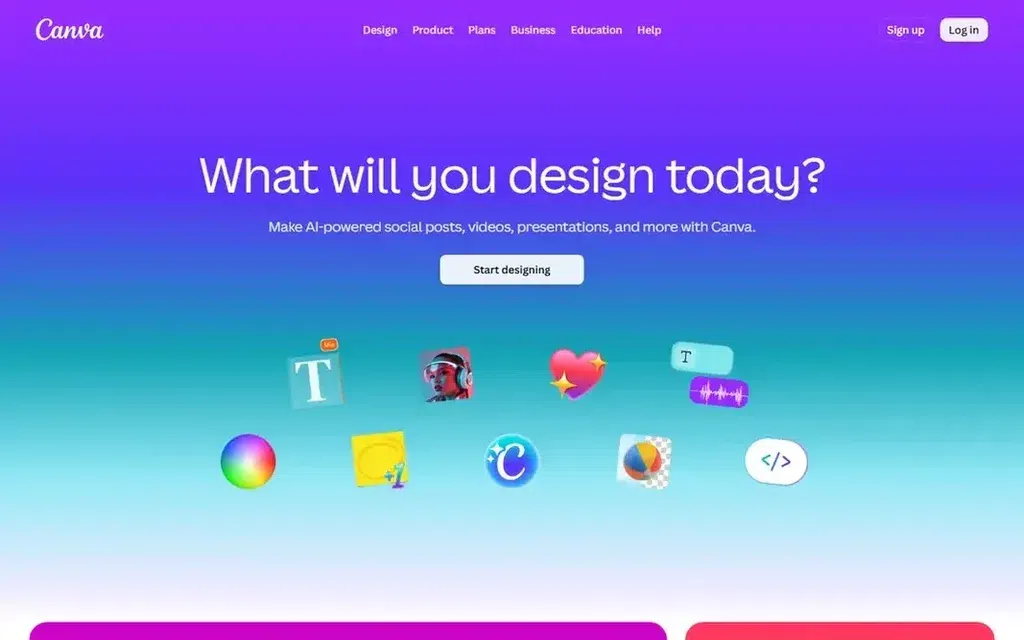
Canva is built with fast social media and presentation visuals in mind. Canva is an online graphic design tool for social media posts, presentations, posters, videos, logos, and more. In practice, Canva is not designed for frame-by-frame animation or complicated compositing, so in-depth motion projects may hit its limits.
Trade-offs to know: Advanced motion work may feel restricted.
If you need cinematic control, a dedicated motion graphics application is the better fit. In practice, Marketers who require motion graphics without a steep ramp-up time can use its templates and drag-and-drop editor to produce on-brand visuals rapidly. Pick Canva when speed and accessibility matter more than granular animation control. No starting price is listed for Canva here; confirm pricing on the vendor site. Trial and free access: Not stated.
- Merges graphics, video, logos
- Templates for social posts and presentations
- Less precise animation control
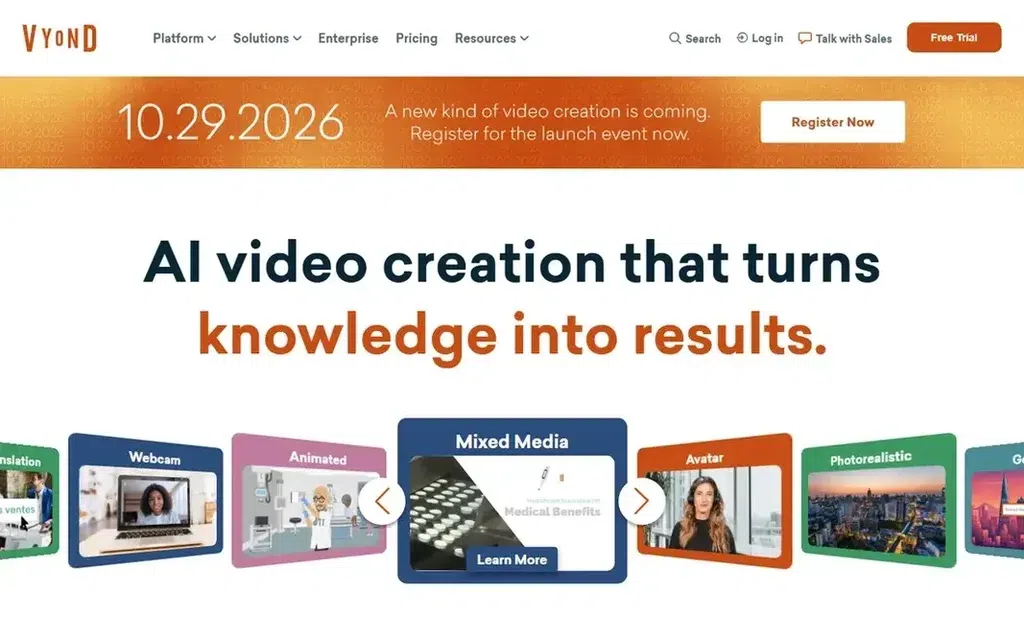
Vyond is aimed squarely at business explainer and training videos. Vyond is an AI video creation system for business, letting teams build videos in various styles immediately.
More specifically, projects that demand fine animation control are better handled in a professional tool. Vyond cost at the entry level: $58 per month. Free options: Free trial.
Watch-outs: Less suited to cinematic motion design.
- AI-assisted video creation for business
- Supports several video styles
- Style range may feel corporate
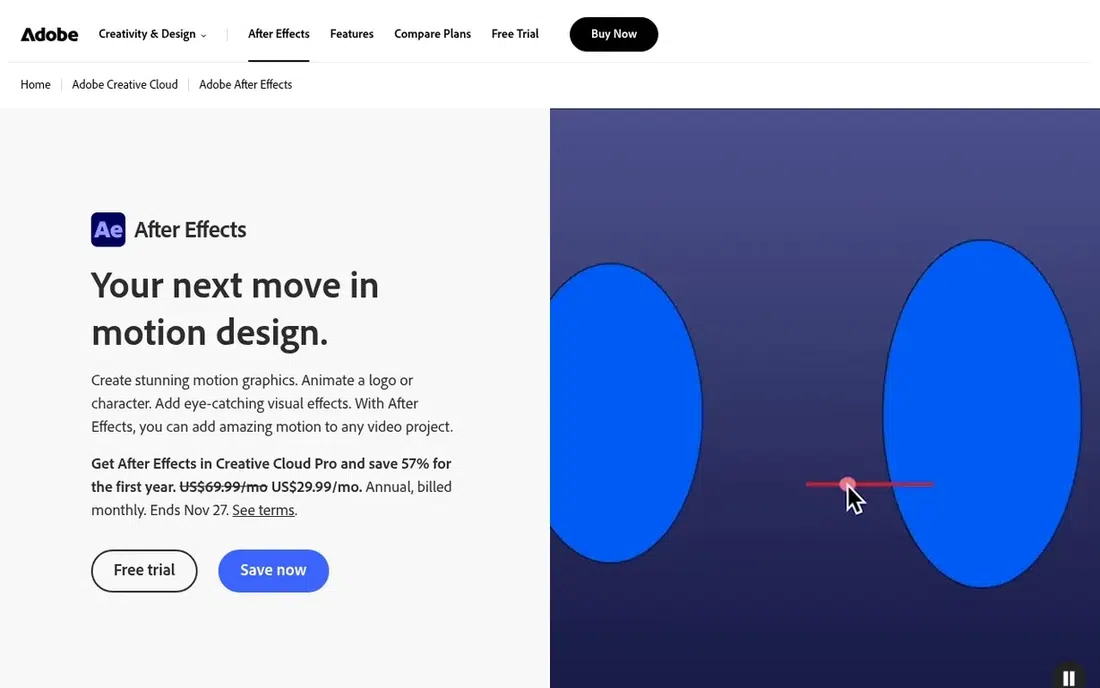
Think of Adobe After Effects for professional, highly customized motion graphics. Marketers who require precise control over animated logos, lower thirds, and explainer visuals will find a deep set of animation and compositing tools.
Also, choose After Effects when quality and creative adaptability matter most. The trade-off is complexity: straightforward social posts can take longer than in template-driven tools, and the interface can overwhelm newcomers. Check the vendor site for Adobe After Effects pricing; none is listed in this comparison. On free options: Not stated.
What to check first: Needs a capable computer.
- Industry-standard motion graphics toolset
- Manages complicated animation and compositing
- Steep learning curve for beginners
Powtoon
Best for: Quick branded videos and presentations
Powtoon was built for quick branded videos and presentations. If your work depends on precise animation, a dedicated tool is preferable. Powtoon is a unified AI video product for building branded videos and presentations in minutes, with features for example doc-to-video, AI avatars, text-to-speech, and translation.
Drawbacks to consider: Template-driven look can feel generic.
Marketers who require to turn documents or scripts into presentable videos rapidly will find it practical. In daily use, the template and AI-driven approach can limit creative nuance, so projects needing custom motion design may feel constrained. Price to start with Powtoon: $8 per month. Powtoon includes a free tier.
- Aimed at business-ready branded output
- Text-to-speech and translation choices
- Less control for complicated animation
Animaker is aimed squarely at beginner-friendly animated marketing videos. Animaker is an online animation maker positioned for beginners and pros, letting users build animated videos in minutes. Marketers needing frame-level control should consider a professional application.
Points against: May lack depth for advanced motion work.
In practice, Marketers who want to add animation to campaigns without specialized software can use it to assemble scenes and characters. Animaker is built for accessibility, so highly customized motion graphics may exceed its scope. Choose Animaker when you want animated video rapidly and without a steep ramp-up time. Animaker cost at the entry level: $10 per month. Free options: Free trial.
- Accessible from a browser
- Online animation maker for beginners and pros
- Output can feel template-based
In short, Vimeo is for hosting and distributing finished motion graphics. Vimeo does not supply animation or design tools, so it complements instead of replaces a motion graphics editor.
Vimeo is a video system for watching and hosting films, shorts, documentaries, and more in HD. For marketers, it serves as a place to publish and share finished motion graphics instead of to build them. No starting price is listed for Vimeo here; confirm pricing on the vendor site. Vimeo includes a free tier.
Limits to weigh: Not a motion graphics creation tool.
- Clean playback for finished videos
- Handy for showcasing creative work
- Needs video produced elsewhere
How we built this list
Selection started from tools commonly considered for motion graphics software for marketers, then narrowed to 6 that have clear pricing information or a clear quote process. Where a price is missing, the vendor does not list one publicly or ties it to a quote. Always confirm before budgeting. Position on the page reflects fit for a typical buyer first, with price clarity and free access breaking ties. Treat it as a guide, not a ruling.
What to confirm before you sign up
- Get a written quote from Canva, Adobe After Effects and Vimeo; the list shows no starting price for them.
- Look at free plan limits closely: Powtoon and Vimeo have one, and the caps decide whether it is usable for real work.
- Use real work to test the free trial from Vyond and Animaker, rather than a demo project.
- Before choosing Canva, weigh its main limit: less precise animation control.
- Compare total cost, not headline price: for Vimeo, add extra seats, add-ons and any usage-based charges.
- Get the contract term, renewal terms and any onboarding fees from Canva in writing.
FAQ
What should I check before choosing a tool?
Confirm the output formats and resolutions you need, how much creative control the tool provides, and whether it supports team collaboration and brand consistency. Also weigh the ramp-up time against your timeline, and verify current features on the vendor site before committing.
How are the tools for motion graphics software for marketers ordered?
The order follows typical fit for motion graphics software for marketers, with Canva first and Vimeo last, then price clarity and free access. It is editorial judgement, not a score, so another team could rank the tools differently.
Do these tools publish their prices?
Not all of them. Canva, Adobe After Effects and Vimeo publish no starting price, so expect a quote request for those. The rest, Vyond included, show a starting price, though seats and billing terms still change the final cost.
Can I try these tools before paying?
Often, yes. Powtoon and Vimeo have a free plan and Vyond and Animaker offer a free trial. Use your own data and a real task during the test, and check what the free tier or trial limits before you rely on it.
Which options for motion graphics software for marketers have a free plan?
On this list, Powtoon and Vimeo include a free plan. Caps on seats, usage or features are common, so test the free plan against your real workload. Several others offer a trial instead.
Sources
- https://www.canva.com
- https://www.vyond.com
- https://www.adobe.com/products/aftereffects.html
- https://www.powtoon.com
- https://www.animaker.com
- https://vimeo.com