Best Online Creative Design Tools for 2026: Our 6 Vetted Picks
6 best online creative design tools, compared on pricing, free plans and best-fit use. Each listing flags where it falls short. Current for November 2026.
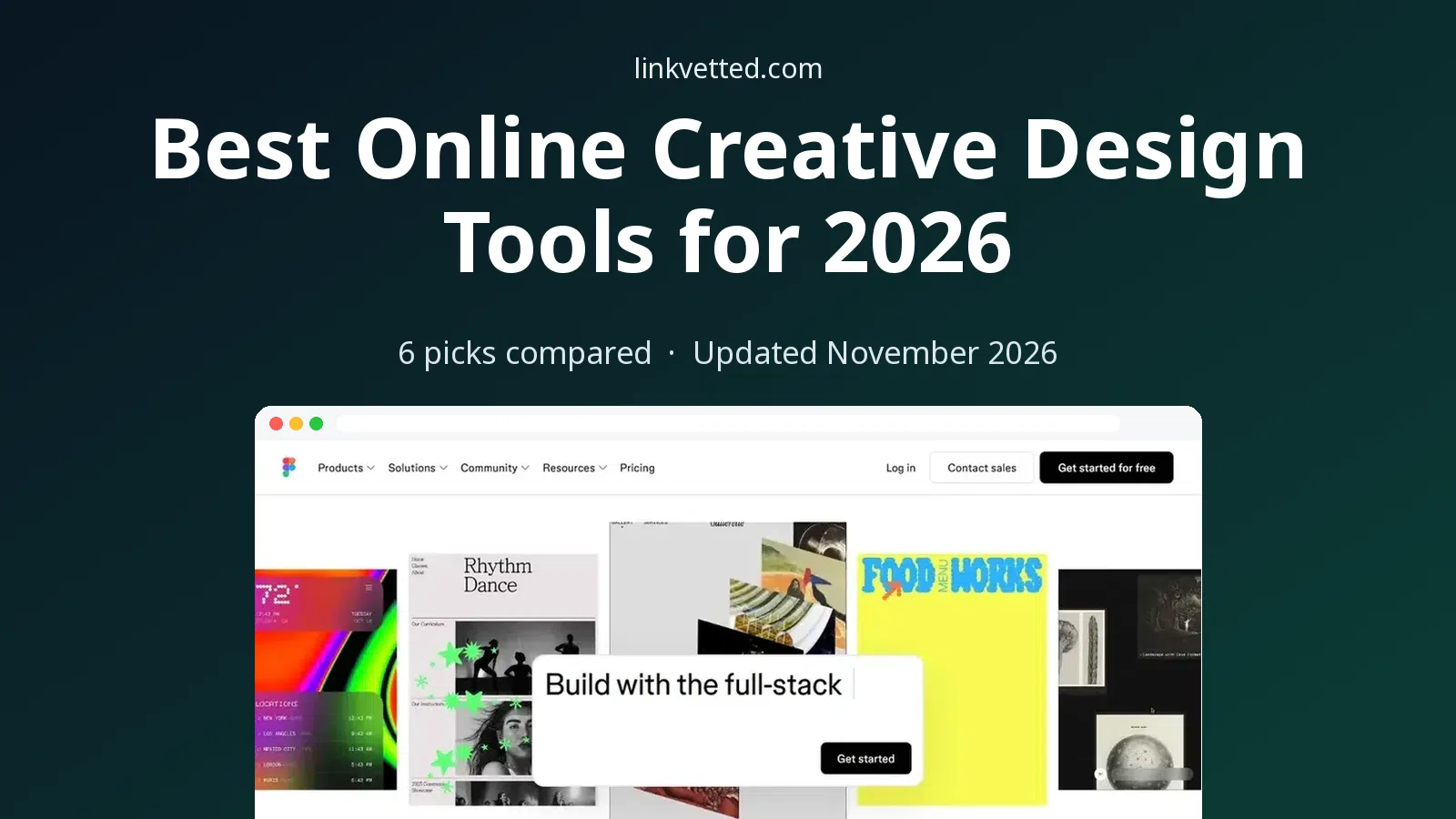
- Editor's choice
 Adobe Illustrator
Professional vector graphics and illustration
Starts atSee websiteVisit adobe.comFull review - Great alternative
 CorelDRAW
Vector illustration and technical design
Starts atSee websiteVisit coreldraw.comFull review - Also consider
 Figma
Collaborative UI and product design
Starts at$3 a monthVisit figma.comFull review
Direct answer
Adobe Illustrator comes first here, mainly for professional vector graphics and illustration. Listed starting prices: Figma from $3 a month and Sketch from $12 per editor a month. Look at CorelDRAW for vector illustration and technical design, and at Figma for collaborative UI and product design. The remaining 3 options are covered below with prices and limits.
TL;DR:
- Adobe Illustrator is the opening pick, best for professional vector graphics and illustration.
- For Mac-based UI design and prototyping, Sketch is worth a look.
- Adobe Illustrator, Sketch and the 4 others all need a premium plan or a trial, since no free plan is listed.
- Check the limits for Figma before you commit: needs a ramp-up time for non-designers.
- The cheapest monthly starting price in the list is $3 per month, offered by Figma.
Last checked November 2026. Prices and plan details were read from the vendors' own pages in November 2026; vendors change plans often, so confirm the current price on the vendor site before you buy.
Quick comparison
| Tool | Best for | Starts at | Free plan? | |
|---|---|---|---|---|
| Adobe Illustrator | Professional vector graphics and illustration | See website | Not stated | Visit |
| CorelDRAW | Vector illustration and technical design | See website | Not stated | Visit |
| Figma | Collaborative UI and product design | $3 a month | Not stated | Visit |
 Adobe Photoshop | Advanced photo editing and compositing | See website | Not stated | Visit |
 Canva | Fast, template-driven visual design | See website | Not stated | Visit |
 Sketch | Mac-based UI design and prototyping | $12 per editor a month | Free trial | Visit |
Tool-by-tool breakdown
LinkVetted put together this guide to online creative design tools for readers who want a clear shortlist without reading every vendor page. It compares 6 tools on starting price, free plans, who each one suits and where each one falls short.
Think of Adobe Illustrator for professional vector graphics and illustration. Illustrator is not a photo editor and lacks the raster compositing features found in Photoshop.
In daily use, beginners may also find its interface less approachable than template-based tools. Adobe Illustrator shows no starting price here, so confirm the cost on the vendor site. Trial and free access: Not stated.
Watch-outs: Not made for photo editing or raster work.
- Precise control for logos and print graphics
- Industry-standard vector editing tools
- Needs practice to use efficiently
Pick CorelDRAW if this describes you: vector illustration and technical design. CorelDRAW is professional graphic design software offering vector, technical illustration, and CAD choices for logos, posters, drafting, and prototypes.
Its interface may also feel less modern to designers accustomed to newer apps. In practice, choose CorelDRAW when you need a full vector and technical illustration toolkit. Pricing for CorelDRAW is not stated here, so ask the vendor for current figures. Free options: Not stated.
Points against: Interface can feel dated to new users.
- Bundles choices for technical illustration and CAD
- Wide vector and illustration toolset
- Primarily desktop-oriented
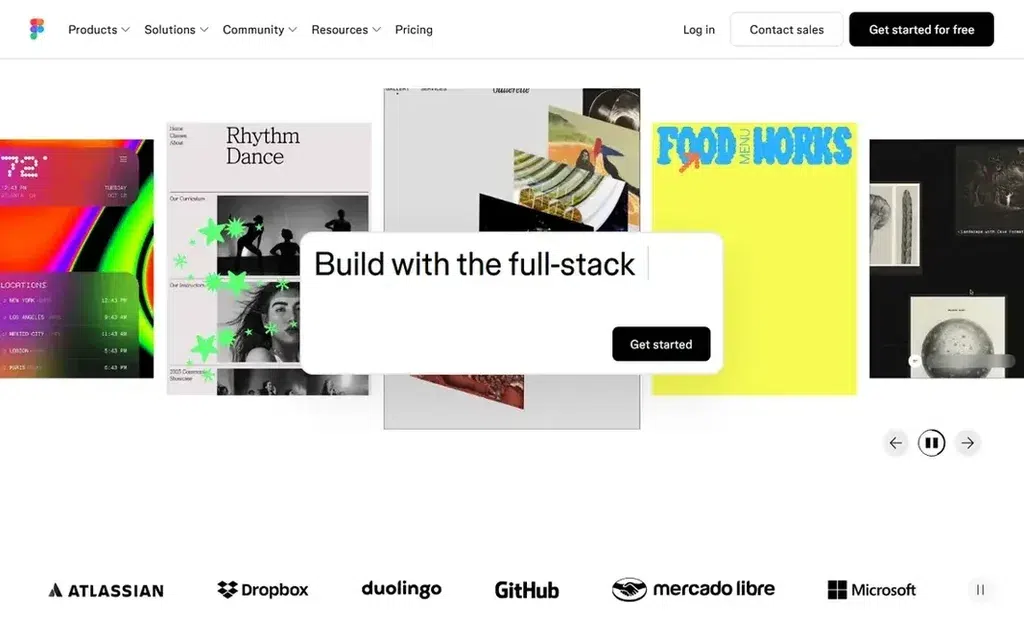
Pick Figma if this describes you: collaborative UI and product design. It is especially well suited to product teams, UI designers, and developers who need to work in the same space.
Downsides: Heavy files can slow performance in the browser.
Where Figma stands out: AI in one canvas.
New users may also find the interface dense compared to template-driven tools. From a buyer's view, the product emphasizes real-time collaboration, making it simple for stakeholders to review and comment without exporting files. Starting cost for Figma: $3 per month. Free options: Not stated.
- Capable prototyping and handoff features
- Real-time multiplayer editing and commenting
- Needs a learning curve for non-designers
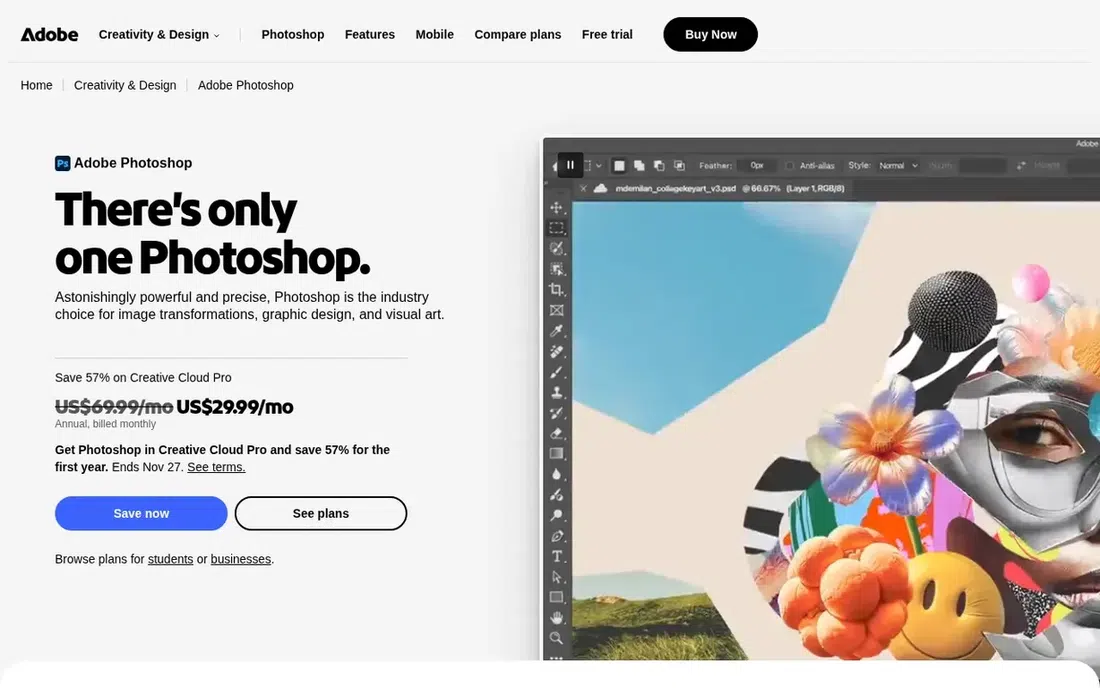
Adobe Photoshop was built for advanced photo editing and compositing. Photoshop is not a dedicated vector graphics tool, so logo and illustration work is better handled elsewhere.
Its depth can also overwhelm casual users who just need fast social graphics. Adobe Photoshop shows no starting price here, so confirm the cost on the vendor site. Trial and free access: Not stated.
Trade-offs to know: Steeper ramp-up time for beginners.
- Available online and via mobile app
- Deep image editing and retouching capabilities
- Not optimized for vector-first design
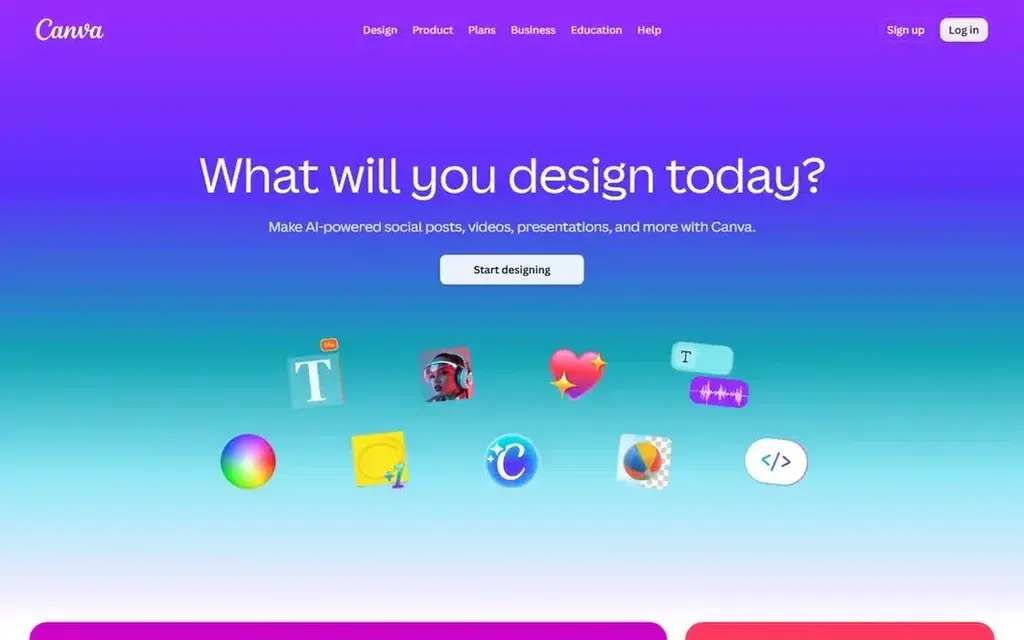
Pick Canva if this describes you: fast, template-driven visual design. The template library and simple editor help you move from idea to finished design rapidly.
Watch-outs: Less precise control for complicated vector work.
If you need professional-grade control over paths, layers, or print-ready color management, a dedicated vector or photo editor will serve you better. In practice, Canva is not made for pixel-precise vector illustration or advanced photo compositing. Canva does not show a starting price in this comparison, so check the vendor site for current pricing. Free plan details: Not stated.
- Browser-based with a simple drag-and-drop interface
- Contains video and logo creation in one suite
- Advanced customization may need workarounds
Sketch serves Mac-based UI design and prototyping. The tool is a solid fit for Mac-based product designers who value a native application and a distraction-free environment. Worth adding: Sketch is not available outside the Apple ecosystem, which limits cross-platform team collaboration.
Downsides: Restricted to the Apple ecosystem.
It also lacks the deep photo editing and vector illustration features of dedicated graphics tools. It puts the focus on your work with a clean interface and a workflow tailored to interface design. On cost, Sketch starts like this: $12 per editor per month. Free access: Free trial.
- Focused interface made for designers
- Supports prototyping and developer handoff
- Smaller plugin ecosystem than some rivals
Our selection method
We compared the tools on published pricing, free plan or trial availability, feature coverage for online creative design tools, and the limits each vendor documents. Seat minimums, billing terms and add-ons can move the real cost, so the starting prices here are a guide and not a quote. Order on the page follows fit for the typical buyer first, then price transparency and free access. Your own requirements should decide the final pick.
Questions to settle before buying
- Confirm the entry price on the vendor page. For Adobe Illustrator, CorelDRAW, Adobe Photoshop and Canva that means a quote rather than a fixed price.
- Take the trial from Sketch and push a live task through it before you pay.
- Read the limits listed for Adobe Illustrator first: needs practice to use efficiently.
- Confirm the exact Sketch plan that includes your must-have features.
- Check whether Canva bills monthly or annually, and what cancelling early costs.
FAQ
What is the cheapest option for online creative design tools in this list?
On published monthly entry prices, Figma is the lowest here at $3 per month. Entry price is only part of the cost, because seats, add-ons and billing terms can change the total. Each of the 6 options in this online creative design tools guide has its own card above with the price, free plan and limits.
Which online creative design tool is a good match for beginners?
The first pick on this list is Adobe Illustrator, because it suits professional vector graphics and illustration. CorelDRAW is better for vector illustration and technical design, and Figma for collaborative UI and product design. Check price and limits against your own needs before choosing.
Is Adobe Illustrator the right pick for everyone comparing online creative design tools?
No single tool suits every team. Adobe Illustrator comes first because it fits professional vector graphics and illustration, while CorelDRAW suits vector illustration and technical design and Figma suits collaborative UI and product design. Match the tool to your own size, budget and workflow before deciding.
Do these tools publish their prices?
Not all of them. Adobe Illustrator, CorelDRAW, Adobe Photoshop and Canva publish no starting price, so expect a quote request for those. The rest, Figma included, show a starting price, though seats and billing terms still change the final cost.
Does any tool for online creative design tools here have a free plan?
A permanent free plan is not offered by Adobe Illustrator, Sketch or the other tools here. Sketch offer a trial. Plan a short evaluation period instead.
Sources
- https://www.adobe.com/products/illustrator.html
- https://www.coreldraw.com
- https://www.figma.com
- https://www.adobe.com/products/photoshop.html
- https://www.canva.com
- https://www.sketch.com