Best Creative Design Tools for Professionals in 2026: Prices, Free Plans and 5 Picks
Best creative design tools for professionals: 5 contenders ranked by fit, with entry costs and free tiers. Prices and drawbacks included. Straight answers.
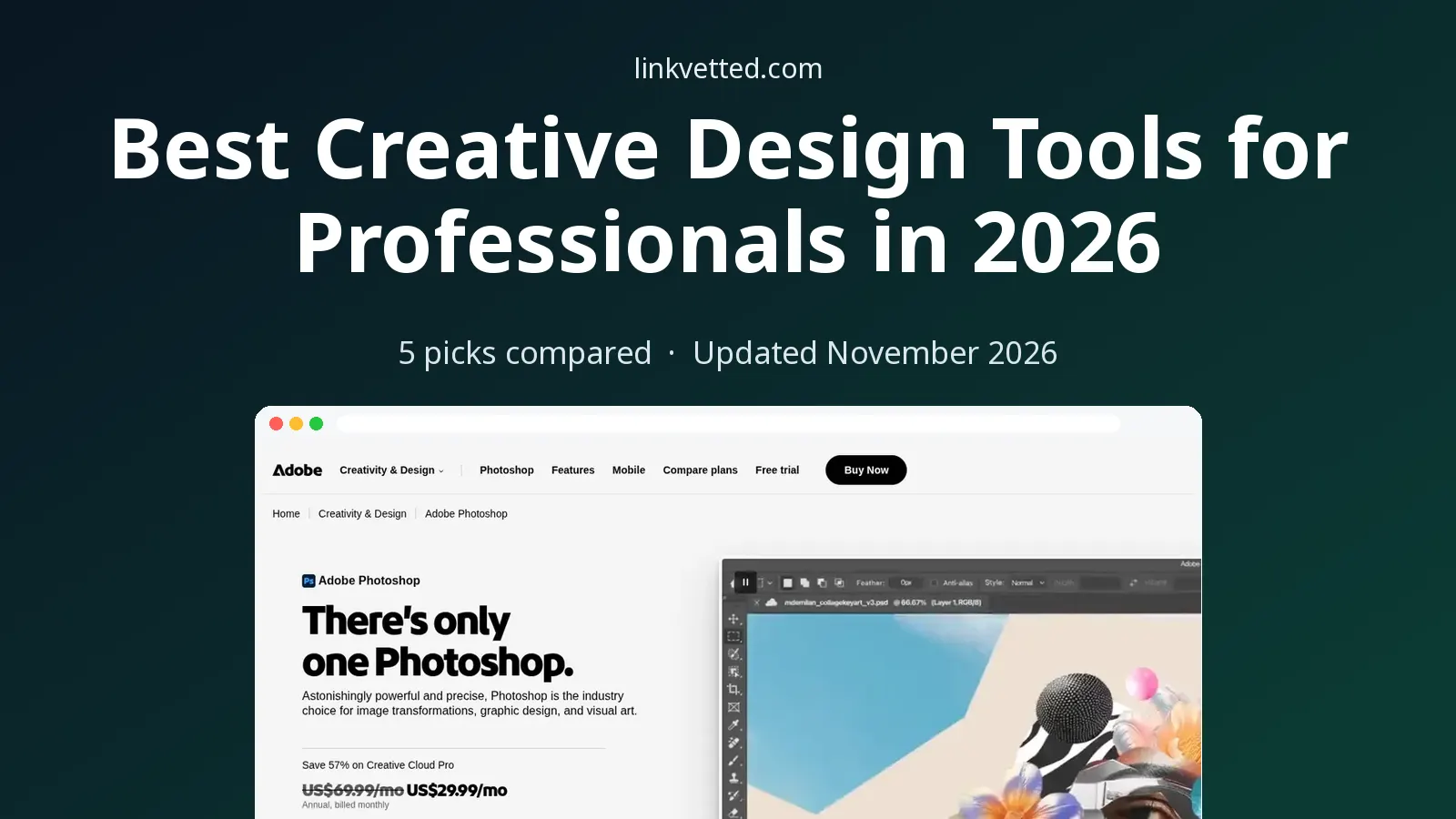
- Editor's choice
 Affinity Photo
Professional photo editing
Starts atSee websiteVisit affinity.serif.comFull review - Great alternative
 CorelDRAW
Vector illustration and layout
Starts atSee websiteVisit coreldraw.comFull review - Also consider
 Adobe InDesign
Print and digital publishing
Starts atSee websiteVisit adobe.comFull review
Direct answer
This list puts Affinity Photo first for professional photo editing. Listed starting prices: Figma from $3 per month. If your case is different, CorelDRAW suits vector illustration and layout and Adobe InDesign suits print and digital publishing. The other 2 tools in the list cover narrower or pricier cases.
TL;DR:
- This list starts with Affinity Photo, which is built for professional photo editing.
- None of the 5 tools, from Affinity Photo to Figma, has a free plan, so budget for a subscription or use a trial.
- Starting prices begin at $3 per month with Figma.
- Figma is the one to check for collaborative interface design.
Last checked November 2026. Prices and plan details were read from the vendors' own pages in November 2026; vendors change plans often, so confirm the current price on the vendor site before you buy.
Quick comparison
| Tool | Best for | Starts at | Free plan? | |
|---|---|---|---|---|
| Affinity Photo | Professional photo editing | See website | Not stated | Visit |
| CorelDRAW | Vector illustration and layout | See website | Not stated | Visit |
| Adobe InDesign | Print and digital publishing | See website | Not stated | Visit |
 Adobe Photoshop | Raster editing and compositing | See website | Not stated | Visit |
 Figma | Collaborative interface design | $3 per month | Not stated | Visit |
Every option for creative design tools for professionals explained
Short on time? The summary and table above give the quick view of 5 creative design tools for professionals, and the profiles that follow give the detail behind each entry.
For professional photo editing, Affinity Photo is a natural candidate. The homepage describes it as designed for power, not price tags.
The main drawbacks: Fewer AI-driven features.
From a buyer's view, Affinity Photo lacks some of the automatic AI features found in Adobe Photoshop. Pick Affinity Photo for solid manual editing when you prefer a one-time license. No starting price is listed for Affinity Photo here; confirm pricing on the vendor site. On free options: Not stated.
- Advanced retouching tools
- Supports RAW editing
- Restricted ecosystem compared with Adobe
Pick CorelDRAW if this describes you: vector illustration and layout. CorelDRAW is graphic design software with vector, technical illustration, and CAD choices for logos, posters, drafting, and prototypes.
Where it is weaker: Windows-centric historically.
Beyond that, the homepage flags its use for a broad set of design projects. CorelDRAW shows no starting price here, so confirm the cost on the vendor site. Free access: Not stated.
- Supports multi-page layouts
- Thorough vector toolset
- Steeper ramp-up time
Adobe InDesign serves print and digital publishing. InDesign is not a vector illustration or photo editing tool, so it performs best alongside Illustrator and Photoshop. Its ramp-up time is steep for straightforward projects.
Downsides: Subscription required.
Adobe InDesign is desktop publishing software for creating layouts for example books, brochures, magazines, and flyers. It is aimed at professionals who require precise control over typography and multi-page documents. Check the vendor site for Adobe InDesign pricing; none is listed in this comparison. As for free access: Not stated.
- Supports long documents
- Output for print and interactive digital
- Not for illustration or photo editing
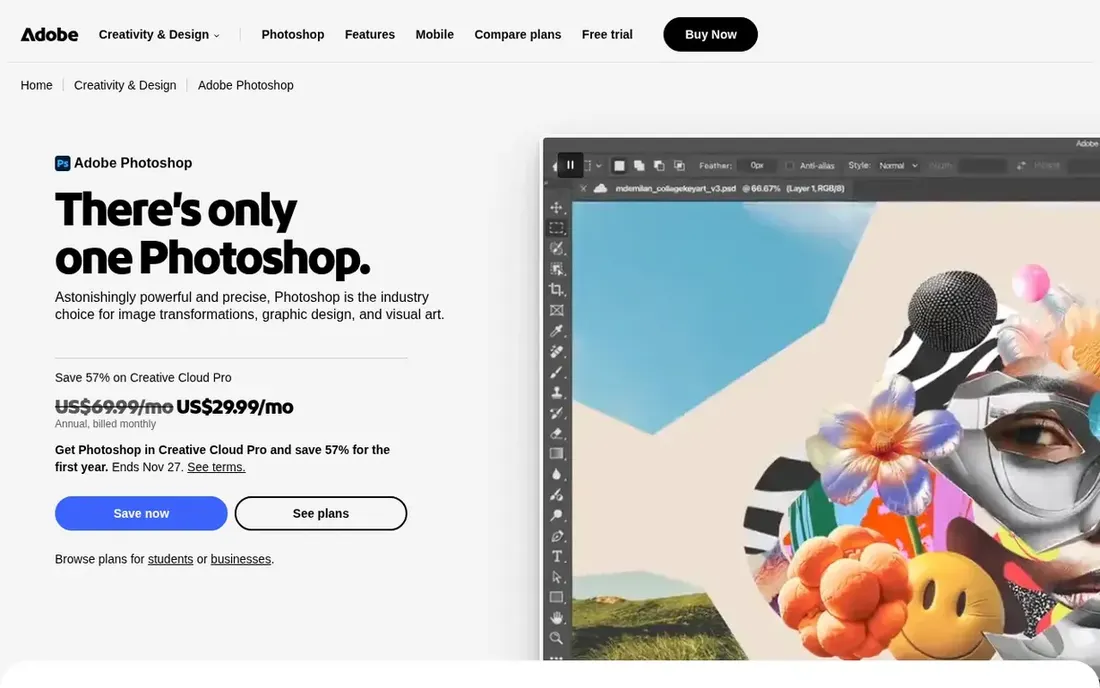
Adobe Photoshop is aimed squarely at Raster editing and compositing. Choose Photoshop when pixel-level editing and compositing are central to your work.
The main drawbacks: Needs subscription.
Its subscription model and depth may overwhelm casual users. Check the vendor site for Adobe Photoshop pricing; none is listed in this comparison. As for free access: Not stated.
- Supports complicated image compositing
- Extensive brush and selection tools
- Steep ramp-up time for beginners
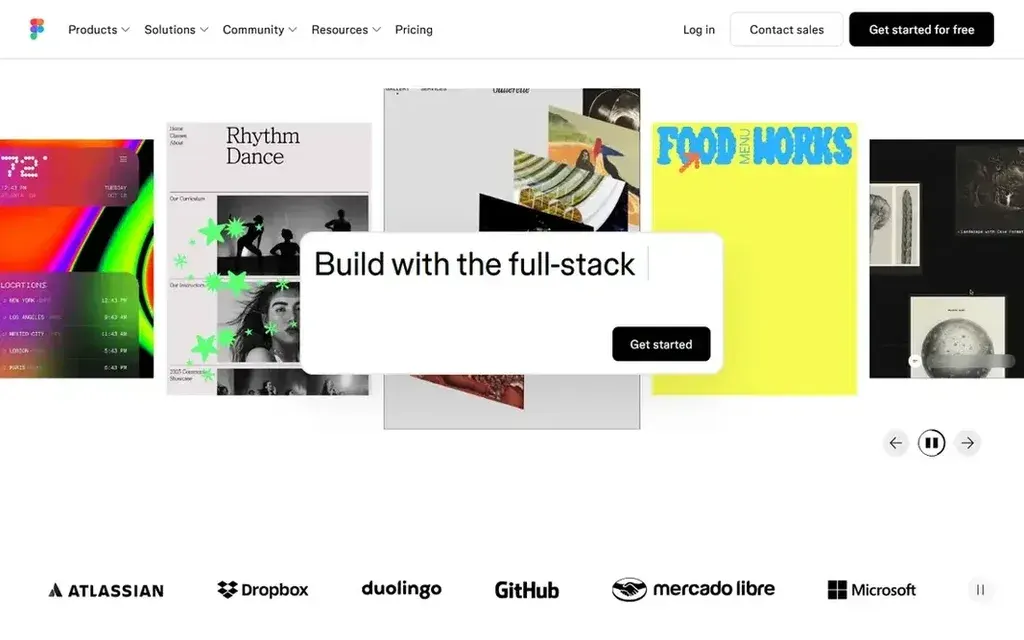
Figma is a good fit for collaborative interface design. Figma is a collaborative design system that brings design, code, and AI together in one canvas.
Drawbacks to consider: Restricted offline capabilities.
Also, choose Figma when team collaboration and design system consistency are priorities. Performance can vary with complicated files. What you pay to start with Figma: $3 per month. As for free access: Not stated.
- Live team collaboration
- Integrated prototyping and code handoff
- Needs internet for full features
How these tools were picked
The comparison looks at four things: starting price, free access, how well the feature set matches creative design tools for professionals, and the main limit of each tool. Where a price is missing, the vendor does not list one publicly or ties it to a quote. Always confirm before budgeting. The ranking is editorial: typical fit first, then clear pricing, then free access. If your needs are unusual, read the profiles rather than relying on position.
Things to verify first
- Ask Affinity Photo, CorelDRAW, Adobe InDesign and Adobe Photoshop for a written quote, since no starting price is shown.
- Before choosing Affinity Photo, weigh its main limit: fewer AI-driven features.
- Confirm the exact CorelDRAW plan that includes your must-have features.
- Confirm minimum seats and billing terms with Figma before you commit to an annual plan.
- Price Adobe Photoshop for your actual team size; headline prices rarely include add-ons or overage.
FAQ
What is the cheapest option for creative design tools for professionals in this list?
On published monthly entry prices, Figma is the lowest here at $3 per month. Entry price is only part of the cost, because seats, add-ons and billing terms can change the total. Each of the 5 options in this creative design tools for professionals guide has its own card above with the price, free plan and limits.
Do these tools publish their prices?
Not all of them. Affinity Photo, CorelDRAW, Adobe InDesign and Adobe Photoshop publish no starting price, so expect a quote request for those. The rest, Figma included, show a starting price, though seats and billing terms still change the final cost.
Can I try these tools before paying?
Not by default. None of the tools, from Affinity Photo to Figma, lists a free plan or a free trial here, so ask each vendor for a demo before committing.
What is CorelDRAW best used for?
Start with Affinity Photo if you need professional photo editing. CorelDRAW is the better match for vector illustration and layout, and Adobe InDesign for print and digital publishing. The best choice depends on budget, team size and workflow.
Is Affinity Photo the right pick for everyone comparing creative design tools for professionals?
No single tool suits every team. Affinity Photo comes first because it fits professional photo editing, while CorelDRAW suits vector illustration and layout and Adobe InDesign suits print and digital publishing. Match the tool to your own size, budget and workflow before deciding.
Sources
- https://affinity.serif.com/en-us/photo
- https://www.coreldraw.com
- https://www.adobe.com/products/indesign.html
- https://www.adobe.com/products/photoshop.html
- https://www.figma.com