Best Logo Design Software for Professionals for 2026: Our 5 Vetted Picks
5 top logo design software for professionals, compared on pricing, free plans and best-fit use. Short, factual notes on every option. Straight answers.
- Editor's choice
 CorelDRAW
Vector and technical logo design
Starts atSee websiteVisit coreldraw.comFull review - Great alternative
 Figma
Collaborative logo concepting
Starts at$3 a monthVisit figma.comFull review - Also considerVectornator
AI-assisted campaign asset generation
Starts at$8 a monthVisit vectornator.ioFull review
Direct answer
CorelDRAW is the first pick on this list for vector and technical logo design. Listed starting prices: Figma from $3 a month, Vectornator from $8 a month and Sketch from $12 per editor a month. If your case is different, Figma suits collaborative logo concepting and Vectornator suits AI-assisted campaign asset generation. All 5 tools are compared below on price, free plan and limits.
TL;DR:
- CorelDRAW sits first on this list: vector and technical logo design.
- Sketch suits Designer-focused logo and UI work.
- For the cheapest start, look at Figma: $3 per month.
- Only Vectornator offers a free plan among these 5 tools.
Last checked November 2026. Prices and plan details were read from the vendors' own pages in November 2026; vendors change plans often, so confirm the current price on the vendor site before you buy.
Quick comparison
| Tool | Best for | Starts at | Free plan? | |
|---|---|---|---|---|
| CorelDRAW | Vector and technical logo design | See website | Not stated | Visit |
| Figma | Collaborative logo concepting | $3 a month | Not stated | Visit |
| Vectornator | AI-assisted campaign asset generation | $8 a month | Yes | Visit |
 Adobe Illustrator | Editable vector logo creation | See website | Not stated | Visit |
 Sketch | Designer-focused logo and UI work | $12 per editor a month | Free trial | Visit |
Logo Design Software for Professionals profiles
Choosing logo design software for professionals usually comes down to price, fit and limits. This LinkVetted guide sets 5 tools side by side on those three points, with the facts kept short and checkable.
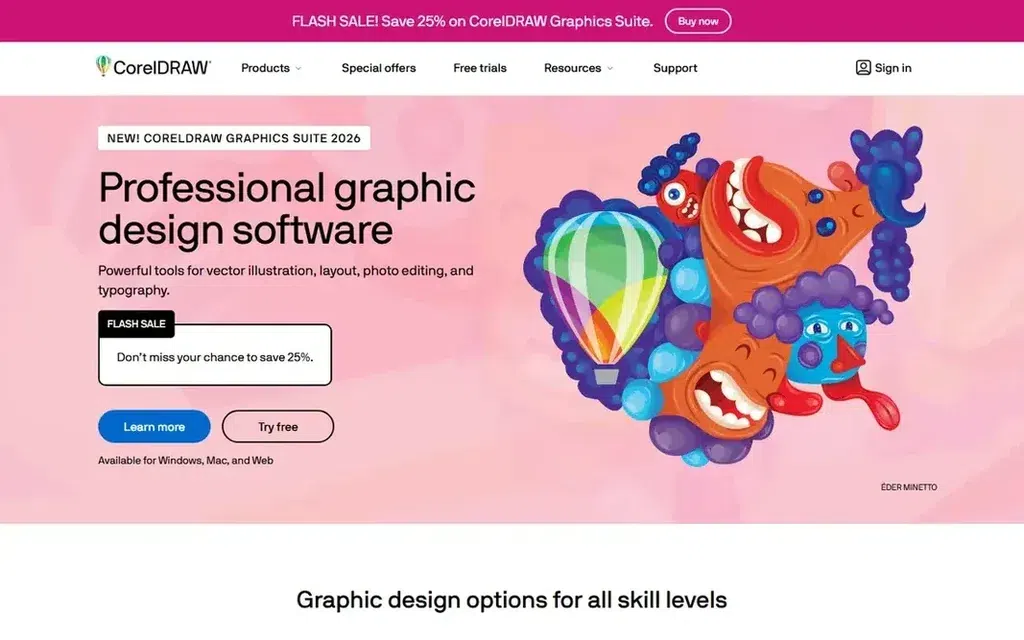
CorelDRAW serves vector and technical logo design. CorelDRAW is professional graphic design software with vector, technical illustration, and CAD choices.
Its homepage notes use for logos, posters, drafting, and prototypes. In daily use, workflows built around Adobe tools may feel different, and cross-platform habits can need adjustment. Check the vendor site for CorelDRAW pricing; none is listed in this comparison. Free options: Not stated.
Where it falls short: Interface differs from Adobe.
- Logo and poster templates
- Vector and CAD choices
- Windows-centric heritage
Figma works best for collaborative logo concepting. It supports going from concept to production with an entire team in one place.
In daily use, Figma's vector toolset is capable but less specialized than dedicated illustration software for complicated logo construction and print production. Figma cost at the entry level: $3 per month. On free options: Not stated.
Downsides: Needs connectivity for full value.
- Design and code handoff
- Browser-based access
- Vector editing less deep than Illustrator
Vectornator
Best for: AI-assisted campaign asset generation
Vectornator was built for AI-assisted campaign asset generation. The product identity has shifted toward AI campaign generation, which may not satisfy designers who want granular control over logo geometry.
Downsides: Branding now Linearity.
It suits professionals who require quick logo-adjacent asset variations for campaigns instead of deep manual vector construction. Vectornator pricing: $8 per month. Free access exists with Vectornator.
- AI prompt to editable assets
- On-brand campaign focus
- Less established for print logos
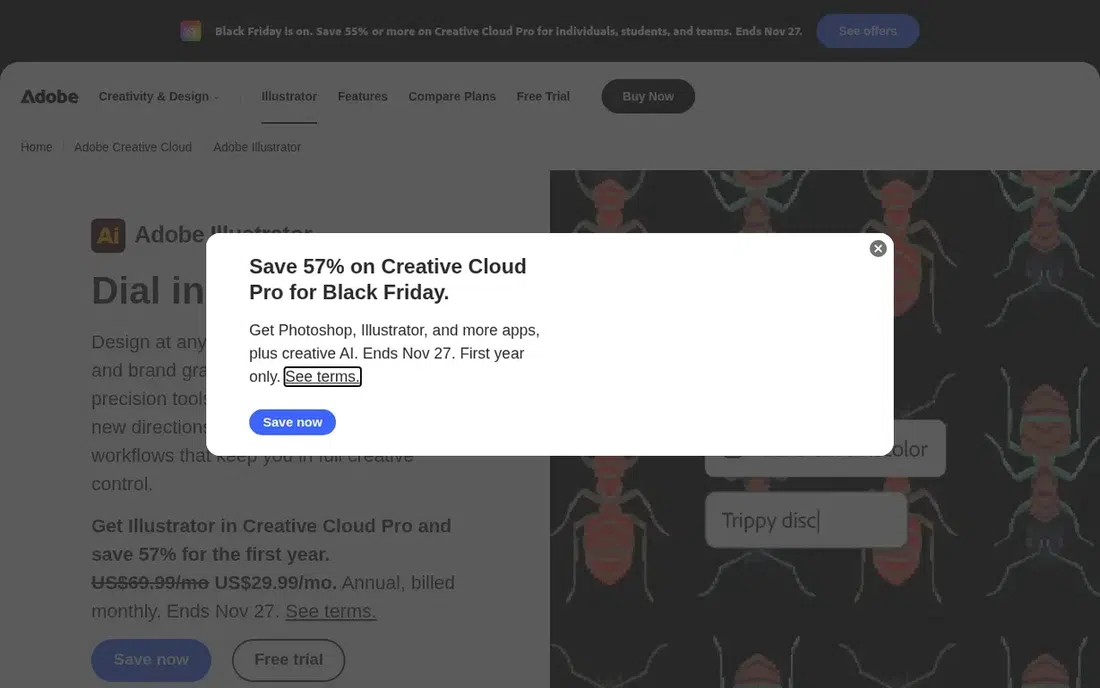
Choose Adobe Illustrator for Editable vector logo creation. It suits professionals who require precise path control, typography, and export adaptability for brand marks across print and screen.
Trade-offs to know: Subscription required.
Adobe Illustrator does not show a starting price in this comparison, so check the vendor site for current pricing. Free access: Not stated.
- Wide format support
- Industry-standard vector tools
- Can be resource-heavy
Pick Sketch if this describes you: Designer-focused logo and UI work. Sketch is a design, prototype, collaborate, and handoff tool made by designers for designers.
From a buyer's view, Sketch is closely associated with macOS, so Windows-based teams may face friction. For everyday use, for print-first logo production with advanced vector path editing, Illustrator or CorelDRAW are more established choices. Price to start with Sketch: $12 per editor per month. Free options: Free trial.
Where it is weaker: Less suited to print-heavy logos.
- Prototyping and handoff
- Design-centric workflow
- Mac-only product
How we compared the tools
Selection started from tools commonly considered for logo design software for professionals, then narrowed to 5 that have clear pricing information or a clear quote process. Plan names, prices and limits change often. Treat the figures here as a starting point and verify them with the vendor. The order reflects how well each tool fits the most common buying scenario for logo design software for professionals, then price clarity, then free plan access. It is a starting point, not a verdict.
A buyer's checklist
- Ask CorelDRAW and Adobe Illustrator for a written quote, since no starting price is shown.
- Test the free plan from Vectornator against your real workload before relying on it.
- Use real work to test the free trial from Sketch, rather than a demo project.
- Before choosing CorelDRAW, weigh its main limit: Windows-centric heritage.
- Test how quickly Figma answers a pre-sales question; it hints at how support will feel later.
- Ask Sketch how an export works before you move any records in; an easy exit lowers the risk.
FAQ
What is the cheapest option for logo design software for professionals in this list?
On published monthly entry prices, Figma is the lowest here at $3 per month. Entry price is only part of the cost, because seats, add-ons and billing terms can change the total. Each of the 5 options in this logo design software for professionals guide has its own card above with the price, free plan and limits.
Can I try these tools before paying?
Often, yes. Vectornator has a free plan and Sketch offers a free trial. Use your own data and a real task during the test, and check what the free tier or trial limits before you rely on it. All 5 picks in this logo design software for professionals comparison list a starting price, free plan details and the main limits on their cards above.
Which options for logo design software for professionals have a free plan?
Vectornator is the only tool in this list with a free plan. Free plans usually cap users, projects or features, so check the limits on the vendor page. One other tool offers a trial instead. For the full picture, the cards above cover all 5 entries of this logo design software for professionals list, including price, free plan and limits.
How are the tools for logo design software for professionals ordered?
The order follows typical fit for logo design software for professionals, with CorelDRAW first and Sketch last, then price clarity and free access. It is editorial judgement, not a score, so another team could rank the tools differently.
Can I design a logo in Figma or Sketch?
They are notably solid for collaboration and handoff. Even so, for complicated print production and deep vector editing, dedicated illustration tools are normally preferred.
Sources
- https://www.coreldraw.com
- https://www.figma.com
- https://www.vectornator.io
- https://www.adobe.com/products/illustrator.html
- https://www.sketch.com