Best Value Creative Design Software in 2026: 8 Tools Compared
We compared the best value creative design software for 2026 on price, features and file quality, so you can make polished work without a costly subscription.
- Editor's choice
 Affinity by Canva
Pro design at no cost
Starts atFreeVisit affinity.serif.comFull review - Great alternative
 Canva
Fast marketing graphics
Starts at$15 per monthVisit canva.comFull review - Also consider
 Inkscape
Free vector design
Starts atFreeVisit inkscape.orgFull review
TL;DR:
- Affinity by Canva is the standout value pick because it offers professional vector, photo and layout tools at no cost.
- Canva and Adobe Express suit non designers who need fast social, marketing and presentation graphics.
- Inkscape and Krita prove that free tools can handle serious vector and painting work, with no subscription at all.
- Adobe and CorelDRAW still earn their price for print shops and teams that need industry file formats and deep print controls.
Quick comparison
| Tool | Best for | Starts at | Free plan? | |
|---|---|---|---|---|
| Affinity by Canva | Pro design at no cost | Free | Yes | Visit |
| Canva | Fast marketing graphics | $15 per month | Yes | Visit |
| Inkscape | Free vector design | Free | Yes | Visit |
 Krita | Free digital painting | Free | Yes | Visit |
 Adobe Express | Quick branded social graphics | $9.99 per month | Yes | Visit |
 CorelDRAW Graphics Suite | Print and sign production | $269 per year | Free trial | Visit |
 Figma | Interface design and teamwork | $16 per editor per month | Yes | Visit |
 VistaCreate | Budget social graphics | $10 per month | Yes | Visit |
The best value creative design software
Value here means more than a low price. We weighed what you can actually make, whether exports are print ready, how much learning time is needed, and what the tool costs over two years. These eight tools cover layout, vector, photo, painting and social design without asking you to pay for apps you will never open.
Affinity by Canva changed the value math for design software. One free app covers vector illustration, photo editing and page layout, work that used to need three separate purchases or a monthly bundle. For freelancers and small studios, that removes the largest recurring cost in the creative toolkit.
The trade off is ecosystem, not core quality. You will find fewer plugins and fewer large agency workflows built around Affinity than around Adobe. If you work alone or in a small team and deliver standard files, Affinity is our pick for most people. Check export settings for print jobs, since color and bleed handling still needs care.
- Vector, photo and layout tools in one app
- No subscription
- Professional file handling
- Smaller plugin ecosystem than Adobe
- Fewer enterprise integrations
Canva is the fastest route from a blank page to a usable social post, flyer or deck. Templates, stock photos and drag and drop editing mean a non designer can produce consistent marketing graphics in minutes. Teams can share brand colors, fonts and logos, which keeps output looking consistent across staff.
Precision is the limit. Canva is not the tool for complex vector illustration or detailed print layout, and free exports can carry limits that matter for professional print. For day to day marketing, though, it saves hours. Start free, and move to Pro only when you need brand controls, background removal and larger storage.
- Huge template library
- Easy team sharing
- Brand kit on paid plans
- Less precise control than desktop design apps
- Print work needs care
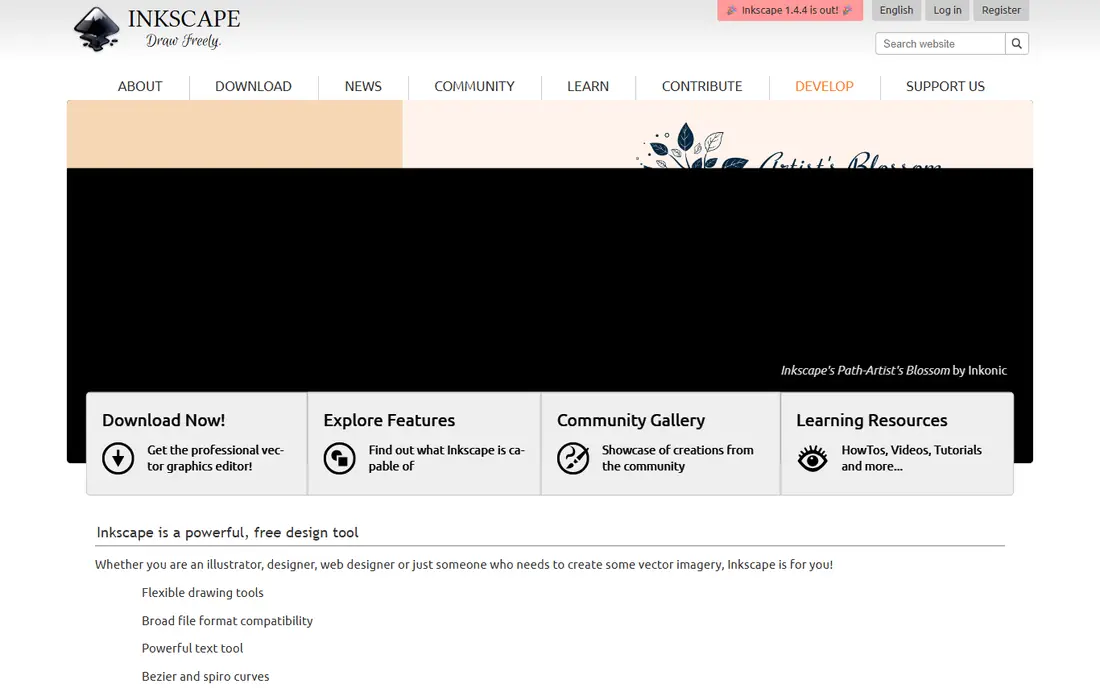
Inkscape is a serious vector editor that costs nothing. You can draw logos, icons, diagrams and illustrations with bezier tools, gradients, text on paths and boolean shapes. It runs on Windows, Mac and Linux, which helps mixed device teams, and files export to common formats for print and web.
The interface is less polished than paid rivals, and very large or complex files can feel slow. Beginners may need a few tutorials to get comfortable with nodes and paths. For logo work, illustration and teaching, Inkscape offers real professional capability without a bill.
- Full vector editing at no cost
- Works on Windows, Mac and Linux
- Open source
- Interface feels dated
- Slower on very large files
Krita is built for painters, illustrators and comic artists. Its brush engine, layer handling and canvas tools feel made for drawing, not adapted from photo editing. Comic templates, animation timelines and a large brush library make it a strong pick for illustrators on a budget.
It is not a replacement for a layout app or a vector tool, and photo retouching is only basic. Pair Krita with Inkscape or Affinity for a full free toolkit: Krita for painting, a vector app for logos and type. For pure illustration, Krita alone is enough for many freelancers.
- Strong brush engine
- Made for illustration and comics
- No cost
- Not a layout or vector first tool
- Photo editing is basic
Adobe Express sits between Canva and full Adobe apps. It is fast for social posts, short video clips and simple marketing pages, and it draws on Adobe fonts and stock assets. Resize tools adapt one design to many social sizes, which saves time for small marketing teams.
Depth is the limit. You will not get the layer control of Photoshop or the vector precision of Illustrator, and some features sit behind the paid plan. It suits marketers who want Adobe assets and polish without learning a desktop suite. Designers who need full control should look at Affinity or an Adobe single app plan instead.
- Adobe stock and fonts access
- Quick resize for social channels
- Simple brand tools
- Less depth than Photoshop or Illustrator
- Paid plan needed for full features
CorelDRAW remains a workhorse for print shops, sign makers and packaging teams. Its vector tools, page layout and color handling suit production work, and a one time purchase option appeals to buyers who dislike renting software. Over several years, that purchase can cost less than a monthly bundle.
The upfront price is the hurdle, and tutorials and plugin support are thinner than for Adobe tools. Teams that already use CorelDRAW for production will find switching costs high, while new buyers should weigh whether they need its print depth. For production focused shops, it still earns its price.
- Strong vector and layout tools
- One time purchase option
- Print production features
- Higher upfront cost
- Smaller community than Adobe
Figma is the value pick for interface and product design teams. Multiple people can edit the same file at once, comment in context, and hand off specs to developers without exporting endless files. The free starter plan covers small projects and learning, which makes it easy to try before paying.
It is a screen design tool first. Print layout, photo editing and complex illustration belong elsewhere. Paid seats are per editor, so viewers can often join free, which keeps team costs lower than they first appear. For web and app design, Figma is hard to beat on collaboration per dollar.
- Real time collaboration
- Strong interface design tools
- Free starter plan
- Needs internet for full use
- Print design is not its focus
VistaCreate offers a Canva style workflow at a lower paid price. Templates cover social posts, ads, stories and simple print items, and editing is quick enough for staff without design training. The free starter plan lets you test templates before paying.
Brand controls and asset depth are thinner than Canva Pro, so larger teams with strict brand rules may outgrow it. For a small business that needs steady social graphics on a tight budget, VistaCreate is a sensible, low cost choice. Compare template quality for your niche before committing, since that is where you will spend most of your time.
- Low paid price
- Large template library
- Simple editing
- Less brand control than Canva Pro
- Smaller stock library
How we picked these
We compared official pricing pages, free plan limits, export options and core features for tools that cover real creative work in October 2026. We favored tools with a usable free tier or a low total cost over two years, and we mixed professional desktop apps with fast template tools so readers can match the tool to the job. We left out tools that lock basic exports behind high paywalls or that duplicate another pick without a clear price advantage.
How to judge value in design software
Price alone is a poor guide. A free tool that exports low quality files or wastes hours will cost more than a paid tool that gets the job right first time. Judge value by output quality, time saved, and total cost over two years, including seats, stock assets and any print fees.
Match the tool to the output
Logos and illustration need vector tools like Affinity or Inkscape. Painting needs Krita or a similar brush tool. Social graphics need Canva, Adobe Express or VistaCreate. Interface work needs Figma. Buying one bundle for every job often means paying for depth you never use.
Check exports before you pay
Test a real file end to end. Export at the size and format your printer, website or client needs, and check color, resolution and fonts. Free plans sometimes limit export quality, and that limit only shows up at delivery time. A short trial with a real project prevents a costly surprise.
FAQ
What is the best value creative design software overall?
Affinity by Canva is our overall value pick because it offers professional vector, photo and layout tools at no cost. Canva is better for fast marketing graphics, while Inkscape and Krita cover free vector and painting work.
Is free design software good enough for professional work?
Yes, for many jobs. Affinity, Inkscape and Krita produce professional files, but print work needs careful export checks for color, bleed and resolution. Teams with strict brand or print needs may still need a paid tool for control and support.
Is Canva worth paying for?
Canva Pro is worth it if you make marketing graphics often and need brand kits, background removal, larger storage and premium templates. If you only make occasional posts, the free plan may be enough. Compare how many hours templates save you each month.
Should I buy CorelDRAW or use Affinity?
Choose CorelDRAW if you run print or sign production and need its production features and file handling. Choose Affinity if you want professional vector, photo and layout tools at no cost and do not need CorelDRAW specific production workflows.
What is the cheapest way to start learning design?
Start with Affinity, Inkscape and Krita, all free, and add Canva free for social templates. That combination covers vector, painting, layout and marketing graphics without a subscription, and you can add a paid tool later once you know which job you do most.