Best Sound Design Software for Filmmakers (2026): 5 Picks Checked on Vendor Pages
Best sound design software for filmmakers, compared. 5 tools with published prices, free plans and limits. Caveats come with every verdict. Updated for 2026.
- Editor's choiceDigital Performer
Immersive mixing and advanced film scoring
Starts atPricing on requestVisit motu.comFull review - Great alternative
 Logic Pro
Mac and iPad music and sound creation
Starts atPricing on requestVisit apple.comFull review - Also considerAbleton Live
Experimental sound design and electronic textures
Starts atPricing on requestVisit ableton.comFull review
Direct answer
This list puts Digital Performer first for Immersive mixing and advanced film scoring. Logic Pro is the stronger choice for Mac and iPad music and sound creation, while Ableton Live suits experimental sound design and electronic textures. The remaining 2 options are covered below with pricing notes and limits. None of these vendors publish plan prices, so pricing is on request for every option.
TL;DR:
- This list starts with Digital Performer, which is built for Immersive mixing and advanced film scoring.
- The main caution on Ableton Live: less centred on traditional film post.
- Neither Digital Performer nor Adobe Audition, nor any of the other 3 tools, has a permanent free plan; trials and quotes are the norm.
- Every tool from Digital Performer to Adobe Audition works by quote, with no list price shown.
- Adobe Audition fits video editors in Creative Cloud.
Last checked November 2026. Pricing on request: vendors did not publish plan prices when this guide was last checked (November 2026), so ask each vendor for a written quote.
Quick comparison
| Tool | Best for | Starts at | Free plan? | |
|---|---|---|---|---|
| Digital Performer | Immersive mixing and advanced film scoring | Pricing on request | Not stated | Visit |
| Logic Pro | Mac and iPad music and sound creation | Pricing on request | Not stated | Visit |
| Ableton Live | Experimental sound design and electronic textures | Pricing on request | Not stated | Visit |
 Pro Tools | Professional film and TV audio post | Pricing on request | Not stated | Visit |
 Adobe Audition | Video editors in Creative Cloud | Pricing on request | Not stated | Visit |
Sound Design Software for Filmmakers profiles
This LinkVetted guide covers 5 sound design software for filmmakers. Each profile lists a starting price, free plan details, strengths and drawbacks, so you can drop poor fits quickly.
Digital Performer
Best for: Immersive mixing and advanced film scoring
Choose Digital Performer for Immersive mixing and advanced film scoring. Digital Performer from MOTU gives features like immersive mixing in Dolby Atmos, AI-powered stem separation. The new Arrangement Strip, plus workflow enhancements requested by users.
Beyond that, if you need wide industry compatibility, Pro Tools might be a safer choice. Even so, for filmmakers concentrated on immersive mixing and in-depth arrangement, Digital Performer provides compelling tools. The software is especially solid for those working with immersive audio formats. Digital Performer has a ramp-up time and may be less familiar in some post-production facilities compared with Pro Tools. Check the vendor site for Digital Performer pricing; none is listed in this comparison. On free options: Not stated.
Watch-outs: Less widespread in some post facilities.
- Dolby Atmos immersive mixing
- New Arrangement Strip for workflow
- Steeper ramp-up time
Logic Pro targets Mac and iPad music and sound creation. It appeals to filmmakers who require to compose scores, design soundscapes, or build original music within a single environment. The software comes with a broad set of virtual instruments and effects that support creative sound design.
Logic Pro is exclusive to Apple products, so Windows users must look elsewhere. It also supplies more than some filmmakers need for entry-level audio post. No starting price is listed for Logic Pro here; confirm pricing on the vendor site. Trial and free access: Not stated.
Downsides: Can be overwhelming for straightforward edits.
- Feature-rich features for songwriting and mixing
- Optimized for Apple hardware
- Mac and iPad only
Ableton Live
Best for: Experimental sound design and electronic textures
In short, Ableton Live is for experimental sound design and electronic textures. Ableton Live is a DAW known for its experimental sound design tools, precision mixing effects, and workflow improvements that help bring ideas into focus. As for the details, for dialogue editing and standard post workflows, Pro Tools or Digital Performer may be more appropriate.
Watch-outs: Session view can confuse linear editors.
Ableton Live is not specifically made for traditional film audio post. Its session view may feel unconventional to editors used to linear timelines. This comparison lists no price for Ableton Live; ask the vendor. Trial and free access: Not stated.
- Adaptable workflow for creative projects
- Precision mixing effects
- Less concentrated on traditional film post
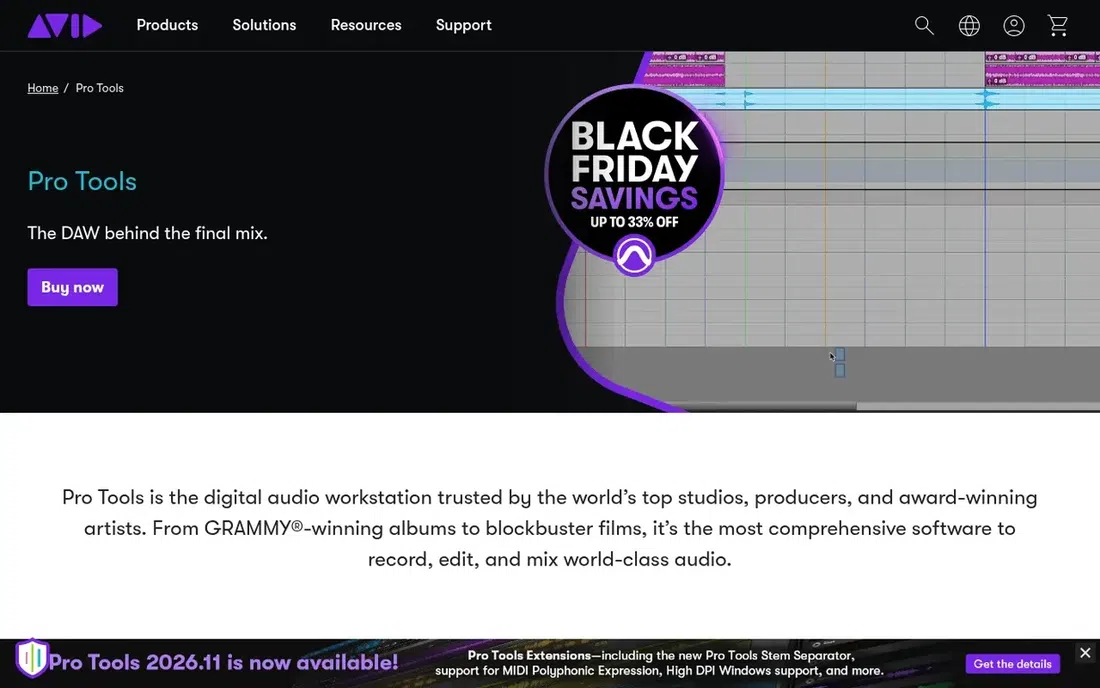
Pro Tools is aimed squarely at professional film and TV audio post. Pro Tools is a professional digital audio workstation from Avid, designed for recording, editing, composing, and mixing music and sound for film and television. More specifically, the software is recognised for its precise editing tools and integration with professional studio workflows.
Its depth can be daunting for newcomers, and the ramp-up time is steeper than with more straightforward editors. For everyday use, if you need a more simplified tool for entry-level video audio cleanup, Adobe Audition may be a better fit. Also, choose Pro Tools when your work demands industry-standard post production capabilities and collaboration with professional facilities. This comparison lists no price for Pro Tools; ask the vendor. Free access: Not stated.
What to check first: Can be complicated for beginners.
- Industry-standard DAW for audio post
- Widely used in professional studios
- Needs iLok for authorization
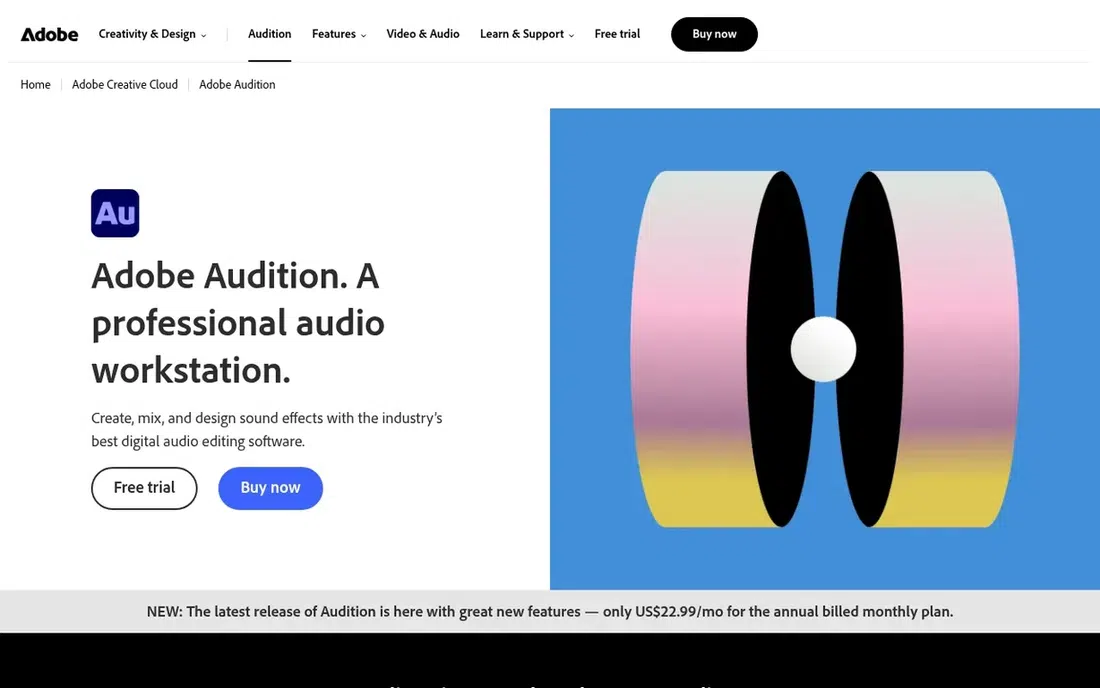
Where Adobe Audition fits: video editors in Creative Cloud. Adobe Audition is audio recording and editing software with a full toolset that contains multitrack, waveform, and spectral display. It is well suited to filmmakers who already work within Adobe's Creative Cloud and have to clean up dialogue, edit voiceover, or perform entry-level sound design alongside video editing.
Pick Audition when you want smooth integration with Adobe video tools and efficient audio repair. In practice, the spectral display helps identify and repair specific audio issues. Check the vendor site for Adobe Audition pricing; none is listed in this comparison. Free access: Not stated.
Watch-outs: Less suited for advanced sound design.
- A decent match for audio cleanup and restoration
- Multitrack, waveform
- Requires Creative Cloud subscription
Selection criteria
A buyer's checklist
- Ask each vendor, from Digital Performer to Adobe Audition, for a written quote; none of them publishes a starting price.
- Before choosing Digital Performer, weigh its main limit: steeper ramp-up time.
- Get the contract term, renewal terms and any onboarding fees from Ableton Live in writing.
- Add up seats, add-ons and usage charges for Adobe Audition before comparing it with cheaper entries.
- Confirm that Logic Pro connects to the apps your team already uses, on the plan you would actually buy.
FAQ
Is Pro Tools necessary for professional film sound design?
Pro Tools is widely used in professional post-production, but it is not the only choice. Digital Performer, for instance, offers advanced immersive mixing and stem separation. Your choice should rely on your specific needs, budget, and collaboration requirements.
Do these tools publish their prices?
No. None of the tools, from Digital Performer to Adobe Audition, shows a fixed starting price here, so budget time for quotes.
Is Digital Performer the right pick for everyone comparing sound design software for filmmakers?
No single tool suits every team. Digital Performer comes first because it fits Immersive mixing and advanced film scoring, while Logic Pro suits Mac and iPad music and sound creation and Ableton Live suits experimental sound design and electronic textures. Match the tool to your own size, budget and workflow before deciding.
Can I try these tools before paying?
Not by default. None of the tools, from Digital Performer to Adobe Audition, lists a free plan or a free trial here, so ask each vendor for a demo before committing.
How are the tools for sound design software for filmmakers ordered?
Digital Performer sits first and Adobe Audition last because the order follows typical fit for sound design software for filmmakers, then price clarity and free access. It is a judgement call, so read each profile for fit and limits.
Sources
- https://motu.com/en-us/products/software/dp
- https://www.apple.com/logic-pro
- https://www.ableton.com/en/live
- https://www.avid.com/pro-tools
- https://www.adobe.com/products/audition.html