Best Solar Design Software for Small Business (2026): 5 Picks Checked on Vendor Pages
5 products for the best solar design software for small business, ranked by fit, with starting costs and free tiers. Fit, price and catches for every tool.
- Editor's choiceEnergy3D
Engineering simulation and modeling
Starts atSee websiteVisit energy.concord.orgFull review - Great alternativeSolarWinds
IT observability and management
Starts at$2 per node a monthVisit solarwinds.comFull review - Also consider
 AutoCAD
In-depth solar system drafting
Starts atSee websiteVisit autodesk.comFull review
Direct answer
Start with Energy3D if you need engineering simulation and modeling. Listed starting prices: SolarWinds from $2 per node a month. Alternatives: SolarWinds for IT observability and management, and AutoCAD for in-depth solar system drafting. Details, prices and limits for the rest of the 5 tools are below.
TL;DR:
- The list opens with Energy3D, aimed at engineering simulation and modeling.
- OpenSolar is the one to check for all-in-one solar design and sales.
- Starting prices begin at $2 per node per month with SolarWinds.
- Energy3D, OpenSolar and the 3 others all need a premium plan or a trial, since no free plan is listed.
Last checked November 2026. Prices and plan details were read from the vendors' own pages in November 2026; vendors change plans often, so confirm the current price on the vendor site before you buy.
Quick comparison
| Tool | Best for | Starts at | Free plan? | |
|---|---|---|---|---|
| Energy3D | Engineering simulation and modeling | See website | Not stated | Visit |
| SolarWinds | IT observability and management | $2 per node a month | Free trial | Visit |
| AutoCAD | In-depth solar system drafting | See website | Not stated | Visit |
| SunDAT | Solar design and analysis | See website | Not stated | Visit |
 OpenSolar | All-in-one solar design and sales | See website | Not stated | Visit |
The 5 tools in detail
Short on time? The summary and table above give the quick view of 5 tools for solar design software for small business, and the profiles that follow give the detail behind each entry.
Energy3D
Best for: Engineering simulation and modeling
Choose Energy3D for engineering simulation and modeling. Energy3D is a free engineering computation tool from the Concord Consortium that allows users to model and simulate solar and building performance. It is handy for small firms or educators who require to validate design concepts through simulation before finalizing projects.
What to check first: Restricted commercial support.
Also, Energy3D is not a full commercial design and sales product, and it may lack the customer-facing features and support that small companies need. In practice, for end-to-end project management, OpenSolar is a more complete option. Energy3D shows no starting price here, so confirm the cost on the vendor site. Free options: Not stated.
- Supports simulation for design validation
- Models solar and building performance
- Interface may be technical
SolarWinds
Best for: IT observability and management
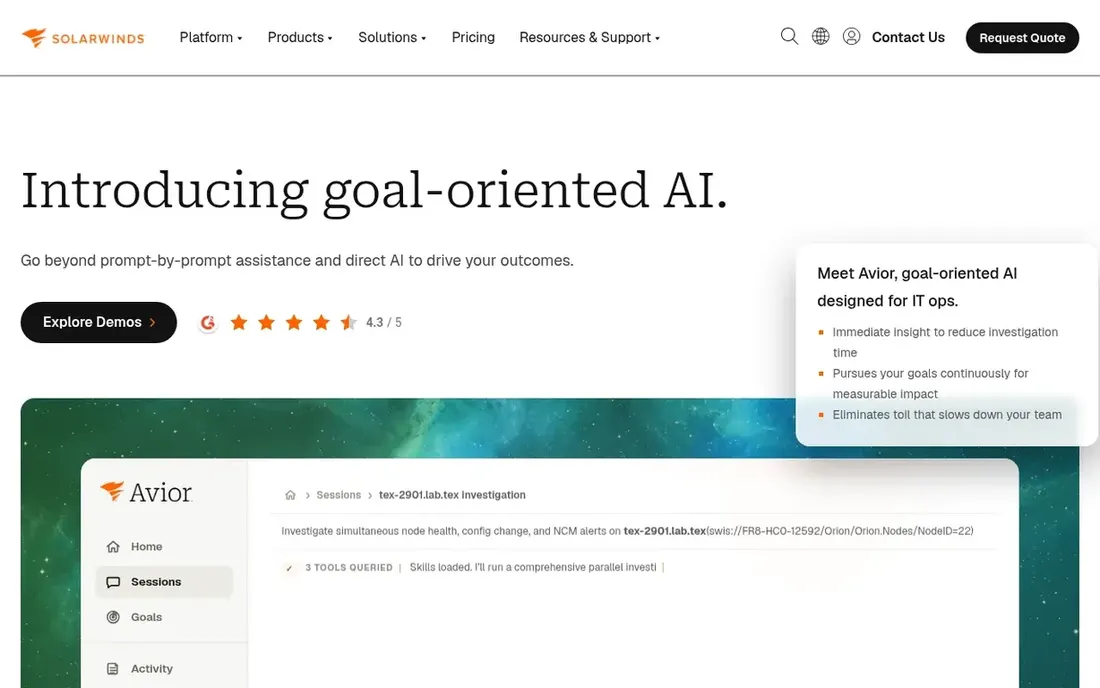
SolarWinds makes the most sense for IT observability and management. SolarWinds offers observability, database, and IT service management software for hybrid IT environments.
SolarWinds is not intended for solar system design or layout. On top of that, companies seeking design capabilities should look to OpenSolar or AutoCAD, and consider SolarWinds only for IT management needs. SolarWinds pricing: $2 per node per month. Free options: Free trial.
Where it falls short: Needs IT expertise.
- Full hybrid IT monitoring
- Supports database and service management
- Not solar design software
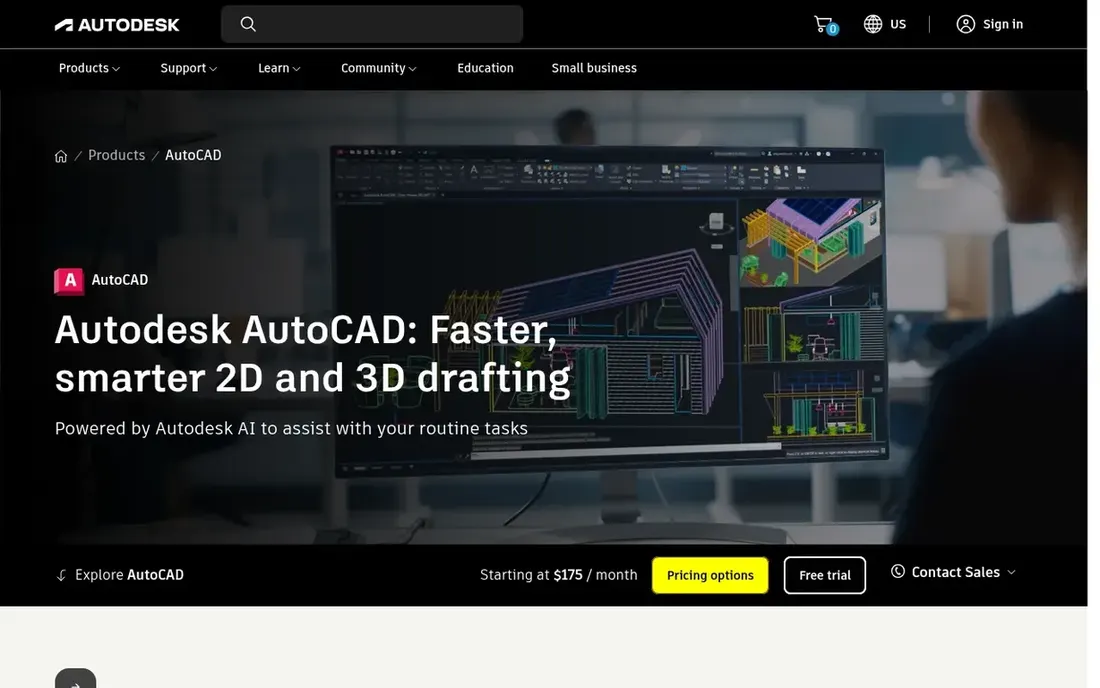
Pick AutoCAD if this describes you: in-depth solar system drafting. AutoCAD is a feature-rich design and drafting software used across industries, including solar. It makes it possible for in-depth layouts, shared DWG collaboration, and AI automation to accelerate design work.
Small companies needing precise technical drawings for solar installations can benefit from its solid feature set. AutoCAD is a general-purpose tool and lacks solar-specific features like energy simulation or proposal generation. For simplified solar design and sales, OpenSolar may be more appropriate. AutoCAD does not show a starting price in this comparison, so check the vendor site for current pricing. On free options: Not stated.
Drawbacks to consider: General-purpose, not solar-specific.
- AI automation for quicker work
- Advanced drafting and design tools
- Steep ramp-up time
SunDAT
Best for: Solar design and analysis
For Solar design and analysis, SunDAT is a natural candidate. It is built to help professionals create and evaluate solar array designs, making it right for small companies that require specialized solar design capabilities.
Beyond that, specific details about SunDAT's features and support are restricted, so firms should verify compatibility with their workflows. SunDAT does not show a starting price in this comparison, so check the vendor site for current pricing. Trial and free access: Not stated.
Where it falls short: Restricted public information.
- Supports system analysis
- Focus on solar projects
- May need training

OpenSolar works best for all-in-one solar design and sales. Companies needing advanced simulation or in-depth drafting might consider supplementing with specialized tools like AutoCAD or Energy3D. On top of that, OpenSolar offers free software that links homeowners, solar professionals, and partners to design, sell, and run solar projects rapidly and accurately.
Where it is weaker: Restricted customization for complex systems.
It is well suited for small firms that require an integrated platform to manage customer proposals, system layouts, and project tracking without a large upfront investment. Even so, OpenSolar may not offer the deep engineering analysis or customization required for highly complicated or utility-scale projects. Check the vendor site for OpenSolar pricing; none is listed in this comparison. As for free access: Not stated.
- Links homeowners and professionals
- Runs projects from start to finish
- May lack advanced engineering tools
Selection criteria
We compared the tools on published pricing, free plan or trial availability, feature coverage for solar design software for small business, and the limits each vendor documents. Plan names, prices and limits change often. Treat the figures here as a starting point and verify them with the vendor. Order on the page follows fit for the typical buyer first, then price transparency and free access. Your own requirements should decide the final pick.
Pre-purchase checklist
- Confirm the entry price on the vendor page. For Energy3D, AutoCAD, SunDAT and OpenSolar that means a quote rather than a fixed price.
- Take the trial from SolarWinds and push a live task through it before you pay.
- Before choosing Energy3D, weigh its main limit: restricted commercial support.
- Involve the people who will use SunDAT daily; a short pilot beats a long feature checklist.
- Check whether the features you need in SolarWinds sit on the entry plan or only on higher tiers.
FAQ
Can I use AutoCAD for solar design rather than specialized software?
AutoCAD can be used for in-depth solar layouts and drafting, but it lacks solar-specific features like energy simulation and proposal generation. It may need extra tools or plugins to match the functionality of dedicated solar design software.
What is the cheapest option for solar design software for small business in this list?
On published monthly entry prices, SolarWinds is the lowest here at $2 per node per month. Entry price is only part of the cost, because seats, add-ons and billing terms can change the total.
How are the tools for solar design software for small business ordered?
The order follows typical fit for solar design software for small business, with Energy3D first and OpenSolar last, then price clarity and free access. It is editorial judgement, not a score, so another team could rank the tools differently.
Do these tools publish their prices?
Not all of them. Energy3D, AutoCAD, SunDAT and OpenSolar publish no starting price, so expect a quote request for those. The rest, SolarWinds included, show a starting price, though seats and billing terms still change the final cost.
Does any tool for solar design software for small business here have a free plan?
No tool in this list, Energy3D and OpenSolar included, has a permanent free plan. SolarWinds offer a trial. Trials and quotes are the usual route, so plan a short evaluation period.
Sources
- https://energy.concord.org
- https://www.solarwinds.com
- https://www.autodesk.com/products/autocad
- https://www.sundat.com
- https://opensolar.com