Best Solar PV Design Software (2026): 6 Picks Checked on Vendor Pages
Best solar PV design software in 2026: 6 contenders with entry costs and free tiers. Each listing flags where it falls short. Current for November 2026.
- Editor's choiceSunDAT
Solar design workflows for project teams
Starts atSee websiteVisit sundat.comFull review - Great alternativeSolarWinds
IT observability instead of PV design
Starts at$2 per node a monthVisit solarwinds.comFull review - Also consider
 Pylon
Conversational AI, not solar design
Starts atSee websiteVisit pylon.comFull review
Direct answer
Our first pick is SunDAT, best for Solar design workflows for project teams. Listed starting prices: SolarWinds from $2 per node a month and Arka 360 from $199 a month. If your case is different, SolarWinds suits IT observability instead of PV design and Pylon suits conversational AI, not solar design. Details, prices and limits for the rest of the 6 tools are below.
TL;DR:
- SunDAT sits first on this list: Solar design workflows for project teams.
- Helioscope suits in-depth PV layout and production modeling.
- What to know about SunDAT first: restricted public homepage detail.
- The cheapest monthly starting price in the list is $2 per node per month, offered by SolarWinds.
- A permanent free plan is missing from all 6 tools, SunDAT and Helioscope included; plan for a trial or a premium start.
Last checked November 2026. Prices and plan details were read from the vendors' own pages in November 2026; vendors change plans often, so confirm the current price on the vendor site before you buy.
Quick comparison
| Tool | Best for | Starts at | Free plan? | |
|---|---|---|---|---|
| SunDAT | Solar design workflows for project teams | See website | Not stated | Visit |
| SolarWinds | IT observability instead of PV design | $2 per node a month | Free trial | Visit |
| Pylon | Conversational AI, not solar design | See website | Not stated | Visit |
 Arka 360 | C&I solar design and proposal management | $199 a month | No | Visit |
| Solar-Log | PV monitoring and smart energy services | See website | Not stated | Visit |
 Helioscope | In-depth PV layout and production modeling | See website | Not stated | Visit |
Solar PV Design Software, one by one
Short on time? The summary and table above give the quick view of 6 tools for solar PV design software, and the profiles that follow give the detail behind each entry.
SunDAT
Best for: Solar design workflows for project teams
SunDAT was built for Solar design workflows for project teams. SunDAT is a solar design tool targeted at project teams planning and laying out PV systems.
The main drawbacks: Features need vendor confirmation.
Public information on the homepage is restricted, so confirm current capabilities, integrations, and supported workflows with the vendor. In practice, SunDAT is best treated as a design-focused choice to validate straight. This comparison lists no price for SunDAT; ask the vendor. Free access: Not stated. What users get: Relevant to layout and system planning.
- Geared toward project planning teams
- Concentrated on solar design work
- Restricted public homepage detail
SolarWinds
Best for: IT observability instead of PV design
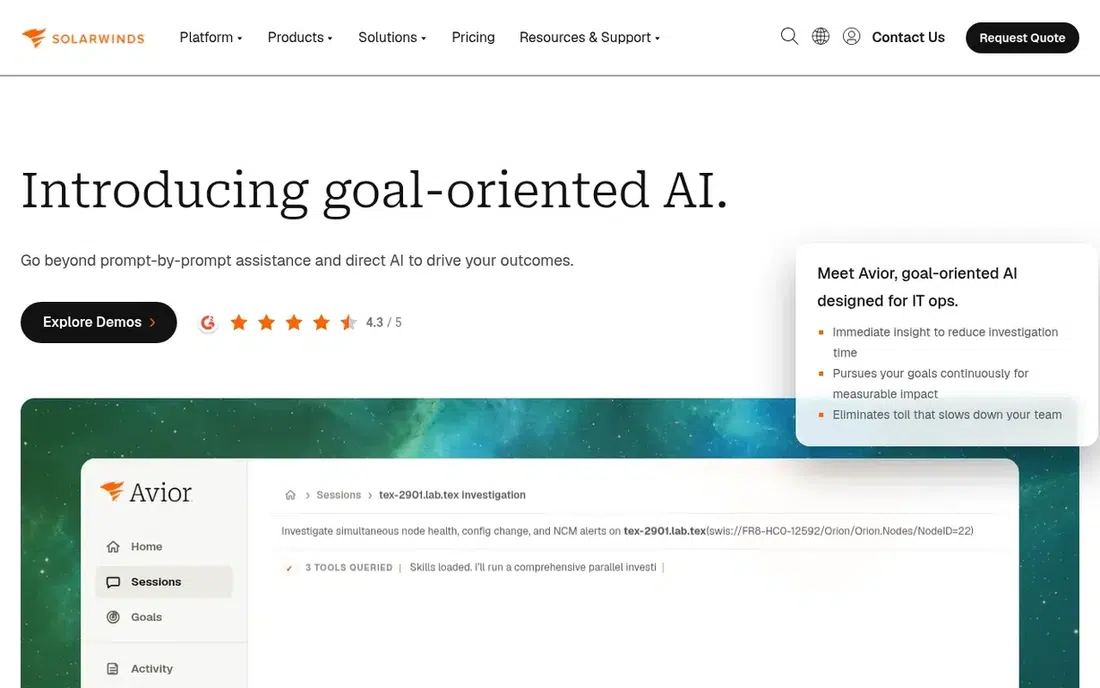
For IT observability instead of PV design, SolarWinds is a natural candidate. SolarWinds gives you observability, database, and IT service management software for hybrid IT environments.
From a buyer's view, despite the name similarity to solar topics, its homepage describes IT management instead of photovoltaic design. What you pay to start with SolarWinds: $2 per node per month. Trial and free access: Free trial.
Trade-offs to know: Different domain from solar engineering.
- Secure IT management orientation
- Database and service management tools
- Not a solar PV design product
Pylon makes the most sense for conversational AI, not solar design. Pylon describes itself as an artificial intelligence company developing conversational user interfaces for Amazon Alexa and Google Assistant.
The main drawbacks: Unrelated to photovoltaic workflows.
It should be excluded from a solar design shortlist except when conversational AI is separately relevant to your business. This comparison lists no price for Pylon; ask the vendor. On free options: Not stated.
- AI development orientation
- Focus on conversational AI interfaces
- Not a solar PV design tool
Arka 360 targets C&I solar design and proposal management. If your work is purely technical modeling, a design-first tool like Helioscope may be more straightforward, whereas Arka 360 rewards teams that also need proposals.
Limits to weigh: C&I orientation may not suit small residential work.
The breadth of features can also need onboarding time. On cost, Arka 360 starts like this: $199 per month. There is no free plan with Arka 360.
- Targets commercial and industrial projects
- Eases steps across solar projects
- Broad feature set takes time to learn
Solar-Log
Best for: PV monitoring and smart energy services
Solar-Log is aimed squarely at PV monitoring and smart energy services. Teams that require layout and simulation should pair it with a design tool.
What to check first: Oriented to operations after installation.
The product is oriented toward monitoring and energy services, so it does not replace design and proposal software. Solar-Log shows no starting price here, so confirm the cost on the vendor site. On free options: Not stated.
- Spans feed-in management
- Bundles smart energy and marketing services
- Not a design or proposal tool
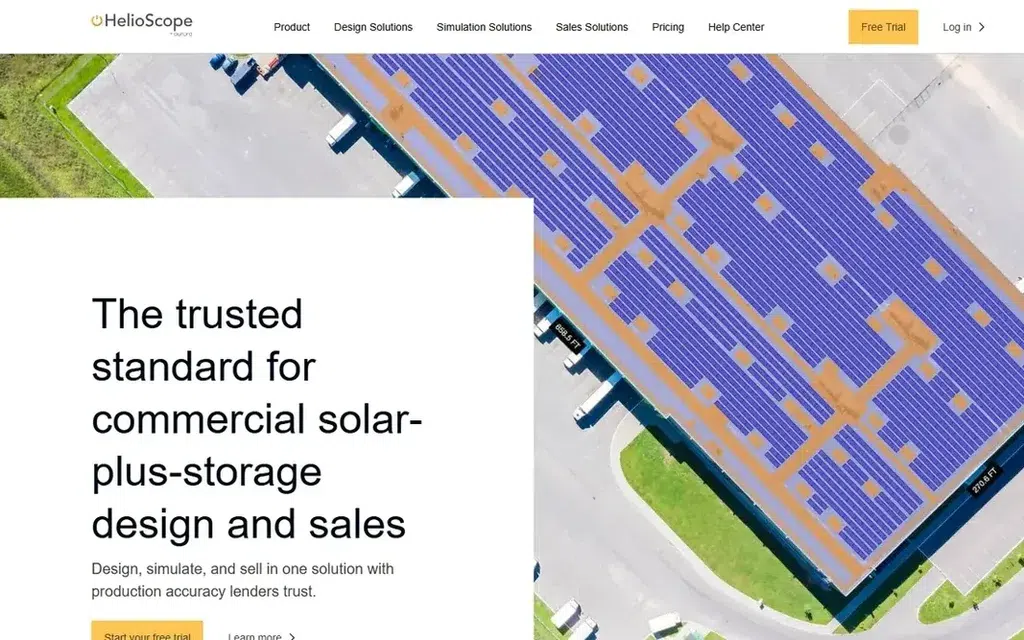
Pick Helioscope if this describes you: in-depth PV layout and production modeling. Teams that value in-depth technical design over sales presentation tend to gravitate toward it.
Since its public homepage supplies restricted information, buyers should confirm current features and supported workflows straight with the vendor. Check the vendor site for Helioscope pricing; none is listed in this comparison. Trial and free access: Not stated.
Where it is weaker: May need onboarding for new users.
- Supports detailed system layout and simulation
- Widely recognized in solar design work
- Restricted public detail on the homepage
How we chose
Selection started from tools commonly considered for solar PV design software, then narrowed to 6 that have clear pricing information or a clear quote process. Seat minimums, billing terms and add-ons can move the real cost, so the starting prices here are a guide and not a quote. The ranking is editorial: typical fit first, then clear pricing, then free access. If your needs are unusual, read the profiles rather than relying on position.
A buyer's checklist
- Get a written quote from SunDAT, Pylon, Solar-Log and Helioscope; the list shows no starting price for them.
- Take the trial from SolarWinds and push a live task through it before you pay.
- Read the limits listed for SunDAT first: limited public homepage detail.
- Work out what SunDAT costs with your real seat count, add-ons and usage, not just the entry price.
- Ask SolarWinds which support channels and response times come with the plan you would buy.
FAQ
What is the cheapest option for solar PV design software in this list?
On published monthly entry prices, SolarWinds is the lowest here at $2 per node per month. Entry price is only part of the cost, because seats, add-ons and billing terms can change the total. For the full picture, the cards above cover all 6 entries of this Solar PV design software list, including price, free plan and limits.
How are the tools for solar PV design software ordered?
The order follows typical fit for solar PV design software, with SunDAT first and Helioscope last, then price clarity and free access. It is editorial judgement, not a score, so another team could rank the tools differently.
Does any tool for solar PV design software here have a free plan?
A permanent free plan is not offered by SunDAT, Helioscope or the other tools here. SolarWinds offer a trial. Plan a short evaluation period instead.
Is SunDAT the right pick for everyone comparing solar PV design software?
No single tool suits every team. SunDAT comes first because it fits Solar design workflows for project teams, while SolarWinds suits IT observability rather than PV design and Pylon suits conversational AI, not solar design. Match the tool to your own size, budget and workflow before deciding.
Why are SolarWinds and Pylon listed among solar tools?
Both appear in searches because of name similarity, but their homepages describe IT observability and conversational AI respectively, not photovoltaic design. They are included for transparency so buyers do not mistake them for solar design products.
Sources
- https://www.sundat.com
- https://www.solarwinds.com
- https://www.pylon.com
- https://www.arka360.com
- https://www.solar-log.com
- https://www.helioscope.com