PV Design Software in 2026: The 5 Best Options Side by Side
Best PV design software in 2026: 5 tools with starting prices, free plans and limits. Each pick comes with its main catch. Last reviewed November 2026.
- Editor's choiceArchelios
Electrical and photovoltaic installation design
Starts atPricing on requestVisit trace-software.comFull review - Great alternativePVcase
Utility-scale site selection and yield
Starts atPricing on requestVisit pvcase.comFull review - Also consider
 Helioscope
In-depth PV layout and production modeling
Starts atPricing on requestVisit helioscope.comFull review
Direct answer
If you need electrical and photovoltaic installation design, Archelios is the first tool to look at here. For a different need, PVcase covers utility-scale site selection and yield and Helioscope covers in-depth PV layout and production modeling. All 5 tools are compared below on fit, free plan and limits. None of these vendors publish plan prices, so pricing is on request for every option.
TL;DR:
- Archelios sits first on this list: electrical and photovoltaic installation design.
- One limit worth knowing about SunDAT: sparse public homepage description.
- Aurora Solar is the one to check for integrated design and sales workflows.
- Pricing across the list, from Archelios to Aurora Solar, is by quote only.
Last checked November 2026. Pricing on request: vendors did not publish plan prices when this guide was last checked (November 2026), so ask each vendor for a written quote.
Quick comparison
| Tool | Best for | Starts at | Free plan? | |
|---|---|---|---|---|
| Archelios | Electrical and photovoltaic installation design | Pricing on request | Not stated | Visit |
| PVcase | Utility-scale site selection and yield | Pricing on request | Not stated | Visit |
| Helioscope | In-depth PV layout and production modeling | Pricing on request | Not stated | Visit |
| SunDAT | Solar design for bigger projects | Pricing on request | Not stated | Visit |
 Aurora Solar | Integrated design and sales workflows | Pricing on request | Not stated | Visit |
Every option for PV design software explained
If you are comparing PV design software, this page covers 5 tools in one place: what each is best for, what it costs to start, whether it has a free plan, and the main limit to know about.
Archelios
Best for: Electrical and photovoltaic installation design
Archelios is built with electrical and photovoltaic installation design in mind. Teams focused purely on solar sales proposals may find a dedicated solar product more direct.
More specifically, Archelios comes from Trace Software, which publishes software for electrical installation design, photovoltaics and energy management. Archelios shows no starting price here, so confirm the cost on the vendor site. Free plan details: Not stated.
What to check first: Documentation may need localization checks.
- Part of Trace Software's design suite
- Includes electrical and PV installation design
- Homepage is in French
PVcase
Best for: Utility-scale site selection and yield
PVcase is a good fit for utility-scale site selection and yield. PVcase presents itself as one solar project development product for site selection, PV design and yield optimization.
In daily use, the system is oriented toward project development instead of residential sales proposals, so small installers may prefer a lighter tool. In daily use, confirm compatibility with your existing design and GIS workflows. Check the vendor site for PVcase pricing; none is listed in this comparison. Free options: Not stated.
Trade-offs to know: Pitched at bigger project development.
- One product for project development
- PV design and yield
- May be more than small teams need
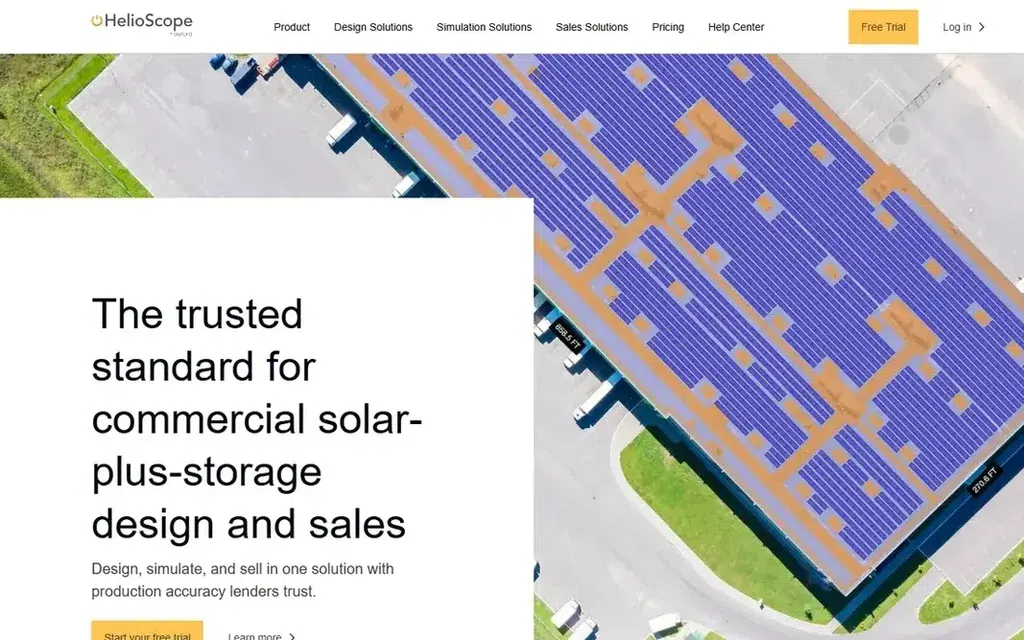
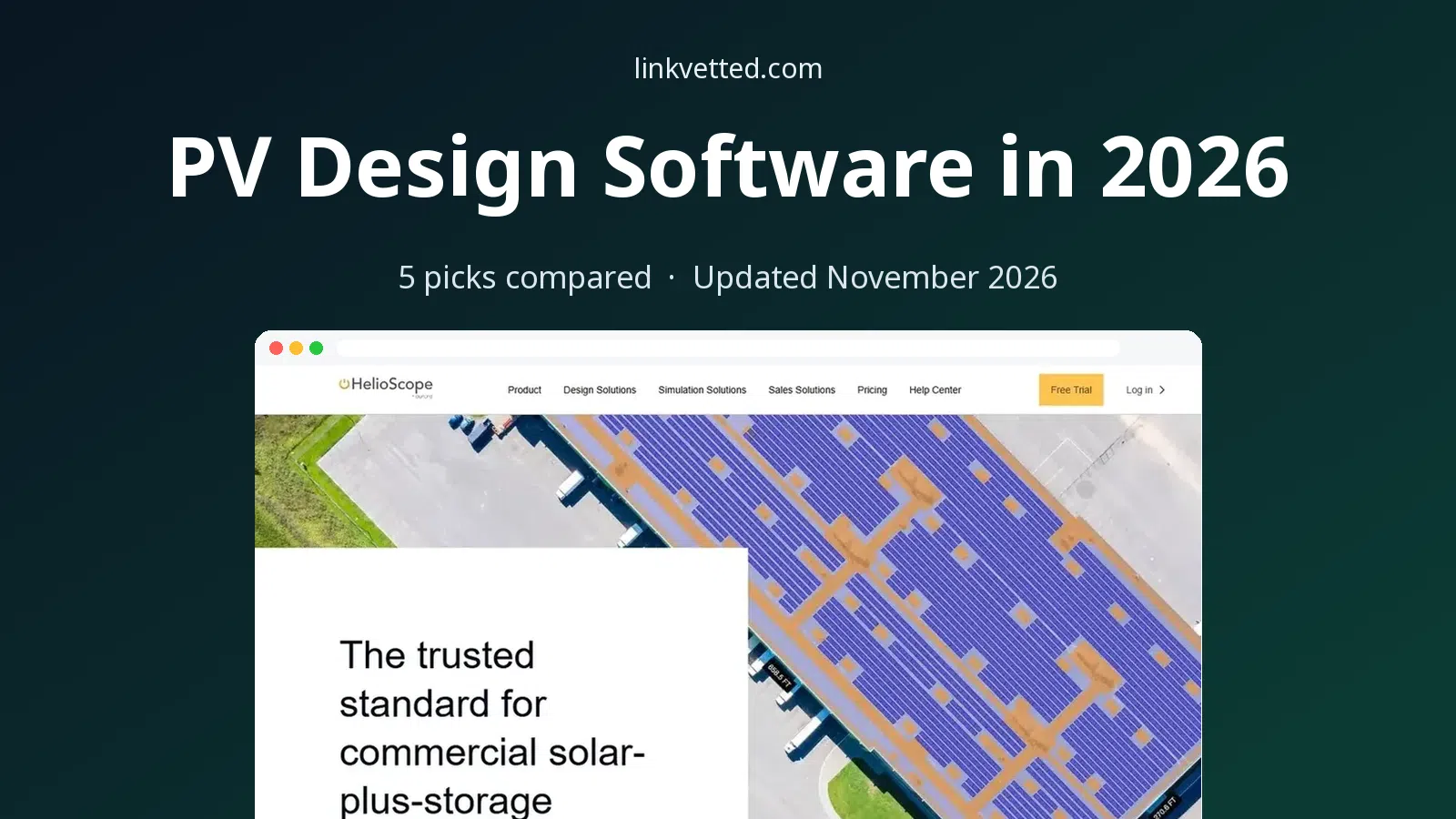
In short, Helioscope is for in-depth PV layout and production modeling. Helioscope is a solar design tool known for photovoltaic system layout and energy production modeling.
Since its public homepage provides little descriptive detail, confirm current capabilities directly with the vendor. Teams that require an all-in-one design and sales workflow may prefer a system built around the full customer journey instead. Pricing for Helioscope is not stated here, so ask the vendor for current figures. As for free access: Not stated.
Watch-outs: Restricted public detail on the homepage.
- Supports production modeling work
- Centred on photovoltaic system design
- Not positioned as a sales system
SunDAT
Best for: Solar design for bigger projects
Think of SunDAT for Solar design for bigger projects. SunDAT is a solar design tool oriented toward professional project work, including larger or more complicated arrays.
Its public homepage supplies little descriptive information, so check current features with the vendor. For everyday use, smaller residential installers may find a more straightforward, sales-oriented system simpler to adopt. This comparison lists no price for SunDAT; ask the vendor. On free options: Not stated.
The main drawbacks: Sparse public homepage description.
- Solar-focused design tooling
- Suited to professional project work
- Less suited to straightforward residential jobs
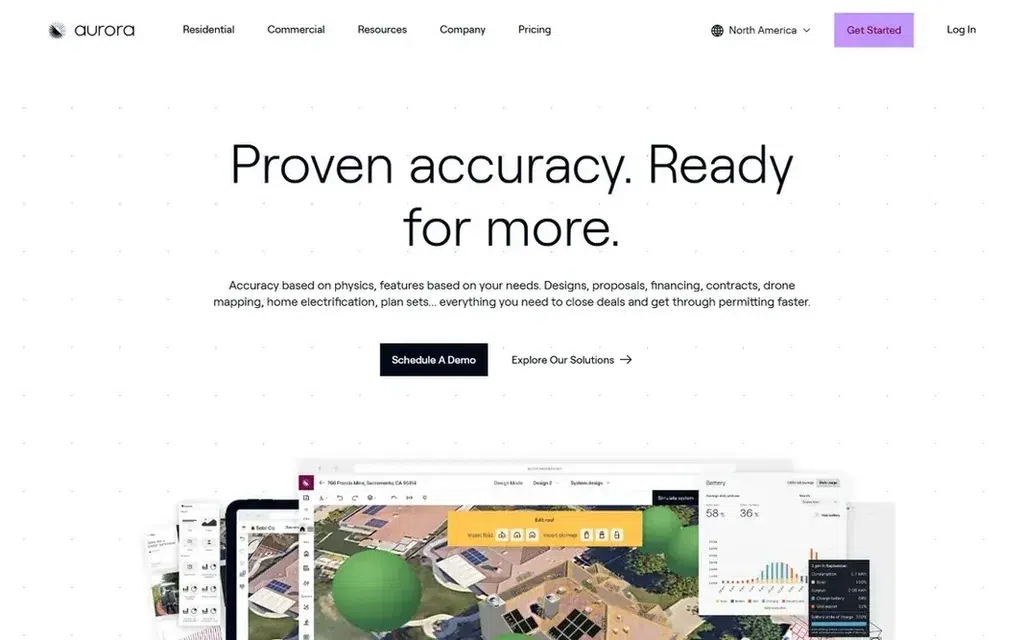
For integrated design and sales workflows, Aurora Solar is a natural candidate. Aurora Solar is a widely used product for solar design and sales, pitched at installers who require to move from site layout to customer-facing proposals.
For everyday use, public homepage detail is restricted, so verify specific design and modeling features with the vendor. No starting price is listed for Aurora Solar here; confirm pricing on the vendor site. Free plan details: Not stated.
What to check first: Feature depth varies by setup.
- Merges design with proposal work
- Made for solar installers and sales teams
- Little descriptive detail on the homepage
How we compared the tools
Pre-purchase checklist
- Ask each vendor, from Archelios to Aurora Solar, for a written quote; none of them publishes a starting price.
- Read the limits listed for Archelios first: homepage is in French.
- Find out what support SunDAT includes on your plan, and whether onboarding help costs extra.
- Ask Helioscope whether prices are locked for the first term and what happens at renewal.
- Work out what Archelios costs with your real seat count, add-ons and usage, not just the entry price.
FAQ
What should PV design software contain?
Most teams look for array layout, shading analysis and energy production modeling, plus proposal or reporting output. Confirm the exact feature set with each vendor.
Do these tools publish their prices?
No. None of the tools, from Archelios to Aurora Solar, shows a fixed starting price here, so budget time for quotes.
How are the tools for PV design software ordered?
Archelios sits first and Aurora Solar last because the order follows typical fit for PV design software, then price clarity and free access. It is a judgement call, so read each profile for fit and limits.
Can I try these options before paying?
Not by default. None of the tools, from Archelios to Aurora Solar, lists a free plan or a free trial here, so ask each vendor for a demo before committing.
Is Archelios the right pick for everyone comparing PV design software?
No single tool suits every team. Archelios comes first because it fits electrical and photovoltaic installation design, while PVcase suits utility-scale site selection and yield and Helioscope suits detailed PV layout and production modeling. Match the tool to your own size, budget and workflow before deciding.
Sources
- https://www.trace-software.com
- https://pvcase.com
- https://www.helioscope.com
- https://www.sundat.com
- https://aurorasolar.com