Service to Create a Video in 2026: The 5 Best Options Side by Side
Weighing the best service to create a video? We lined up 5 products by cost, free access and fit. Each listing flags where it falls short. Jump to the table.
- Editor's choice
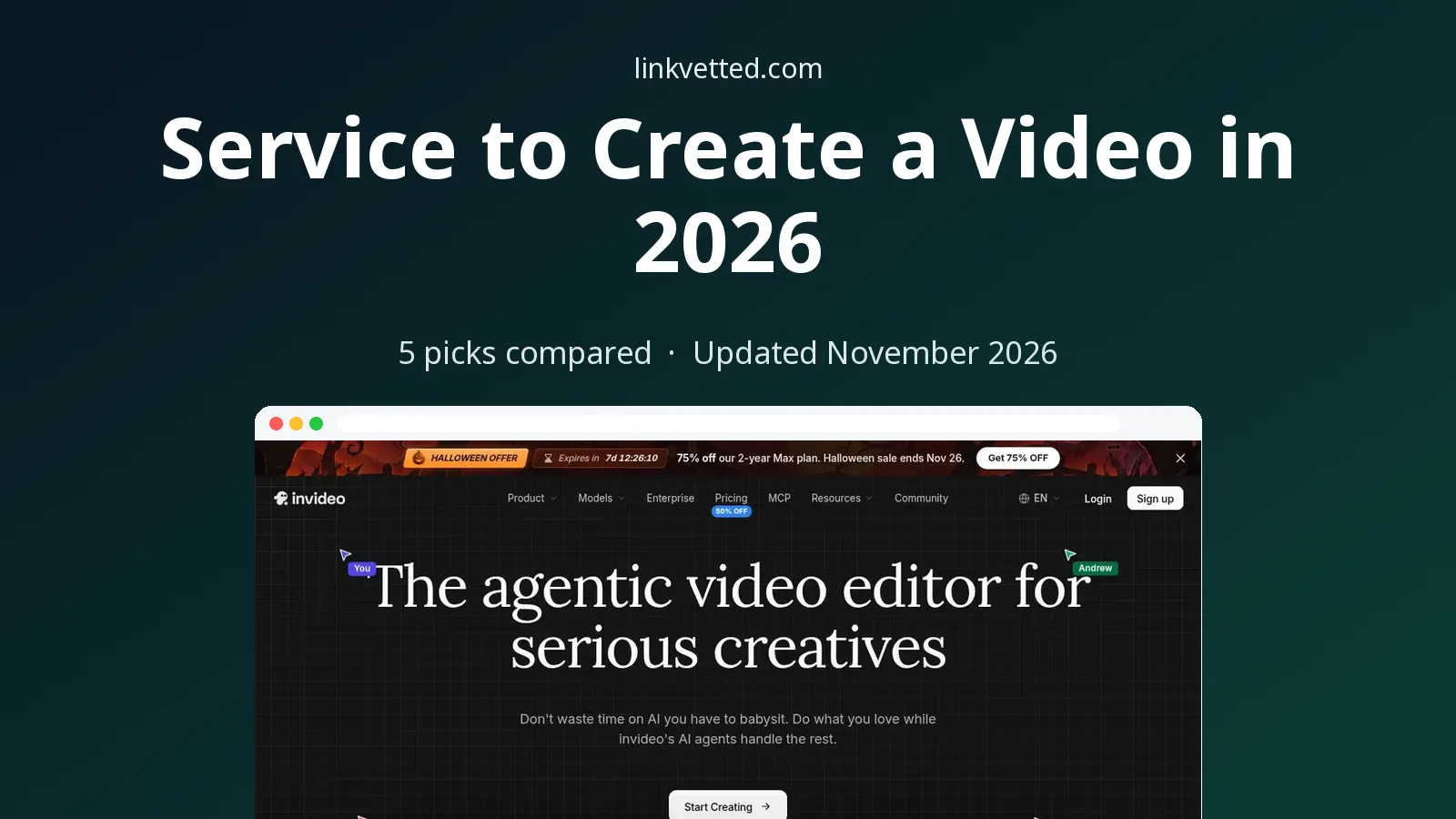
 InVideo AI
Quick AI-assisted video creation and editing
Starts at$4 per seat/mo, billed yearlyVisit invideo.ioFull review - Great alternative
 HeyGen
Personal avatar videos without filming
Starts at$29 per monthVisit heygen.comFull review - Also consider
 Synthesia
Business training and communication video
Starts at$19 a monthVisit synthesia.ioFull review
Direct answer
InVideo AI leads the list, best for fast AI-assisted video creation and editing. Listed starting prices: InVideo AI from $4 per seat/mo, billed yearly, HeyGen from $29 per month and Synthesia from $19 a month. HeyGen is the stronger choice for personal avatar videos without filming, while Synthesia suits business training and communication video. All 5 tools are compared below on price, free plan and limits.
TL;DR:
- Number one here is InVideo AI, a fit for quick AI-assisted video creation and editing.
- A free plan is available from 2 of the 5 tools: HeyGen, Synthesia.
- The main caution on HeyGen: Avatar-led output may not suit cinematic projects.
- Canva suits everyday design and straightforward video.
Last checked November 2026. Prices and plan details were read from the vendors' own pages in November 2026; vendors change plans often, so confirm the current price on the vendor site before you buy.
Quick comparison
| Tool | Best for | Starts at | Free plan? | |
|---|---|---|---|---|
| InVideo AI | Quick AI-assisted video creation and editing | $4 per seat/mo, billed yearly | Not stated | Visit |
| HeyGen | Personal avatar videos without filming | $29 per month | Yes | Visit |
| Synthesia | Business training and communication video | $19 a month | Yes | Visit |
 Pictory | Script and document to video | $12.50 per month, billed yearly | Free trial | Visit |
 Canva | Everyday design and straightforward video | See website | Not stated | Visit |
5 options for service to create a video in detail
LinkVetted put together this guide to service to create a video for readers who want a clear shortlist without reading every vendor page. It compares 5 tools on starting price, free plans, who each one suits and where each one falls short.
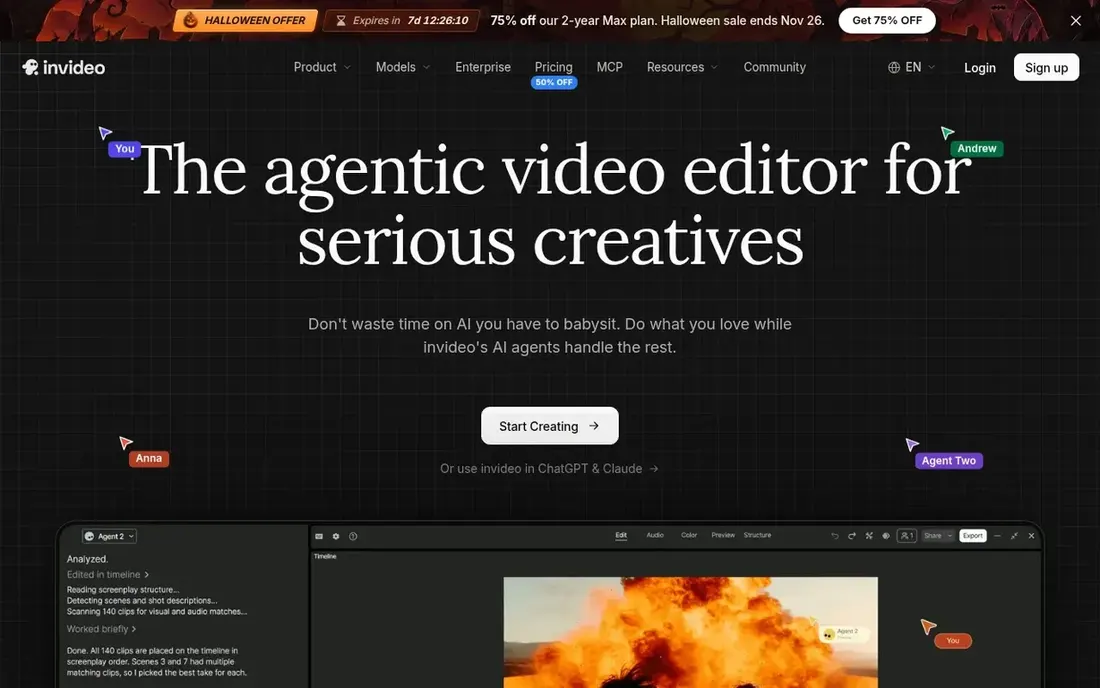
InVideo AI is built with quick AI-assisted video creation and editing in mind. It suits people who want to move from an idea to a finished clip rapidly, and it fits social content, explainers and other projects where speed and automation matter more than frame-level control.
Agent-driven editing trades some precision for convenience, so projects needing exact cuts, advanced effects or in-depth audio mixing may outgrow it. What you pay to start with InVideo AI: $4 per seat/mo, billed annually. Free options: Not stated.
Drawbacks to consider: Best suited to AI-driven projects.
- Editor built for creating and editing AI video
- Targeted at producing video without limits
- Less control than a professional editor

Where HeyGen fits: personal avatar videos without filming. The avatar approach is most solid for talking-presenter content and less suited to projects that require original footage, complicated effects or fine audio work.
HeyGen centers on creating AI videos with a Personal Avatar that carries your face and voice, so you can produce presentation-style video without filming every time. HeyGen starts at: $29 per month. You can start on HeyGen without paying.
Limits to weigh: Manual editing depth is restricted.
- Personal Avatar uses your face and voice
- Geared toward clear
- Avatar-led output may not suit cinematic projects

Synthesia makes the most sense for business training and communication video. Because it is built around business communication, Synthesia is not the natural pick for creative editing, effects-heavy projects or practical timeline work. Also, choose Synthesia when repeatable, language-ready business video is the goal.
Where it is weaker: Centred on business use instead of creative filmmaking.
Synthesia is an AI video product positioned for business, with documented use for communication, training and upskilling teams across many languages. It performs well for internal messaging and learning content that has to be repeated and localized. Price to start with Synthesia: $19 per month. Synthesia offers a free plan.
- Supports communication
- Training and upskilling
- Less suited to in-depth manual editing
Pictory is built with script and document to video in mind. It suits teams turning existing written or slide material into video, and it fits marketers and trainers who already have content to repurpose.
Highlights: You review and refine the result.
The main drawbacks: Scene planning still needs review.
Starting cost for Pictory: $12.50 per month, billed annually. On free options: Free trial.
- AI agent plans the scenes
- PowerPoint or audio
- Less suited to complicated manual editing
Pick Canva if this describes you: everyday design and straightforward video. Canva spans wide design needs instead of deep video postproduction, so advanced effects, precise audio mixing and complicated timelines are better handled in Premiere Pro.
Downsides: Not a professional video editor.
Canva shows no starting price here, so confirm the cost on the vendor site. On free options: Not stated.
Main advantages: Accessible online design tool.
- Produce social posts
- Presentations and video
- Restricted advanced postproduction control
How we built this list
Selection started from tools commonly considered for service to create a video, then narrowed to 5 that have clear pricing information or a clear quote process. Prices and plan limits come from vendor pages and can change, so confirm them on the vendor site before you buy. Position on the page reflects fit for a typical buyer first, with price clarity and free access breaking ties. Treat it as a guide, not a ruling.
Pre-purchase checklist
- Confirm the entry price on the vendor page. For Canva that means a quote rather than a fixed price.
- Read the fine print on the free plans from HeyGen and Synthesia; seat, project and feature caps differ.
- Take the trial from Pictory and push a live task through it before you pay.
- Before choosing InVideo AI, weigh its main limit: less control than a professional editor.
- Price Canva for your actual team size; headline prices rarely include add-ons or overage.
- Before rolling out InVideo AI, verify the integrations your workflow depends on.
FAQ
Can I produce video without filming myself?
Yes. HeyGen builds video around a Personal Avatar that uses your face and voice, and Synthesia produces AI presenter video for business use. Both cut the have to film each clip. Review how your avatar and likeness are handled on the vendor site before you start.
Do these tools publish their prices?
Not all of them. Canva publishes no starting price, so expect a quote request for it. The rest, InVideo AI included, show a starting price, though seats and billing terms still change the final cost.
What is the cheapest option for service to create a video in this list?
On published monthly entry prices, InVideo AI is the lowest here at $4 per seat/mo, billed annually. Entry price is only part of the cost, because seats, add-ons and billing terms can change the total. For the full picture, the cards above cover all 5 entries of this service to create a video list, including price, free plan and limits.
Is InVideo AI the right pick for everyone comparing service to create a video?
No single tool suits every team. InVideo AI comes first because it fits fast AI-assisted video creation and editing, while HeyGen suits personal avatar videos without filming and Synthesia suits business training and communication video. Match the tool to your own size, budget and workflow before deciding.
Which service is a good match for business training videos?
This list starts with InVideo AI, which fits quick AI-assisted video creation and editing. For other needs, HeyGen is aimed at personal avatar videos without filming, and Synthesia at business training and communication video. Check each tool's price and main limit first.
How are the tools for service to create a video ordered?
The order follows typical fit for service to create a video, with InVideo AI first and Canva last, then price clarity and free access. It is editorial judgement, not a score, so another team could rank the tools differently.
Sources
- https://invideo.io
- https://www.heygen.com
- https://www.synthesia.io
- https://pictory.ai
- https://www.canva.com