Best AI Apps to Create Images in 2026: 8 Apps Compared
Looking for the best ai apps to create images? We compare 8 leading tools on quality, text rendering, pricing, and commercial use for 2026 before you buy.
- Editor's choice
 Midjourney
Artistic and cinematic images
Starts at$10 per monthVisit midjourney.comFull review - Great alternative
 ChatGPT
Everyday images inside chat
Starts atFreeVisit chatgpt.comFull review - Also consider
 Adobe Firefly
Commercially safe creative work
Starts at$9.99 per monthVisit adobe.comFull review
TL;DR:
- Midjourney still leads on pure visual style, but it has no free plan, so casual users should start elsewhere.
- Adobe Firefly is the safest pick for client work, because its commercial-use terms are the clearest of the group.
- Ideogram is the best choice when an image must contain readable words, logos, or poster text.
- ChatGPT is the best all-rounder for most people, because image creation sits inside a chat tool many already pay for.
- Credit systems vary a lot, so check how many images a plan really buys before you subscribe.
Quick comparison
| Tool | Best for | Starts at | Free plan? | |
|---|---|---|---|---|
| Midjourney | Artistic and cinematic images | $10 per month | No | Visit |
| ChatGPT | Everyday images inside chat | Free | Yes | Visit |
| Adobe Firefly | Commercially safe creative work | $9.99 per month | Yes | Visit |
 Ideogram | Images with readable text | Free | Yes | Visit |
 Leonardo AI | Game assets and volume creation | Free | Yes | Visit |
 Canva | Finished social and marketing designs | Free | Yes | Visit |
 DreamStudio | Flexible Stable Diffusion generation | See website | Yes | Visit |
 Recraft | Vector graphics and brand styles | Free | Yes | Visit |
The best ai apps to create images
These eight tools all turn a written prompt into an image, but they suit very different jobs. Some chase beauty, some chase accuracy, and some are really design tools with image generation built in. We compared official feature pages, pricing pages, and public reviews to sort them by the job each one does best.
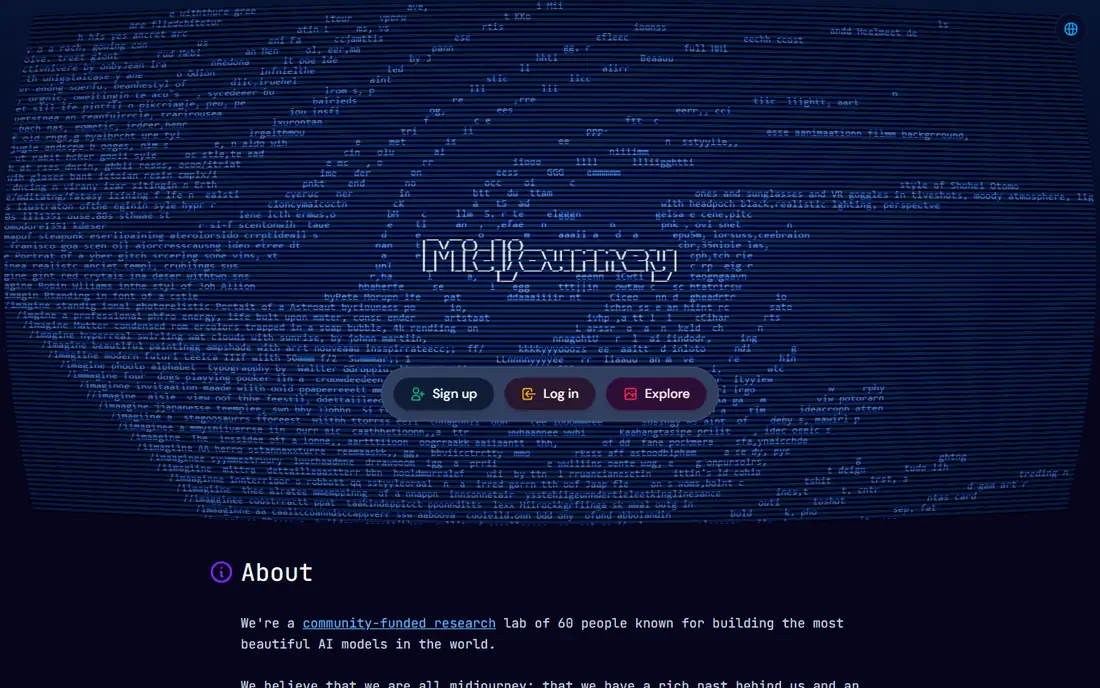
Midjourney remains our pick when the look of the image matters most. Its images tend to feel finished, with rich lighting, texture, and composition that other tools often need several tries to reach. That strength shows up in concept art, mood boards, book covers, and illustration work where atmosphere counts as much as accuracy.
The catch is access and cost. There is no free tier, so you pay from the first image, and the interface takes some getting used to. Prompt controls are powerful, but they reward practice. Check the plan terms for commercial use before using images in paid client work, because the rules vary by plan.
- Distinctive visual style
- Strong control over mood and lighting
- Large community for prompt ideas
- No free plan
- Learning curve for new users
- Commercial rules depend on plan and revenue
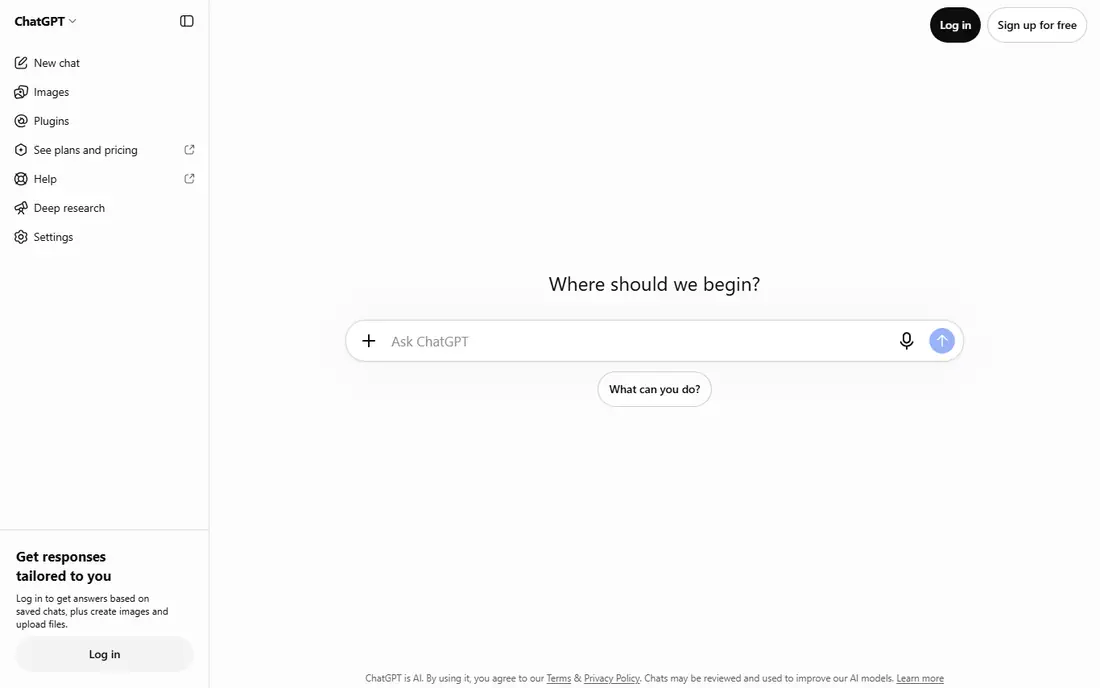
ChatGPT is the easiest place to start, because you describe an image in plain language and then ask for changes in the same conversation. That back-and-forth editing is a real advantage. You can ask for a different background, a warmer palette, or a simpler composition without learning a new interface or a set of special parameters.
For polished final artwork, specialist tools still win on fine control. ChatGPT is best for social posts, blog illustrations, brainstorming, and quick mockups. If you already pay for a ChatGPT plan, its image features may cover most of your needs without a second subscription.
- Easy conversational editing
- No separate app to learn
- Useful for drafts and ideas
- Paid plans needed for higher limits
- Style control is less precise than specialist tools
- Usage caps vary

Adobe Firefly is the pick for teams that need to defend their image choices to a client or a legal reviewer. Adobe states that Firefly models are designed to be commercially safe, which matters when images will appear in ads, packaging, or published articles. The tool also fits naturally into Photoshop and Adobe Express, so editing does not mean starting over in another app.
Free generations let you test the style before paying. Paid plans add credits and access to more features. If you rarely use Adobe tools, the monthly cost is harder to justify than a standalone generator, but for Adobe users the fit is hard to beat.
- Clear commercial-use terms for Firefly models
- Works with Photoshop and Express
- Good editing tools
- Credit limits can feel tight on lower plans
- Best value inside the Adobe ecosystem
- Some styles look polished rather than raw
Ideogram solves the problem that frustrates many image users: text that comes out misspelled or garbled. Posters, greeting cards, product labels, and social graphics with a headline all benefit here. When the words in the image must be right, Ideogram is often the fastest route to a usable result.
The free tier gives slow credits each week, which is enough to test text-heavy ideas. Paid plans add priority generation and more credits. For pure illustration without text, other tools may feel more striking, but for text-first work Ideogram earns its place.
- Strong text rendering in posters and logos
- Free tier for testing
- Useful editing and extension tools
- Paid plans start higher than some rivals
- Credit use needs watching
- Less distinctive artistic style than Midjourney
Leonardo AI suits creators who make a lot of images, such as game developers, storytellers, and content teams building a series. Daily free tokens let you generate regularly without paying, and presets help keep characters and styles consistent across a set. Model training on paid plans goes further for teams that need a repeatable look.
The trade-off is complexity. Tokens, quality settings, and model choices add a learning step that simpler apps skip. Free-plan images are public, so do not use the free tier for private or sensitive work. For volume and control at a low entry cost, Leonardo is a strong pick.
- Generous free daily tokens
- Model training and presets
- Good for consistent character styles
- Token math takes time to learn
- Free images are public
- Some advanced features sit on paid plans
Canva is less about the raw image and more about the finished piece. You generate an image, then drop it into a template, add text, resize it for each social platform, and export it, all in the same editor. For small businesses and social teams, that workflow saves more time than a slightly better image from another tool.
The free plan covers basic use, while paid plans add brand kits, background tools, and more AI uses. If you only need standalone artwork, a specialist generator gives you more control. If you need posts, ads, and presentations, Canva is the practical choice.
- Templates, text, and layouts in one place
- Easy for non-designers
- Brand kits on paid plans
- AI generation is one part of a larger tool
- Heavy AI use may need extra allowances
- Less fine control than specialist generators
DreamStudio, from Stability AI, is a straightforward way to use Stable Diffusion models without setting up your own hardware. You type a prompt, adjust settings such as size and steps, and pay with credits for what you generate. That model suits experimenters and developers who want control over the generation settings rather than a guided consumer experience.
It is not the prettiest app on this list, and it does not include the templates or editing depth of Canva or Adobe tools. For testing prompts, comparing models, and generating images at a low cost per image, it remains a useful option. Check the current credit pricing on the site before a large project.
- Direct access to Stable Diffusion models
- Credit-based pricing
- Good for experimentation
- Interface is plainer than consumer apps
- No built-in design editor
- Support and features change with Stability AI plans
Recraft stands out because it can produce vector-style graphics, not just flat raster images. That matters for logos, icons, and illustrations that need to scale cleanly from a business card to a banner. Style tools help teams keep a consistent look across many assets, which is a common weakness of general image generators.
Photorealistic portraits and complex scenes are not its strongest area. For brand assets, product illustrations, and design systems, however, Recraft fills a gap that the other tools on this list leave open. Start on the free tier and check whether its vector output fits your design workflow.
- Vector output for logos and icons
- Style controls for brand consistency
- Free tier for testing
- Less suited to photorealistic scenes
- Smaller community than the biggest tools
- Paid plans needed for higher volume
How we picked these
We compared official pricing pages, feature pages, app store listings, and public reviews for tools that were active and working in October 2026. We kept only tools that let an ordinary user generate images from a text prompt without coding, and we favored tools with a clear pricing page and a working homepage. We weighted image quality, text accuracy, commercial-use clarity, ease of use, and the real cost of regular use.
How to choose the right image app
Start with the job, not the hype. If you need one striking illustration, Midjourney or Leonardo will reward a little practice. If you need a poster with a headline, Ideogram saves the most time. If the image will appear in paid advertising, Adobe Firefly gives the clearest commercial footing.
Check credits before you commit
Most of these tools sell credits, tokens, or generations rather than unlimited images. A plan that looks cheap can run out fast if every high-quality image costs several credits. Run your typical week on a free tier first, count how many images you actually keep, and then match that count to a paid plan.
Think about editing and export
An image you cannot edit is often an image you cannot use. Canva and Adobe tools let you adjust, crop, and add text after generation. Specialist generators may need a separate editor for that step. Also check export size and format, because a small social image and a print-ready file are different requirements.
Read the rights for your plan
Free plans often have different rights from paid plans, and some free images are public by default. If you plan to use images commercially, read the terms for your exact plan and keep a copy. When in doubt, choose a tool whose commercial terms are stated plainly, and avoid using images of real people or trademarked characters without permission.
FAQ
What is the best ai app to create images for beginners?
ChatGPT and Canva are the easiest starting points, because both use plain language and need no special prompt syntax. ChatGPT is best for quick ideas and edits in chat, while Canva is best when you need a finished post or flyer. Try both free tiers before paying for a specialist tool.
Which ai tool to create images is best for text and logos?
Ideogram is the strongest choice for readable text in posters, cards, and logo-style images. Recraft is a good second pick when you need vector output that scales cleanly. Midjourney can make striking logo concepts, but expect more retries to get the wording right.
Can I use AI images commercially?
It depends on the tool and the plan. Adobe Firefly and paid plans of several tools here allow commercial use under their terms, while free plans may limit rights or make images public. Read the terms for your exact plan, avoid trademarked characters, and keep records of the plan you used.
Are free ai image apps good enough?
For social posts, brainstorming, and personal projects, yes. Free tiers from Leonardo, Ideogram, Firefly, and Canva produce usable images, though limits and watermarks or public visibility may apply. Paid plans are worth it when you need volume, privacy, higher resolution, or commercial rights.
What is the best ai app to create images on a phone?
Canva, ChatGPT, and Leonardo all offer mobile apps that work well for on-the-go generation. Canva is best for finishing a design on a phone, while ChatGPT is best for quick conversational edits. For detailed control, a desktop browser still gives a larger canvas and easier prompt editing.