Best AI Apps in 2026: 8 Apps Compared
Compare the best AI apps for writing, research, coding, and daily work, including free tiers, paid plans, and which tool fits each task best for work today.

- Editor's choice
 ChatGPT
Everyday all-round use
Starts at$8 per monthVisit chatgpt.comFull review - Great alternative
 Claude
Writing and long documents
Starts at$20 per monthVisit claude.comFull review - Also consider
 Gemini
Google Workspace users
Starts at$4.99 per monthVisit gemini.google.comFull review
TL;DR:
- Start free, and pay only after a few weeks of regular use show you need higher limits or specific features.
- ChatGPT is the strongest all-rounder, Claude suits careful writing and long documents, and Gemini suits Google Workspace users.
- Perplexity suits research with sources, while Copilot suits Microsoft 365 work and Poe suits trying several models in one app.
- AI output can be wrong, so check important facts, code, and figures against a primary source before you use them.
Quick comparison
| Tool | Best for | Starts at | Free plan? | |
|---|---|---|---|---|
| ChatGPT | Everyday all-round use | $8 per month | Yes | Visit |
| Claude | Writing and long documents | $20 per month | Yes | Visit |
| Gemini | Google Workspace users | $4.99 per month | Yes | Visit |
 Microsoft Copilot | Microsoft 365 work | See website | Yes | Visit |
 Perplexity | Research with sources | $20 per month | Yes | Visit |
 Grok | Live and social context | See website | Yes | Visit |
 DeepSeek | Low-cost reasoning and code | Free | Yes | Visit |
 Poe | Trying several models | $19.99 per month | Yes | Visit |
The best AI apps
We compared official pricing pages, feature pages, and app listings for AI assistants that help with writing, research, coding, images, and daily tasks. This guide covers the best AI tools, the best AI app for general use, and the best AI platforms for business and productivity work.
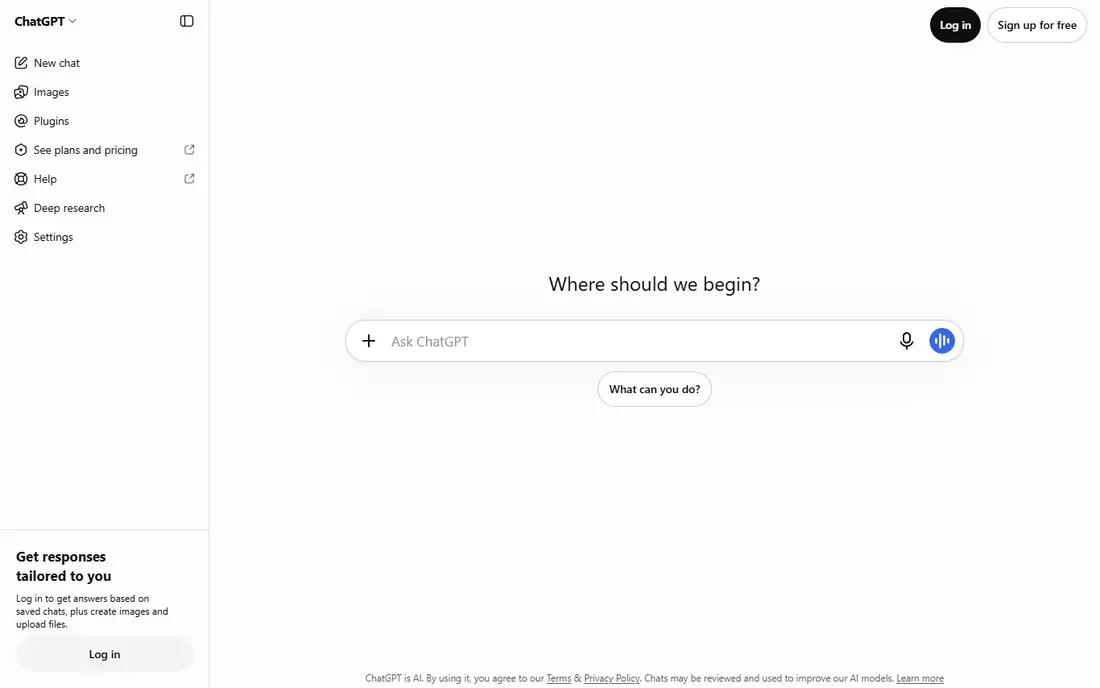
ChatGPT is our pick for most people because it handles the widest range of everyday jobs in one app. You can draft emails, brainstorm ideas, explain a topic, debug code, summarize a document, or generate an image without switching tools. Voice mode also makes it useful when you want to talk through an idea rather than type it.
The free tier is enough to learn the tool, while paid tiers raise limits and add newer models and features. We recommend starting free, then paying only if you hit limits often or need higher capacity for work. For important work, check figures and sources, since AI answers can sound confident while being wrong.
- Broad writing, coding, image, and voice features
- Custom assistants for repeat tasks
- Large integration range
- Free tier has usage limits
- Paid plan prices vary by tier
- Output still needs fact checking
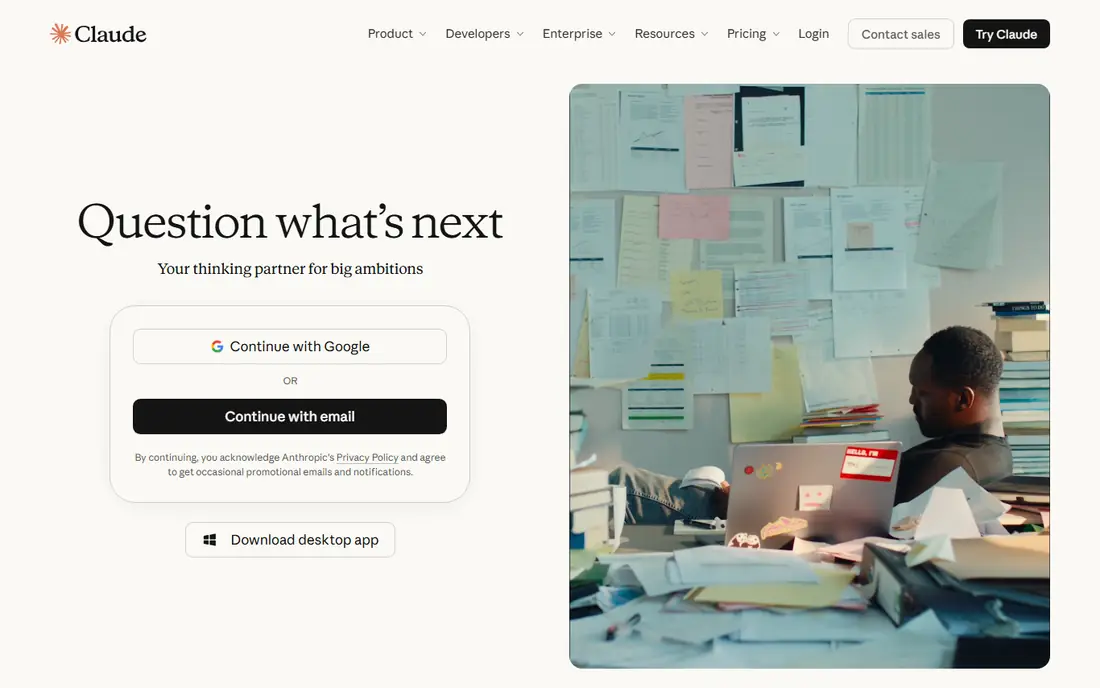
Claude suits writers, researchers, and professionals who work with long documents. It is good at summarizing a report, restructuring a draft, checking consistency, and explaining complex material in plain language. That makes it useful for essays, proposals, contracts, and research notes where tone and structure matter.
The free tier covers basic use, while Pro raises limits for heavier work. We think Claude is the best AI tool for careful writing and document analysis, especially when you want a thoughtful edit rather than a quick answer. It is less of a one-stop shop for image generation than ChatGPT, so pair it with another tool if images are central to your work.
- Strong long-form writing and editing
- Handles large documents well
- Clear, careful tone
- Image generation is more limited than some rivals
- Paid plan is needed for higher limits

Gemini fits people who already live in Google Workspace. It can help draft in Docs, summarize in Gmail, and work with files in Drive, which saves time compared with copying text between apps. It also handles long documents and video generation features on higher plans, which may matter for creators and teams.
If you do not use Google apps, that integration advantage fades, and another assistant may feel more natural. We recommend Gemini for Google users who want AI inside the tools they already open daily, and for people who want a low-cost paid entry point to a major AI platform.
- Deep Google Docs, Gmail, and Drive integration
- Long document handling
- Low entry paid price in some plans
- Paid pricing and bundles vary by plan and region
- Best value depends on using Google apps
Microsoft Copilot is the natural choice for Microsoft 365 users. On paid business plans, it can draft documents, analyze spreadsheets in plain language, build slides from a prompt, and summarize meetings. That integration is its main advantage, because it works with your existing files and permissions.
The pricing picture is more complex than a single monthly fee, since paid Copilot comes with Microsoft 365 bundles. Check your current subscription before you buy, and test the free web version first. We think Copilot suits office teams that already pay for Microsoft 365 and want AI inside Word, Excel, and Outlook.
- Works inside Word, Excel, PowerPoint, and Outlook on paid plans
- Meeting summaries in Teams
- Strong business security options
- Paid Copilot is now bundled with Microsoft 365 plans, so pricing depends on your subscription
- Less useful outside Microsoft apps
Perplexity is our pick for research. Instead of giving an answer with no trail, it shows sources you can open and check, which helps for news, product comparisons, and topics you do not know well. That source-first approach makes it easier to verify a claim before you rely on it.
For creative writing, long editing, or coding, a general assistant may work better. We recommend Perplexity as a second tool alongside ChatGPT or Claude: use Perplexity to check facts and gather sources, then use a general assistant to draft and edit. The free tier covers limited research queries, while Pro raises limits.
- Answers with cited sources
- Good for current events and unfamiliar topics
- Clean research workflow
- Less strong for creative writing and coding than general assistants
- Pro needed for unlimited research queries
Grok suits people who follow live trends, news, and social discussion. Its link to X gives it a different angle on current topics, and it can generate images and handle everyday questions in a conversational tone. That makes it useful for quick takes, brainstorming, and social research.
For formal writing, long documents, or office integration, Claude, ChatGPT, or Copilot will likely serve you better. We think Grok fits as a supplementary app for live context, rather than a primary work assistant for most people. Check the current plan and limits before paying, since they change with platform bundles.
- Access to live social context on X
- Image generation
- Conversational style
- Pricing and limits vary by plan
- Less suited to formal document work than Claude
DeepSeek is worth trying if cost is your main concern. It offers free chat access with strong performance on reasoning, math, and coding tasks, which makes it useful for students, developers, and curious users who do not want a subscription yet. That low barrier makes it easy to test AI assistance without committing to a paid plan.
The trade-off is ecosystem depth. It does not match ChatGPT or Gemini for app integrations, image tools, or office workflows. We recommend DeepSeek for budget users and developers who mainly need text reasoning and code help, and who are comfortable using a simpler interface.
- Free chat access
- Strong reasoning and coding for the price
- Good option for developers and students
- Fewer built-in integrations than major rivals
- Image and voice features are more limited
Poe suits people who want to compare models without paying for several subscriptions. You can ask the same question in different models, see which answer fits your task, and build simple bots for repeat jobs. That comparison step is useful before you commit to one platform for work.
The downside is that direct subscriptions often give higher limits and newer features for a single model. We think Poe fits evaluators, students, and power users who want variety, while people who know their preferred model may get better value from that model directly.
- Access to several AI models in one app
- Easy model comparison
- Bot creation tools
- Model access and limits can lag behind official apps
- Credit system can be confusing
How we picked these
We compared official pricing pages, feature pages, and app listings, and we favored AI apps that work today, offer a free tier or trial, and cover a clear job such as writing, research, coding, or office work. We looked at free limits, paid prices, integrations with Google or Microsoft tools, source citation for research, and whether the app suits individuals or business teams. We did not rank based on marketing claims alone.
How to choose the right AI app for your work
Start with the work you do most. If you write and edit long documents, try Claude first. If you want one app for many jobs, try ChatGPT. If you live in Google Docs or Microsoft Office, choose the assistant built for that system. If research accuracy matters most, add Perplexity to your workflow.
Next, test with real tasks, not demo prompts. Draft a real email, summarize a real report, and check the output against your source material. Note where the app helps and where it invents details. Finally, set rules for sensitive data: avoid pasting private, medical, or client-confidential information into a free AI app unless your plan and policies allow it.
Tips for getting better results
Give clear context, state the format you want, and ask the app to show its reasoning for complex tasks. Break large jobs into steps, and ask for a shorter version if the first draft is too long. Always check important facts, dates, prices, and code before publishing or sending work based on AI output.
FAQ
What is the best AI app for beginners?
ChatGPT is the easiest starting point for most beginners because it handles many jobs in one app and has a free tier. If you use Google apps daily, Gemini is also an easy first choice.
What is the best AI tool for business?
For Google Workspace teams, Gemini fits best. For Microsoft 365 teams, Copilot fits best. For general business writing and analysis, ChatGPT and Claude are strong, with Perplexity useful for sourced research.
What is the best AI software for productivity?
The best productivity pick depends on your tools. Copilot boosts Microsoft 365 work, Gemini boosts Google Workspace work, and ChatGPT boosts general writing, brainstorming, and coding across tools.
Is there a good free AI app?
Yes. ChatGPT, Claude, Gemini, Copilot, Perplexity, DeepSeek, and Poe all offer free tiers with limits. DeepSeek and the free tiers of major assistants are enough for learning and light daily use.
Can AI apps replace search?
Not fully. Perplexity comes closest for research because it cites sources, but you should still open primary sources for important decisions. General assistants are better for drafting and explaining than for verifying current facts.