Screen Sharing Software for Design Critiques in 2026: The 5 Best Options Side by Side
Compare 5 best screen sharing software for design critiques, with prices, free plans and who each fits. Trade-offs are spelled out for each entry. Plain facts.
- Editor's choice
 GoTo Meeting
Straightforward web conferencing
Starts atSee websiteVisit goto.comFull review - Great alternative
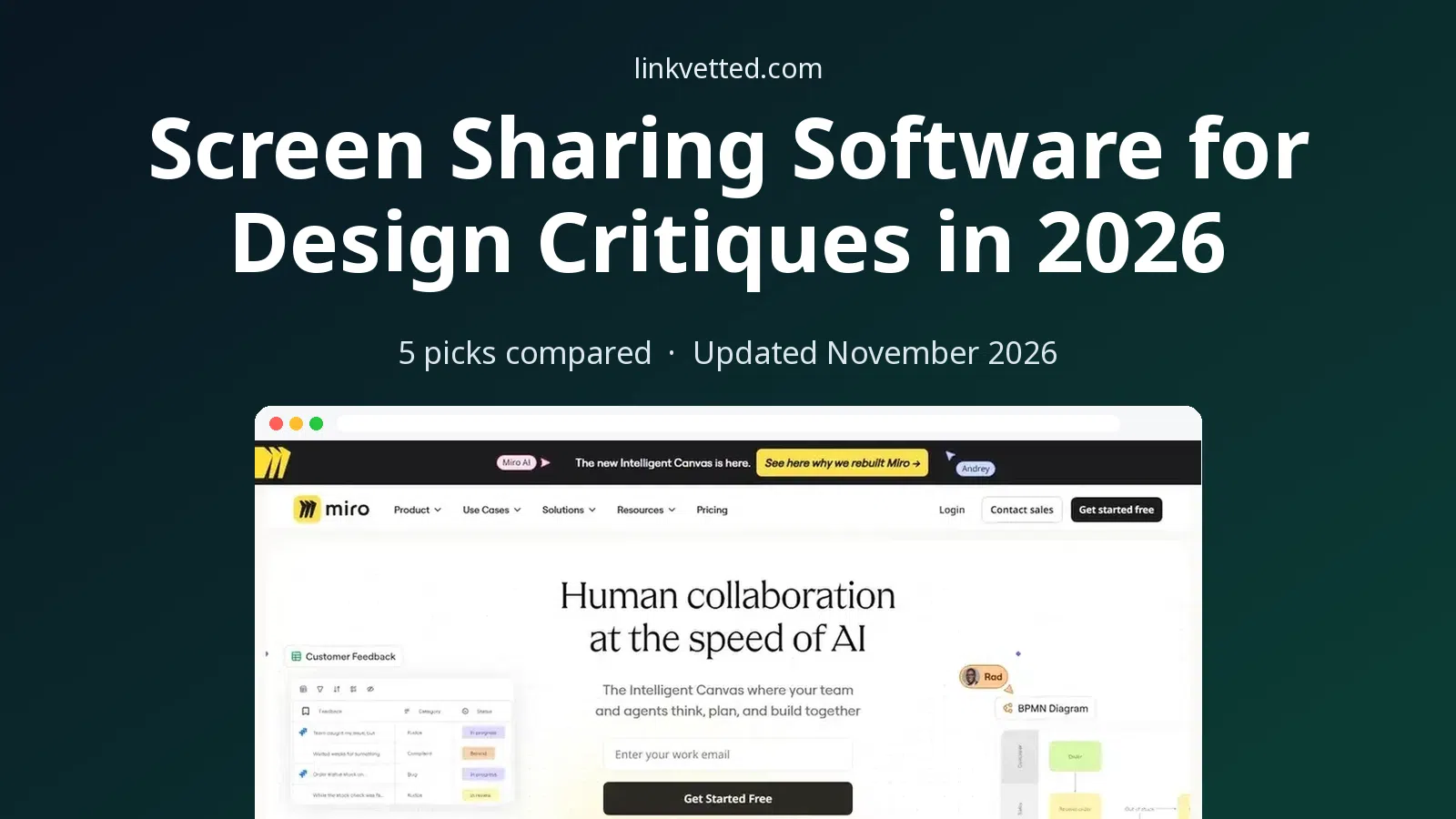
 Miro
Visual whiteboarding during critique sessions
Starts at$8 per member a monthVisit miro.comFull review - Also consider
 Cisco Webex
Enterprise meetings with AI collaboration
Starts atSee websiteVisit webex.comFull review
Direct answer
If you need straightforward web conferencing, GoTo Meeting is the first tool to look at here. Listed starting prices: Miro from $8 per member a month and Figma from $3 a month. Miro is better for visual whiteboarding during critique sessions, and Cisco Webex is better for enterprise meetings with AI collaboration. Prices, free plans and limits for all 5 tools follow.
TL;DR:
- This list starts with GoTo Meeting, which is built for straightforward web conferencing.
- Figma is the lowest-priced starter here at $3 per month.
- For critique inside the design file, Figma is worth a look.
- Check the limits for GoTo Meeting before you commit: restricted design review tooling.
- Miro, Cisco Webex: these are the 2 tools out of 5 that offer a free plan.
Last checked November 2026. Prices and plan details were read from the vendors' own pages in November 2026; vendors change plans often, so confirm the current price on the vendor site before you buy.
Quick comparison
| Tool | Best for | Starts at | Free plan? | |
|---|---|---|---|---|
| GoTo Meeting | Straightforward web conferencing | See website | Not stated | Visit |
| Miro | Visual whiteboarding during critique sessions | $8 per member a month | Yes | Visit |
| Cisco Webex | Enterprise meetings with AI collaboration | See website | Yes | Visit |
 Zoom | Steady meetings with built-in whiteboard | See website | Not stated | Visit |
 Figma | Critique inside the design file | $3 a month | Not stated | Visit |
The 5 tools in detail
Choosing screen sharing software for design critiques usually comes down to price, fit and limits. This LinkVetted guide sets 5 tools side by side on those three points, with the facts kept short and checkable.
GoTo Meeting makes the most sense for straightforward web conferencing. For design critiques it keeps things straightforward: share a screen, talk through the work and keep the session focused.
Limits to weigh: Fewer visual collaboration features.
GoTo Meeting is meeting-first, so deep annotation, whiteboarding and design file context come from other tools. More specifically, Teams with complicated critique rituals may outgrow it. GoTo Meeting shows no starting price here, so confirm the cost on the vendor site. Free plan details: Not stated.
- Straightforward meeting-focused experience
- Screen sharing for presentations
- Restricted design review tooling

Miro serves visual whiteboarding during critique sessions. On top of that, Miro is not primarily a screen sharing or video meeting product, so you will typically pair it with a call product.
Watch-outs: Can feel busy for straightforward reviews.
Boards can become cluttered if facilitation is loose. Entry price for Miro: $8 per member per month. Miro has a free plan.
- Large shared canvas for feedback
- Well suited to organizing plenty of comments
- Not a video meeting tool on its own
Think of Cisco Webex for enterprise meetings with AI collaboration. Smaller teams may find the ecosystem more than they need.
Webex centres on general collaboration, so whiteboarding and annotation are supporting features instead of the core. In practice, pick a visual canvas or file-based tool when the critique relies on structured markup, and use Webex when enterprise meeting standards and device integration matter most. Pricing for Cisco Webex is not stated here, so ask the vendor for current figures. You can start on Cisco Webex without paying.
Drawbacks to consider: Setup can be involved for small teams.
- Meeting and device ecosystem
- AI-powered collaboration features
- Design review features are general
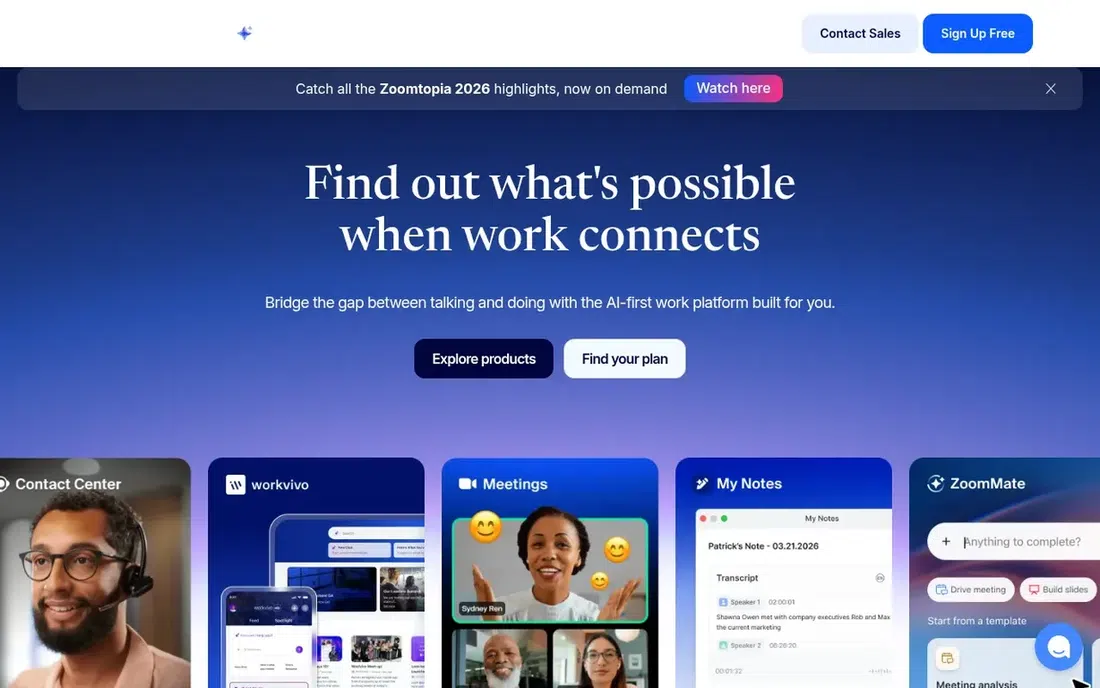
Zoom serves steady meetings with built-in whiteboard. Zoom is a meeting product built around video calls, chat, phone, webinars and whiteboard collaboration.
What to check first: Design file context lives elsewhere.
Worth adding: Zoom is most solid when the meeting is the main event and the design work happens before or after it. In daily use, the whiteboard and annotation tools are practical but not a full design workspace, so complicated feedback may still need a separate canvas or file. Zoom does not show a starting price in this comparison, so check the vendor site for current pricing. As for free access: Not stated.
- Works across most devices
- Stable screen sharing with annotation
- Whiteboard is entry-level for deep critique
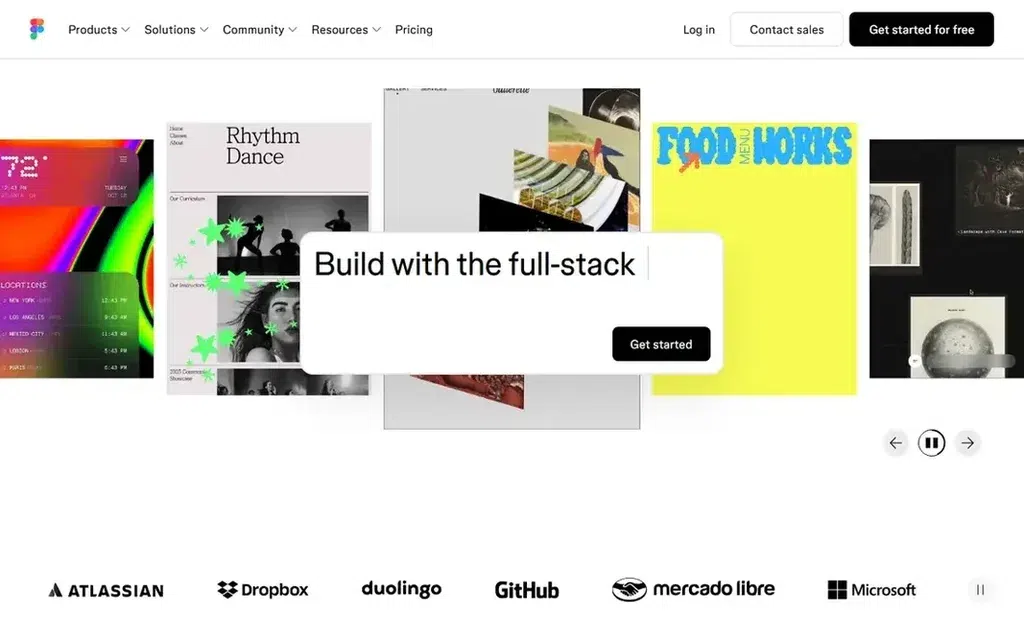
In short, Figma is for critique inside the design file. Pick a dedicated meeting product if your critique audience is large or external, and use Figma when the file itself is the center of the conversation.
Starting cost for Figma: $3 per month. Free plan details: Not stated.
What to check first: Needs access to the design file.
- Cuts switching between tools
- Comments and context stay with the design
- Meeting features are restricted
How we built this list
Selection started from tools commonly considered for screen sharing software for design critiques, then narrowed to 5 that have clear pricing information or a clear quote process. Prices and plan limits come from vendor pages and can change, so confirm them on the vendor site before you buy. Order on the page follows fit for the typical buyer first, then price transparency and free access. Your own requirements should decide the final pick.
Pre-purchase checklist
- Confirm the entry price on the vendor page. For GoTo Meeting, Cisco Webex and Zoom that means a quote rather than a fixed price.
- Read the fine print on the free plans from Miro and Cisco Webex; seat, project and feature caps differ.
- Before choosing GoTo Meeting, weigh its main limit: restricted design review tooling.
- Ask whether Miro integrates with your current software, and whether that comes standard or as an add-on.
- Ask Figma about contract length, onboarding fees and user minimums before you sign.
FAQ
Can I try these tools before paying?
Often, yes. Miro and Cisco Webex have a free plan. Use your own data and a real task during the test, and check what the free tier or trial limits before you rely on it.
What is the cheapest option for screen sharing software for design critiques in this list?
On published monthly entry prices, Figma is the lowest here at $3 per month. Entry price is only part of the cost, because seats, add-ons and billing terms can change the total. All 5 picks in this screen sharing software for design Critiques comparison list a starting price, free plan details and the main limits on their cards above.
How are the tools for screen sharing software for design critiques ordered?
GoTo Meeting sits first and Figma last because the order follows typical fit for screen sharing software for design critiques, then price clarity and free access. It is a judgement call, so read each profile for fit and limits.
Do these tools publish their prices?
Not all of them. GoTo Meeting, Cisco Webex and Zoom publish no starting price, so expect a quote request for those. The rest, Miro included, show a starting price, though seats and billing terms still change the final cost.
Is a whiteboard necessary for design critiques?
A whiteboard keeps feedback visible and organized during discussion. If your critiques are largely verbal walkthroughs, entry-level annotation may be enough.
Sources
- https://www.goto.com/meeting
- https://miro.com
- https://www.webex.com
- https://zoom.us
- https://www.figma.com