Prototyping Software for AR/VR Experiences in 2026: The 5 Best Options Side by Side
Weighing the best prototyping software for AR/VR experiences? We lined up 5 products by cost, free access and fit. Each pick lists its main limit. No filler.
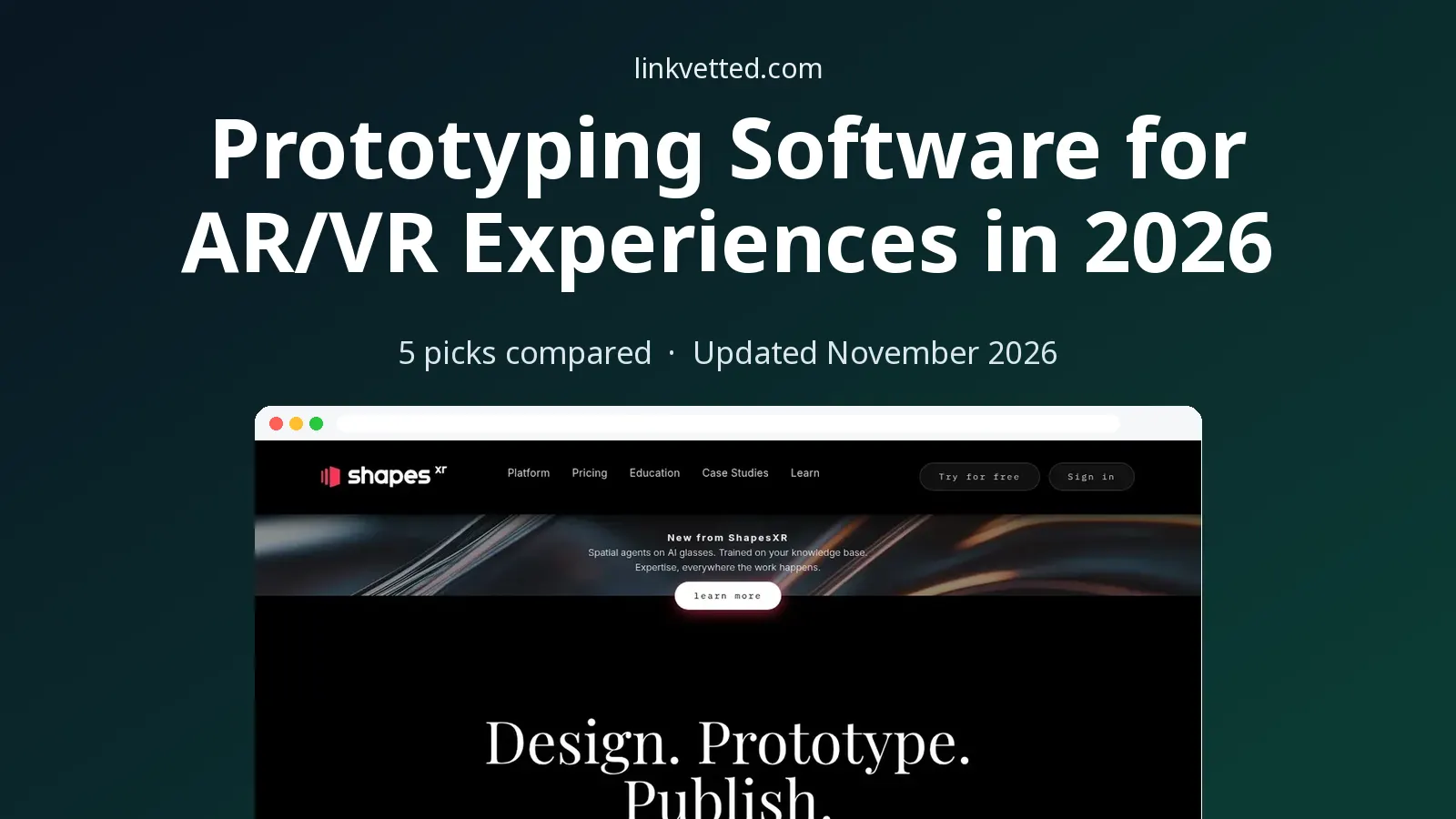
- Editor's choiceShapesXR
Collaborative spatial design and testing
Starts atSee websiteVisit shapesxr.comFull review - Great alternativeTilt Brush
Painting in 3D space
Starts atSee websiteVisit tiltbrush.comFull review - Also consider
 Unity
Full XR development and deployment
Starts at$210.00 a monthVisit unity.comFull review
Direct answer
This list puts ShapesXR first for collaborative spatial design and testing. Listed starting prices: Unity from $210.00 a month. If your case is different, Tilt Brush suits painting in 3D space and Unity suits full XR development and deployment. Details, prices and limits for the rest of the 5 tools are below.
TL;DR:
- ShapesXR sits first on this list: collaborative spatial design and testing.
- The cheapest monthly starting price in the list is $210.00 per month, offered by Unity.
- ShapesXR comes with a trade-off: less suited to full game development.
- Autodesk 3ds Max fits 3D modeling and rendering assets.
- Only ShapesXR offers a free plan among these 5 tools.
Last checked November 2026. Prices and plan details were read from the vendors' own pages in November 2026; vendors change plans often, so confirm the current price on the vendor site before you buy.
Quick comparison
| Tool | Best for | Starts at | Free plan? | |
|---|---|---|---|---|
| ShapesXR | Collaborative spatial design and testing | See website | Yes | Visit |
| Tilt Brush | Painting in 3D space | See website | Not stated | Visit |
| Unity | Full XR development and deployment | $210.00 a month | Free trial | Visit |
 Unreal Engine | High-fidelity immersive visuals | See website | Not stated | Visit |
 Autodesk 3ds Max | 3D modeling and rendering assets | See website | Not stated | Visit |
Prototyping Software for AR/VR Experiences profiles
This LinkVetted guide covers 5 options for prototyping software for AR/VR experiences. Each profile lists a starting price, free plan details, strengths and drawbacks, so you can drop poor fits quickly.
ShapesXR
Best for: Collaborative spatial design and testing
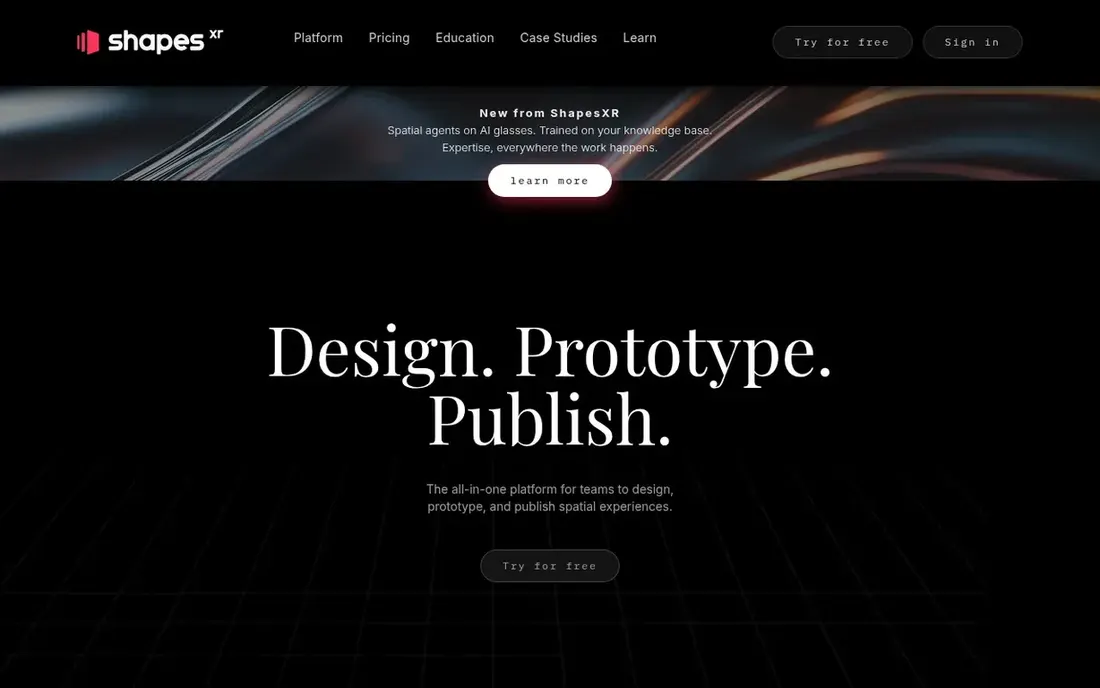
For collaborative spatial design and testing, ShapesXR is a natural candidate. It makes it possible for teams to collaborate in 3D, test interactions with immersive analytics, and publish across XR, mobile, and web.
It is enterprise-ready and secure, making it a fit for design teams that want to iterate on spatial concepts together without heavy coding. In practice, teams needing complicated logic or game mechanics may have to move to an engine like Unity or Unreal. ShapesXR does not show a starting price in this comparison, so check the vendor site for current pricing. ShapesXR offers a free plan.
What to check first: Less suited to full game development.
- Deploy to XR, mobile, web
- Immersive analytics for interactions
- May need XR hardware for full use
Tilt Brush
Best for: Painting in 3D space
Tilt Brush is built with painting in 3D space in mind. Artists and designers can use it to explore spatial compositions and share visual concepts before moving to more technical tools.
Also, use Tilt Brush when you need quick, expressive 3D concept art to inform your immersive design. On top of that, Tilt Brush is primarily an artistic tool and does not offer interaction logic, deployment, or analytics for full AR/VR prototypes. No starting price is listed for Tilt Brush here; confirm pricing on the vendor site. Free plan details: Not stated.
The main drawbacks: Not a full prototyping pipeline.
- Handy for concept art
- Easy-to-learn 3D painting
- Restricted to artistic sketching
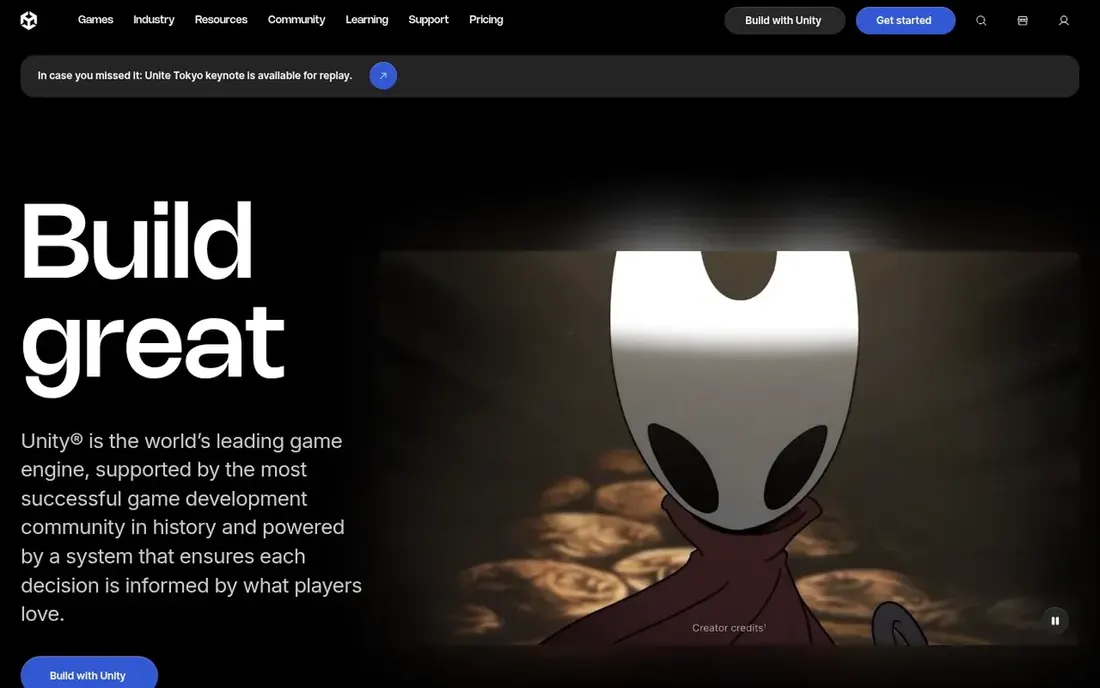
Pick Unity if this describes you: full XR development and deployment. Choose Unity when you need a solid, cross-platform engine for interactive AR/VR applications. Unity is a 3D game engine that supports building for mobile, PC, console, and XR.
It is suited to teams that require a full development pipeline for AR/VR prototypes and eventual production. The engine offers tools for interaction, rendering, and deployment across systems, making it a typical choice for immersive experiences that may grow beyond a prototype. On cost, Unity starts like this: $210.00 per month. On free options: Free trial.
Trade-offs to know: Can be complicated for fast prototypes.
- Large ecosystem of assets and tools
- Supports XR across major products
- Needs programming knowledge
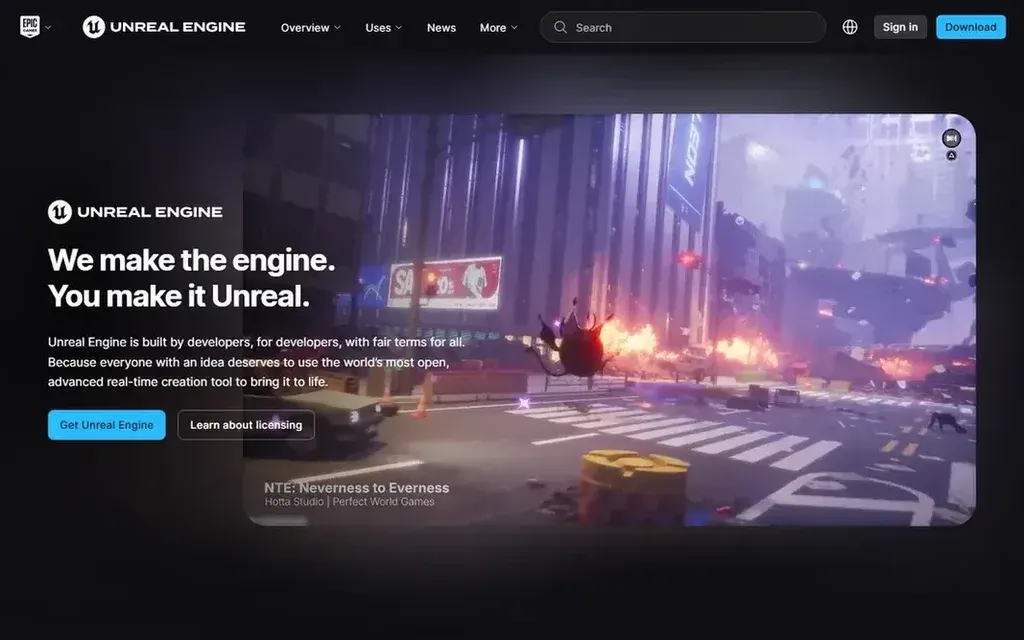
Unreal Engine works best for high-fidelity immersive visuals. Unreal Engine is widely known for high-fidelity rendering and is used to build immersive AR/VR experiences with realistic visuals. It gives you visual scripting through Blueprints, which helps designers and developers prototype interactions without writing all code.
For rapid spatial layout or collaborative design, lighter choices may be more efficient. For everyday use, pick Unreal Engine when visual fidelity and complicated interactive scenes are central to your AR/VR prototype. Check the vendor site for Unreal Engine pricing; none is listed in this comparison. Free options: Not stated.
Where it falls short: Steep ramp-up time.
- Advanced rendering capabilities
- Visual scripting with Blueprints
- Demanding on hardware
Autodesk 3ds Max targets 3D modeling and rendering assets. Autodesk 3ds Max is professional 3D modeling, animation, and rendering software used to build in-depth assets and expansive worlds. Designers and studios use it to build assets that are later brought into live prototyping products.
What to check first: Complicated for beginners.
From a buyer's view, choose 3ds Max when your AR/VR prototype relies on refined 3D assets and you have the time to learn its toolset. In practice, 3ds Max is not an AR/VR prototyping environment itself; it concentrates on asset creation and rendering. It has a steep ramp-up time and may be overkill for straightforward spatial sketches. No starting price is listed for Autodesk 3ds Max here; confirm pricing on the vendor site. As for free access: Not stated.
- Widely used in production
- Advanced rendering
- Centred on asset creation, not interaction
How we chose
Pricing pages, product documentation and feature lists were the main sources, and every entry carries at least one honest drawback. Seat minimums, billing terms and add-ons can move the real cost, so the starting prices here are a guide and not a quote. The order reflects how well each tool fits the most common buying scenario for prototyping software for AR/VR experiences, then price clarity, then free plan access. It is a starting point, not a verdict.
A buyer's checklist
- Ask ShapesXR, Tilt Brush, Unreal Engine and Autodesk 3ds Max for a written quote, since no starting price is shown.
- Look at the free plan from ShapesXR closely: its caps decide whether it is usable for real work.
- Use real work to test the free trial from Unity, rather than a demo project.
- Read the limits listed for ShapesXR first: less suited to full game development.
- Check the integration list for Unreal Engine against the tools you run today, and note which ones need a higher plan.
- Add up seats, add-ons and usage charges for ShapesXR before comparing it with cheaper entries.
FAQ
Which tool is a good match for creating 3D assets for AR/VR?
ShapesXR is the pick this page puts first, mainly for collaborative spatial design and testing. If your situation differs, Tilt Brush suits painting in 3D space, and Unity suits full XR development and deployment. Compare price and limits before you decide.
Can I try these tools before paying?
Often, yes. ShapesXR has a free plan and Unity offers a free trial. Use your own data and a real task during the test, and check what the free tier or trial limits before you rely on it.
Which options for prototyping software for AR/VR experiences have a free plan?
ShapesXR is the only tool in this list with a free plan. Free plans usually cap users, projects or features, so check the limits on the vendor page. One other tool offers a trial instead.
How are the tools for prototyping software for AR/VR experiences ordered?
ShapesXR sits first and Autodesk 3ds Max last because the order follows typical fit for prototyping software for AR/VR experiences, then price clarity and free access. It is a judgement call, so read each profile for fit and limits.
Is ShapesXR the right pick for everyone comparing prototyping software for AR/VR experiences?
No single tool suits every team. ShapesXR comes first because it fits collaborative spatial design and testing, while Tilt Brush suits painting in 3D space and Unity suits full XR development and deployment. Match the tool to your own size, budget and workflow before deciding.
Sources
- https://www.shapesxr.com
- https://www.tiltbrush.com
- https://unity.com
- https://www.unrealengine.com
- https://www.autodesk.com/products/3ds-max