The 5 Best Motion Capture Software for Animation in 2026, Ranked
Best motion capture software for animation in 2026: 5 contenders with entry costs and free tiers. Strengths and gaps are listed per tool. Reviewed this month.
- Editor's choiceQualisys Track Manager
Optical motion capture data management
Starts atSee websiteVisit qualisys.comFull review - Great alternativeVicon Shogun
VFX-grade motion capture pipelines
Starts atSee websiteVisit vicon.comFull review - Also considerMotionBuilder
Full-body mocap editing and retargeting
Starts atSee websiteVisit autodesk.comFull review
Direct answer
If you need optical motion capture data management, Qualisys Track Manager is the first tool to look at here. Listed starting prices: Cascadeur from $19 a month and Rokoko Studio from $10 a month. Look at Vicon Shogun for VFX-grade motion capture pipelines, and at MotionBuilder for full-body mocap editing and retargeting. Details, prices and limits for the rest of the 5 tools are below.
TL;DR:
- Number one here is Qualisys Track Manager, a fit for optical motion capture data management.
- A free plan is available from 2 of the 5 tools: Cascadeur, Rokoko Studio.
- Before buying Vicon Shogun, weigh this: targeted at professional studio budgets.
- The lowest published monthly entry price here is $10 per month, from Rokoko Studio.
Last checked November 2026. Prices and plan details were read from the vendors' own pages in November 2026; vendors change plans often, so confirm the current price on the vendor site before you buy.
Quick comparison
| Tool | Best for | Starts at | Free plan? | |
|---|---|---|---|---|
| Qualisys Track Manager | Optical motion capture data management | See website | Not stated | Visit |
| Vicon Shogun | VFX-grade motion capture pipelines | See website | Not stated | Visit |
| MotionBuilder | Full-body mocap editing and retargeting | See website | Not stated | Visit |
| Cascadeur | AI-assisted keyframe animation and mocap cleanup | $19 a month | Yes | Visit |
| Rokoko Studio | Recording and streaming mocap to engines | $10 a month | Yes | Visit |
The full motion capture software for animation list
This LinkVetted guide covers 5 options for motion capture software for animation. Each profile lists a starting price, free plan details, strengths and drawbacks, so you can drop poor fits quickly.
Qualisys Track Manager
Best for: Optical motion capture data management
Qualisys Track Manager was built for optical motion capture data management. The workflow assumes Qualisys hardware. Also, if you need markerless capture or built-in animation editing, choose a different tool.
Honest limits: Not a general animation editor.
In daily use, Qualisys Track Manager is software for managing optical motion capture data from Qualisys camera systems. It is widely known in research, biomechanics and engineering settings, and animation teams using Qualisys hardware depend on it to record and process marker data before export. It is not a character animation or cleanup tool, so exported data typically moves into another package. This comparison lists no price for Qualisys Track Manager; ask the vendor. Free options: Not stated.
- Established in research and biomechanics
- Runs optical capture data
- Tied to Qualisys hardware
Vicon Shogun
Best for: VFX-grade motion capture pipelines
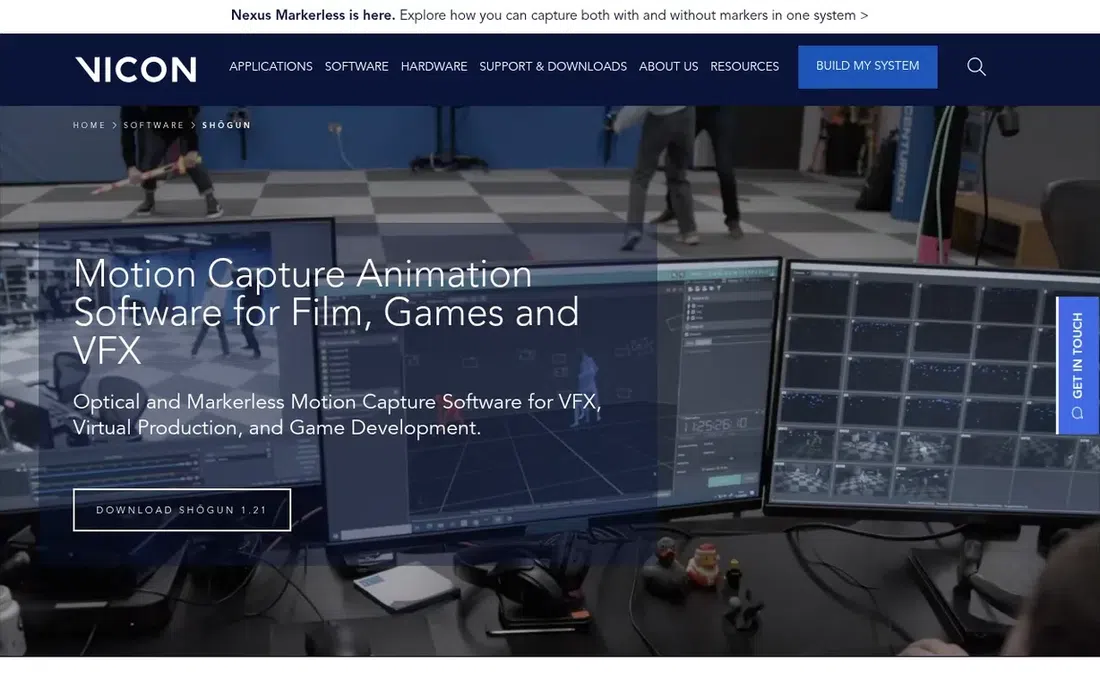
Vicon Shogun works best for VFX-grade motion capture pipelines. It is closely tied to Vicon's capture ecosystem, which can limit adaptability if you use other hardware.
On top of that, for more straightforward streaming or facial-only work, consider lighter alternatives. Vicon Shogun does not show a starting price in this comparison, so check the vendor site for current pricing. Free plan details: Not stated.
Drawbacks to consider: Pitched at professional studio budgets.
- Supports markerless motion capture
- Deep integration with Vicon hardware
- Hardware ecosystem can be required
MotionBuilder
Best for: Full-body mocap editing and retargeting
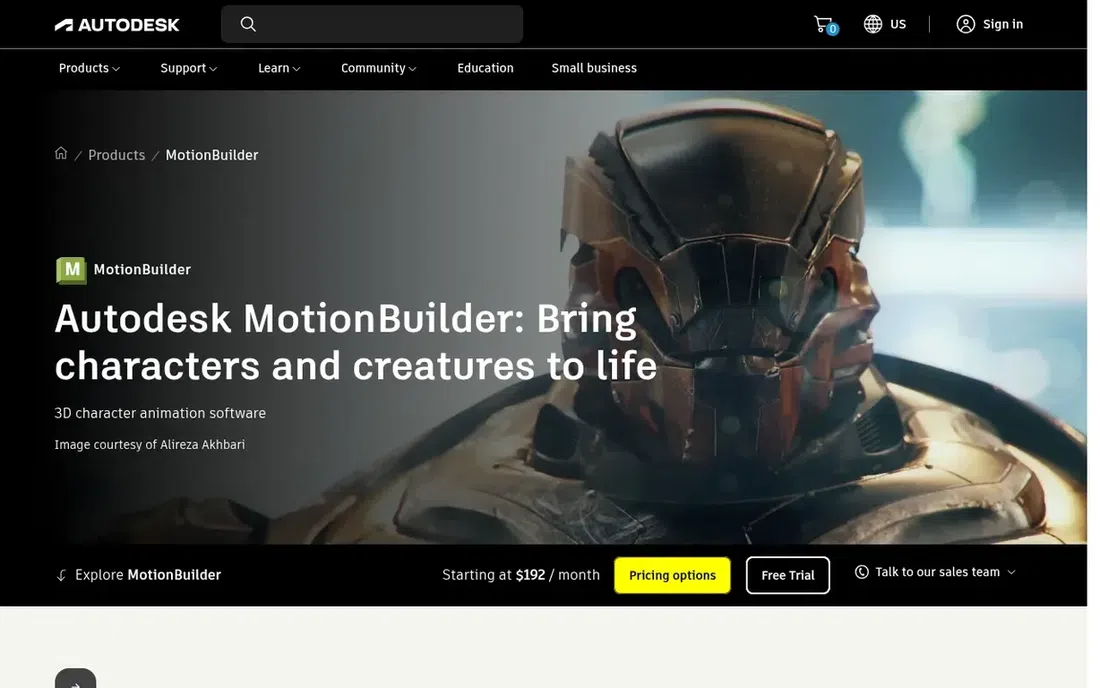
Choose MotionBuilder for full-body mocap editing and retargeting. It suits studios and animators who require to clean, edit and retarget captured performances onto characters, notably where the data comes from optical or inertial systems.
The main drawbacks: Subscription-based licensing.
More specifically, licensing runs through Autodesk subscriptions, so smaller teams should weigh cost against usage. Check the vendor site for MotionBuilder pricing; none is listed in this comparison. Trial and free access: Not stated.
- Solid motion editing and retargeting workflow
- Official Autodesk support and documentation
- Dense interface for newcomers
Cascadeur
Best for: AI-assisted keyframe animation and mocap cleanup
In short, Cascadeur is for AI-assisted keyframe animation and mocap cleanup. Cascadeur is 3D animation software for character animation, mocap cleanup, AI motion generation and editing. It does well as a cleanup stage after capture.
Beyond that, the vendor positions it as an accessible way to produce believable character motion. Its posing model takes adjustment. In practice, if you need an end-to-end capture suite with hardware integration, look elsewhere. On cost, Cascadeur starts like this: $19 per month. You can start on Cascadeur without paying.
The main drawbacks: Not a capture option itself.
- Physics-aware posing workflow
- AI-assisted keyframe animation
- Ramp-up time for its posing model
Rokoko Studio
Best for: Recording and streaming mocap to engines
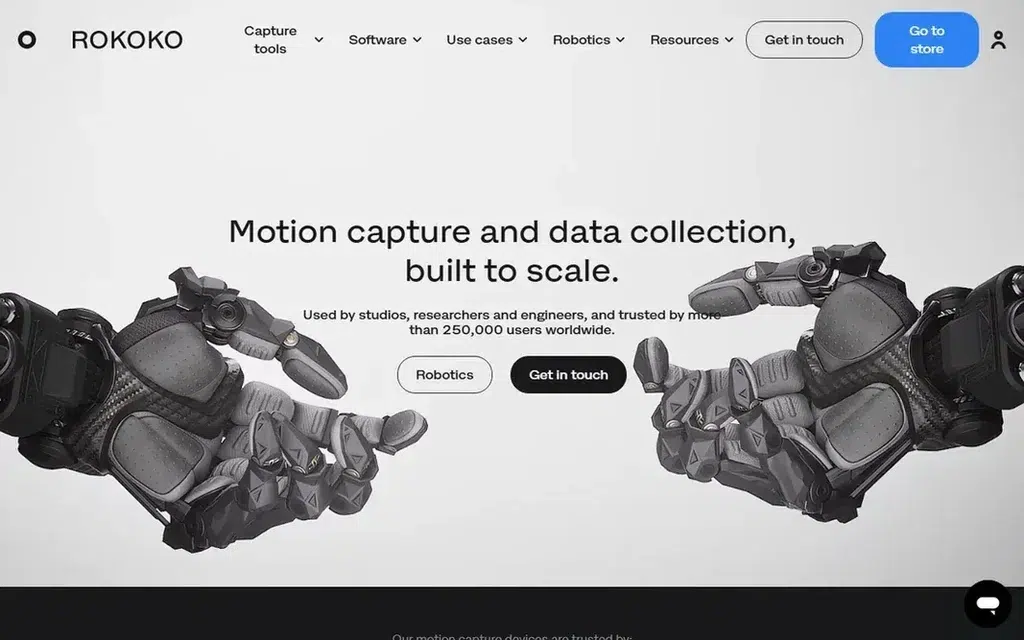
Rokoko Studio is aimed squarely at recording and streaming mocap to engines. Results are tied to compatible capture hardware.
The workflow emphasizes fast recording and playback. Its strengths are streaming and recording instead of deep motion editing, so complicated cleanup may need another tool. What you pay to start with Rokoko Studio: $10 per month. Rokoko Studio offers a free plan.
Downsides: Advanced editing is restricted compared to studio suites.
- Record
- Unreal and Unity
- Best results rely on compatible Rokoko hardware
How we chose
We compared the tools on published pricing, free plan or trial availability, feature coverage for motion capture software for animation, and the limits each vendor documents. Prices and plan limits come from vendor pages and can change, so confirm them on the vendor site before you buy. Tools are placed by general fit for motion capture software for animation, with price clarity and free access as tie-breakers. A different team can reasonably rank them differently.
A buyer's checklist
- Confirm the entry price on the vendor page. For Qualisys Track Manager, Vicon Shogun and MotionBuilder that means a quote rather than a fixed price.
- Read the fine print on the free plans from Cascadeur and Rokoko Studio; seat, project and feature caps differ.
- Before choosing Qualisys Track Manager, weigh its main limit: tied to Qualisys hardware.
- List the apps you already depend on and check that Cascadeur supports each one on the plan you would buy.
- Check whether Rokoko Studio bills monthly or annually, and what cancelling early costs.
FAQ
Is Qualisys Track Manager the right pick for everyone comparing motion capture software for animation?
No single tool suits every team. Qualisys Track Manager comes first because it fits optical motion capture data management, while Vicon Shogun suits VFX-grade motion capture pipelines and MotionBuilder suits full-body mocap editing and retargeting. Match the tool to your own size, budget and workflow before deciding.
Do I need special hardware to use motion capture software?
It relies on the tool. Some packages work with specific optical or inertial capture systems, whereas others stream data from compatible fits or cameras.
Which options for motion capture software for animation have a free plan?
Cascadeur and Rokoko Studio offer a free plan in this list. Free plans usually cap users, projects or features, so check the limits on the vendor page.
How are the tools for motion capture software for animation ordered?
The order follows typical fit for motion capture software for animation, with Qualisys Track Manager first and Rokoko Studio last, then price clarity and free access. It is editorial judgement, not a score, so another team could rank the tools differently.
Do these tools publish their prices?
Not all of them. Qualisys Track Manager, Vicon Shogun and MotionBuilder publish no starting price, so expect a quote request for those. The rest, Cascadeur included, show a starting price, though seats and billing terms still change the final cost.
Sources
- https://www.qualisys.com/software/qualisys-track-manager
- https://www.vicon.com/software/shogun
- https://www.autodesk.com/products/motionbuilder
- https://cascadeur.com
- https://www.rokoko.com/products/studio