The 6 Best Form Maker Software in 2026, Ranked
6 options for the best form maker software, with entry costs, free tiers and the buyer each one serves. The catches are listed up front. Prices included.
- Editor's choice
 Cognito Forms
Forms with workflow automation
Starts at$24 a monthVisit cognitoforms.comFull review - Great alternativeGravity Forms
Custom WordPress form builds
Starts at$59 a yearVisit gravityforms.comFull review - Also consider
 Jotform
General online form and survey building
Starts at$34 a monthVisit jotform.comFull review
Direct answer
Cognito Forms comes first here, mainly for Forms with workflow automation. Listed starting prices: Cognito Forms from $24 a month, Gravity Forms from $59 a year and Jotform from $34 a month. For a different need, Gravity Forms covers custom WordPress form builds and Jotform covers general online form and survey building. Details, prices and limits for the rest of the 6 tools are below.
TL;DR:
- This list starts with Cognito Forms, which is built for Forms with workflow automation.
- A fair warning about Jotform: broad feature set can feel dense for straightforward forms.
- For Forms with documents and e-signatures, Formstack is worth a look.
- Cognito Forms has the lowest monthly starting price in this list: $24 per month.
Last checked November 2026. Prices and plan details were read from the vendors' own pages in November 2026; vendors change plans often, so confirm the current price on the vendor site before you buy.
Quick comparison
| Tool | Best for | Starts at | Free plan? | |
|---|---|---|---|---|
| Cognito Forms | Forms with workflow automation | $24 a month | Yes | Visit |
| Gravity Forms | Custom WordPress form builds | $59 a year | No | Visit |
| Jotform | General online form and survey building | $34 a month | Yes | Visit |
 Microsoft Forms | Surveys, polls and quizzes | See website | Not stated | Visit |
| WPForms | WordPress sites needing an AI form plugin | $49.50 a year | Not stated | Visit |
 Formstack | Forms with documents and e-signatures | $83 a month | Free trial | Visit |
The best form maker software
Short on time? The summary and table above give the quick view of 6 tools for form maker software, and the profiles that follow give the detail behind each entry.
Cognito Forms serves Forms with workflow automation. Organizations already standardized on a large business suite may prefer tools inside that ecosystem.
Drawbacks to consider: Workflow features may exceed straightforward form needs.
Best features of Cognito Forms: Approvals included in the workflow scope.
For everyday use, pick Cognito Forms when approvals and document handling are part of the job. The starting price for Cognito Forms: $24 per month. Cognito Forms has a free plan.
- File uploads and signatures
- Supports documents
- Complicated automations need planning upfront
Gravity Forms
Best for: Custom WordPress form builds
Gravity Forms targets custom WordPress form builds. Gravity Forms is a WordPress form plugin positioned around creating custom forms that are secure and dependable.
Trade-offs to know: Custom builds can need more configuration.
As for the details, the homepage stresses ease of use alongside customization, which appeals to teams building forms that must match specific site requirements. On top of that, teams wanting a hosted builder with built-in document or signature features should compare other choices. Price to start with Gravity Forms: $59 per year. Gravity Forms has no free plan.
- Centred on custom forms on WordPress
- Emphasizes secure and dependable form building
- WordPress-only scope
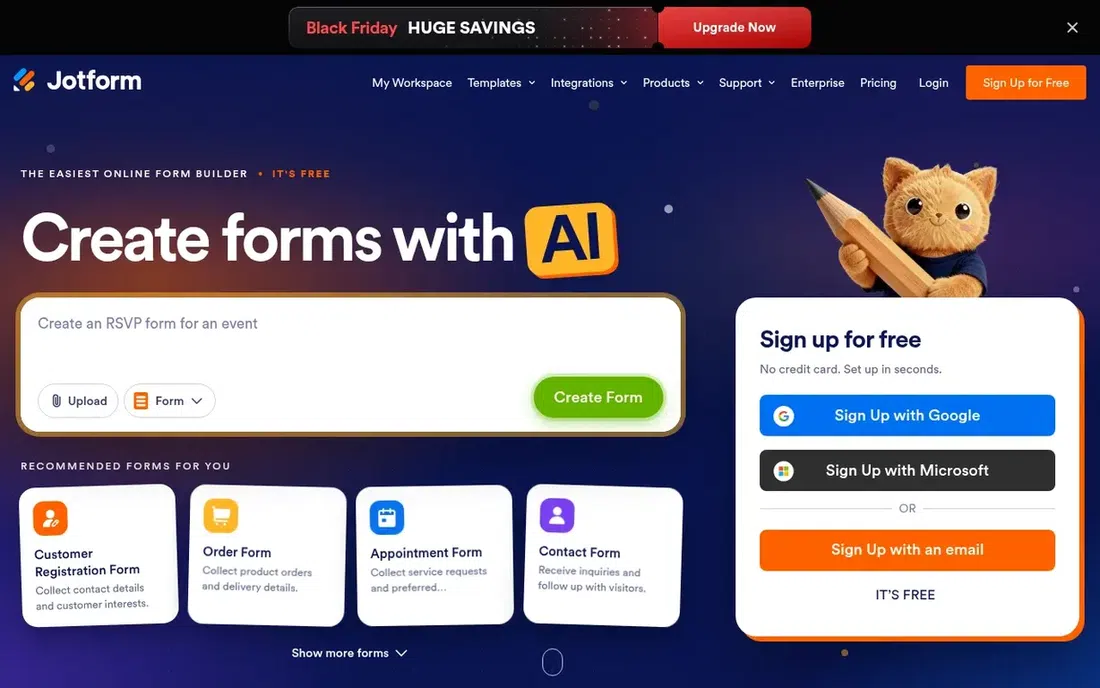
Jotform was built for general online form and survey building. Pick Jotform when breadth and ease of form creation matter more than deep process automation.
Drawbacks to consider: Wide feature set can feel dense for straightforward forms.
Jotform is a browser-based form builder centered on creating forms and surveys rapidly. Entry price for Jotform: $34 per month. You can start on Jotform without paying.
- Suited to numerous typical data collection tasks
- Builds forms and surveys from a browser
- Advanced workflow needs may call for a dedicated system
Think of Microsoft Forms for surveys, polls and quizzes. It is less oriented toward complicated business workflows, document generation or e-signatures than dedicated form systems.
Also, choose Microsoft Forms for straightforward surveys and quizzes instead of process-heavy form applications. Microsoft Forms does not show a starting price in this comparison, so check the vendor site for current pricing. Free options: Not stated.
Limits to weigh: Best value inside the Microsoft ecosystem.
- Straightforward feedback collection focus
- Made for surveys
- Narrower focus than full form workflow products
WPForms
Best for: WordPress sites needing an AI form plugin
Where WPForms fits: WordPress sites needing an AI form plugin. WPForms is a WordPress form builder plugin with AI-assisted and drag-and-drop form creation. Its homepage positions it as a leading WordPress forms plugin, which makes it relevant for site owners who want forms managed inside their existing WordPress dashboard.
From a buyer's view, the plugin only makes sense if your site runs on WordPress, so other products should look elsewhere. More specifically, pick WPForms when WordPress is your home base and you want form building integrated there. Entry price for WPForms: $49.50 per year. Free plan details: Not stated.
The main drawbacks: Needs a WordPress site.
- Built specifically for WordPress
- AI-assisted and drag-and-drop building
- Plugin approach ties forms to your CMS
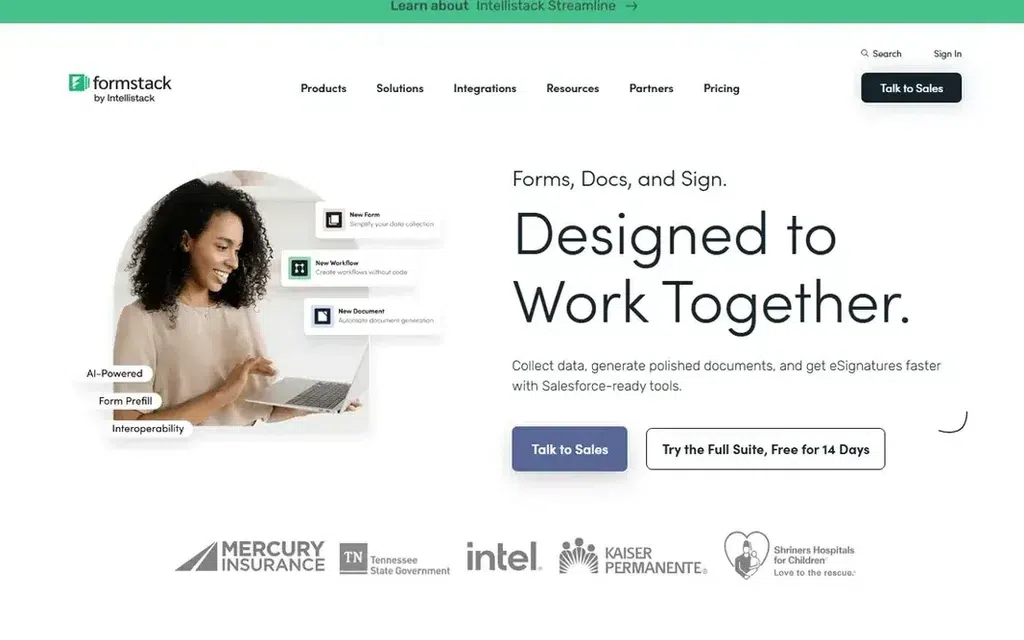
Formstack is built with Forms with documents and e-signatures in mind. This combination fits operations, HR and finance teams that require a form to feed into a generated document or a signature step instead of ending at data collection.
The value relies on how much of your process involves paperwork and approvals. Entry price for Formstack: $83 per month. Trial and free access: Free trial.
Honest limits: Setup relies on how complicated your workflow is.
- Online forms combined with document generation
- Geared toward simplifying business workflows
- Broader product may be more than simple forms need
How we built this list
For each of the 6 tools we noted price, free plan or trial, fit for form maker software and the main limit, using vendor pages and documentation. Where a vendor does not publish a price, the entry says quote. Where a price depends on seats or billing term, the entry says so. Tools are placed by general fit for form maker software, with price clarity and free access as tie-breakers. A different team can reasonably rank them differently.
Pre-purchase checklist
- Get a written quote from Microsoft Forms; the list shows no starting price for them.
- Look at free plan limits closely: Cognito Forms and Jotform have one, and the caps decide whether it is usable for real work.
- Take the trial from Formstack and push a live task through it before you pay.
- Read the limits listed for Cognito Forms first: workflow features may exceed straightforward form needs.
- Total up the real monthly cost of Cognito Forms, including add-ons, extra users and usage-based fees.
- Let daily users try Jotform on real work; their feedback beats any feature checklist.
FAQ
Is Microsoft Forms a good match for business surveys?
Microsoft Forms is aimed at surveys, polls and quizzes, so it does well for feedback collection and internal research. It is less centred on document workflows and e-signatures.
Is Cognito Forms the right pick for everyone comparing form maker software?
No single tool suits every team. Cognito Forms comes first because it fits Forms with workflow automation, while Gravity Forms suits custom WordPress form builds and Jotform suits general online form and survey building. Match the tool to your own size, budget and workflow before deciding.
How are the tools for form maker software ordered?
Cognito Forms sits first and Formstack last because the order follows typical fit for form maker software, then price clarity and free access. It is a judgement call, so read each profile for fit and limits.
Do these tools publish their prices?
Not all of them. Microsoft Forms publishes no starting price, so expect a quote request for it. The rest, Cognito Forms included, show a starting price, though seats and billing terms still change the final cost.
What is the cheapest option for form maker software in this list?
On published monthly entry prices, Cognito Forms is the lowest here at $24 per month. Entry price is only part of the cost, because seats, add-ons and billing terms can change the total. Each of the 6 options in this form Maker software guide has its own card above with the price, free plan and limits.
Sources
- https://www.cognitoforms.com
- https://www.gravityforms.com
- https://www.jotform.com
- https://www.microsoft.com/en-us/microsoft-365/online-surveys-polls-quizzes
- https://wpforms.com
- https://www.formstack.com