Choosing Doc to Video Maker Software in 2026: 6 Options Compared
Best doc to video maker software, compared. 6 tools with published prices, free plans and limits. Every profile names its biggest catch. Straight answers.
- Editor's choice
 Colossyan
Quick AI video with real actors
Starts at$59 a monthVisit colossyan.comFull review - Great alternative
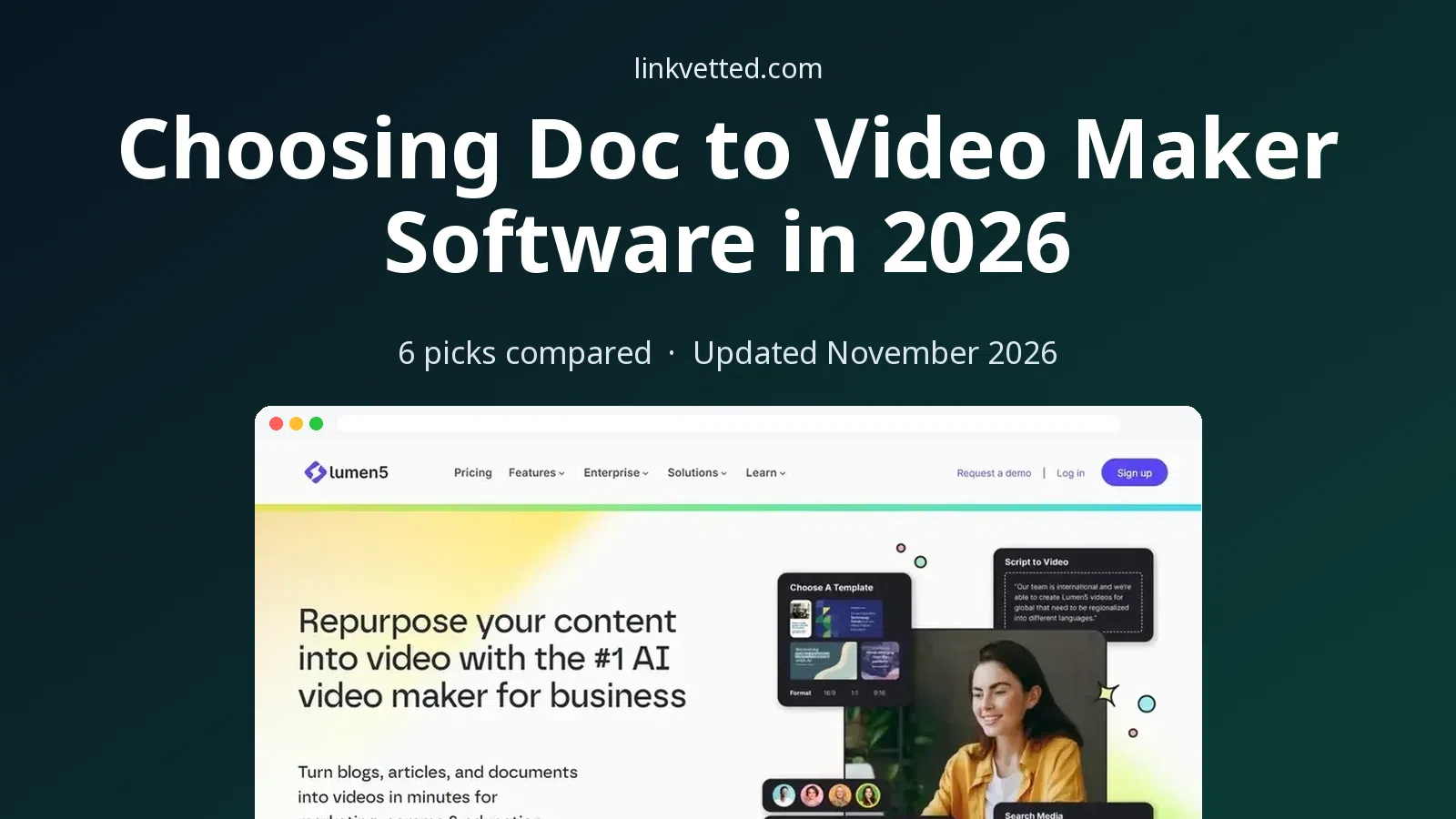
 Lumen5
Blog and document to brand video
Starts at$19 per monthVisit lumen5.comFull review - Also consider
 Synthesia
Business training and communication video
Starts at$19 a monthVisit synthesia.ioFull review
Direct answer
Our first pick is Colossyan, best for quick AI video with real actors. Listed starting prices: Colossyan from $59 a month, Lumen5 from $19 per month and Synthesia from $19 a month. Alternatives: Lumen5 for blog and document to brand video, and Synthesia for business training and communication video. The full list of 6 tools follows, with prices and free plan facts.
TL;DR:
- Colossyan sits first on this list: quick AI video with real actors.
- Colossyan, Lumen5, Synthesia, HeyGen, Descript: these are the 5 tools out of 6 that offer a free plan.
- Pictory has the lowest monthly starting price in this list: $12.50 per month, billed annually.
- The main caution on HeyGen: avatar setup is a prerequisite.
- Descript fits text-based video and audio editing.
Last checked November 2026. Prices and plan details were read from the vendors' own pages in November 2026; vendors change plans often, so confirm the current price on the vendor site before you buy.
Quick comparison
| Tool | Best for | Starts at | Free plan? | |
|---|---|---|---|---|
| Colossyan | Quick AI video with real actors | $59 a month | Yes | Visit |
| Lumen5 | Blog and document to brand video | $19 per month | Yes | Visit |
| Synthesia | Business training and communication video | $19 a month | Yes | Visit |
 HeyGen | Personal avatar video creation | $29 per month | Yes | Visit |
 Pictory | Script and document to scene conversion | $12.50 per month, billed annually | Free trial | Visit |
 Descript | Text-based video and audio editing | $16 per person per month | Yes | Visit |
The 6 tools in detail
This LinkVetted guide covers 6 options for doc to video maker software. Each profile lists a starting price, free plan details, strengths and drawbacks, so you can drop poor fits quickly.
Colossyan was built for fast AI video with real actors. Colossyan Creator is an AI video generator that emphasizes straightforward, stress-free creation with real actors.
Trade-offs to know: Less depth for advanced editing.
It is positioned for fast turnaround, which fits teams that require short explainer or training videos from a script without a production process. The emphasis on simplicity means advanced editing and fine scene control are restricted compared to full editors such as Descript. Colossyan pricing: $59 per month. A free plan is available with Colossyan.
- Straightforward
- Fast output for short videos
- Actor-led style may not fit all brands

Lumen5 is built with blog and document to brand video in mind. It converts blogs, articles and documents into on-brand video for marketing, communications and training.
Its orientation toward marketing and communications means it is not the obvious pick for technical training with a presenter. The starting price for Lumen5: $19 per month. A free plan is available with Lumen5.
Trade-offs to know: Less suited to avatar-led presenting.
- Turns blogs and articles into video
- Designed for business and enterprise teams
- Centered on marketing and comms use

Think of Synthesia for business training and communication video. Synthesia is an AI video product positioned for business communication, training and upskilling. You work from a script or document and produce avatar-led video, which fits teams that require consistent internal content without filming presenters.
Its stated strength is communicating across large, multilingual organizations. Beyond that, since it is built around business communication, the tool is less oriented toward social clips or creative storytelling. Starting cost for Synthesia: $19 per month. Synthesia includes a free tier.
Trade-offs to know: Business focus may overwhelm casual users.
- AI avatar video designed for business use
- Supports plenty of languages
- Avatar style may not suit every brand
HeyGen is designed for personal avatar video creation. HeyGen lets you build AI videos with a personal avatar that uses your face and voice. So you can produce clear, confident videos without filming every time.
The main drawbacks: Narrower editing scope than full editors.
Pictory and Descript cover those needs. Beyond that, HeyGen is the more solid fit when a recognizable presenter is essential and recording sessions are impractical. On cost, HeyGen starts like this: $29 per month. You can start on HeyGen without paying.
- Create videos without filming each time
- Personal avatar with your face and voice
- Avatar setup is a prerequisite

For script and document to scene conversion, Pictory is a natural candidate. Pictory describes itself as an AI video agent and generator. You can describe a video, or begin from a script, URL, PowerPoint file or audio, and the agent plans the scenes whereas you review and refine them.
Where it falls short: Scene plans need manual refinement.
That makes it a practical fit for marketers and creators who already have written material and want a structured first cut without building every scene by hand. For everyday use, if you need a human-looking presenter on camera, an avatar-focused tool like HeyGen or Colossyan is a better match. What you pay to start with Pictory: $12.50 per month, billed annually. Trial and free access: Free trial.
- Slides or audio
- Begins from script, URL
- Less concentrated on avatar presenters
Descript was built for text-based video and audio editing. Descript is an AI video and audio editor built around the idea that editing should feel like editing text.
Choose Descript when real footage exists and speed of transcript-based editing matters more than automatic scene generation. Descript cost at the entry level: $16 per person per month. Free access exists with Descript.
Watch-outs: Not an avatar video generator.
- Record
- Takes care of both audio and video
- Needs existing footage or recordings
How we chose
The comparison looks at four things: starting price, free access, how well the feature set matches doc to video maker software, and the main limit of each tool. Where a vendor does not publish a price, the entry says quote. Where a price depends on seats or billing term, the entry says so. The ranking is editorial: typical fit first, then clear pricing, then free access. If your needs are unusual, read the profiles rather than relying on position.
What to check before you buy
- Prices are a starting point; Pictory shows $12.50 per month, billed annually to start, so verify what your seat count would cost.
- Look at free plan limits closely: Colossyan, Lumen5, Synthesia and others have one, and the caps decide whether it is usable for real work.
- Take the trial from Pictory and push a live task through it before you pay.
- Before choosing Colossyan, weigh its main limit: less depth for advanced editing.
- Let daily users try Synthesia on real work; their feedback beats any feature checklist.
- Verify that exporting from Colossyan is possible on your plan and covers all your records.
FAQ
What is doc to video maker software?
It is software that takes written material for example documents, scripts, blog posts or slides and turns it into video. Some tools create avatar presenters, others assemble scenes from stock visuals, and some edit existing recordings through a transcript.
How are the tools for doc to video maker software ordered?
Colossyan sits first and Descript last because the order follows typical fit for doc to video maker software, then price clarity and free access. It is a judgement call, so read each profile for fit and limits.
Which options for doc to video maker software have a free plan?
Colossyan, Lumen5, Synthesia, HeyGen and Descript offer a free plan in this list. Free plans usually cap users, projects or features, so check the limits on the vendor page. One other tool offers a trial instead.
What is the cheapest option for doc to video maker software in this list?
On published monthly entry prices, Pictory is the lowest here at $12.50 per month, billed annually. Entry price is only part of the cost, because seats, add-ons and billing terms can change the total. Each of the 6 options in this Doc to video Maker software guide has its own card above with the price, free plan and limits.
Do these tools publish their prices?
Yes. Every tool from Colossyan to Descript shows a starting price, though seats, add-ons and billing terms still change the final cost.
Sources
- https://www.colossyan.com
- https://lumen5.com
- https://www.synthesia.io
- https://www.heygen.com
- https://pictory.ai
- https://www.descript.com