Choosing Editing Software for Vlogging in 2026: 5 Options Compared
Best editing software for vlogging: 5 contenders ranked by fit, with entry costs and free tiers. Read the caveats before you buy. Updated November 2026.
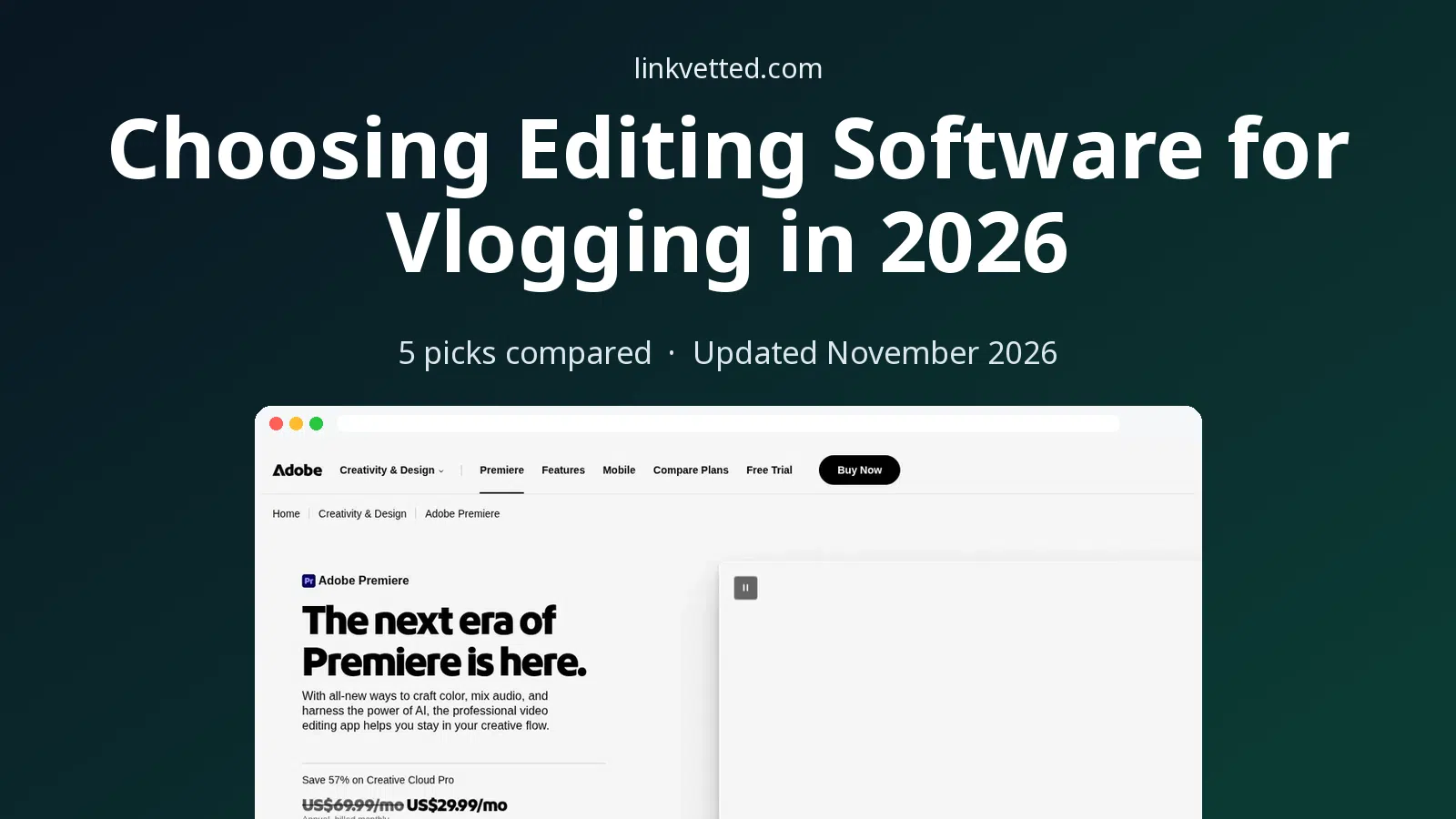
- Editor's choiceCorel VideoStudio
Consumer-friendly editing
Starts atPricing on requestVisit videostudiopro.comFull review - Great alternative
 Filmora
AI-assisted editing for beginners
Starts atPricing on requestVisit filmora.wondershare.comFull review - Also consider
 CapCut
AI-powered social media editing
Starts atPricing on requestVisit capcut.comFull review
Direct answer
This list puts Corel VideoStudio first for consumer-friendly editing. If your case is different, Filmora suits AI-assisted editing for beginners and CapCut suits AI-powered social media editing. The other 2 tools in the list cover narrower or pricier cases. None of these vendors publish plan prices, so pricing is on request for every option.
TL;DR:
- Number one here is Corel VideoStudio, a fit for consumer-friendly editing.
- Final Cut Pro is the one to check for Mac and iPad users.
- No starting price is shown for any of the 5 tools, Corel VideoStudio and Final Cut Pro included, so plan time for sales calls.
- Filmora comes with a trade-off: watermark on exports in some versions.
- CapCut is the only tool of the 5 with a free plan.
Last checked November 2026. Pricing on request: vendors did not publish plan prices when this guide was last checked (November 2026), so ask each vendor for a written quote.
Quick comparison
| Tool | Best for | Starts at | Free plan? | |
|---|---|---|---|---|
| Corel VideoStudio | Consumer-friendly editing | Pricing on request | Not stated | Visit |
| Filmora | AI-assisted editing for beginners | Pricing on request | Not stated | Visit |
| CapCut | AI-powered social media editing | Pricing on request | Yes | Visit |
 Adobe Premiere Pro | Professional editing and postproduction | Pricing on request | Not stated | Visit |
 Final Cut Pro | Mac and iPad users | Pricing on request | Not stated | Visit |
Our 5 picks for editing software for vlogging
This LinkVetted guide covers 5 options for editing software for vlogging. Each profile lists a starting price, free plan details, strengths and drawbacks, so you can drop poor fits quickly.
Corel VideoStudio
Best for: Consumer-friendly editing
Pick Corel VideoStudio if this describes you: consumer-friendly editing. Corel VideoStudio is a consumer video editing software family from Corel. Beyond that, Vloggers who are new to editing and want a straightforward tool with learning resources will find VideoStudio approachable.
It is aimed at hobbyists and those who want to build videos without a steep ramp-up time. In practice, the official website gives you product information, updates, tutorials, and videos. The software is only available for Windows, so Mac users cannot use it. It may lack the advanced features required by professional vloggers. Corel VideoStudio shows no starting price here, so confirm the cost on the vendor site. Free options: Not stated.
Drawbacks to consider: Restricted to Windows.
- Range of editing tools
- Tutorials and learning resources
- May not suit advanced users
Filmora targets AI-assisted editing for beginners. It supplies easy-to-learn timeline tools, AI features, effects, captions, and audio tools.
As for the details, Vloggers who want a balance between simplicity and creative choices will appreciate Filmora's approachable interface. Filmora does not show a starting price in this comparison, so check the vendor site for current pricing. Trial and free access: Not stated.
Honest limits: Watermark on exports in some versions.
- AI features and effects
- Desktop and mobile versions
- May lack high-end professional features
In short, CapCut is for AI-powered social media editing. CapCut may not offer the depth of professional editors for complicated projects. On top of that, the online version also relies on a stable internet connection.
For everyday use, CapCut is an AI video editor aimed at editing YouTube and Instagram videos with smart templates and creative effects. It is available on desktop, mobile, and online. CapCut shows no starting price here, so confirm the cost on the vendor site. CapCut offers a free plan.
The main drawbacks: Online version may need internet.
- AI tools and smart templates
- Available on desktop, mobile, online
- May have restricted advanced features
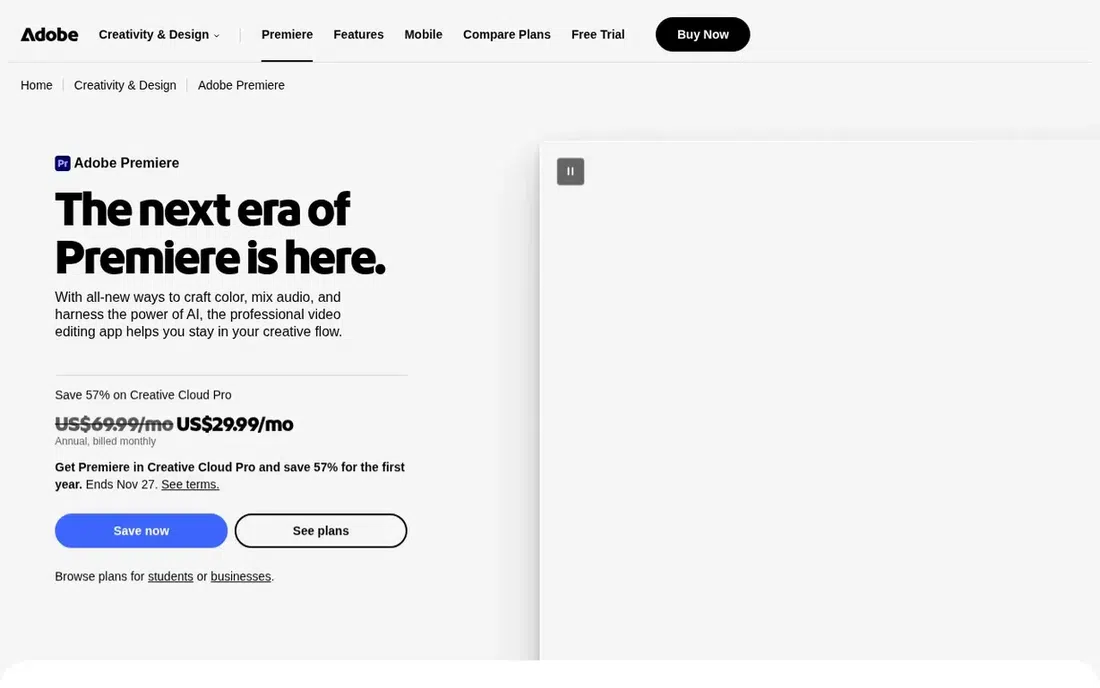
Choose Adobe Premiere Pro for professional editing and postproduction. The software is feature-rich, which can be daunting for new users. It also demands a reasonably feature-rich computer to run smoothly.
Downsides: Can be overwhelming for beginners.
For everyday use, Adobe Premiere Pro is professional video editing software for postproduction. It lets you edit and trim video, add effects, mix audio, and extend video. If you prefer a more straightforward, more simplified editor for quick vlogs, consider a lighter choice like CapCut or Premiere Rush. Adobe Premiere Pro shows no starting price here, so confirm the cost on the vendor site. Free plan details: Not stated.
- Advanced effects and audio mixing
- Plugs into other Adobe creative apps
- Needs a capable computer
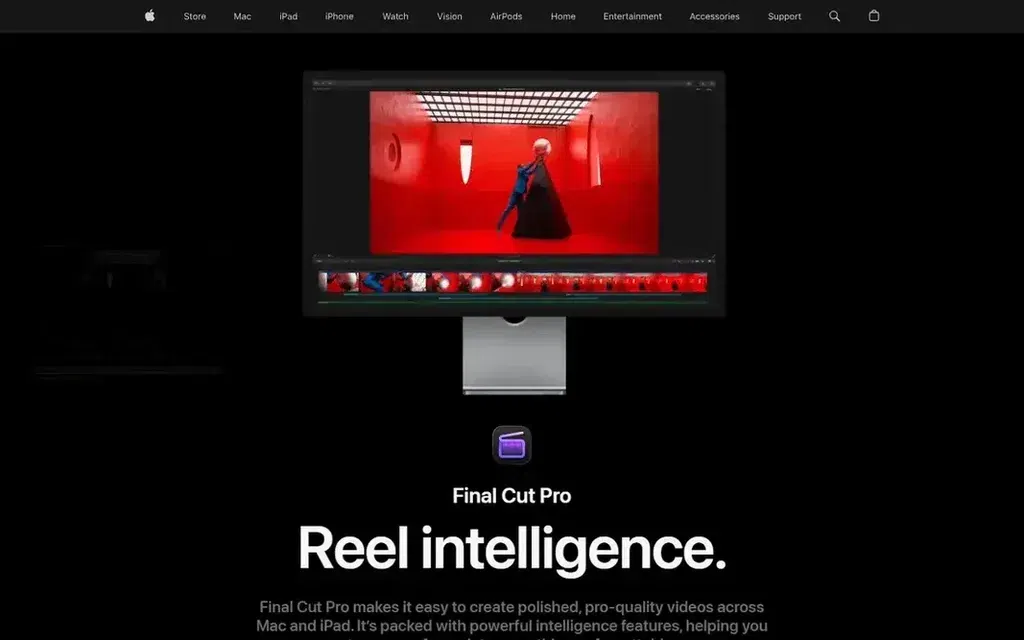
Final Cut Pro is aimed squarely at Mac and iPad users. Vloggers who work within the Apple ecosystem and want a smooth editing experience will find it a solid choice. It is made for those who require advanced editing capabilities with a focus on performance.
Limits to weigh: May need a learning period.
It also has a ramp-up time for newcomers. Final Cut Pro is Apple's professional video editing software packed with feature-rich intelligence features that make pro-quality video creation simple on Mac and iPad. Pricing for Final Cut Pro is not stated here, so ask the vendor for current figures. Trial and free access: Not stated.
- Powerful intelligence features
- Optimized for Mac and iPad
- Restricted to Apple devices
How we chose
Selection started from tools commonly considered for editing software for vlogging, then narrowed to 5 that have clear pricing information or a clear quote process. Seat minimums, billing terms and add-ons can move the real cost, so the starting prices here are a guide and not a quote. The order reflects how well each tool fits the most common buying scenario for editing software for vlogging, then price clarity, then free plan access. It is a starting point, not a verdict.
What to check before you buy
- Request quotes from Corel VideoStudio, Final Cut Pro and the others; the list shows no fixed prices.
- Test the free plan from CapCut against your real workload before relying on it.
- Before choosing Corel VideoStudio, weigh its main limit: restricted to Windows.
- Let daily users try Corel VideoStudio on real work; their feedback beats any feature checklist.
- Confirm minimum seats and billing terms with Filmora before you commit to an annual plan.
FAQ
How are the tools for editing software for vlogging ordered?
The order follows typical fit for editing software for vlogging, with Corel VideoStudio first and Final Cut Pro last, then price clarity and free access. It is editorial judgement, not a score, so another team could rank the tools differently.
Can I use professional software like Premiere Pro for vlogging?
Yes, Adobe Premiere Pro is a good match for vlogging, notably if you plan to grow your skills and need advanced editing capabilities. It supplies full tools for editing, effects, and audio.
Do these tools publish their prices?
No. None of the tools, from Corel VideoStudio to Final Cut Pro, shows a fixed starting price here, so budget time for quotes.
Is Corel VideoStudio the right pick for everyone comparing editing software for vlogging?
No single tool suits every team. Corel VideoStudio comes first because it fits consumer-friendly editing, while Filmora suits AI-assisted editing for beginners and CapCut suits AI-powered social media editing. Match the tool to your own size, budget and workflow before deciding.
Can I try these tools before paying?
Often, yes. CapCut has a free plan. Use your own data and a real task during the test, and check what the free tier or trial limits before you rely on it. For the full picture, the cards above cover all 5 entries of this editing software for Vlogging list, including price, free plan and limits.
Sources
- https://www.videostudiopro.com
- https://filmora.wondershare.com
- https://www.capcut.com
- https://www.adobe.com/products/premiere.html
- https://www.apple.com/final-cut-pro