Choosing Event Software with Seat Map Design in 2026: 6 Options Compared
Best event software with seat map design, compared. 6 tools with published prices, free plans and limits. Concise write-ups of every option. Decide faster.
- Editor's choicePatron Technology
Onsite event technology and data
Starts atSee websiteVisit patrontechnology.comFull review - Great alternative
 Ticketmaster
Large venue ticketing and discovery
Starts atSee websiteVisit ticketmaster.comFull review - Also consider
 Showpass
Customer-centric ticketing and discovery
Starts atSee websiteVisit showpass.comFull review
Direct answer
For Onsite event technology and data, Patron Technology is where this list starts. Listed starting prices: Eventbrite from $15 a month. Ticketmaster is better for large venue ticketing and discovery, and Showpass is better for customer-centric ticketing and discovery. The remaining 3 options are covered below with prices and limits.
TL;DR:
- Patron Technology takes the first slot, best suited to Onsite event technology and data.
- Starting prices begin at $15 per month with Eventbrite.
- Check the limits for Patron Technology before you commit: less detail on seat map design specifically.
- A free plan is available from 2 of the 6 tools: Showpass, Eventbrite.
Last checked November 2026. Prices and plan details were read from the vendors' own pages in November 2026; vendors change plans often, so confirm the current price on the vendor site before you buy.
Quick comparison
| Tool | Best for | Starts at | Free plan? | |
|---|---|---|---|---|
| Patron Technology | Onsite event technology and data | See website | Not stated | Visit |
| Ticketmaster | Large venue ticketing and discovery | See website | Not stated | Visit |
| Showpass | Customer-centric ticketing and discovery | See website | Yes | Visit |
 Eventbrite | General events with reserved seating | $15 a month | Yes | Visit |
 Cvent | Large in-person and hybrid programs | See website | Not stated | Visit |
| AudienceView | Theaters, schools and attractions | See website | Not stated | Visit |
6 options for event software with seat map design in detail
Short on time? The summary and table above give the quick view of 6 tools for event software with seat map design, and the profiles that follow give the detail behind each entry.
Patron Technology
Best for: Onsite event technology and data
Patron Technology is aimed squarely at Onsite event technology and data. The homepage emphasizes onsite technology and attendee data over in-depth seat map design, so venues with complicated seating should confirm capabilities straight.
It suits organizers of live experiences who want a holistic view across their event. Patron Technology does not show a starting price in this comparison, so check the vendor site for current pricing. Trial and free access: Not stated.
Honest limits: Less detail on seat map design specifically.
- Onsite event technology solutions
- Suits live experience organizers
- Suited to organizers wanting onsite tools
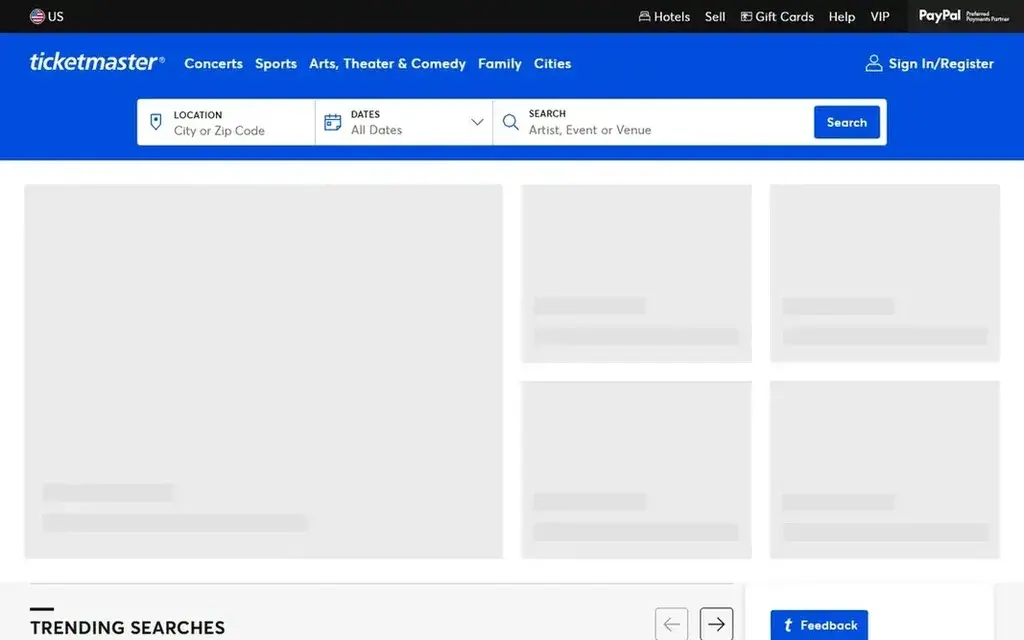
Ticketmaster makes the most sense for large venue ticketing and discovery. Choose it when public reach and large-scale seat selection matter most.
Downsides: Targeted at large-scale venue ticketing.
It suits large venues and promoters who require seat maps tied to high-volume ticketing and public discovery. This comparison lists no price for Ticketmaster; ask the vendor. As for free access: Not stated.
What users get: sports and theater events.
- Deals with concerts
- Seat selection is central to the buying flow
- Less suited to small private events
Showpass is a good fit for customer-centric ticketing and discovery. Seat map design may be available within its ticketing tools. The system's emphasis is on the overall attendee journey instead of venue seating alone.
Trade-offs to know: Seat map design detail is not the central message.
Highlights: Positions itself around the buyer experience. On top of that, consider specialized box office software for complicated theater layouts. Since its message centers on discovery and the buying experience, venues needing intricate seat map design should verify the depth of seating tools. Showpass shows no starting price here, so confirm the cost on the vendor site. A free plan is available with Showpass.
- Geared toward events
- Activities and things to do
- Wide focus across plenty of event types
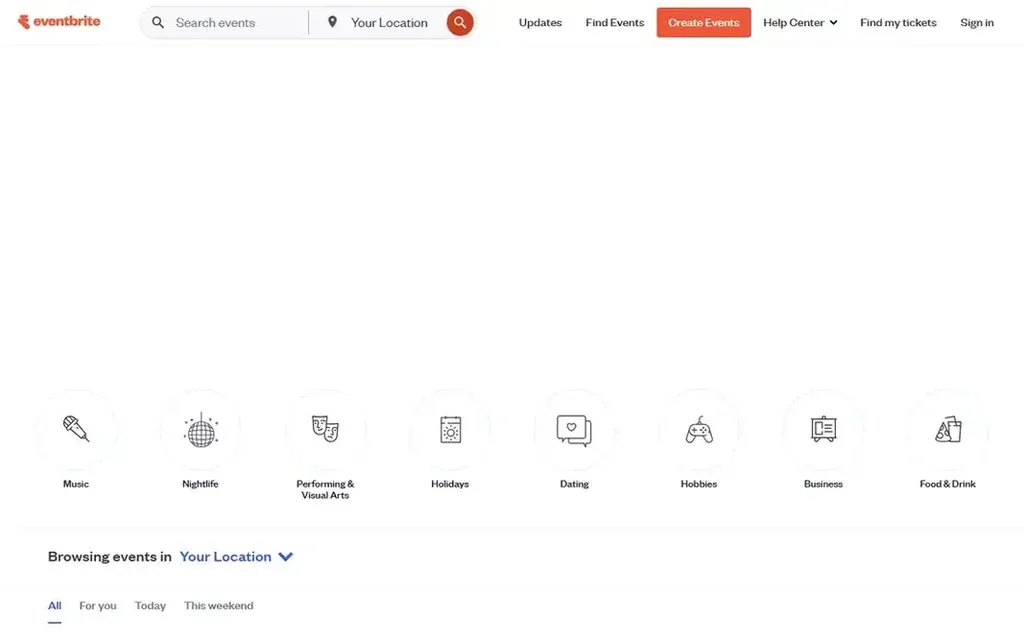
Eventbrite works best for general events with reserved seating. Eventbrite is a wide event product known for event discovery and ticketing. It supports reserved seating choices for organizers who require assigned spots.
Pick something else if your venue needs in-depth section, row and price level mapping across plenty of performances. Seat map design is available for numerous event types, though it is geared toward straightforward layouts instead of intricate venue plans. Its strength is reach and simplicity instead of deep seat map customization. Eventbrite pricing: $15 per month. Eventbrite includes a free tier.
What to check first: Less specialized for theater-style seating.
- Supports reserved seating for plenty of event types
- Widely used for event discovery and ticketing
- Seat map detail may be restricted for complicated venues

Cvent serves large in-person and hybrid programs. Cvent is an event product for in-person, virtual and hybrid events, offering planners software for management, marketing and attendee engagement. On top of that, seat map design is not the sole focus.
Teams wanting a ticketing-first tool may prefer a dedicated box office system. On top of that, the system is made for scale, so small organizers with straightforward seating needs may find it heavier than necessary. Cvent shows no starting price here, so confirm the cost on the vendor site. Free access: Not stated.
Where it is weaker: May be complicated for small straightforward events.
- Supports in-person
- Virtual and hybrid events
- Seat map design is one part of a bigger suite
AudienceView
Best for: Theaters, schools and attractions
AudienceView is designed for Theaters, schools and attractions. Seat map design and patron tools come as part of a broader system, so smaller organizers should weigh whether they need that scope.
The product goes beyond entry-level ticketing, combining sales tools with donor and patron features that suit cultural organizations. Since it targets arts and attraction venues, a straightforward festival or general admission event may not need its depth. AudienceView does not show a starting price in this comparison, so check the vendor site for current pricing. Free plan details: Not stated.
Where AudienceView stands out: schools and attractions.
Points against: Focus leans toward arts and attraction venues.
- Used by theaters
- Ticketing product made for live events
- May be more than straightforward events need
Our selection method
A buyer's checklist
- Ask Patron Technology, Ticketmaster, Showpass and others for a written quote, since no starting price is shown.
- Check what the free option really includes: Showpass and Eventbrite offer a free plan, and usage caps differ.
- Read the limits listed for Patron Technology first: less detail on seat map design specifically.
- Price AudienceView for your actual team size; headline prices rarely include add-ons or overage.
- Find out what support Ticketmaster includes on your plan, and whether onboarding help costs extra.
FAQ
Which options for event software with seat map design have a free plan?
Showpass and Eventbrite offer a free plan in this list. Free plans usually cap users, projects or features, so check the limits on the vendor page.
Is Patron Technology the right pick for everyone comparing event software with seat map design?
No single tool suits every team. Patron Technology comes first because it fits Onsite event technology and data, while Ticketmaster suits large venue ticketing and discovery and Showpass suits customer-centric ticketing and discovery. Match the tool to your own size, budget and workflow before deciding.
Can I try these tools before paying?
Often, yes. Showpass and Eventbrite have a free plan. Use your own data and a real task during the test, and check what the free tier or trial limits before you rely on it.
Do these tools publish their prices?
Not all of them. Patron Technology, Ticketmaster, Showpass and others publish no starting price, so expect a quote request for those. The rest, Eventbrite included, show a starting price, though seats and billing terms still change the final cost.
Sources
- https://www.patrontechnology.com
- https://www.ticketmaster.com
- https://www.showpass.com
- https://www.eventbrite.com
- https://www.cvent.com
- https://www.audienceview.com