Choosing Flyer Design Software for Beginners in 2026: 5 Options Compared
Weighing the best flyer design software for beginners? We lined up 5 products by cost, free access and fit. Each tool gets a one-line verdict. See which fits.
- Editor's choice
 VistaCreate
Online and print flyer templates
Starts atSee websiteVisit create.vista.comFull review - Great alternative
 Snappa
Prompt-to-graphic flyer creation
Starts at$10 per monthVisit snappa.comFull review - Also consider
 Desygner
Template variety and design imports
Starts at$19 per user a monthVisit desygner.comFull review
Direct answer
Our first pick is VistaCreate, best for online and print flyer templates. Listed starting prices: Snappa from $10 per month, Desygner from $19 per user a month and Piktochart from $10 per member per month. Snappa is better for prompt-to-graphic flyer creation, and Desygner is better for template variety and design imports. Details, prices and limits for the rest of the 5 tools are below.
TL;DR:
- VistaCreate is the opening pick, best for online and print flyer templates.
- A free plan is available from 4 of the 5 tools: VistaCreate, Snappa, Desygner, Piktochart.
- Before buying Snappa, weigh this: restricted fine layout control.
- Snappa has the lowest monthly starting price in this list: $10 per month.
Last checked November 2026. Prices and plan details were read from the vendors' own pages in November 2026; vendors change plans often, so confirm the current price on the vendor site before you buy.
Quick comparison
| Tool | Best for | Starts at | Free plan? | |
|---|---|---|---|---|
| VistaCreate | Online and print flyer templates | See website | Yes | Visit |
| Snappa | Prompt-to-graphic flyer creation | $10 per month | Yes | Visit |
| Desygner | Template variety and design imports | $19 per user a month | Yes | Visit |
 Piktochart | Data-rich flyers and infographics | $10 per member per month | Yes | Visit |
 Canva | All-around beginner flyer creation | See website | Not stated | Visit |
The best flyer design software for beginners
Choosing flyer design software for beginners usually comes down to price, fit and limits. This LinkVetted guide sets 5 tools side by side on those three points, with the facts kept short and checkable.
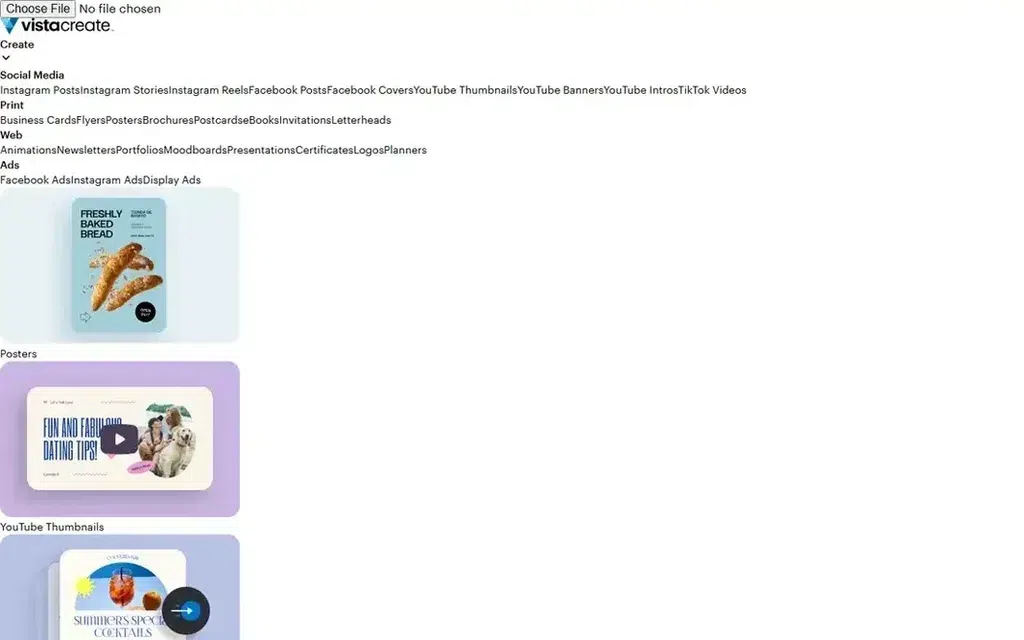
VistaCreate makes the most sense for online and print flyer templates. Choose VistaCreate when print and social flyers are both on your list. In daily use, certain assets and features sit behind a premium level, and the interface may take a little getting used to.
Main advantages: Straightforward editing workflow.
If you prefer a pure prompt-to-design flow, Snappa is more straightforward. VistaCreate is an AI graphic design tool for social media, ads and print, turning photos, ideas or templates into professional designs. More specifically, beginners can browse templates and customize them for flyers intended for both screen and print. This comparison lists no price for VistaCreate; ask the vendor. VistaCreate has a free plan. Where it is weaker: Some assets need a premium level.
- Templates for print and social
- AI design assistance
- Interface takes a short adjustment
Choose Snappa for prompt-to-graphic flyer creation. Snappa is AI graphic design software that turns a single prompt into graphics for social media, ads, blogs and more.
As for the details, the prompt-first approach can limit precise adjustments, and print-specific flyer choices are fewer than in some competitors. More specifically, if you need exact spacing for a printed flyer, Canva or VistaCreate offer more control. Snappa pricing: $10 per month. Snappa offers a free plan.
Watch-outs: Fewer print-specific choices.
- Single-prompt design start
- Focused on social and ads
- Restricted fine layout control
In short, Desygner is for template variety and design imports. The broad feature set can make the interface feel crowded for new users, and some features need a premium level.
More specifically, Desygner presents itself as a product for design and document work with a large template collection and the capacity to import designs from other tools. Desygner starts at: $19 per user per month. A free plan is available with Desygner.
What to check first: Interface can feel crowded.
- Large template collection
- Import from other design tools
- Some features need a premium level
Piktochart was built for data-rich flyers and infographics. Pick Piktochart when your flyer carries data or a structured message. More specifically, if you want a straightforward template editor, Canva or VistaCreate are more straightforward.
Where Piktochart stands out: AI design studio.
For flyers that require charts or structured information, it gives you a way to combine design with data. The system leans toward infographics and reports, so an entry-level one-page flyer may feel overbuilt. On top of that, Piktochart gives you infographic tools and an AI design system for turning data into visuals, presentations, reports, ebooks and videos. Piktochart cost at the entry level: $10 per member per month. You can start on Piktochart without paying. Limits to weigh: More choices than beginners need.
- Capable infographic tools
- Well suited to reports and presentations
- Less concentrated on straightforward flyers
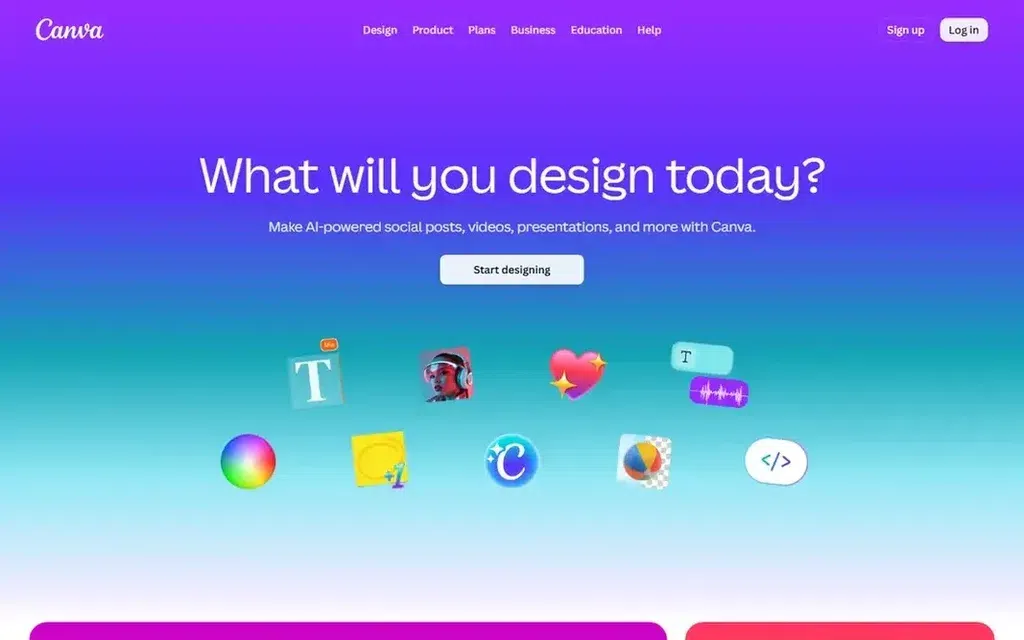
Canva makes the most sense for all-around beginner flyer creation. It suits users who want one place to make flyers alongside other marketing materials.
Pricing for Canva is not stated here, so ask the vendor for current figures. Free options: Not stated.
What to check first: Plenty of features behind premium levels.
- Drag-and-drop editor
- Large template library
- Can feel busy for new users
How the list was put together
Things to verify first
- Ask VistaCreate and Canva for a written quote, since no starting price is shown.
- Check what the free option really includes: VistaCreate, Snappa, Desygner and Piktochart offer a free plan, and usage caps differ.
- Before choosing VistaCreate, weigh its main limit: some assets need a premium level.
- Ask the daily users to test Snappa on a live task before you roll it out to everyone.
- Confirm you can export your data from VistaCreate, so leaving later does not mean losing records.
FAQ
Which options for flyer design software for beginners have a free plan?
VistaCreate, Snappa, Desygner and Piktochart offer a free plan in this list. Free plans usually cap users, projects or features, so check the limits on the vendor page.
Can I try these tools before paying?
Often, yes. VistaCreate, Snappa, Desygner and Piktochart have a free plan. Use your own data and a real task during the test, and check what the free tier or trial limits before you rely on it.
Do I need design experience to use these flyer tools?
No. Most of these systems are made for users without design backgrounds, offering templates and AI assistance. Starting from a template or a prompt can help beginners produce a usable flyer rapidly.
Do these tools publish their prices?
Not all of them. VistaCreate and Canva publish no starting price, so expect a quote request for those. The rest, Snappa included, show a starting price, though seats and billing terms still change the final cost.
What is the cheapest option for flyer design software for beginners in this list?
On published monthly entry prices, Snappa is the lowest here at $10 per month. Entry price is only part of the cost, because seats, add-ons and billing terms can change the total. Prices, free plan details and limits for all 5 tools in this Flyer design software for beginners roundup sit on the individual cards above.
Sources
- https://create.vista.com
- https://snappa.com
- https://desygner.com
- https://piktochart.com
- https://www.canva.com